
AI 動画クリーンアップ

Video Watermark Remover Online - AI オンラインツール

動画をアップロード

ファイルをドラッグ&ドロップ、またはクリックして選択

動画は安全に処理され、共有されません

MP4、MOV、AVI、MKV、WebM · 最大 2GB

違いを見る

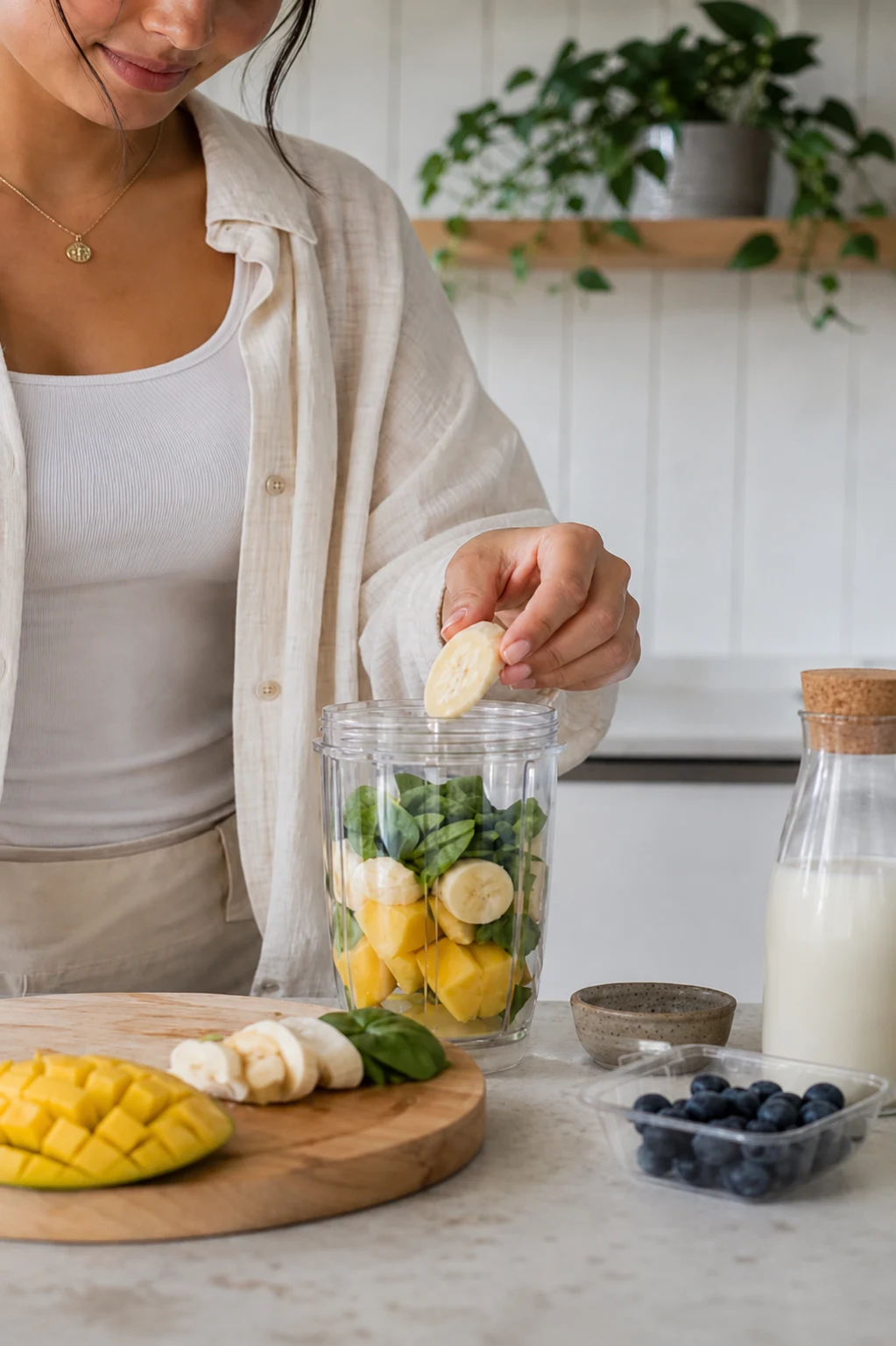
処理前Authorized video with visible watermark before AI cleanup - UnmarkAI
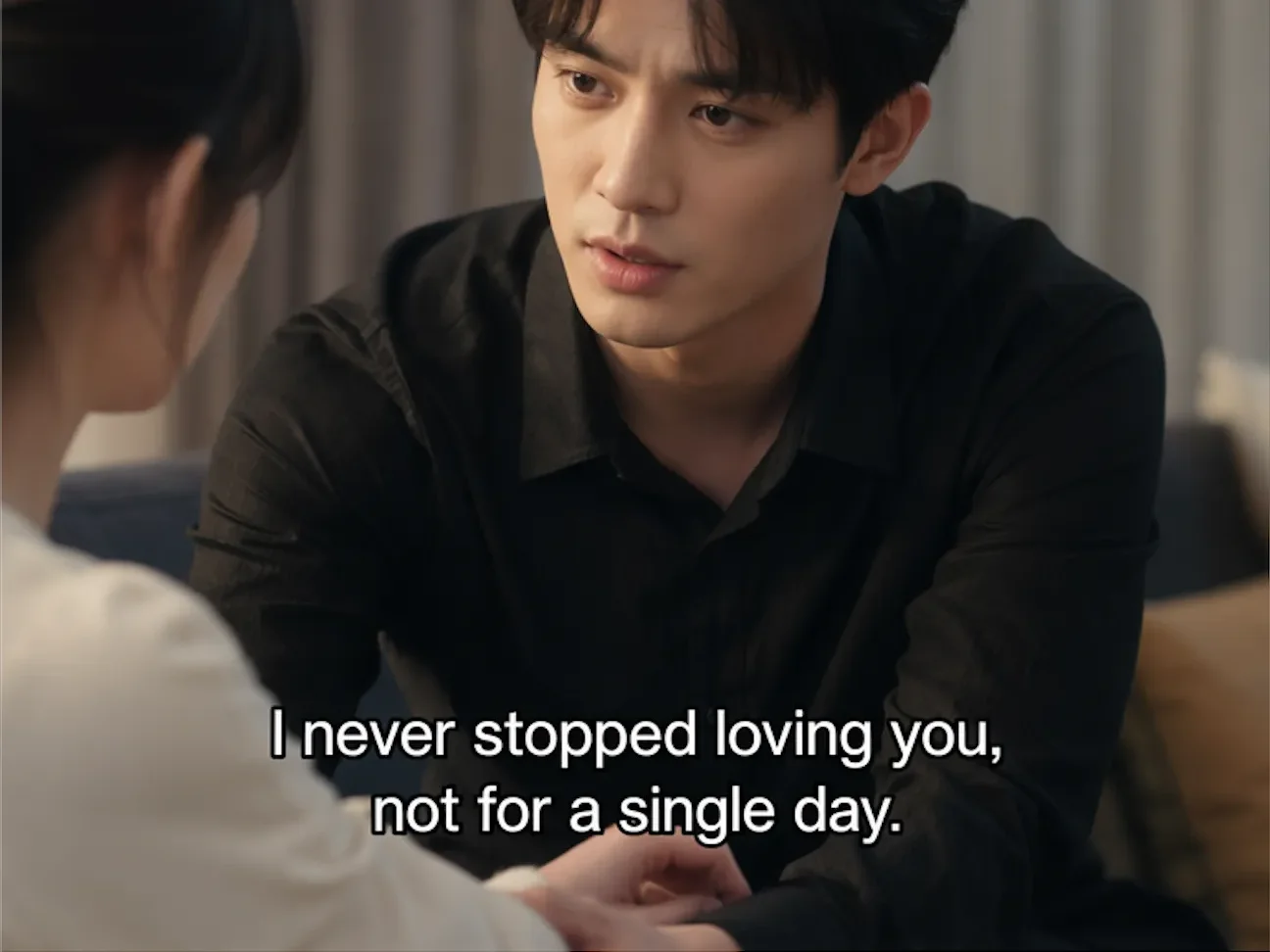
処理後Clean video after AI watermark removal with full frame preserved - UnmarkAI

AI で動画内の透かし、文字、字幕、ロゴを自然に削除し、元の画質と構図をできるだけ保ちます。

UnmarkAI は、自分が所有する動画や編集許可のある素材を扱うクリエイター、ブランド、チーム向けのオンラインツールです。

What is the best way to remove a watermark from video without blur?

For authorized footage, the cleanest workflow is AI inpainting: select the visible watermark area, remove the watermark pixels, and reconstruct the hidden background. This keeps the full frame and avoids the soft blur patch left by traditional tools.
Which video watermarks can UnmarkAI remove?

UnmarkAI is built for visible watermarks that are part of the video frame, including corner logos, social media marks, AI generator marks, hardcoded subtitles, date stamps, timestamps, draft labels, and review text. It does not claim to remove invisible provenance or ownership metadata.

AI 動画透かし削除ツール

切り抜きやぼかしよりも、AI は動く透かし、字幕、タイムスタンプ、ロゴを自然に処理しやすい方法です。

Corner logos

Small visible marks that stay in one corner of the frame.

Platform marks

TikTok, YouTube, Instagram, or social repost labels on authorized clips.

AI generator marks

Visible Veo, Gemini, Kling, or PixVerse marks rendered into the frame.

Text and timestamps

Hardcoded subtitles, date stamps, draft notes, and review text.

動画の透かしをオンラインで消す方法

権利のある動画をアップロードし、削除したい範囲を指定して、プレビュー後にダウンロードします。

01

動画の透かしをオンラインで消す方法

権利のある動画をアップロードし、削除したい範囲を指定して、プレビュー後にダウンロードします。

02

Select the watermark or logo area

Draw a focused box around the visible watermark, subtitle band, timestamp, corner logo, or AI generator mark that should be cleaned.

03

Preview and export the clean video

Compare before and after frames, check motion edges and textures, then download the cleaned clip when the result is ready.

Remove visible watermarks without cropping the frame

Cropping cuts away useful composition, and blur makes the edit obvious. AI cleanup preserves the frame and reconstructs the hidden pixels behind the mark.

  • Platform logosClean TikTok, YouTube, Instagram, and other visible marks from clips you own.
  • AI generator marksRemove visible Veo, Gemini, Kling, or PixVerse marks from authorized outputs.
  • Fixed overlaysErase hardcoded subtitles, timestamps, draft labels, and review notes.
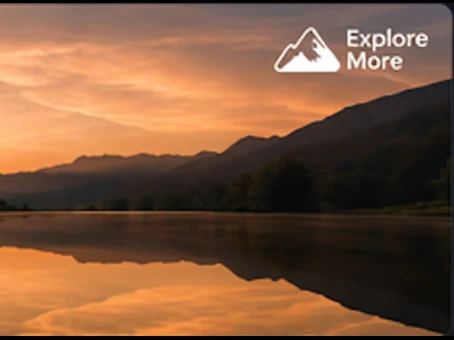
処理前Video watermark cleanup - before
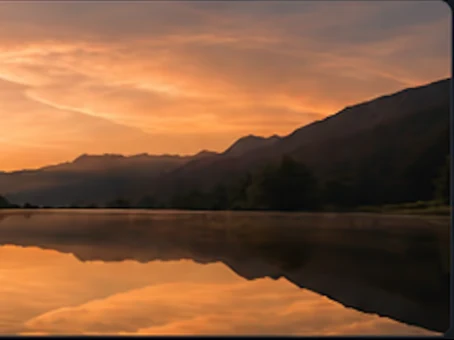
処理後Video watermark cleanup - after
もっと自然な動画に仕上げますか?AI 処理でぼかしなし、画質低下なし。
無料で開始
処理前Authorized cleanup - before
処理後Authorized cleanup - after
もっと自然な動画に仕上げますか?AI 処理でぼかしなし、画質低下なし。
無料で開始

Built for responsible video cleanup workflows

Use watermark removal for videos you created, licensed, or are explicitly authorized to edit. Do not use it to hide attribution or republish third-party content without permission.

  • Owned clipsYour original creator exports, brand videos, demos, or internal training clips.
  • Licensed mediaStock footage or partner assets where the license permits derivative editing.
  • Client-approved workFinal delivery cleanup where the content owner has approved the scope.

主要な動画形式とデバイスに対応

スマホやPCのブラウザから、MP4、MOV、WebM などの形式をアップロードできます。

MP4, MOV, AVI, MKV, WebM

Upload common files from social exports, cameras, screen recordings, and editing tools.

HD and 4K sources

High-resolution sources preserve more texture behind the selected watermark area.

Box select workflow

A tight box helps focus processing on the visible mark instead of the full frame.

Original frame preserved

The workflow is designed to avoid destructive cropping whenever possible.

複数プラットフォームでの再利用に

自分のショート動画、広告素材、チュートリアル、許可済み素材をきれいに整えられます。

Social platform watermarks

TikTok, YouTube, Instagram, Shorts, and Reels marks on clips you own.

AI video generator marks

Visible generator branding from authorized AI video outputs.

Draft and review marks

Client notes, approval labels, or temporary export text.

Clean master preparation

Prepare a clean version before translation, captioning, or final delivery.

編集権限のある動画だけを処理

所有、ライセンス、または明確な許可のある動画だけに使用してください。

Owned footage

Videos created by you or your team.

Licensed assets

Media where your license allows edits and derivative exports.

Client-approved edits

Delivery work where the content owner approved cleanup.

No attribution stripping

Do not use cleanup to disguise third-party ownership.

AI 処理が自然に見える理由

AI は周囲の映像から隠れた部分を補完し、ぼかしや貼り付けのような違和感を抑えます。

MethodFrame impactVisual result
AI inpaintingFull frame preservedBackground reconstructed naturally
Blur or mosaicFrame preservedVisible soft patch remains
CropFrame area lostComposition changes permanently

No blur patch

The cleaned area is reconstructed instead of covered.

No forced crop

Keep products, faces, subtitles, and framing intact.

Fast preview workflow

Compare the result before downloading the final export.

Works across common overlays

Logos, timestamps, subtitles, and draft marks can share one cleanup workflow.

信頼性

権利のある動画編集のために設計

UnmarkAI は、自分が所有する、ライセンスを持つ、または編集許可のある動画を扱うクリエイターやチーム向けのサービスです。

権利に配慮したワークフロー

所有、ライセンス取得済み、または明確に編集許可のある動画を安全にクリーンアップできます。

ダウンロード前に確認

クリーンな動画を書き出す前に、AI補完の仕上がりをフレーム単位で確認できます。

安全な処理

アップロードと書き出しは安全に処理され、第三者と共有されません。

明確な利用ポリシー

許可のない第三者コンテンツから署名や必要な表示を削除する行為を明確に禁止しています。

よくある質問

安全で高品質な動画クリーンアップに関する実用的な回答です。

どんな動画に向いていますか?

自分の動画、ライセンス済み素材、ブランド素材、社内資料など、編集権限のある動画に向いています。

Can I remove a watermark from video without blur?

Yes. UnmarkAI uses AI inpainting to remove visible watermark pixels and reconstruct the background, which is cleaner than blur or mosaic tools.

Can I remove TikTok, YouTube, or Instagram watermarks?

Yes, for videos you own or have permission to edit. Use the platform-specific guides for TikTok, YouTube, and Instagram cleanup details.

Can I remove AI generator watermarks?

UnmarkAI can clean visible marks rendered into authorized AI-generated video frames. It does not claim to remove invisible provenance markers.

動画をきれいに整えますか?

不要な透かしや文字を減らし、投稿や納品に使いやすい動画へ。

今すぐ無料で始める

登録で 10 クレジット付与 · クレジットカード不要