AI VIDEO BRUSH

Video Object Remover

Upload a video, brush over the object you want to erase, and let AI rebuild the scene without cropping or blur patches.

Upload Video

Drag and drop your clip here or click to upload

MP4, MOV, WEBM supported · Start free with 10 credits

Secure and private processing for files you are authorized to edit

BEFORE
AFTER
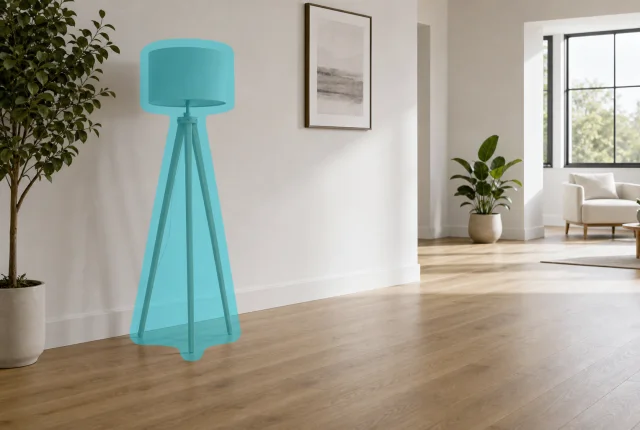
Brush Mask Ready
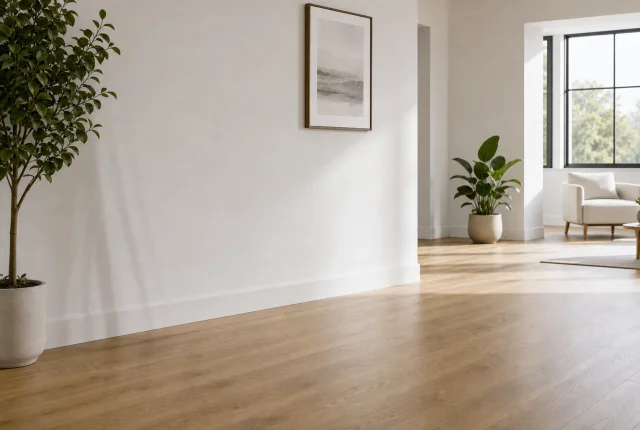
Object removed cleanly
効率比較

AI自動処理 vs. 手作業の編集

マスク作成やぼかし調整に時間をかけず、動画の透かし削除と字幕削除を短時間で進められます。

手作業の編集

CapCut / Premiere Pro
処理時間約2時間 / 本
作業負荷高い(手動マスク)
仕上がりぼかし跡が出やすい
コスト編集ソフトと人件費が必要
VS

UnmarkAI

AIによる検出と補正
処理時間約2分 / 本
作業負荷低い(自動検出)
仕上がり元画質を保ちやすい
コスト無料で開始可能
Workflow

How to remove objects from video online

A precise brush workflow for videos you own or are authorized to edit.

01

Upload video

Upload an MP4, MOV, or WebM clip and confirm it is content you have permission to modify.

02

Brush mask

Pause on a clear frame, then paint over the unwanted person, moving object, prop, clutter, or background distraction.

03

Track and remove

Use auto tracking for moving objects, start AI cleanup, review the result, and download the clean video.

選ばれる理由

UnmarkAIを 選ぶ理由

クリエイター、SNS運用、制作チームが、面倒な透かし消しや字幕消しをもっと短時間で進めるためのAIツールです。

プライバシー重視

動画は安全な接続で処理され、公開共有されません。素材と結果は保持期間に従って削除されます。

画質を保ちやすい

AIは透かし、字幕、ロゴ、文字のある領域を中心に補正し、解像度、フレームレート、色味をできるだけ維持します。

短時間で完了

短尺動画、広告素材、講座クリップ、SNS投稿前の確認など、繰り返し作業を効率化できます。

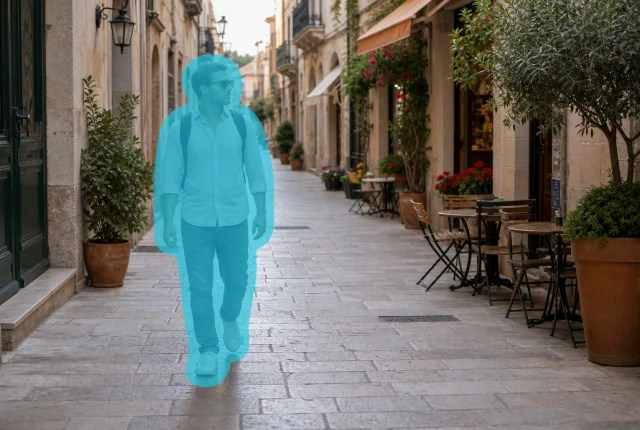
Street video frame with a cyan brush mask over a passerbyMasked
Street video frame after the masked passerby was removedRemoved
Remove people from videoBrush mask preview and AI repaired result.
Remove Passersby
Remove people from video

Remove Passersby from Video

Clean travel clips, street videos, real estate walkthroughs, and creator footage by brushing over people who walk through the shot.

Passerby masks

Paint only the person you want to remove from a travel, vlog, or property video.

Frame-aware cleanup

Use tracking when the person moves across the scene instead of cropping the shot.

Natural street fill

AI reconstructs pavement, storefronts, and background texture behind the person.

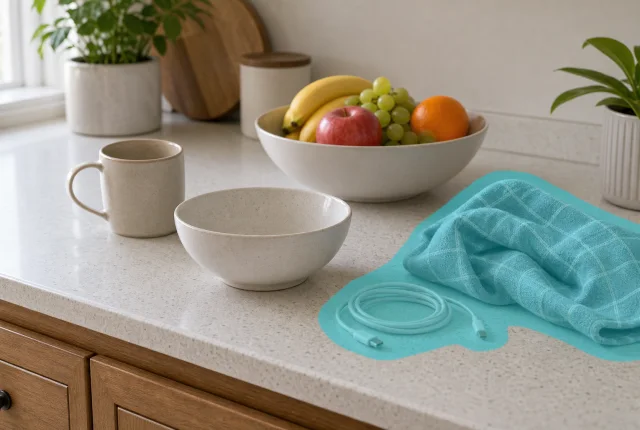
Kitchen video frame with cyan brush masks over unwanted objects on the counterMasked
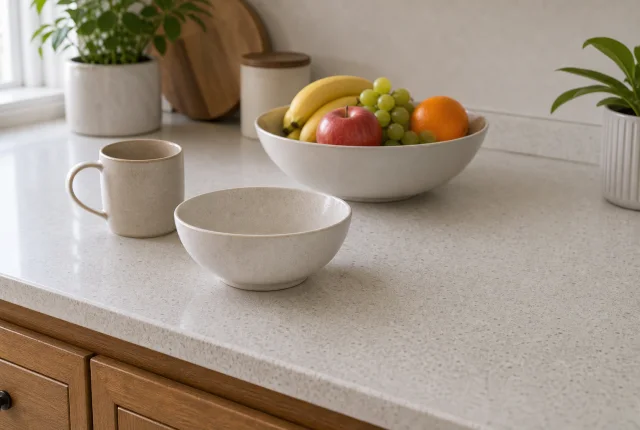
Kitchen video frame after the masked objects were removedRemoved
Remove unwanted objectsBrush mask preview and AI repaired result.
Remove Objects
Remove unwanted objects

Remove Props and Clutter

Fix product, kitchen, tutorial, and desk videos by masking bags, towels, cables, cups, and other distracting objects.

Precise object brush

Mark only the object or cluttered area so the product, food, or subject stays unchanged.

Surface repair

Restore counters, tables, walls, and simple backgrounds without changing the full frame.

Clip-ready workflow

Use the same brush workflow for short social videos, ads, tutorials, and client edits.

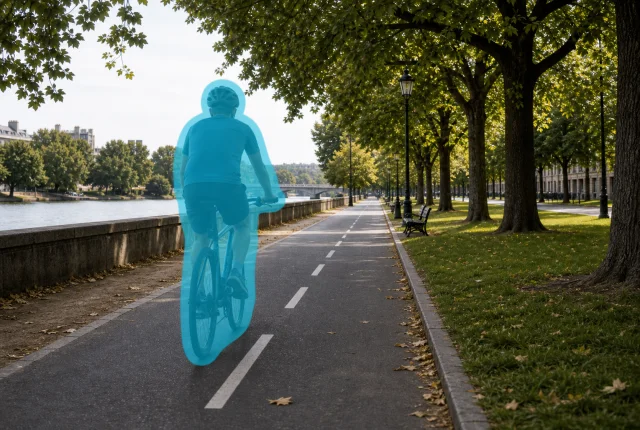
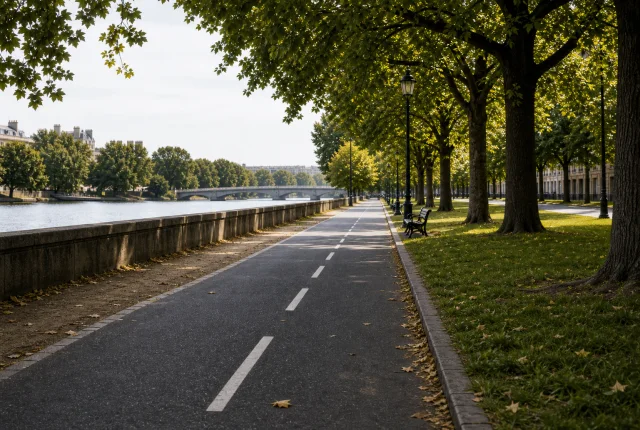
Park path video frame with a cyan brush mask over a cyclistMasked
Park path video frame after the masked cyclist was removedRemoved
Remove moving objectsBrush mask preview and AI repaired result.
Remove Moving Object
Remove moving objects

Remove Cyclists and Moving Objects

Clean outdoor footage when a cyclist, car, cart, or other moving object briefly crosses the frame.

Moving target support

Mask the object on a clear frame and use tracking when it moves through the clip.

Path reconstruction

Fill in roads, paths, grass, and repeating background details after removal.

No crop needed

Keep the original composition instead of zooming in to hide the interruption.

City plaza video frame with cyan brush masks over background distractionsMasked
City plaza video frame after the masked distractions were removedRemoved
Remove background distractionsBrush mask preview and AI repaired result.
Clean Background
Remove background distractions

Remove Scene Distractions

Polish city, event, real estate, and B-roll footage by removing cones, bins, stands, and temporary objects from the background.

Background cleanup

Brush over cones, bins, stands, signs, or set clutter that distract from the scene.

Texture-aware fill

Rebuild pavement, walls, floors, and other repeated textures behind the mask.

Creator-safe edits

Use object removal on footage you own, licensed clips, or client-approved assets.

レビュー

多くの クリエイターが利用

UnmarkAIで動画の透かし削除や字幕削除を行ったユーザーの声です。

動画をきれいに整えますか?

不要な透かしや文字を減らし、投稿や納品に使いやすい動画へ。

今すぐ無料で始める

登録で 10 クレジット付与 · クレジットカード不要