AI 動画クリーンアップ

Remove Watermark from YouTube Video Online - No Blur - AI オンラインツール

動画をアップロード

ファイルをドラッグ&ドロップ、またはクリックして選択

動画は安全に処理され、共有されません

MP4、MOV、AVI、MKV、WebM · 最大 2GB

違いを見る

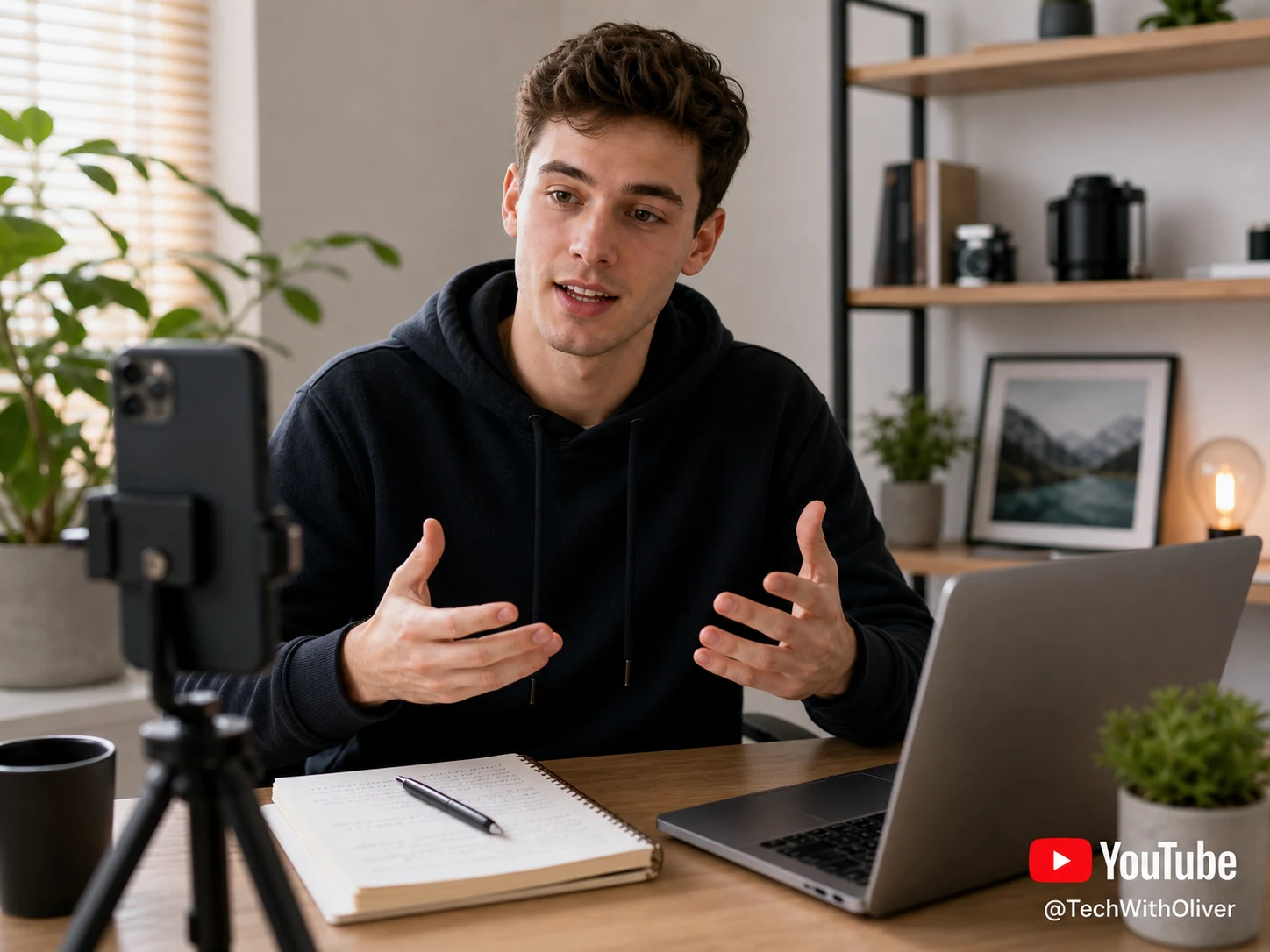
処理前YouTube Shorts video with a visible YouTube watermark before AI removal - UnmarkAI
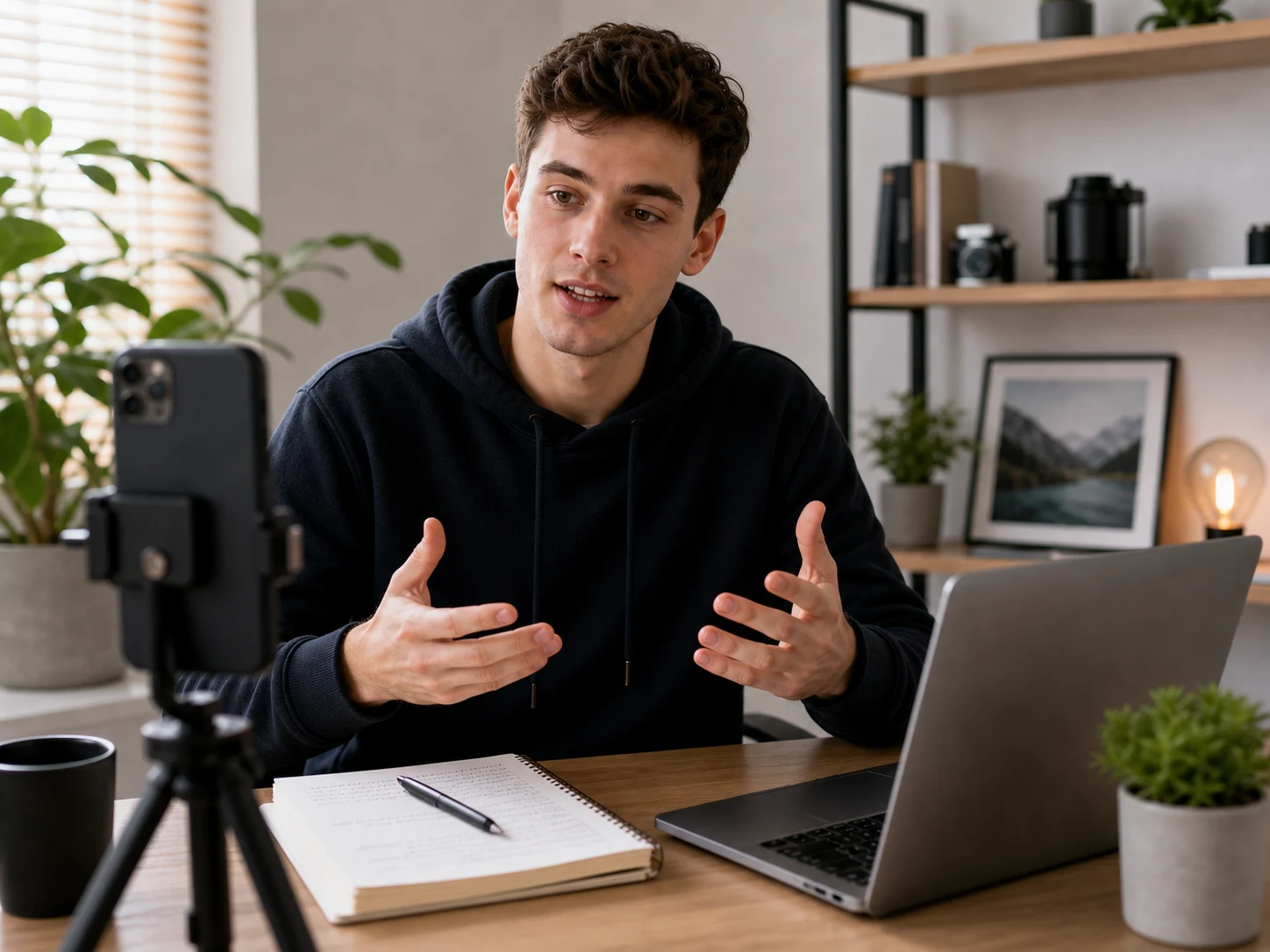
処理後YouTube Shorts video after AI YouTube watermark removal - UnmarkAI

AI で動画内の透かし、文字、字幕、ロゴを自然に削除し、元の画質と構図をできるだけ保ちます。

UnmarkAI は、自分が所有する動画や編集許可のある素材を扱うクリエイター、ブランド、チーム向けのオンラインツールです。

AI 動画透かし削除ツール

切り抜きやぼかしよりも、AI は動く透かし、字幕、タイムスタンプ、ロゴを自然に処理しやすい方法です。

  • YouTube Shorts marks and channel-logo bugs
  • Creator handles or lower-right play-logo overlays
  • Review-copy labels from client approval workflows
  • AI cleanup works best when the mark is stable and the source file is clear

動画の透かしをオンラインで消す方法

権利のある動画をアップロードし、削除したい範囲を指定して、プレビュー後にダウンロードします。

01

動画の透かしをオンラインで消す方法

権利のある動画をアップロードし、削除したい範囲を指定して、プレビュー後にダウンロードします。

02

AI removes the YouTube watermark

UnmarkAI identifies the channel logo, Shorts watermark, or review mark and rebuilds the hidden background frame by frame instead of covering it with blur.

03

Preview and download the clean version

Check the before-and-after result around motion edges, textured backgrounds, and lower-right logo areas, then download a clean export for approved reuse.

YouTube Shorts watermark and channel-logo cleanup

YouTube overlays often sit in the lower-right corner, across a channel bug, or near a creator handle. AI cleanup removes the visible mark while preserving the vertical video frame for Shorts, Reels, TikTok, and Facebook uploads.

  • Shorts-ready framingKeep the 9:16 composition intact instead of zooming or cropping around the watermark.
  • Channel logo cleanupRemove channel bugs, YouTube-style marks, and review-copy overlays from files you control.
  • No blur patchAI rebuilds the covered stone, fabric, sky, or product texture behind the mark.
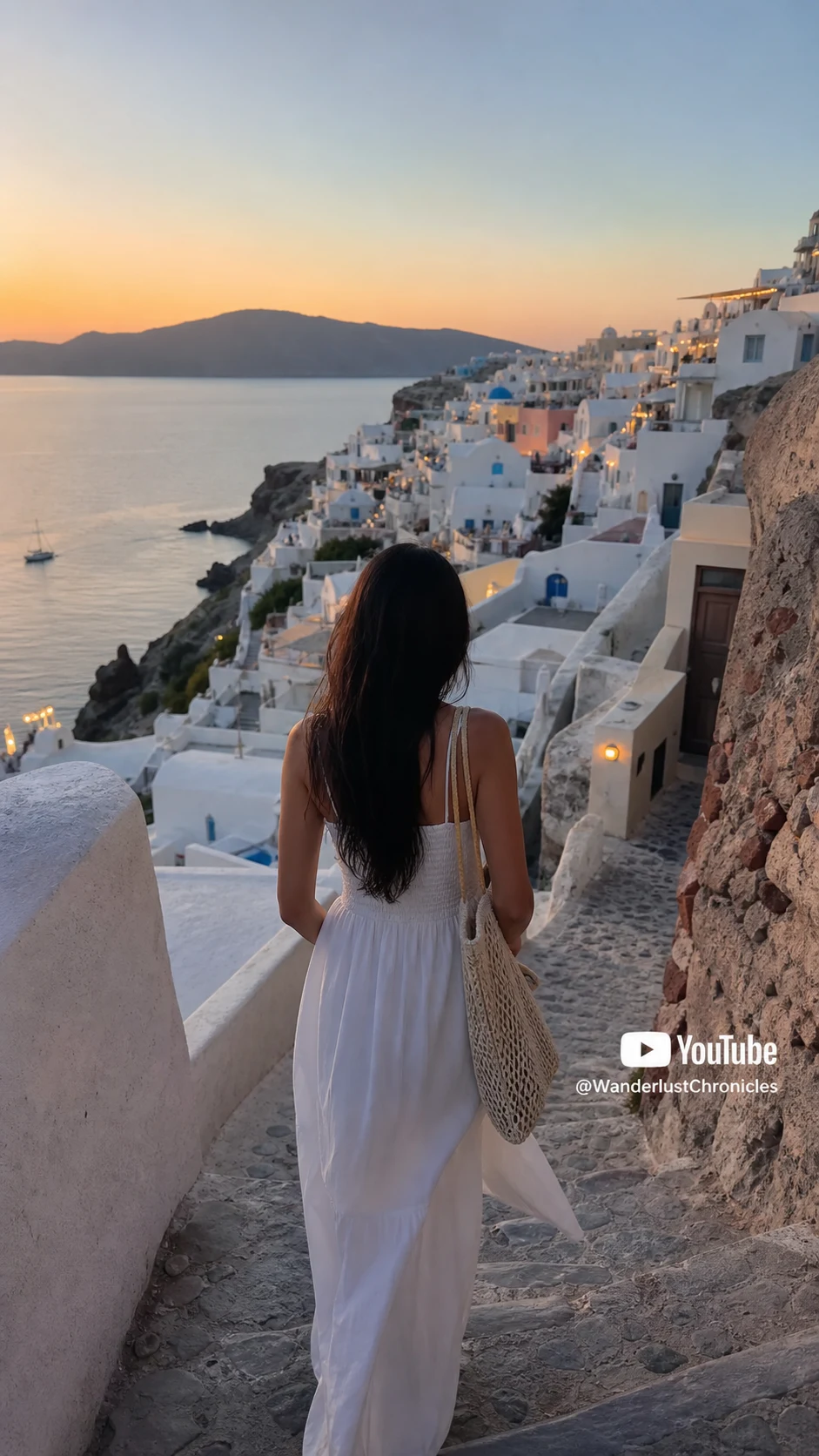
処理前Travel YouTube Shorts video with visible YouTube watermark before AI removal - UnmarkAI
処理後Travel YouTube Shorts video after removing the YouTube watermark - UnmarkAI
もっと自然な動画に仕上げますか?AI 処理でぼかしなし、画質低下なし。
無料で開始
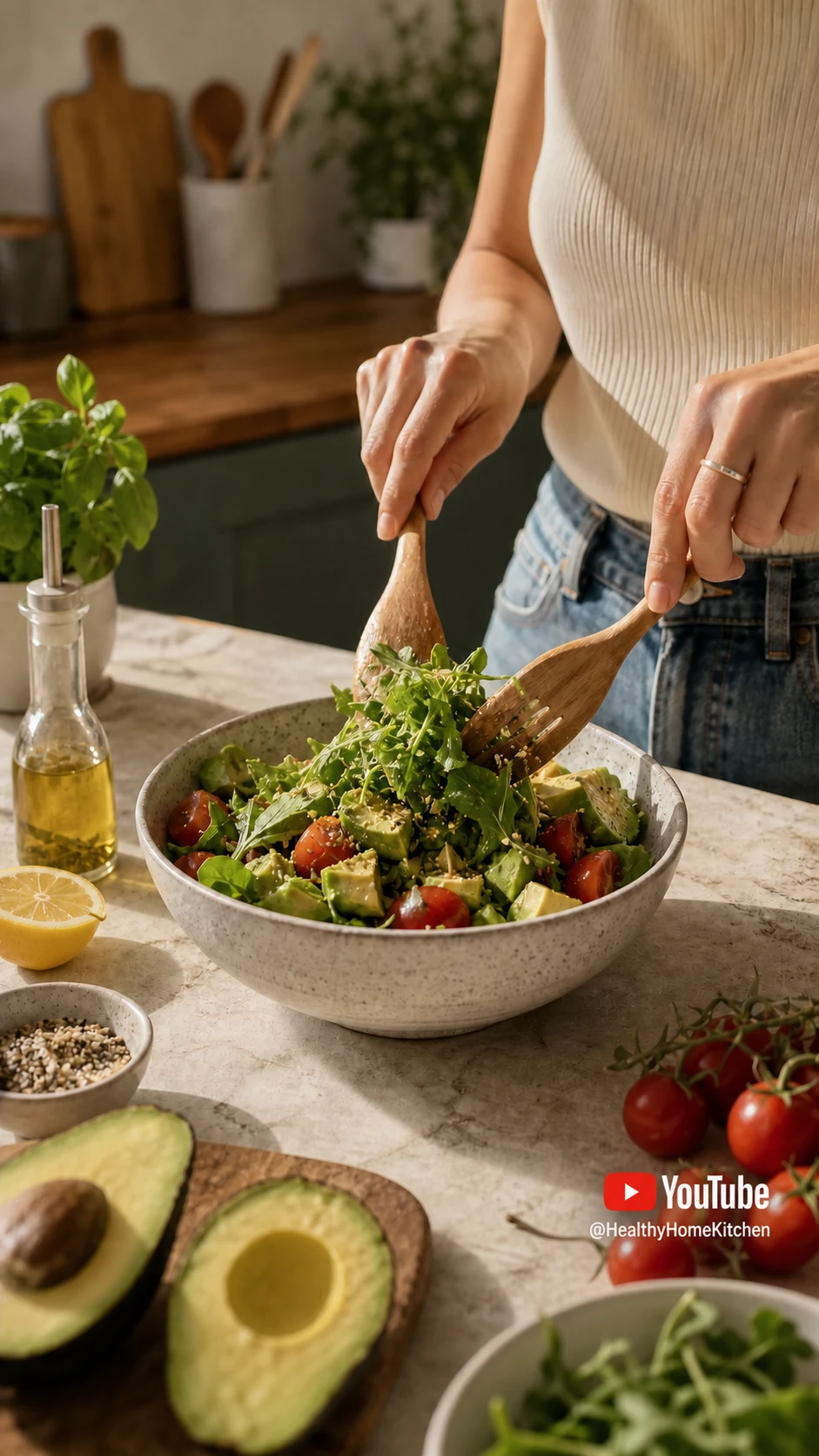
処理前Cooking YouTube video export with watermark before cleanup - UnmarkAI
処理後Cooking YouTube video export after watermark cleanup - UnmarkAI
もっと自然な動画に仕上げますか?AI 処理でぼかしなし、画質低下なし。
無料で開始

Authorized YouTube cleanup use cases

This page is for lawful cleanup of content you own or have permission to edit, not for stripping attribution from someone else's YouTube video.

  • Creator-owned uploadsClean your own YouTube Studio downloads, Shorts drafts, or channel review exports.
  • Client-approved assetsPrepare agency or editor deliverables after the channel owner approves the cleanup.
  • Licensed footageUse licensed or stock footage only when your license permits edits and final export cleanup.
  • Cross-platform reusePrepare owned YouTube clips for Reels, TikTok, Facebook, ads, or internal campaigns.

主要な動画形式とデバイスに対応

スマホやPCのブラウザから、MP4、MOV、WebM などの形式をアップロードできます。

  • Upload MP4, MOV, AVI, MKV, or WebM files
  • Works in the browser on desktop and mobile
  • Preserves source resolution whenever possible
  • Best results come from clean, high-quality exports

複数プラットフォームでの再利用に

自分のショート動画、広告素材、チュートリアル、許可済み素材をきれいに整えられます。

  • Clean owned YouTube Shorts before reposting to Reels or TikTok
  • Remove channel-logo overlays from approved client deliverables
  • Prepare tutorial or product clips for ads and landing pages
  • Keep one clean master file for global social distribution

編集権限のある動画だけを処理

所有、ライセンス、または明確な許可のある動画だけに使用してください。

  • Safe for your own uploaded videos and approved creator exports
  • Get written permission before editing client or third-party content
  • Do not remove attribution from videos you do not own
  • Review YouTube terms and rights before publishing the cleaned file

AI 処理が自然に見える理由

AI は周囲の映像から隠れた部分を補完し、ぼかしや貼り付けのような違和感を抑えます。

MethodResultBest use
CroppingCuts away frame areaOnly when the watermark is outside important content
BlurringLeaves a visible smudgeQuick internal drafts, not polished publishing
AI inpaintingRebuilds the hidden backgroundOwned or authorized YouTube videos that need a clean export
信頼性

権利のある動画編集のために設計

UnmarkAI は、自分が所有する、ライセンスを持つ、または編集許可のある動画を扱うクリエイターやチーム向けのサービスです。

権利に配慮したワークフローダウンロード前に確認安全な処理明確な利用ポリシー

よくある質問

安全で高品質な動画クリーンアップに関する実用的な回答です。

どんな動画に向いていますか?

自分の動画、ライセンス済み素材、ブランド素材、社内資料など、編集権限のある動画に向いています。

Can I remove watermark from YouTube video online?

Yes. Upload a YouTube video file you own or are authorized to edit, let UnmarkAI remove the visible watermark with AI, then preview and download the clean result. You do not need to paste a YouTube link.

Can I remove a YouTube Shorts watermark?

Yes, for Shorts you created, uploaded, licensed, or have permission to edit. AI cleanup works best when the watermark is small, stable, and not covering faces or fine detail.

Is it legal to remove a YouTube watermark?

Only remove visible YouTube watermarks from content you own, uploaded yourself, licensed, or have permission to edit. Removing attribution from another creator's content without authorization may violate copyright, contracts, and YouTube's Terms of Service.

動画をきれいに整えますか?

不要な透かしや文字を減らし、投稿や納品に使いやすい動画へ。

今すぐ無料で始める

登録で 10 クレジット付与 · クレジットカード不要