AI 動画クリーンアップ

Remove Gemini Video Watermark from AI Video — Free AI Tool - AI オンラインツール

動画をアップロード

ファイルをドラッグ&ドロップ、またはクリックして選択

動画は安全に処理され、共有されません

MP4、MOV、AVI、MKV、WebM · 最大 2GB

違いを見る

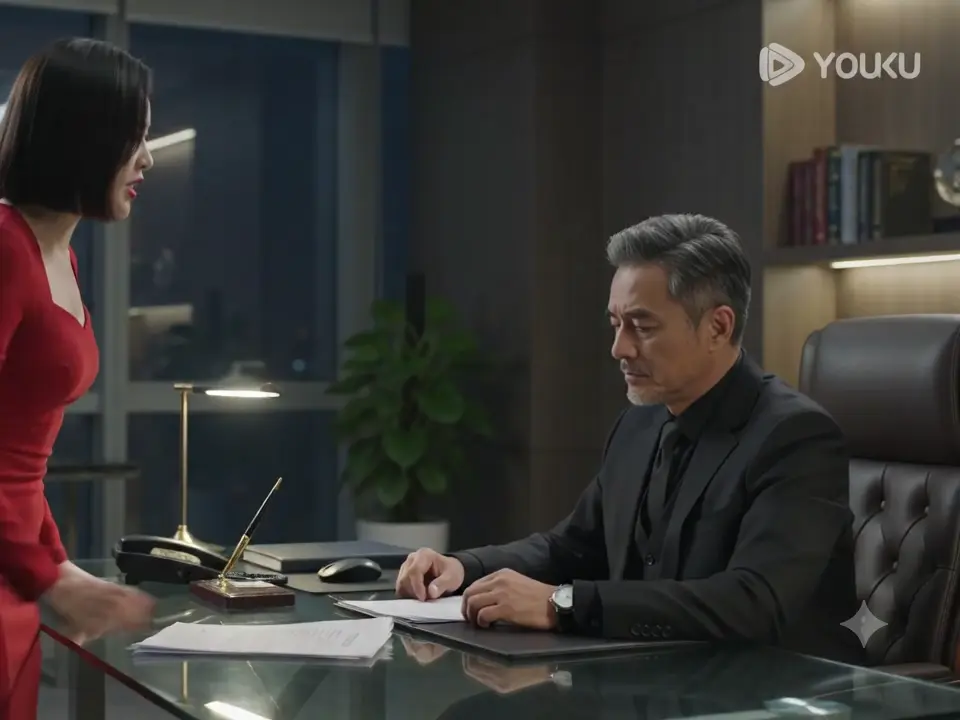
処理前Google Gemini AI video with visible Gemini watermark logo before AI removal - UnmarkAI
処理後Clean Gemini-generated video after AI watermark removal, background fully restored - UnmarkAI

AI で動画内の透かし、文字、字幕、ロゴを自然に削除し、元の画質と構図をできるだけ保ちます。

UnmarkAI は、自分が所有する動画や編集許可のある素材を扱うクリエイター、ブランド、チーム向けのオンラインツールです。

AI 動画透かし削除ツール

切り抜きやぼかしよりも、AI は動く透かし、字幕、タイムスタンプ、ロゴを自然に処理しやすい方法です。

  • Visible watermark: the "Gemini" text or logo rendered in the corner of AI-generated video frames, similar to a channel bug or platform branding overlay.
  • Invisible watermark (SynthID): according to Google DeepMind, an imperceptible digital watermark embedded into the video pixel data to identify AI-generated content. It cannot be seen by the human eye and is designed to survive compression, cropping, and basic editing — it requires specialized detection tools.
  • The visible Gemini logo is functionally identical to other corner watermarks — it can be removed with AI inpainting just like a TikTok or YouTube overlay.
  • SynthID is a separate technology from the visible logo. This tool addresses the visible watermark only and does not modify SynthID data.

動画の透かしをオンラインで消す方法

権利のある動画をアップロードし、削除したい範囲を指定して、プレビュー後にダウンロードします。

01

動画の透かしをオンラインで消す方法

権利のある動画をアップロードし、削除したい範囲を指定して、プレビュー後にダウンロードします。

02

AI detects and removes the Gemini watermark

The AI scans every frame, locates the visible "Gemini" text or logo watermark in the corner, and reconstructs the covered pixels using the surrounding background. No manual selection needed for fixed-position watermarks.

03

Preview and download the clean export

Compare the cleaned clip against the original. Check the area where the Gemini logo was — especially around motion edges and textured backgrounds — then download the watermark-free export at your original resolution.

Gemini video watermark removal results

See how AI inpainting removes the visible Gemini text and logo from Google Gemini-generated videos without cropping the frame or leaving a visible blur patch. The background is reconstructed pixel by pixel.
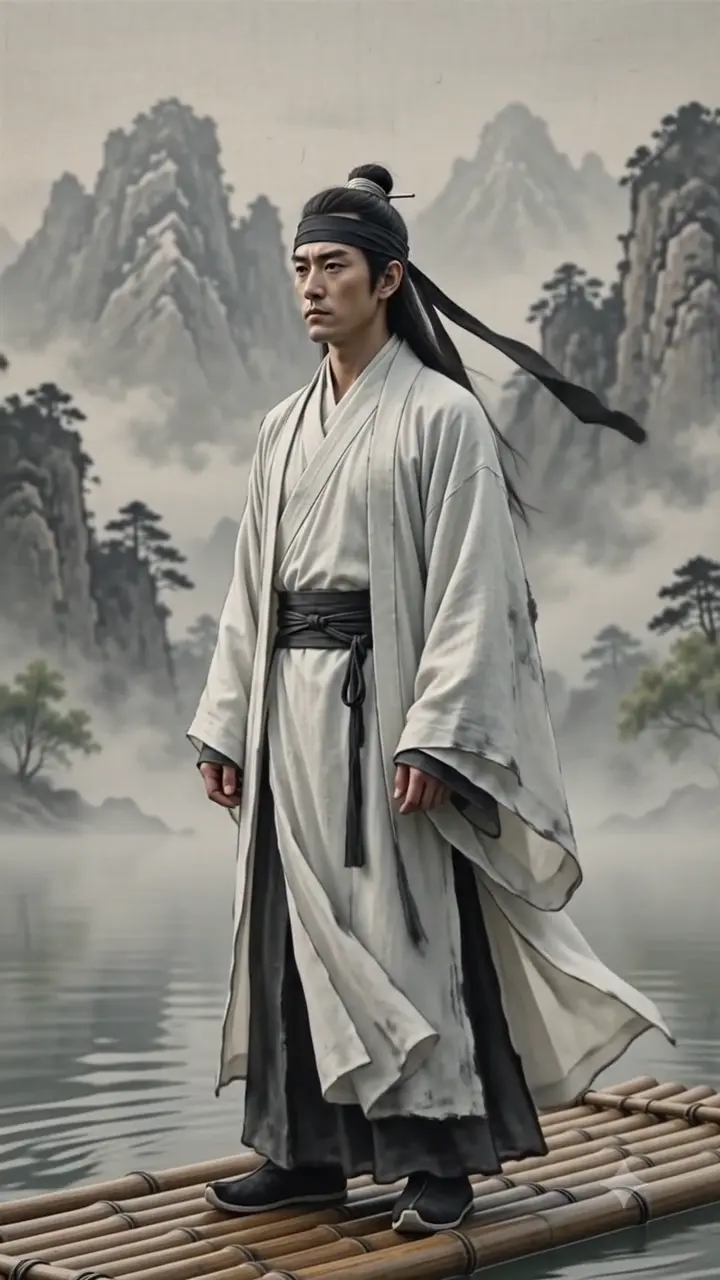

  • No blur or smudgeAI reconstructs the scene behind the Gemini logo, filling in the area with matching detail and texture.
  • Full frame preservedNo cropping needed — the entire video frame stays intact at the original resolution Gemini exported.
  • Works on Gemini 1.5, 2.0, and newerThe visible watermark position and style may differ between Gemini versions, but the AI adapts to each layout automatically.
処理前Google Gemini AI-generated video with visible Gemini watermark logo in the corner before removal
処理後Same Gemini video after AI inpainting removed the watermark logo cleanly without blur or cropping
もっと自然な動画に仕上げますか?AI 処理でぼかしなし、画質低下なし。
無料で開始
処理前Gemini-generated video showing the visible Gemini text watermark overlay before AI removal
処理後Gemini video after the watermark text was removed by UnmarkAI AI inpainting with the background restored
もっと自然な動画に仕上げますか?AI 処理でぼかしなし、画質低下なし。
無料で開始

Your own AI-generated content only

Gemini watermark removal is intended for videos you generated yourself using Google Gemini, Gemini Advanced, or Gemini 2.0. You have full rights to edit and modify your own AI-generated output. Do not use this tool to strip watermarks from videos created by others without their permission.

  • Your Gemini generationsVideos you prompted and generated using your own Google Gemini account — you control all editing rights.
  • Team or business contentGemini-generated clips produced under your organization's Google Workspace or Google Cloud account.
  • Client-approved editsVideos where the content owner gave explicit approval for watermark removal before publishing.
  • Portfolio cleanupRemoving the Gemini logo from your own demo reel, portfolio, or client presentation of AI-generated work.

Gemini 2.0 watermark removal in action

See the AI inpainting result on a Gemini 2.0 generated clip. The visible "Gemini" branding in the corner is detected and erased frame by frame, with the background reconstructed to match the surrounding scene.

  • Frame-accurate cleanupEvery frame is processed individually — no ghosting or temporal artifacts around the removed watermark area.
  • Original resolution preservedThe output stays at the same resolution and frame rate as the Gemini export — no re-encoding quality loss.
  • Works across Gemini versionsCompatible with Gemini 1.5 Flash, Gemini 2.0, and newer model watermark styles and positions.
処理前Gemini 2.0 AI-generated video frame with the visible Gemini branding watermark in the corner before removal
処理後Gemini 2.0 video frame after AI watermark removal showing a clean result with no blur or visible artifacts
もっと自然な動画に仕上げますか?AI 処理でぼかしなし、画質低下なし。
無料で開始

主要な動画形式とデバイスに対応

スマホやPCのブラウザから、MP4、MOV、WebM などの形式をアップロードできます。

  • Works with MP4, MOV, AVI, and WebM — all common Gemini export formats
  • Gemini outputs are typically 720p or 1080p MP4; higher resolutions are supported but take longer
  • Preserves original resolution and frame rate whenever possible
  • No software installation — runs entirely in the browser on desktop and mobile

複数プラットフォームでの再利用に

自分のショート動画、広告素材、チュートリアル、許可済み素材をきれいに整えられます。

  • Professional presentations: Remove the Gemini branding from AI-generated clips used in client pitches, investor decks, or corporate videos where clean output is expected.
  • Ad creative production: AI-generated video used in paid advertising or marketing materials typically requires a clean, unbranded version for platform compliance.
  • Portfolio and demo reels: Showcase your AI video work without the platform watermark, keeping the focus on the content quality and your creative direction.
  • Multi-tool workflows: When Gemini-generated clips are combined with footage from other sources in a larger production, the Gemini logo creates visual inconsistency across cuts.

編集権限のある動画だけを処理

所有、ライセンス、または明確な許可のある動画だけに使用してください。

  • Videos you generated yourself using your own Gemini account — you control the editing rights to your AI output.
  • Team or organizational content produced under your Google Workspace or Google Cloud subscription.
  • Get written approval before editing Gemini-generated videos that belong to another creator.
  • Do not use this tool to remove watermarks from third-party AI-generated videos without permission.

AI 処理が自然に見える理由

AI は周囲の映像から隠れた部分を補完し、ぼかしや貼り付けのような違和感を抑えます。

MethodFrame areaVisual qualitySpeedAutomation
AI inpaintingFull frame preservedClean reconstructionMinutes per clipFully automatic
CroppingFrame area lostComposition changesInstantManual setup
BlurringFull frame, visible patchSmudge artifactInstantManual per clip
信頼性

権利のある動画編集のために設計

UnmarkAI は、自分が所有する、ライセンスを持つ、または編集許可のある動画を扱うクリエイターやチーム向けのサービスです。

権利に配慮したワークフローダウンロード前に確認安全な処理明確な利用ポリシー

よくある質問

安全で高品質な動画クリーンアップに関する実用的な回答です。

どんな動画に向いていますか?

自分の動画、ライセンス済み素材、ブランド素材、社内資料など、編集権限のある動画に向いています。

How do I remove the Gemini watermark from my video?

Upload your Gemini-generated video to UnmarkAI. The AI detects the visible Gemini logo in each frame, erases it using inpainting, and reconstructs the background. Preview the result side-by-side, then download the clean version.

Does this remove the visible Gemini logo or the invisible SynthID watermark?

This tool removes the visible "Gemini" text and logo watermark that appears in the corner of AI-generated video frames. SynthID is Google's invisible, imperceptible watermark embedded in the pixel data by Google DeepMind — it cannot be seen by the human eye, requires specialized detection tools, and is designed to remain detectable even after compression, cropping, and basic editing. The two serve different purposes: the visible logo identifies the generation tool to human viewers, while SynthID enables automated AI content detection for provenance tracking. This tool addresses only the visible watermark and does not modify SynthID data. (Google DeepMind SynthID announcement)

Does this work on Gemini 2.0 videos?

Yes. The visible watermark layout may differ slightly between Gemini 1.5, Gemini 2.0, and newer versions — the logo position, size, or transparency can change — but the AI adapts to each layout automatically. Upload your video directly and the tool handles detection.

動画をきれいに整えますか?

不要な透かしや文字を減らし、投稿や納品に使いやすい動画へ。

今すぐ無料で始める

登録で 10 クレジット付与 · クレジットカード不要