
動画の透かしをオンラインで消す方法
権利のある動画をアップロードし、削除したい範囲を指定して、プレビュー後にダウンロードします。
ファイルをドラッグ&ドロップ、またはクリックして選択
MP4、MOV、AVI、MKV、WebM · 最大 2GB
違いを見る →


AI で動画内の透かし、文字、字幕、ロゴを自然に削除し、元の画質と構図をできるだけ保ちます。
UnmarkAI は、自分が所有する動画や編集許可のある素材を扱うクリエイター、ブランド、チーム向けのオンラインツールです。
切り抜きやぼかしよりも、AI は動く透かし、字幕、タイムスタンプ、ロゴを自然に処理しやすい方法です。
権利のある動画をアップロードし、削除したい範囲を指定して、プレビュー後にダウンロードします。
権利のある動画をアップロードし、削除したい範囲を指定して、プレビュー後にダウンロードします。
AI scans the video, identifies the Instagram logo and username overlay, and reconstructs the background pixels using surrounding data. This preserves the original frame without blurring.
Compare the cleaned video against the original, check the edges where the mark was, and download your watermark-free export at high quality.
See how AI inpainting removes the Instagram Reels logo and username without cropping the vertical frame or leaving a smudge.
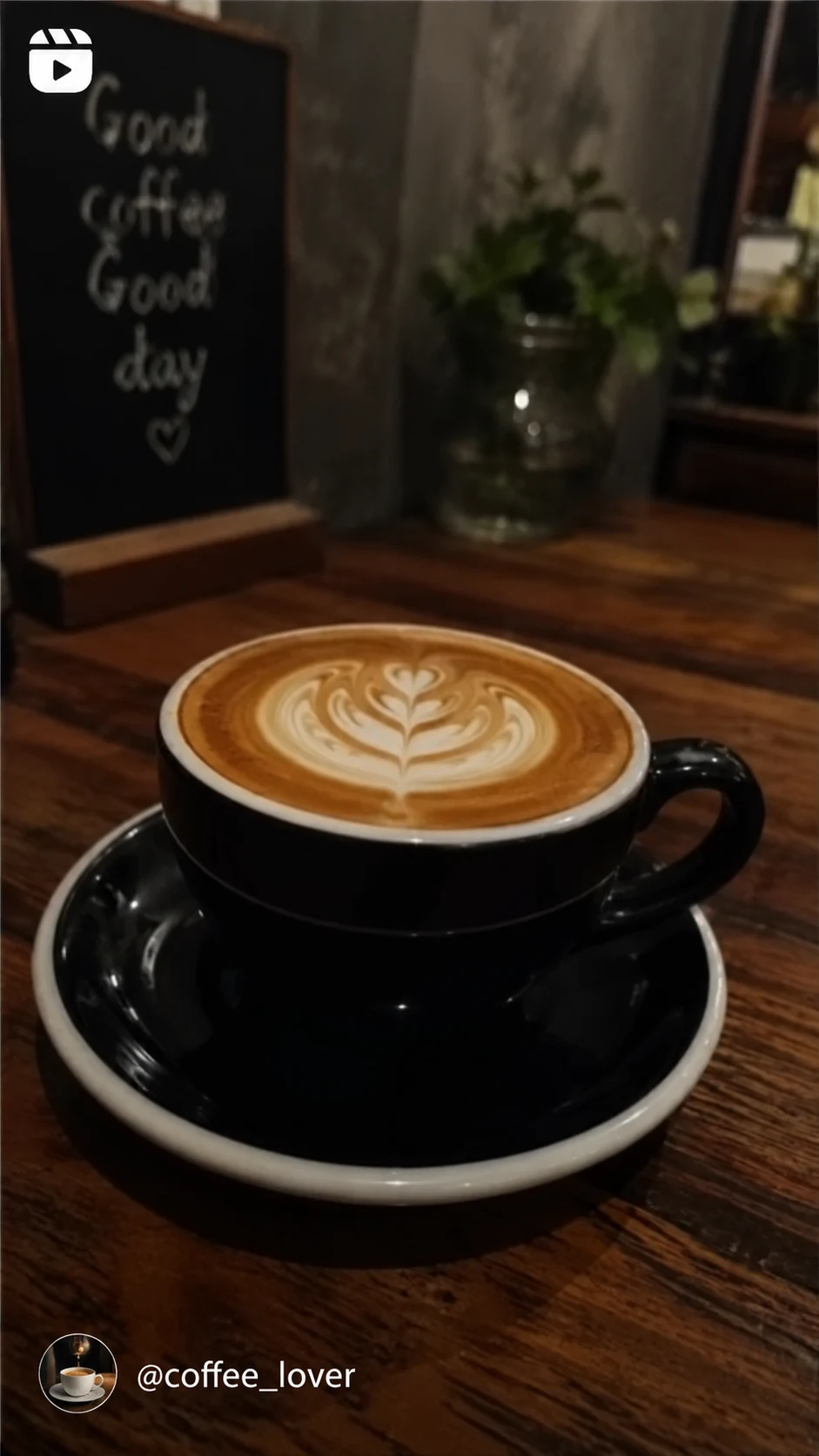

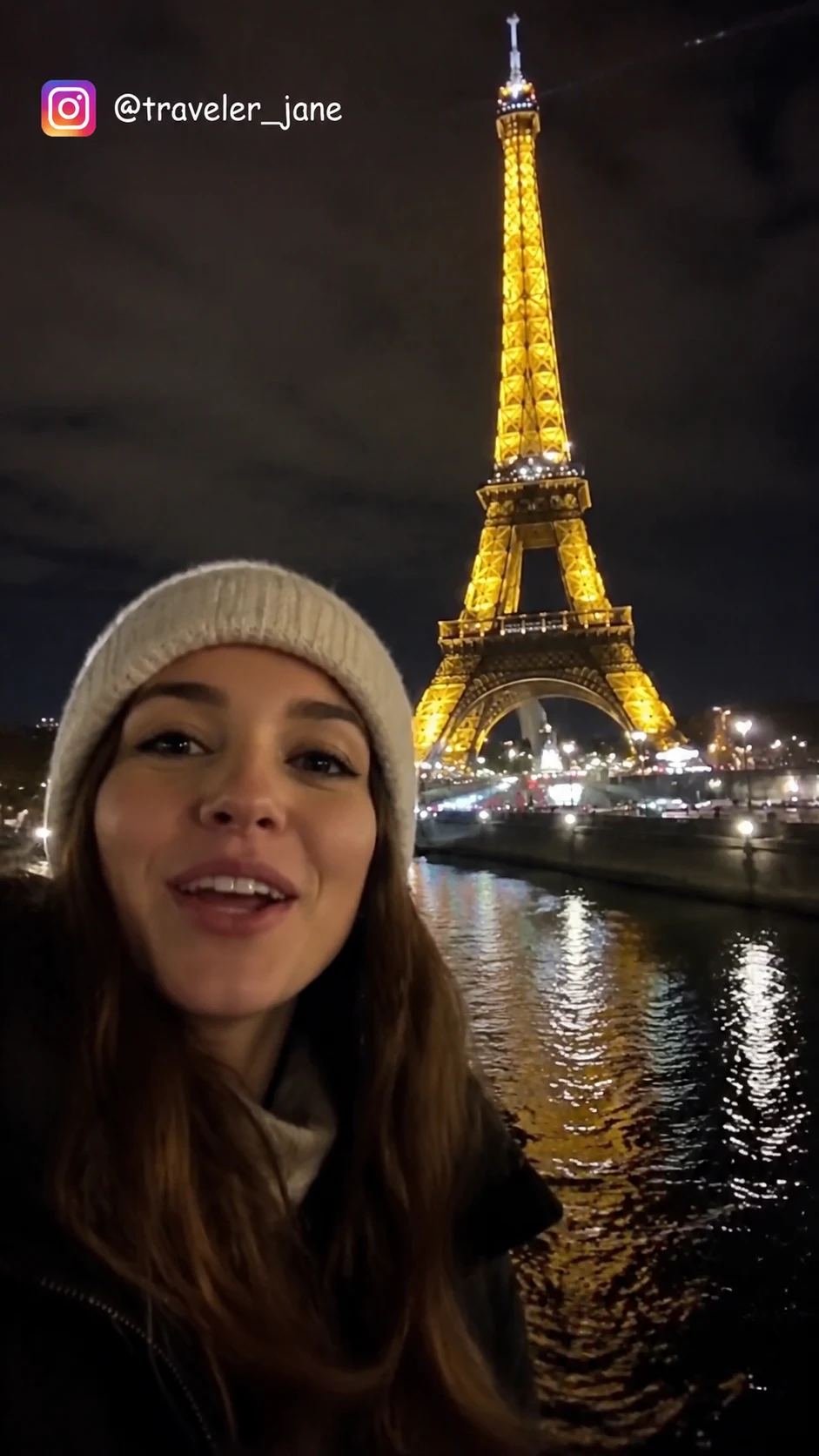
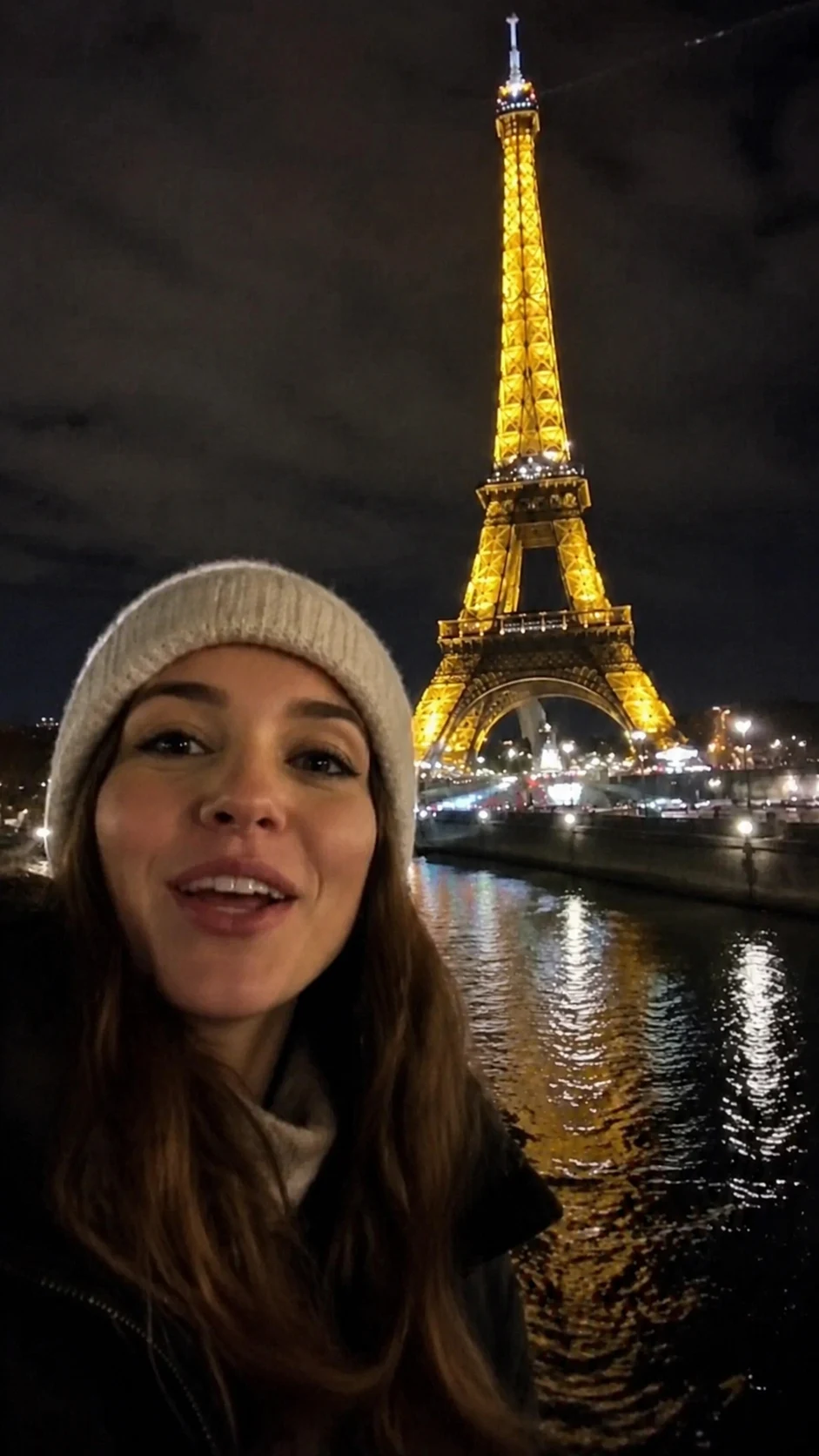
Instagram watermark removal is designed for creators who need to repurpose their own content. Always ensure you have the rights to the media before removing any platform marks.
スマホやPCのブラウザから、MP4、MOV、WebM などの形式をアップロードできます。
自分のショート動画、広告素材、チュートリアル、許可済み素材をきれいに整えられます。
所有、ライセンス、または明確な許可のある動画だけに使用してください。
AI は周囲の映像から隠れた部分を補完し、ぼかしや貼り付けのような違和感を抑えます。
UnmarkAI は、自分が所有する、ライセンスを持つ、または編集許可のある動画を扱うクリエイターやチーム向けのサービスです。
安全で高品質な動画クリーンアップに関する実用的な回答です。
自分の動画、ライセンス済み素材、ブランド素材、社内資料など、編集権限のある動画に向いています。
Upload your Reel to UnmarkAI, let the AI scan for the logo and username, and click process. You can then preview the result and download a clean, watermark-free version of your video.
Yes. AI inpainting can detect and remove both the Instagram logo and the creator handle overlay that appears on downloaded Reels.
UnmarkAI offers an online AI-powered tool to remove Instagram watermarks. You can preview the results for free before downloading.
不要な透かしや文字を減らし、投稿や納品に使いやすい動画へ。
登録で 10 クレジット付与 · クレジットカード不要