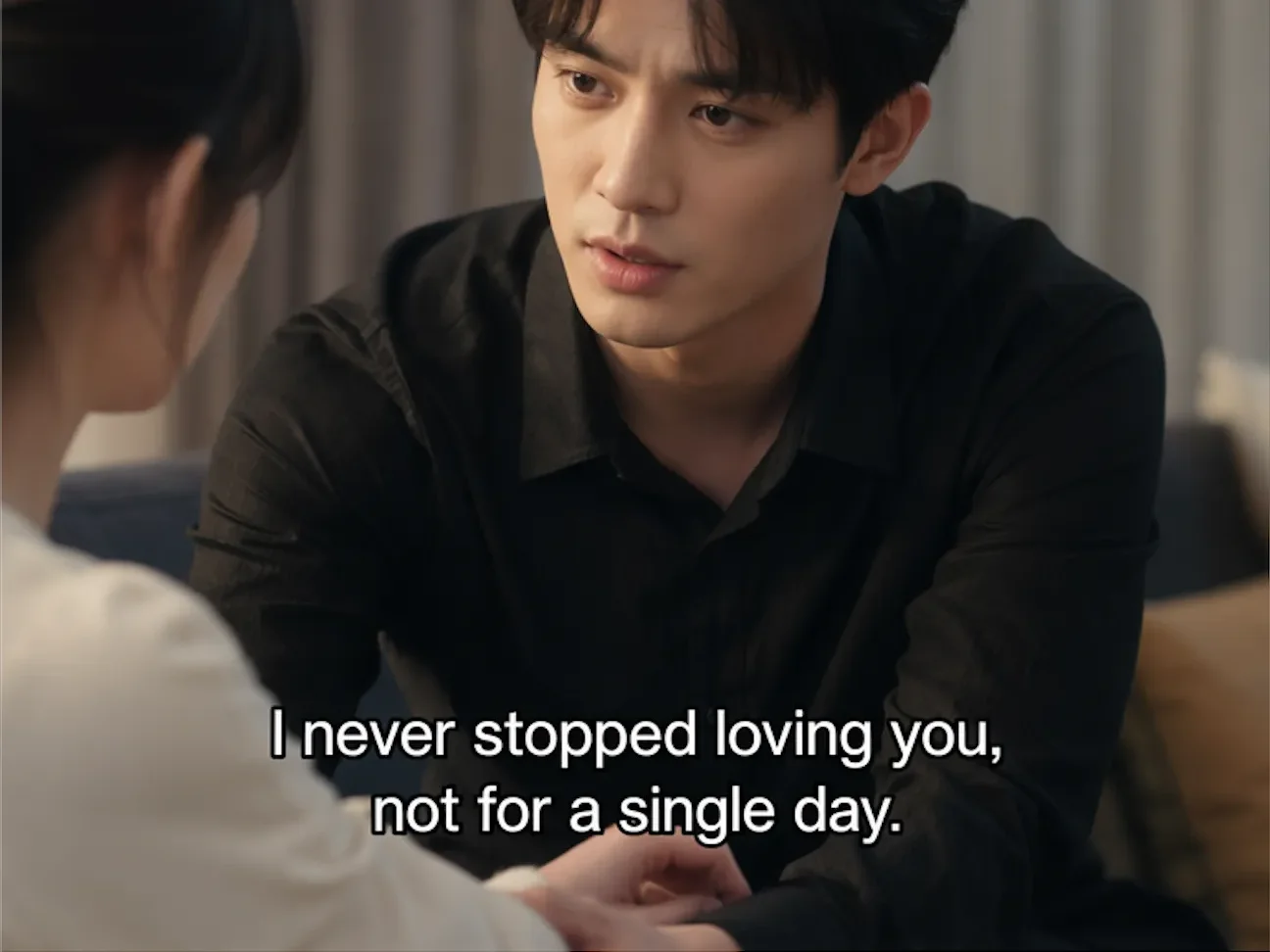

Herramienta de video con IA

Video Watermark Remover Online online con IA

Sube tu video

Arrastra un archivo aquí o haz clic para buscar

Los videos se procesan de forma segura y no se comparten

MP4, MOV, AVI, MKV, WebM · Hasta 2 GB

Ver la diferencia

AntesAuthorized video with visible watermark before AI cleanup - UnmarkAI
DespuésClean video after AI watermark removal with full frame preserved - UnmarkAI

Limpia marcas de agua, texto, subtítulos o logos con IA, manteniendo el encuadre y la calidad del video siempre que sea posible.

UnmarkAI ayuda a creadores, marcas y equipos a limpiar videos propios, licenciados o autorizados desde el navegador.

What is the best way to remove a watermark from video without blur?

For authorized footage, the cleanest workflow is AI inpainting: select the visible watermark area, remove the watermark pixels, and reconstruct the hidden background. This keeps the full frame and avoids the soft blur patch left by traditional tools.
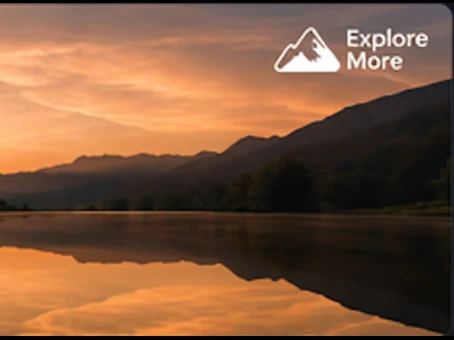
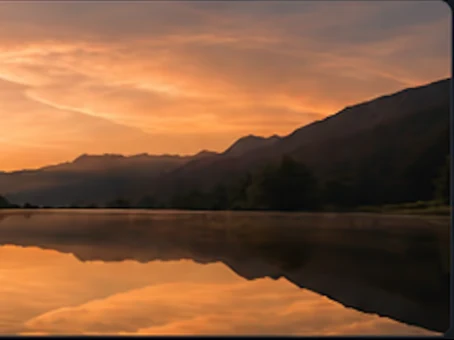
Which video watermarks can UnmarkAI remove?

UnmarkAI is built for visible watermarks that are part of the video frame, including corner logos, social media marks, AI generator marks, hardcoded subtitles, date stamps, timestamps, draft labels, and review text. It does not claim to remove invisible provenance or ownership metadata.

Herramienta online para limpiar videos con IA

La IA suele verse más natural que recortar o desenfocar cuando trabajas con logos móviles, subtítulos, fechas o texto incrustado.

Corner logos

Small visible marks that stay in one corner of the frame.

Platform marks

TikTok, YouTube, Instagram, or social repost labels on authorized clips.

AI generator marks

Visible Veo, Gemini, Kling, or PixVerse marks rendered into the frame.

Text and timestamps

Hardcoded subtitles, date stamps, draft notes, and review text.

Cómo limpiar una marca de agua de un video online

Sube un video que puedas editar, marca la zona a limpiar, revisa la vista previa y descarga el resultado.

01

Cómo limpiar una marca de agua de un video online

Sube un video que puedas editar, marca la zona a limpiar, revisa la vista previa y descarga el resultado.

02

Select the watermark or logo area

Draw a focused box around the visible watermark, subtitle band, timestamp, corner logo, or AI generator mark that should be cleaned.

03

Preview and export the clean video

Compare before and after frames, check motion edges and textures, then download the cleaned clip when the result is ready.

Remove visible watermarks without cropping the frame

Cropping cuts away useful composition, and blur makes the edit obvious. AI cleanup preserves the frame and reconstructs the hidden pixels behind the mark.

  • Platform logosClean TikTok, YouTube, Instagram, and other visible marks from clips you own.
  • AI generator marksRemove visible Veo, Gemini, Kling, or PixVerse marks from authorized outputs.
  • Fixed overlaysErase hardcoded subtitles, timestamps, draft labels, and review notes.
AntesVideo watermark cleanup - before
DespuésVideo watermark cleanup - after
¿Quieres un video más limpio?Con IA, sin desenfoque y sin perder calidad.
Empezar gratis
AntesAuthorized cleanup - before
DespuésAuthorized cleanup - after
¿Quieres un video más limpio?Con IA, sin desenfoque y sin perder calidad.
Empezar gratis

Built for responsible video cleanup workflows

Use watermark removal for videos you created, licensed, or are explicitly authorized to edit. Do not use it to hide attribution or republish third-party content without permission.

  • Owned clipsYour original creator exports, brand videos, demos, or internal training clips.
  • Licensed mediaStock footage or partner assets where the license permits derivative editing.
  • Client-approved workFinal delivery cleanup where the content owner has approved the scope.

Compatible con formatos y dispositivos comunes

Funciona en móvil y escritorio con formatos como MP4, MOV y WebM directamente desde el navegador.

MP4, MOV, AVI, MKV, WebM

Upload common files from social exports, cameras, screen recordings, and editing tools.

HD and 4K sources

High-resolution sources preserve more texture behind the selected watermark area.

Box select workflow

A tight box helps focus processing on the visible mark instead of the full frame.

Original frame preserved

The workflow is designed to avoid destructive cropping whenever possible.

Pensado para reutilizar contenido propio

Prepara clips propios, anuncios, tutoriales o material autorizado para publicarlos en distintos canales.

Social platform watermarks

TikTok, YouTube, Instagram, Shorts, and Reels marks on clips you own.

AI video generator marks

Visible generator branding from authorized AI video outputs.

Draft and review marks

Client notes, approval labels, or temporary export text.

Clean master preparation

Prepare a clean version before translation, captioning, or final delivery.

Trabaja solo con contenido autorizado

Usa UnmarkAI con videos propios, licenciados o con permiso explícito. No elimines atribuciones de contenido de terceros.

Owned footage

Videos created by you or your team.

Licensed assets

Media where your license allows edits and derivative exports.

Client-approved edits

Delivery work where the content owner approved cleanup.

No attribution stripping

Do not use cleanup to disguise third-party ownership.

Por qué la limpieza con IA se ve más natural

La IA reconstruye las zonas cubiertas usando el contexto del video y evita los recortes o manchas visibles.

MethodFrame impactVisual result
AI inpaintingFull frame preservedBackground reconstructed naturally
Blur or mosaicFrame preservedVisible soft patch remains
CropFrame area lostComposition changes permanently

No blur patch

The cleaned area is reconstructed instead of covered.

No forced crop

Keep products, faces, subtitles, and framing intact.

Fast preview workflow

Compare the result before downloading the final export.

Works across common overlays

Logos, timestamps, subtitles, and draft marks can share one cleanup workflow.

Confianza

Creado para limpiar videos con autorización

UnmarkAI está pensado para creadores y equipos que trabajan con contenido propio, licenciado o con permiso para editar.

Flujo atento a derechos

Diseñado para ayudarte a limpiar videos propios, licenciados o con permiso explícito de edición.

Vista previa antes de descargar

Revisa la reconstrucción de la IA fotograma a fotograma antes de exportar el video limpio.

Procesamiento seguro

Tus subidas y exportaciones se procesan de forma segura y no se comparten con terceros.

Política de uso clara

Reglas estrictas contra eliminar atribuciones de contenido de terceros sin autorización.

Preguntas frecuentes

Respuestas prácticas para limpiar videos con seguridad y buena calidad.

¿Para qué tipo de videos sirve?

Sirve para videos propios o autorizados, como clips sociales, material de marca, tutoriales y archivos internos.

Can I remove a watermark from video without blur?

Yes. UnmarkAI uses AI inpainting to remove visible watermark pixels and reconstruct the background, which is cleaner than blur or mosaic tools.

Can I remove TikTok, YouTube, or Instagram watermarks?

Yes, for videos you own or have permission to edit. Use the platform-specific guides for TikTok, YouTube, and Instagram cleanup details.

Can I remove AI generator watermarks?

UnmarkAI can clean visible marks rendered into authorized AI-generated video frames. It does not claim to remove invisible provenance markers.

¿Listo para limpiar tus videos?

Reduce distracciones y prepara clips más profesionales para publicar o entregar.

Empezar gratis ahora

Recibe 10 créditos al registrarte · Sin tarjeta de crédito