
Free Magic Eraser — Remove Objects from Photos
Brush over an ordinary object, scene distraction, or text you own — AI fills the background naturally in seconds.
Upload an image to get started
PNG, JPG, WebP up to 20MB
Or drag and drop an image here
Remove Anything from Your Photos
From unwanted people to distracting props and owned campaign text — our AI object remover helps polish authorized images.
Remove People
Erase unwanted people from your photos. The AI reconstructs the background naturally.
Remove Text
Update captions, owned campaign copy, and temporary review text in images you control.
Ordinary Scene Cleanup
Remove temporary props and ordinary visual distractions from images you own or are licensed to edit.
Remove Shadows
Clean up harsh shadows from product photos and portraits for a polished look.
Remove Power Lines
Clean up landscape and real estate photos by erasing power lines and cables.
Clean Up Product Photos
Remove dust, scratches, and imperfections for professional e-commerce images.
See the Before & After
See what the AI object remover can do — real results powered by inpainting technology.
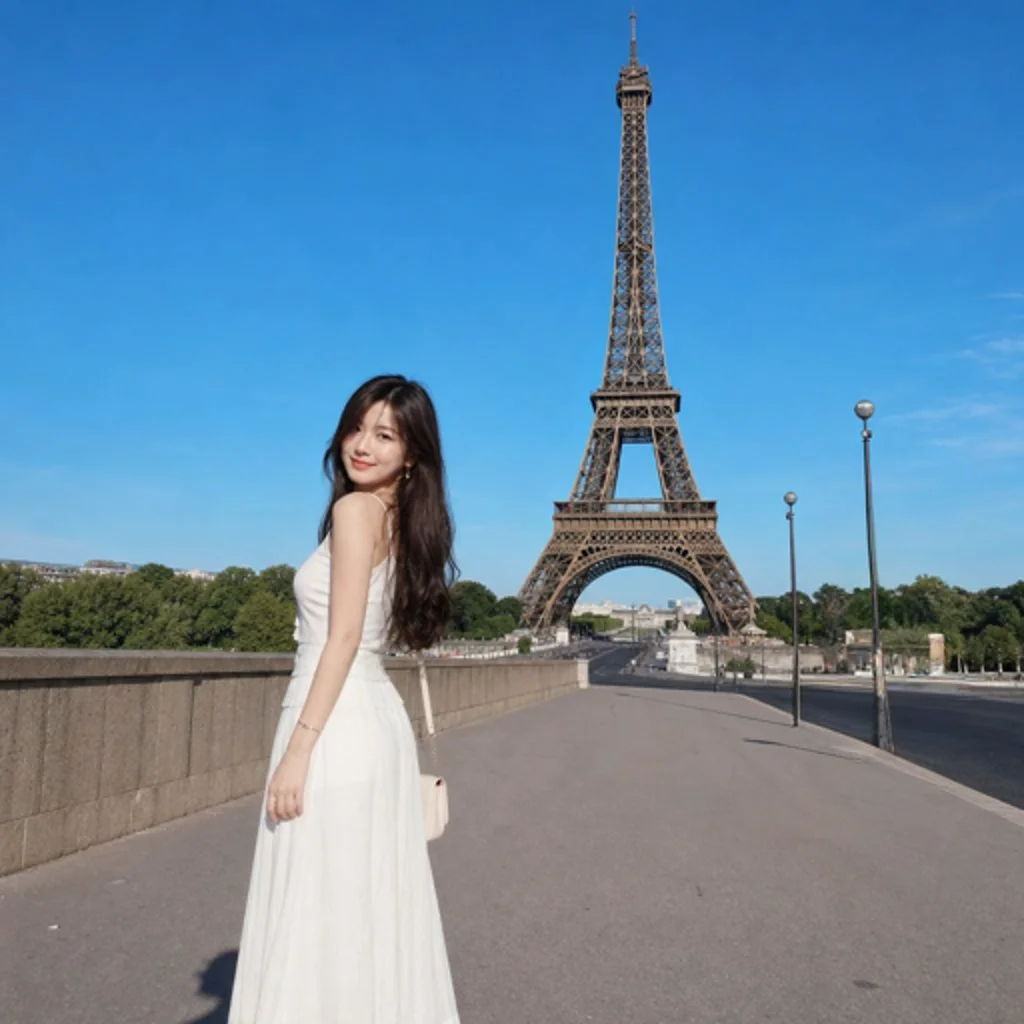
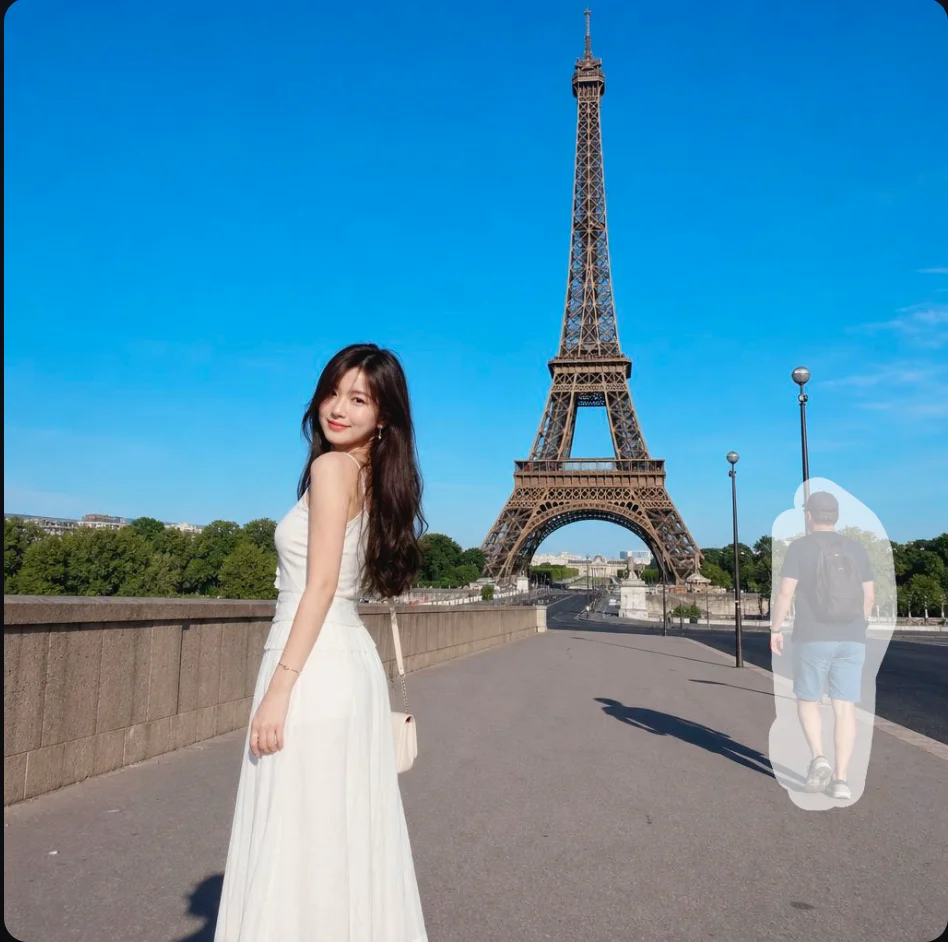
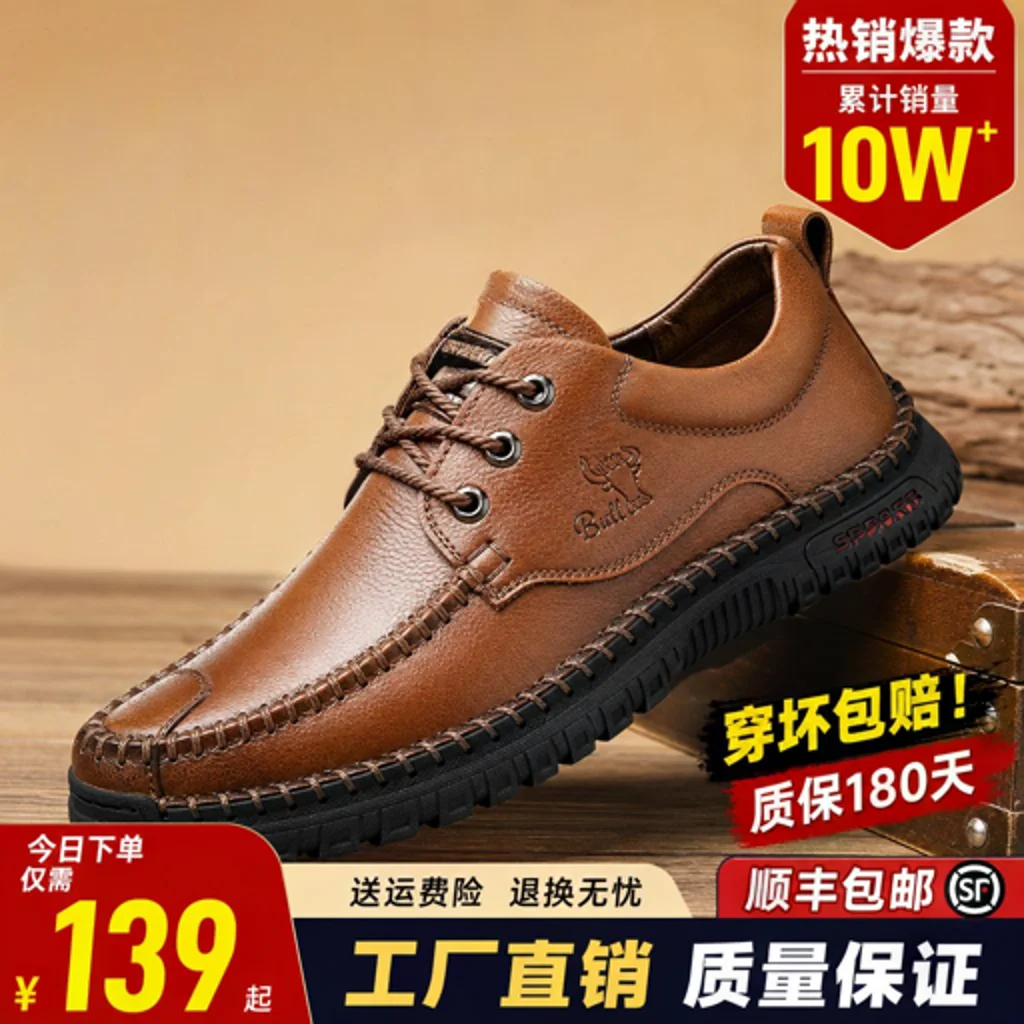
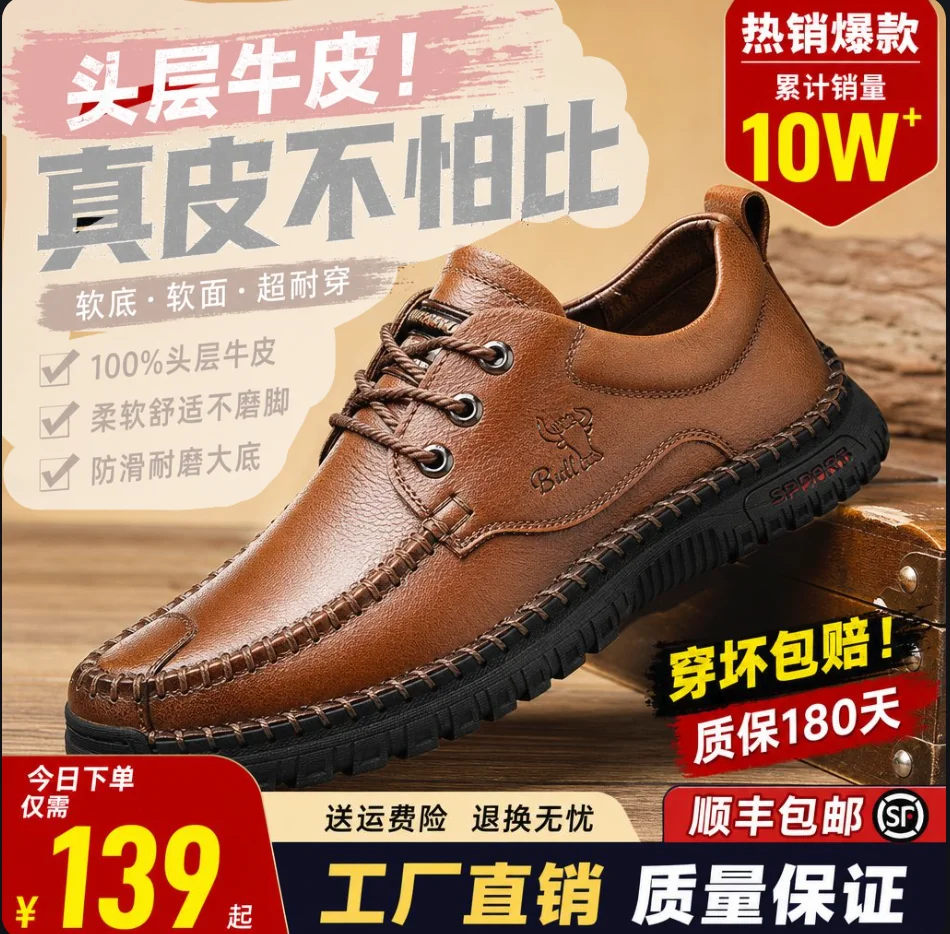


Remove Objects in 3 Simple Steps
Upload Your Image
Drag and drop or select a PNG, JPG, or WebP file up to 20 MB.
Paint the Area
Use the brush tool to mark the object, person, or text you want to erase.
Download Result
AI processes your image in seconds. Download the clean result at full resolution.
Why Choose UnmarkAI Magic Eraser
Built for creators, designers, and anyone who needs clean photos — fast.
AI Precision
Advanced inpainting technology fills removed areas with realistic pixels that blend seamlessly with surroundings.
Free Points
Start with free points on sign-up. No subscription required to try the magic eraser on your first images.
Privacy First
Your images are processed securely and automatically deleted after the applicable retention period. Authorized service providers may process files only to deliver and protect the service.
Magic Eraser FAQ — Frequently Asked Questions
Everything you need to know about removing objects from photos with AI.
What is a magic eraser tool for photos?
A magic eraser is an AI-powered photo editing tool that removes ordinary unwanted objects, people, owned text, and scene distractions from authorized images. Brush over the area and the AI fills it with surrounding pixels.
How to remove objects from photos online?
Upload your image to UnmarkAI, use the brush tool to paint over the object you want to remove, and click Remove Now. The AI processes your image and fills in the removed area with natural-looking content that blends seamlessly with the surrounding pixels. The entire process takes just seconds.
How to remove text from images?
To remove text from an image, upload it to UnmarkAI and paint over the text area with the brush tool. The AI recognizes the surrounding texture and fills in the erased text region with matching background content. This works for typed text, handwritten notes, captions, timestamps, and overlay text.
What must I preserve when editing a photo?
Preserve attribution, provenance, ownership marks, safety labels, evidence, and required notices. Use UnmarkAI only for ordinary scene cleanup and owned text in images you own, license, or are explicitly authorized to edit.
How to clean up product photos for e-commerce?
UnmarkAI helps you remove dust, scratches, unwanted reflections, background clutter, and other imperfections from product shots. Brush over the flaws and the AI cleans them up, leaving you with polished, professional-quality product images ready for your store.
What image formats does the magic eraser support?
UnmarkAI supports PNG, JPG, and WebP image formats. You can upload images up to 20 MB in size. The output preserves the original resolution wherever possible, and you can download the processed image in high quality after the AI completes the removal.
Ready to prepare an authorized source master?
Choose a rights-aware cleanup or localization workflow for content you are authorized to edit.
Get 10 points on sign up · No credit card required