
Cómo limpiar una marca de agua de un video online
Sube un video que puedas editar, marca la zona a limpiar, revisa la vista previa y descarga el resultado.
Arrastra un archivo aquí o haz clic para buscar
MP4, MOV, AVI, MKV, WebM · Hasta 2 GB
Ver la diferencia →
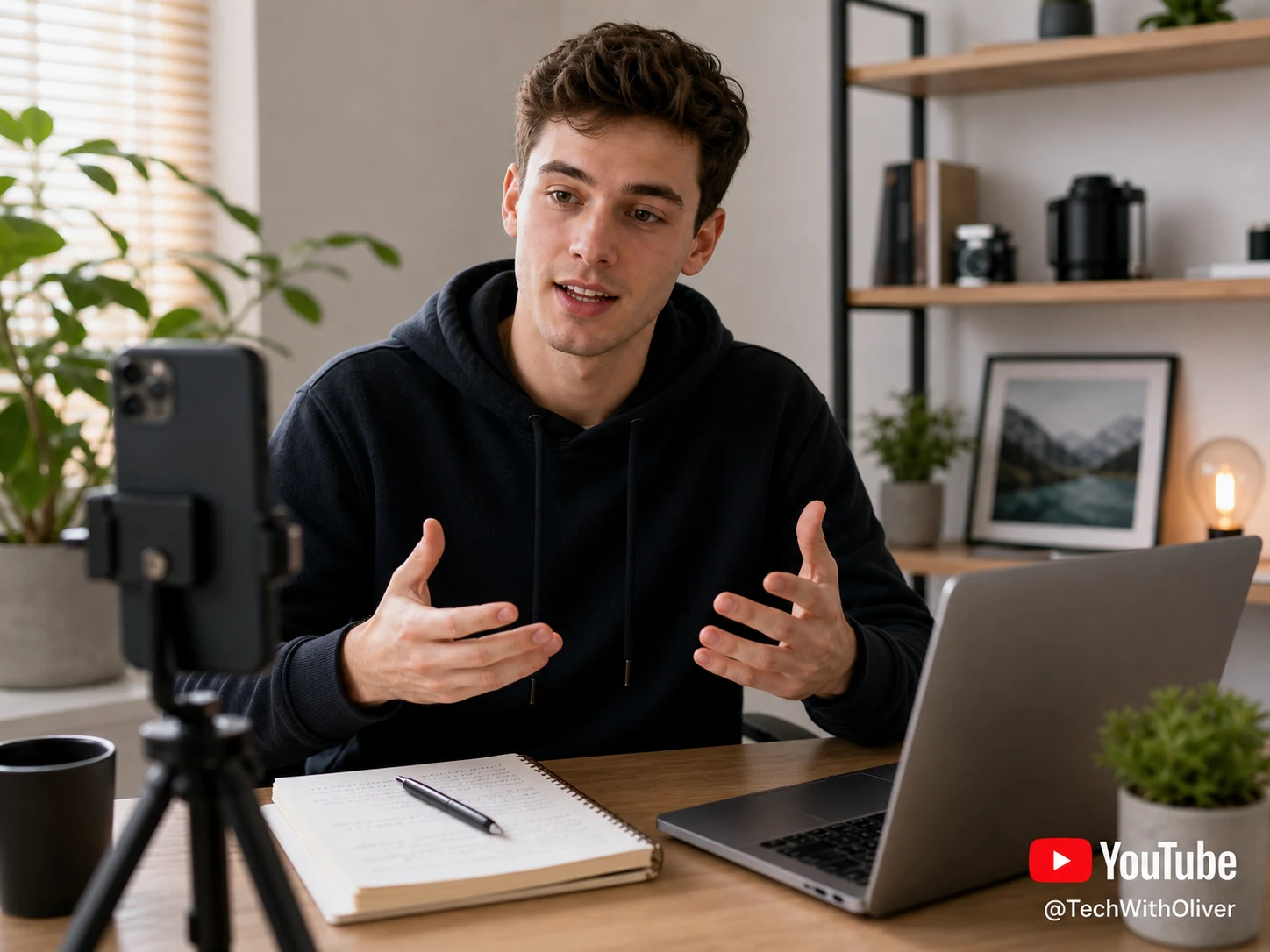
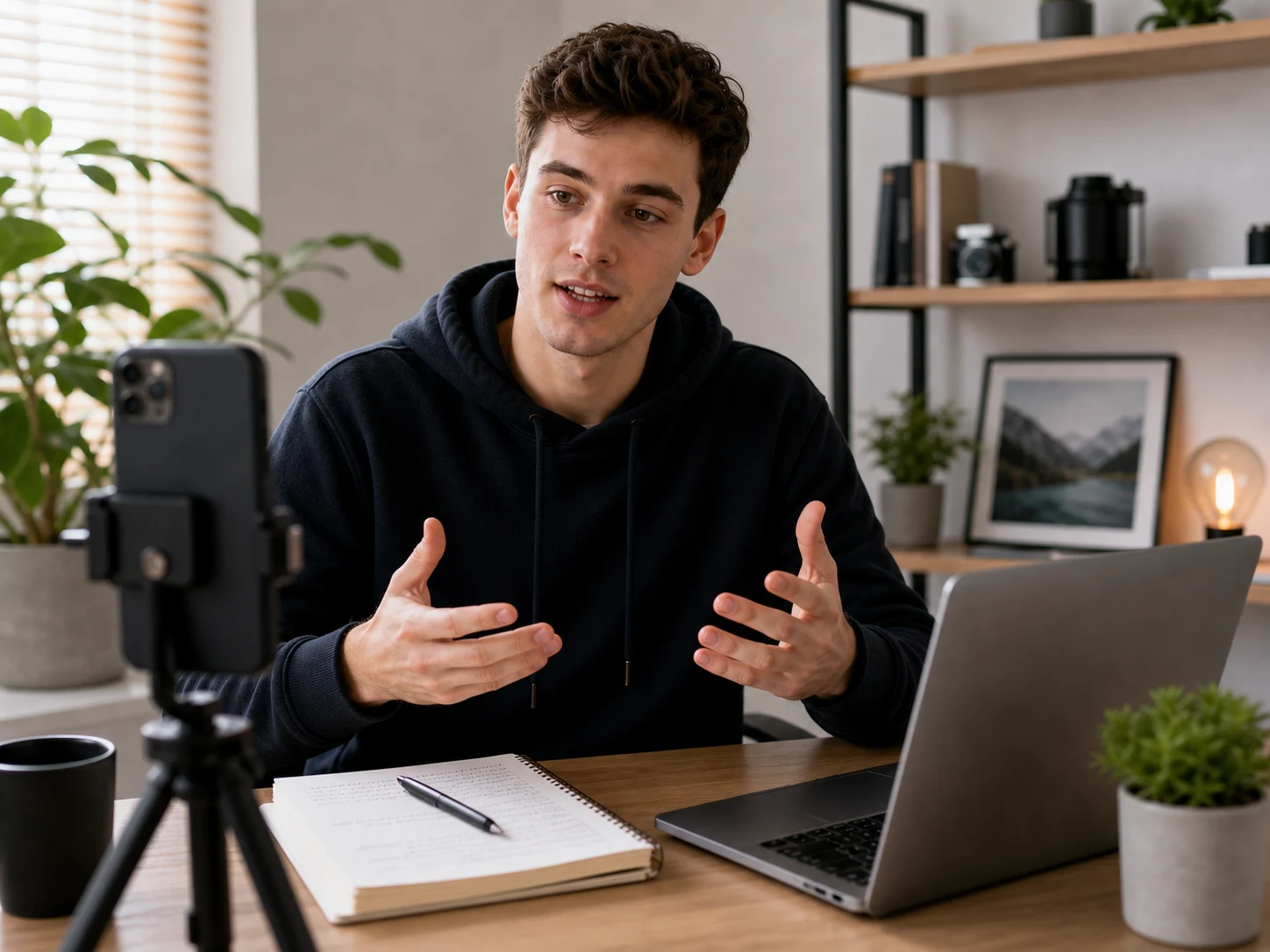
Limpia marcas de agua, texto, subtítulos o logos con IA, manteniendo el encuadre y la calidad del video siempre que sea posible.
UnmarkAI ayuda a creadores, marcas y equipos a limpiar videos propios, licenciados o autorizados desde el navegador.
La IA suele verse más natural que recortar o desenfocar cuando trabajas con logos móviles, subtítulos, fechas o texto incrustado.
Sube un video que puedas editar, marca la zona a limpiar, revisa la vista previa y descarga el resultado.
Sube un video que puedas editar, marca la zona a limpiar, revisa la vista previa y descarga el resultado.
UnmarkAI identifies the channel logo, Shorts watermark, or review mark and rebuilds the hidden background frame by frame instead of covering it with blur.
Check the before-and-after result around motion edges, textured backgrounds, and lower-right logo areas, then download a clean export for approved reuse.
YouTube overlays often sit in the lower-right corner, across a channel bug, or near a creator handle. AI cleanup removes the visible mark while preserving the vertical video frame for Shorts, Reels, TikTok, and Facebook uploads.
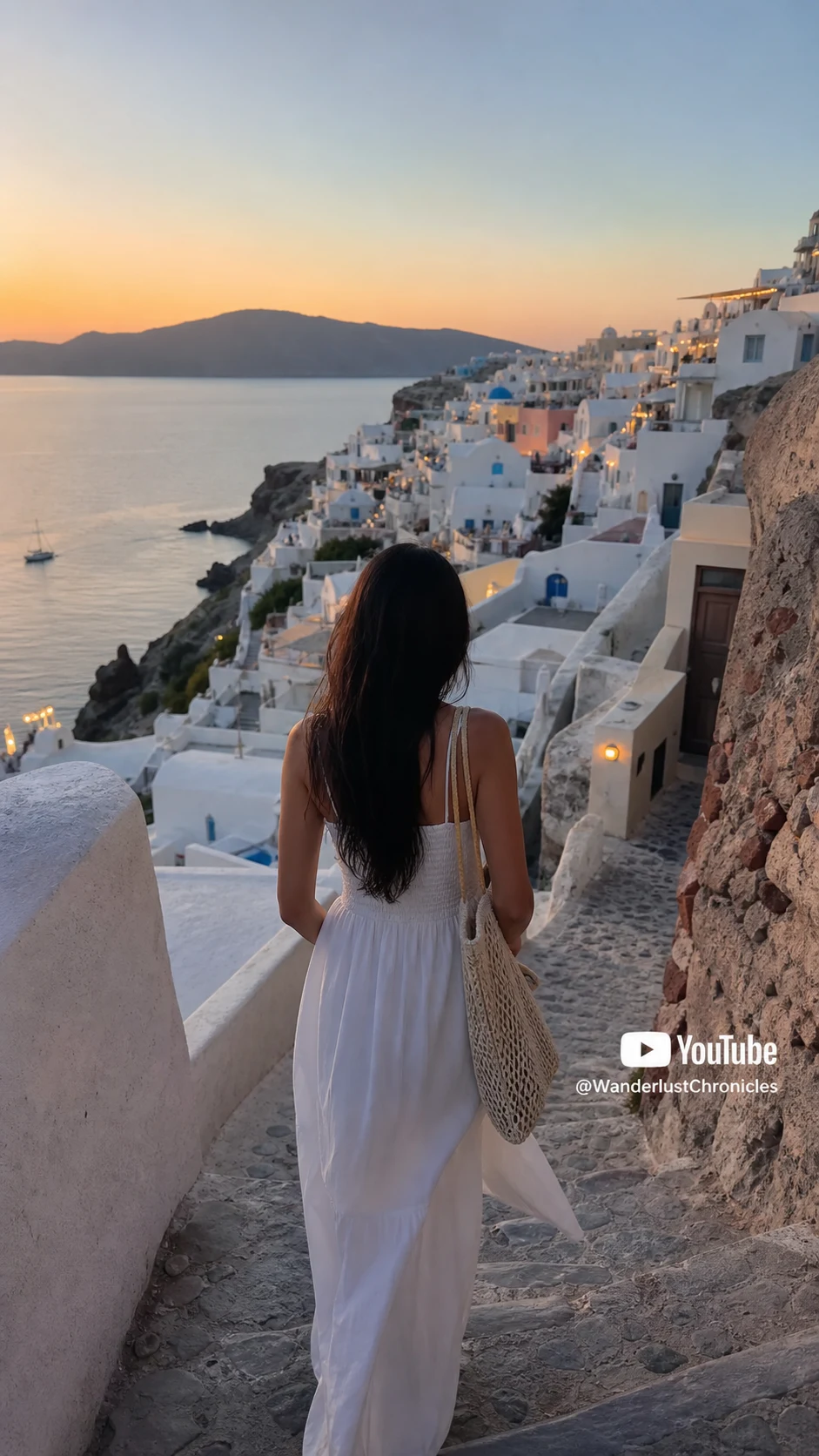

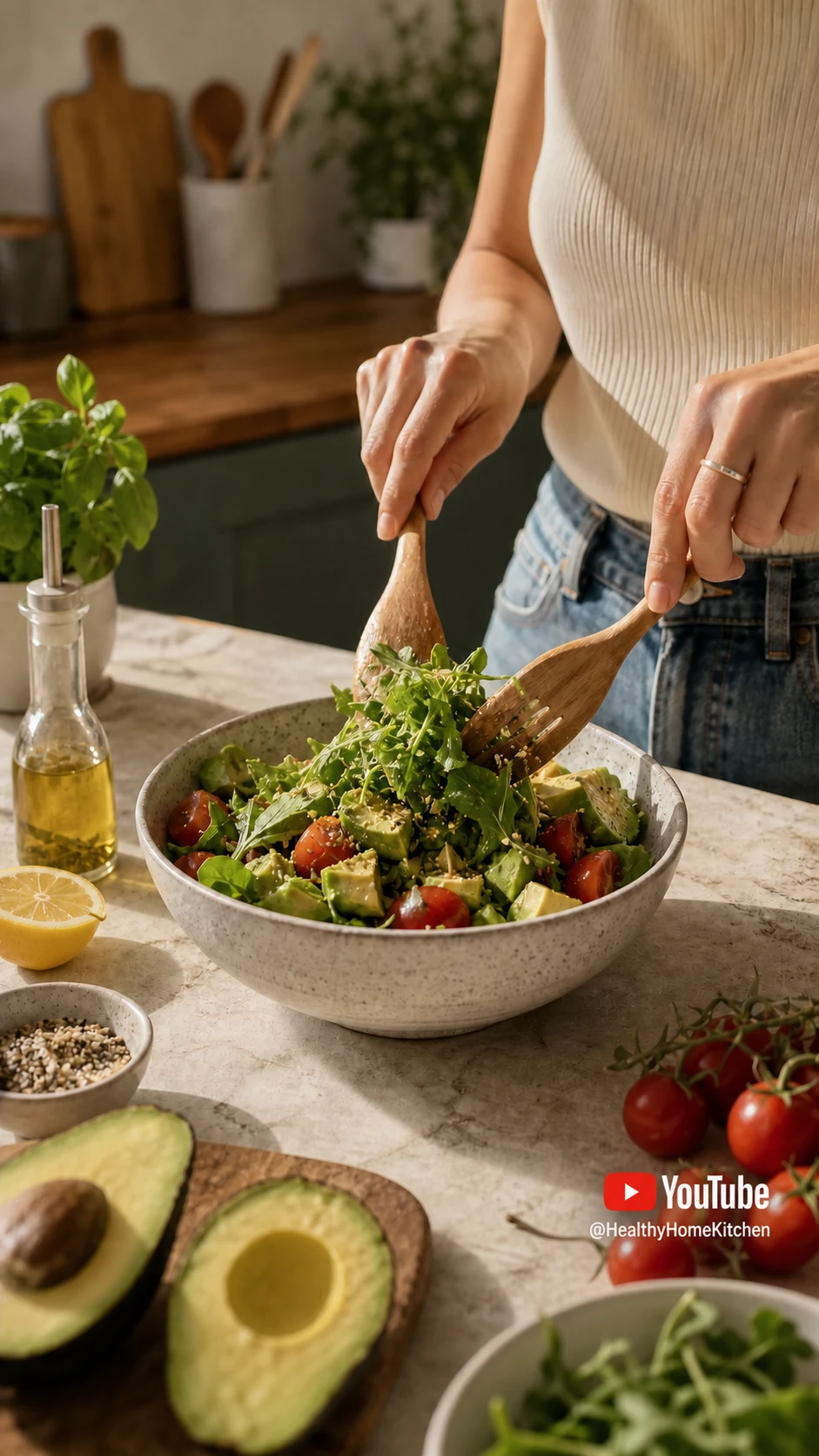

This page is for lawful cleanup of content you own or have permission to edit, not for stripping attribution from someone else's YouTube video.
Funciona en móvil y escritorio con formatos como MP4, MOV y WebM directamente desde el navegador.
Prepara clips propios, anuncios, tutoriales o material autorizado para publicarlos en distintos canales.
Usa UnmarkAI con videos propios, licenciados o con permiso explícito. No elimines atribuciones de contenido de terceros.
La IA reconstruye las zonas cubiertas usando el contexto del video y evita los recortes o manchas visibles.
| Method | Result | Best use |
|---|---|---|
| Cropping | Cuts away frame area | Only when the watermark is outside important content |
| Blurring | Leaves a visible smudge | Quick internal drafts, not polished publishing |
| AI inpainting | Rebuilds the hidden background | Owned or authorized YouTube videos that need a clean export |
UnmarkAI está pensado para creadores y equipos que trabajan con contenido propio, licenciado o con permiso para editar.
Respuestas prácticas para limpiar videos con seguridad y buena calidad.
Sirve para videos propios o autorizados, como clips sociales, material de marca, tutoriales y archivos internos.
Yes. Upload a YouTube video file you own or are authorized to edit, let UnmarkAI remove the visible watermark with AI, then preview and download the clean result. You do not need to paste a YouTube link.
Yes, for Shorts you created, uploaded, licensed, or have permission to edit. AI cleanup works best when the watermark is small, stable, and not covering faces or fine detail.
Only remove visible YouTube watermarks from content you own, uploaded yourself, licensed, or have permission to edit. Removing attribution from another creator's content without authorization may violate copyright, contracts, and YouTube's Terms of Service.
Reduce distracciones y prepara clips más profesionales para publicar o entregar.
Recibe 10 créditos al registrarte · Sin tarjeta de crédito