
Cómo limpiar una marca de agua de un video online
Sube un video que puedas editar, marca la zona a limpiar, revisa la vista previa y descarga el resultado.
Arrastra un archivo aquí o haz clic para buscar
MP4, MOV, AVI, MKV, WebM · Hasta 2 GB
Ver la diferencia →
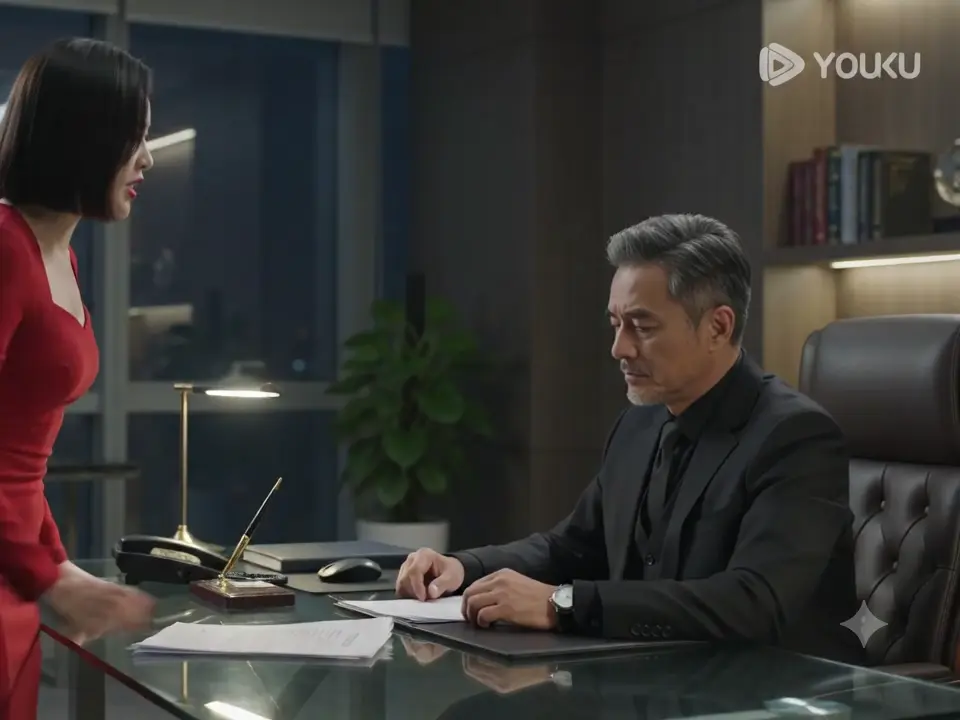

Limpia marcas de agua, texto, subtítulos o logos con IA, manteniendo el encuadre y la calidad del video siempre que sea posible.
UnmarkAI ayuda a creadores, marcas y equipos a limpiar videos propios, licenciados o autorizados desde el navegador.
La IA suele verse más natural que recortar o desenfocar cuando trabajas con logos móviles, subtítulos, fechas o texto incrustado.
Sube un video que puedas editar, marca la zona a limpiar, revisa la vista previa y descarga el resultado.
Sube un video que puedas editar, marca la zona a limpiar, revisa la vista previa y descarga el resultado.
The AI scans every frame, locates the visible "Gemini" text or logo watermark in the corner, and reconstructs the covered pixels using the surrounding background. No manual selection needed for fixed-position watermarks.
Compare the cleaned clip against the original. Check the area where the Gemini logo was — especially around motion edges and textured backgrounds — then download the watermark-free export at your original resolution.
See how AI inpainting removes the visible Gemini text and logo from Google Gemini-generated videos without cropping the frame or leaving a visible blur patch. The background is reconstructed pixel by pixel.




Gemini watermark removal is intended for videos you generated yourself using Google Gemini, Gemini Advanced, or Gemini 2.0. You have full rights to edit and modify your own AI-generated output. Do not use this tool to strip watermarks from videos created by others without their permission.
See the AI inpainting result on a Gemini 2.0 generated clip. The visible "Gemini" branding in the corner is detected and erased frame by frame, with the background reconstructed to match the surrounding scene.
Funciona en móvil y escritorio con formatos como MP4, MOV y WebM directamente desde el navegador.
Prepara clips propios, anuncios, tutoriales o material autorizado para publicarlos en distintos canales.
Usa UnmarkAI con videos propios, licenciados o con permiso explícito. No elimines atribuciones de contenido de terceros.
La IA reconstruye las zonas cubiertas usando el contexto del video y evita los recortes o manchas visibles.
| Method | Frame area | Visual quality | Speed | Automation |
|---|---|---|---|---|
| AI inpainting | Full frame preserved | Clean reconstruction | Minutes per clip | Fully automatic |
| Cropping | Frame area lost | Composition changes | Instant | Manual setup |
| Blurring | Full frame, visible patch | Smudge artifact | Instant | Manual per clip |
UnmarkAI está pensado para creadores y equipos que trabajan con contenido propio, licenciado o con permiso para editar.
Respuestas prácticas para limpiar videos con seguridad y buena calidad.
Sirve para videos propios o autorizados, como clips sociales, material de marca, tutoriales y archivos internos.
Upload your Gemini-generated video to UnmarkAI. The AI detects the visible Gemini logo in each frame, erases it using inpainting, and reconstructs the background. Preview the result side-by-side, then download the clean version.
This tool removes the visible "Gemini" text and logo watermark that appears in the corner of AI-generated video frames. SynthID is Google's invisible, imperceptible watermark embedded in the pixel data by Google DeepMind — it cannot be seen by the human eye, requires specialized detection tools, and is designed to remain detectable even after compression, cropping, and basic editing. The two serve different purposes: the visible logo identifies the generation tool to human viewers, while SynthID enables automated AI content detection for provenance tracking. This tool addresses only the visible watermark and does not modify SynthID data. (Google DeepMind SynthID announcement)
Yes. The visible watermark layout may differ slightly between Gemini 1.5, Gemini 2.0, and newer versions — the logo position, size, or transparency can change — but the AI adapts to each layout automatically. Upload your video directly and the tool handles detection.
Reduce distracciones y prepara clips más profesionales para publicar o entregar.
Recibe 10 créditos al registrarte · Sin tarjeta de crédito