
AI 视频清理工具

Video Watermark Remover Online在线工具 - AI 高清清理

上传视频

拖拽文件到这里,或点击浏览

视频会被安全处理,不会被公开分享

MP4、MOV、AVI、MKV、WebM · 最大 2GB

查看前后对比

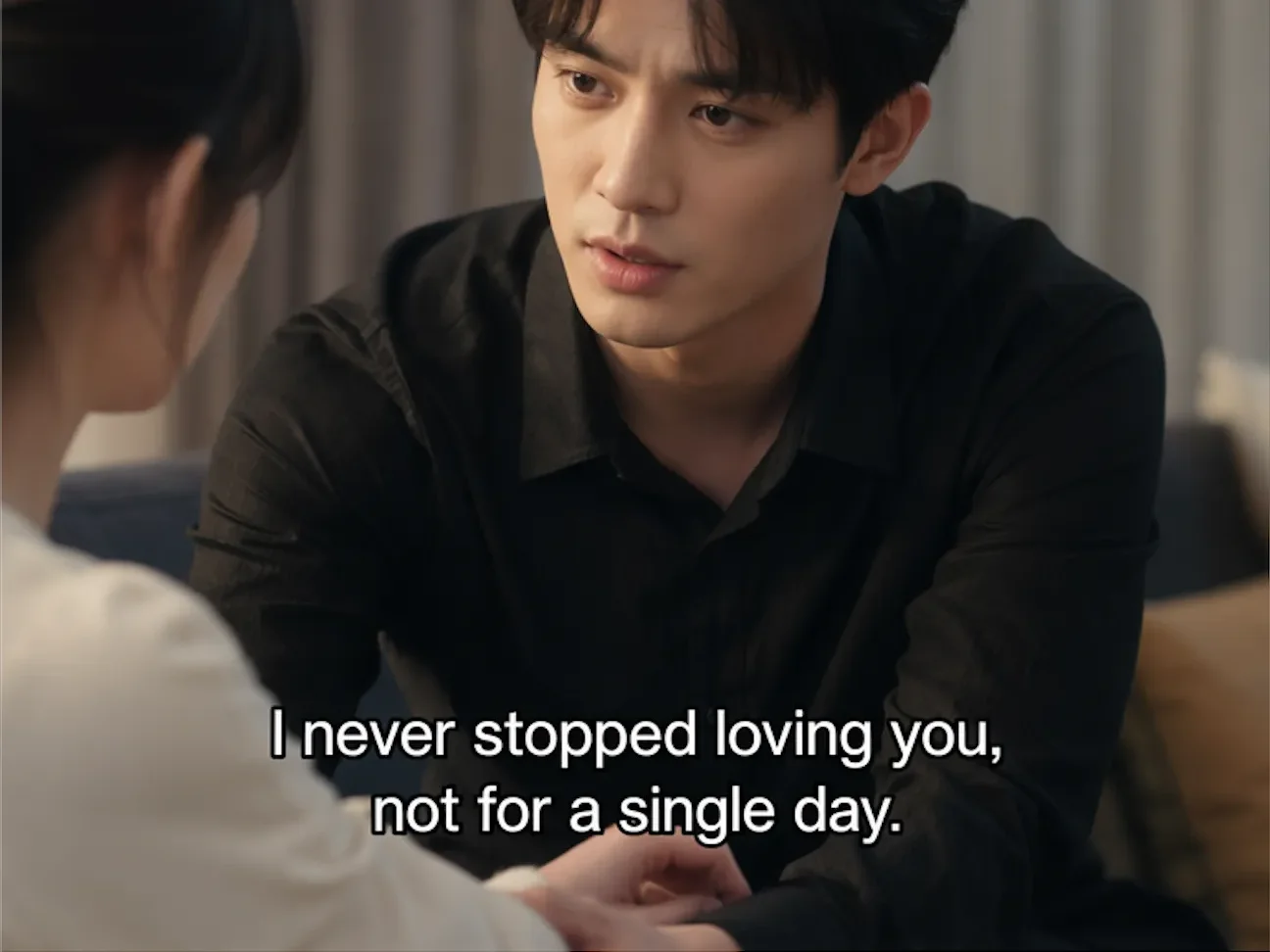
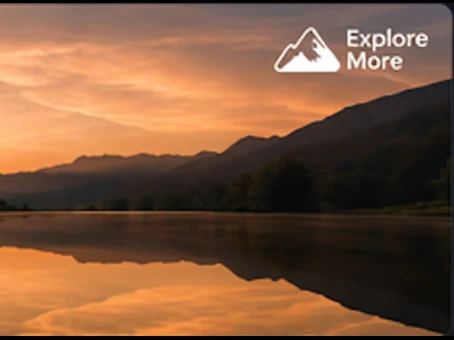
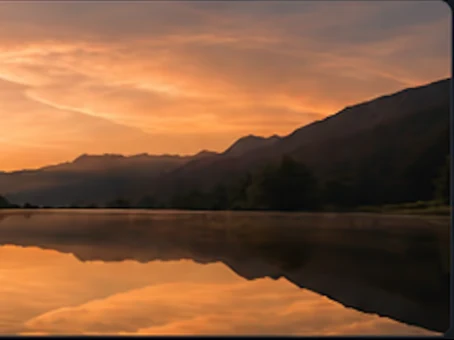
处理前Authorized video with visible watermark before AI cleanup - UnmarkAI
处理后Clean video after AI watermark removal with full frame preserved - UnmarkAI

使用 AI 清理视频里的水印、文字、字幕或 Logo,尽量保留原始画质和画面构图。

UnmarkAI 面向创作者、品牌和团队,用于处理自己拥有、已授权或有权编辑的视频。上传文件后,AI 会识别遮挡区域并重建背景。

What is the best way to remove a watermark from video without blur?

For authorized footage, the cleanest workflow is AI inpainting: select the visible watermark area, remove the watermark pixels, and reconstruct the hidden background. This keeps the full frame and avoids the soft blur patch left by traditional tools.
Which video watermarks can UnmarkAI remove?

UnmarkAI is built for visible watermarks that are part of the video frame, including corner logos, social media marks, AI generator marks, hardcoded subtitles, date stamps, timestamps, draft labels, and review text. It does not claim to remove invisible provenance or ownership metadata.

在线 AI 视频去水印工具

相比裁剪和模糊,AI 更适合处理移动水印、硬字幕、时间戳和角标,成片更自然。

Corner logos

Small visible marks that stay in one corner of the frame.

Platform marks

TikTok, YouTube, Instagram, or social repost labels on authorized clips.

AI generator marks

Visible Veo, Gemini, Kling, or PixVerse marks rendered into the frame.

Text and timestamps

Hardcoded subtitles, date stamps, draft notes, and review text.

如何在线清理视频水印?

上传你有权编辑的视频,选择需要清理的区域,预览效果后下载干净版本。

01

如何在线清理视频水印?

上传你有权编辑的视频,选择需要清理的区域,预览效果后下载干净版本。

02

Select the watermark or logo area

Draw a focused box around the visible watermark, subtitle band, timestamp, corner logo, or AI generator mark that should be cleaned.

03

Preview and export the clean video

Compare before and after frames, check motion edges and textures, then download the cleaned clip when the result is ready.

Remove visible watermarks without cropping the frame

Cropping cuts away useful composition, and blur makes the edit obvious. AI cleanup preserves the frame and reconstructs the hidden pixels behind the mark.

  • Platform logosClean TikTok, YouTube, Instagram, and other visible marks from clips you own.
  • AI generator marksRemove visible Veo, Gemini, Kling, or PixVerse marks from authorized outputs.
  • Fixed overlaysErase hardcoded subtitles, timestamps, draft labels, and review notes.
处理前Video watermark cleanup - before
处理后Video watermark cleanup - after
想要更干净的视频?AI 去水印,不模糊,不压画质。
免费试用
处理前Authorized cleanup - before
处理后Authorized cleanup - after
想要更干净的视频?AI 去水印,不模糊,不压画质。
免费试用

Built for responsible video cleanup workflows

Use watermark removal for videos you created, licensed, or are explicitly authorized to edit. Do not use it to hide attribution or republish third-party content without permission.

  • Owned clipsYour original creator exports, brand videos, demos, or internal training clips.
  • Licensed mediaStock footage or partner assets where the license permits derivative editing.
  • Client-approved workFinal delivery cleanup where the content owner has approved the scope.

支持常见视频格式和设备

可在手机和电脑浏览器中使用,支持 MP4、MOV、WebM 等常见格式。

MP4, MOV, AVI, MKV, WebM

Upload common files from social exports, cameras, screen recordings, and editing tools.

HD and 4K sources

High-resolution sources preserve more texture behind the selected watermark area.

Box select workflow

A tight box helps focus processing on the visible mark instead of the full frame.

Original frame preserved

The workflow is designed to avoid destructive cropping whenever possible.

适合跨平台内容复用

可用于清理你自己的短视频、广告素材、教程视频和授权素材,便于在不同平台发布。

Social platform watermarks

TikTok, YouTube, Instagram, Shorts, and Reels marks on clips you own.

AI video generator marks

Visible generator branding from authorized AI video outputs.

Draft and review marks

Client notes, approval labels, or temporary export text.

Clean master preparation

Prepare a clean version before translation, captioning, or final delivery.

请只处理有权编辑的内容

请确认你拥有视频版权、授权或明确许可。不要用来移除他人内容的署名或平台标识。

Owned footage

Videos created by you or your team.

Licensed assets

Media where your license allows edits and derivative exports.

Client-approved edits

Delivery work where the content owner approved cleanup.

No attribution stripping

Do not use cleanup to disguise third-party ownership.

AI 清理为什么更自然

AI 会根据周围画面补全被遮挡区域,减少裁剪、模糊和贴片带来的痕迹。

MethodFrame impactVisual result
AI inpaintingFull frame preservedBackground reconstructed naturally
Blur or mosaicFrame preservedVisible soft patch remains
CropFrame area lostComposition changes permanently

No blur patch

The cleaned area is reconstructed instead of covered.

No forced crop

Keep products, faces, subtitles, and framing intact.

Fast preview workflow

Compare the result before downloading the final export.

Works across common overlays

Logos, timestamps, subtitles, and draft marks can share one cleanup workflow.

可信流程

为有授权的视频清理而设计

UnmarkAI 面向创作者和团队,用于处理自己拥有、已授权或有权编辑的内容。产品文案、条款和上传流程都会强调这一边界。

重视版权和授权

帮助你清理自己拥有、已授权或明确有权编辑的视频。

下载前可预览

导出干净视频前,可以逐帧检查 AI 修复效果。

安全处理

上传和导出文件会被安全处理,不会与第三方共享。

清晰的使用政策

明确禁止未经授权移除第三方内容的署名或必要标记。

常见问题

关于安全、高质量视频清理流程的实用解答。

这个工具适合什么视频?

适合你自己拥有或已获授权的视频,例如原创短视频、品牌素材、课程片段和内部资料。

Can I remove a watermark from video without blur?

Yes. UnmarkAI uses AI inpainting to remove visible watermark pixels and reconstruct the background, which is cleaner than blur or mosaic tools.

Can I remove TikTok, YouTube, or Instagram watermarks?

Yes, for videos you own or have permission to edit. Use the platform-specific guides for TikTok, YouTube, and Instagram cleanup details.

Can I remove AI generator watermarks?

UnmarkAI can clean visible marks rendered into authorized AI-generated video frames. It does not claim to remove invisible provenance markers.

准备清理你的视频?

让视频少一点干扰,更适合发布、交付和复用。

立即免费开始

注册获得 10 个积分 · 无需付费