AI 视频清理工具

Remove Watermark from YouTube Video Online - No Blur在线工具 - AI 高清清理

上传视频

拖拽文件到这里,或点击浏览

视频会被安全处理,不会被公开分享

MP4、MOV、AVI、MKV、WebM · 最大 2GB

查看前后对比

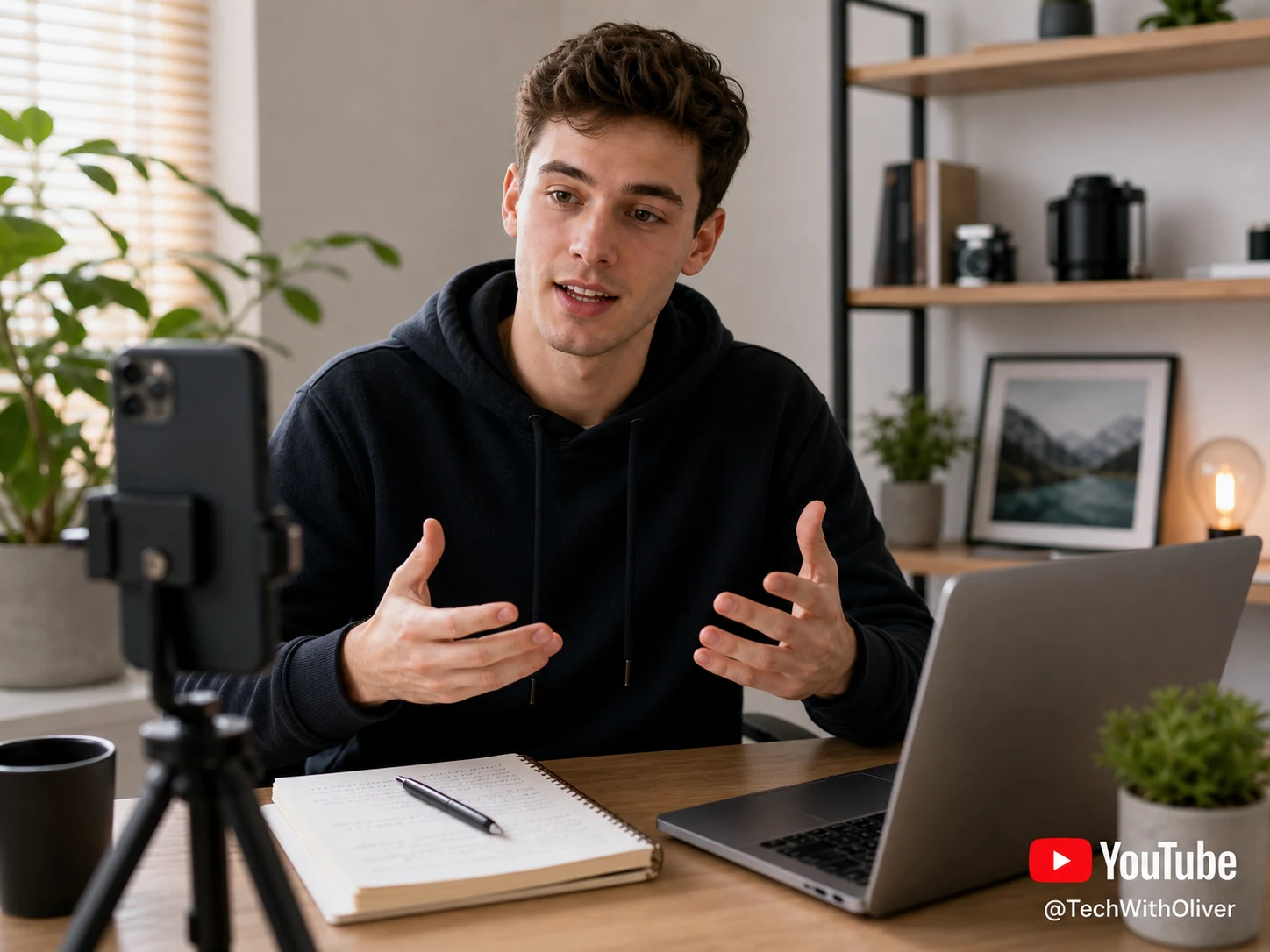
处理前YouTube Shorts video with a visible YouTube watermark before AI removal - UnmarkAI
处理后YouTube Shorts video after AI YouTube watermark removal - UnmarkAI

使用 AI 清理视频里的水印、文字、字幕或 Logo,尽量保留原始画质和画面构图。

UnmarkAI 面向创作者、品牌和团队,用于处理自己拥有、已授权或有权编辑的视频。上传文件后,AI 会识别遮挡区域并重建背景。

在线 AI 视频去水印工具

相比裁剪和模糊,AI 更适合处理移动水印、硬字幕、时间戳和角标,成片更自然。

  • YouTube Shorts marks and channel-logo bugs
  • Creator handles or lower-right play-logo overlays
  • Review-copy labels from client approval workflows
  • AI cleanup works best when the mark is stable and the source file is clear

如何在线清理视频水印?

上传你有权编辑的视频,选择需要清理的区域,预览效果后下载干净版本。

01

如何在线清理视频水印?

上传你有权编辑的视频,选择需要清理的区域,预览效果后下载干净版本。

02

AI removes the YouTube watermark

UnmarkAI identifies the channel logo, Shorts watermark, or review mark and rebuilds the hidden background frame by frame instead of covering it with blur.

03

Preview and download the clean version

Check the before-and-after result around motion edges, textured backgrounds, and lower-right logo areas, then download a clean export for approved reuse.

YouTube Shorts watermark and channel-logo cleanup

YouTube overlays often sit in the lower-right corner, across a channel bug, or near a creator handle. AI cleanup removes the visible mark while preserving the vertical video frame for Shorts, Reels, TikTok, and Facebook uploads.
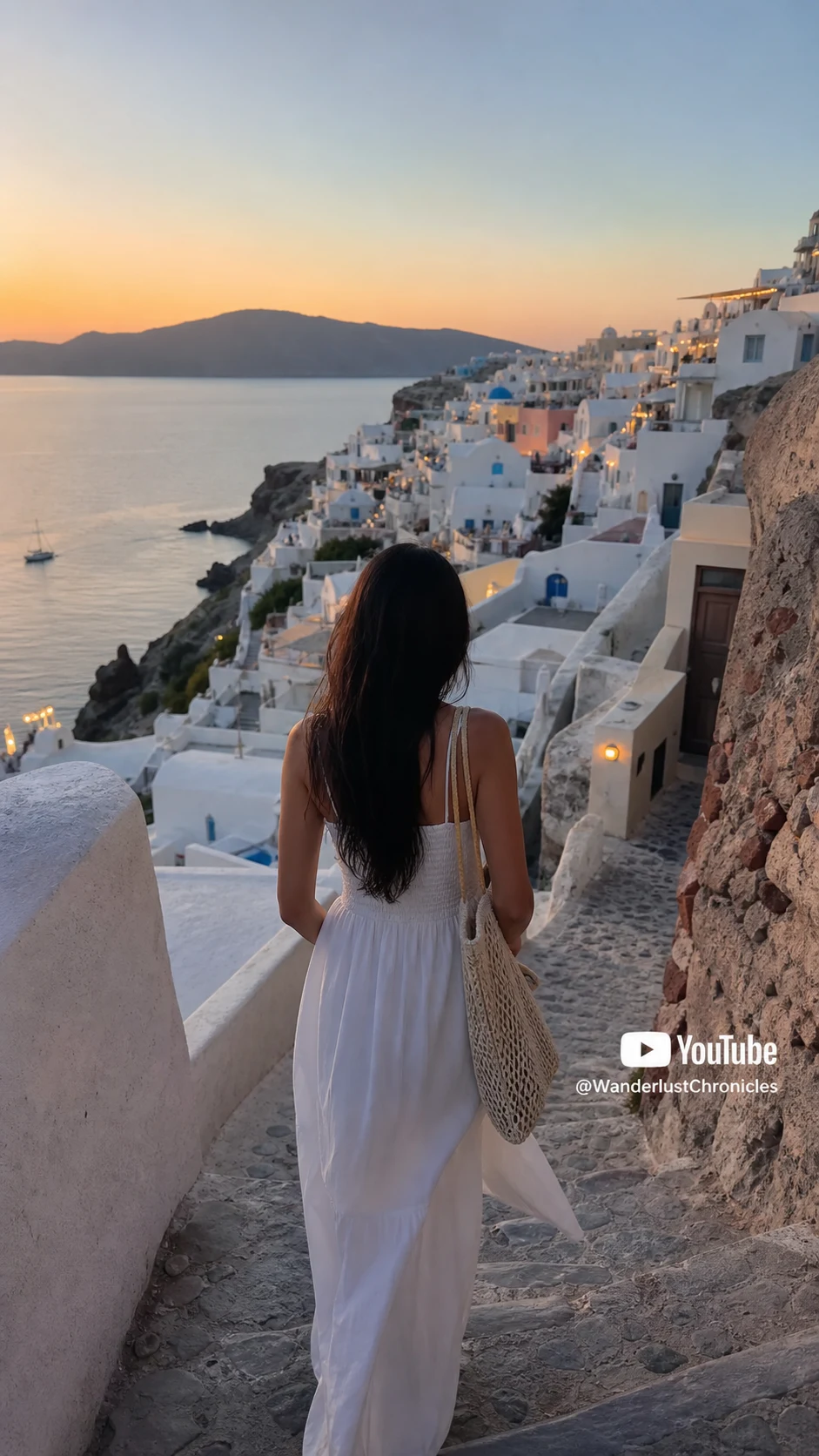

  • Shorts-ready framingKeep the 9:16 composition intact instead of zooming or cropping around the watermark.
  • Channel logo cleanupRemove channel bugs, YouTube-style marks, and review-copy overlays from files you control.
  • No blur patchAI rebuilds the covered stone, fabric, sky, or product texture behind the mark.
处理前Travel YouTube Shorts video with visible YouTube watermark before AI removal - UnmarkAI
处理后Travel YouTube Shorts video after removing the YouTube watermark - UnmarkAI
想要更干净的视频?AI 去水印,不模糊,不压画质。
免费试用
处理前Cooking YouTube video export with watermark before cleanup - UnmarkAI
处理后Cooking YouTube video export after watermark cleanup - UnmarkAI
想要更干净的视频?AI 去水印,不模糊,不压画质。
免费试用

Authorized YouTube cleanup use cases

This page is for lawful cleanup of content you own or have permission to edit, not for stripping attribution from someone else's YouTube video.

  • Creator-owned uploadsClean your own YouTube Studio downloads, Shorts drafts, or channel review exports.
  • Client-approved assetsPrepare agency or editor deliverables after the channel owner approves the cleanup.
  • Licensed footageUse licensed or stock footage only when your license permits edits and final export cleanup.
  • Cross-platform reusePrepare owned YouTube clips for Reels, TikTok, Facebook, ads, or internal campaigns.

支持常见视频格式和设备

可在手机和电脑浏览器中使用,支持 MP4、MOV、WebM 等常见格式。

  • Upload MP4, MOV, AVI, MKV, or WebM files
  • Works in the browser on desktop and mobile
  • Preserves source resolution whenever possible
  • Best results come from clean, high-quality exports

适合跨平台内容复用

可用于清理你自己的短视频、广告素材、教程视频和授权素材,便于在不同平台发布。

  • Clean owned YouTube Shorts before reposting to Reels or TikTok
  • Remove channel-logo overlays from approved client deliverables
  • Prepare tutorial or product clips for ads and landing pages
  • Keep one clean master file for global social distribution

请只处理有权编辑的内容

请确认你拥有视频版权、授权或明确许可。不要用来移除他人内容的署名或平台标识。

  • Safe for your own uploaded videos and approved creator exports
  • Get written permission before editing client or third-party content
  • Do not remove attribution from videos you do not own
  • Review YouTube terms and rights before publishing the cleaned file

AI 清理为什么更自然

AI 会根据周围画面补全被遮挡区域,减少裁剪、模糊和贴片带来的痕迹。

MethodResultBest use
CroppingCuts away frame areaOnly when the watermark is outside important content
BlurringLeaves a visible smudgeQuick internal drafts, not polished publishing
AI inpaintingRebuilds the hidden backgroundOwned or authorized YouTube videos that need a clean export
可信流程

为有授权的视频清理而设计

UnmarkAI 面向创作者和团队,用于处理自己拥有、已授权或有权编辑的内容。产品文案、条款和上传流程都会强调这一边界。

重视版权和授权下载前可预览安全处理清晰的使用政策

常见问题

关于安全、高质量视频清理流程的实用解答。

这个工具适合什么视频?

适合你自己拥有或已获授权的视频,例如原创短视频、品牌素材、课程片段和内部资料。

Can I remove watermark from YouTube video online?

Yes. Upload a YouTube video file you own or are authorized to edit, let UnmarkAI remove the visible watermark with AI, then preview and download the clean result. You do not need to paste a YouTube link.

Can I remove a YouTube Shorts watermark?

Yes, for Shorts you created, uploaded, licensed, or have permission to edit. AI cleanup works best when the watermark is small, stable, and not covering faces or fine detail.

Is it legal to remove a YouTube watermark?

Only remove visible YouTube watermarks from content you own, uploaded yourself, licensed, or have permission to edit. Removing attribution from another creator's content without authorization may violate copyright, contracts, and YouTube's Terms of Service.

准备清理你的视频?

让视频少一点干扰,更适合发布、交付和复用。

立即免费开始

注册获得 10 个积分 · 无需付费