AI Creator Video Cleanup

Video Cleanup for Content Creators

Upload your video

Drag & drop a file here, or click to browse

Videos are processed securely and never shared

MP4, MOV, AVI, MKV, WebM · Up to 2GB

See the difference

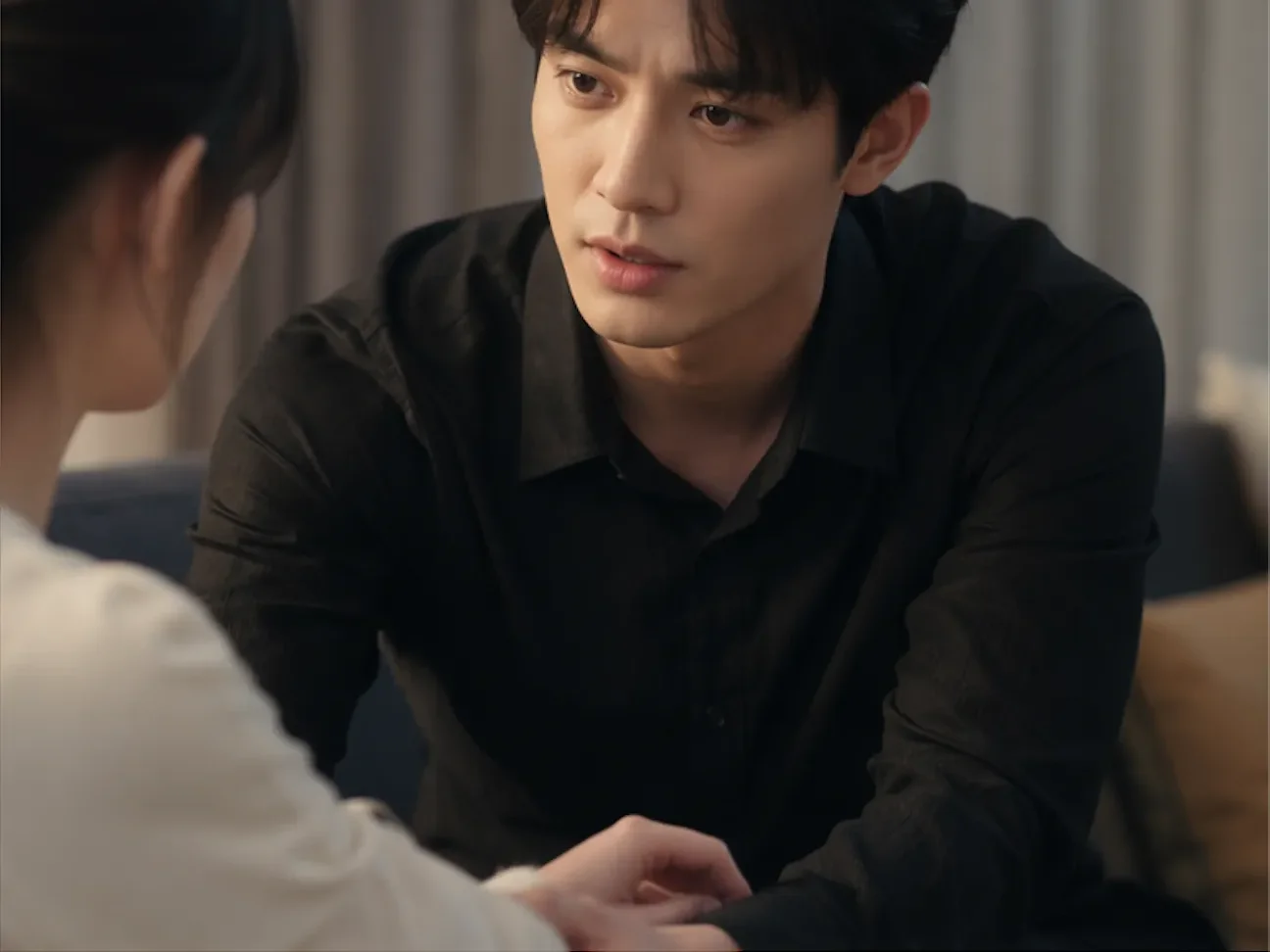
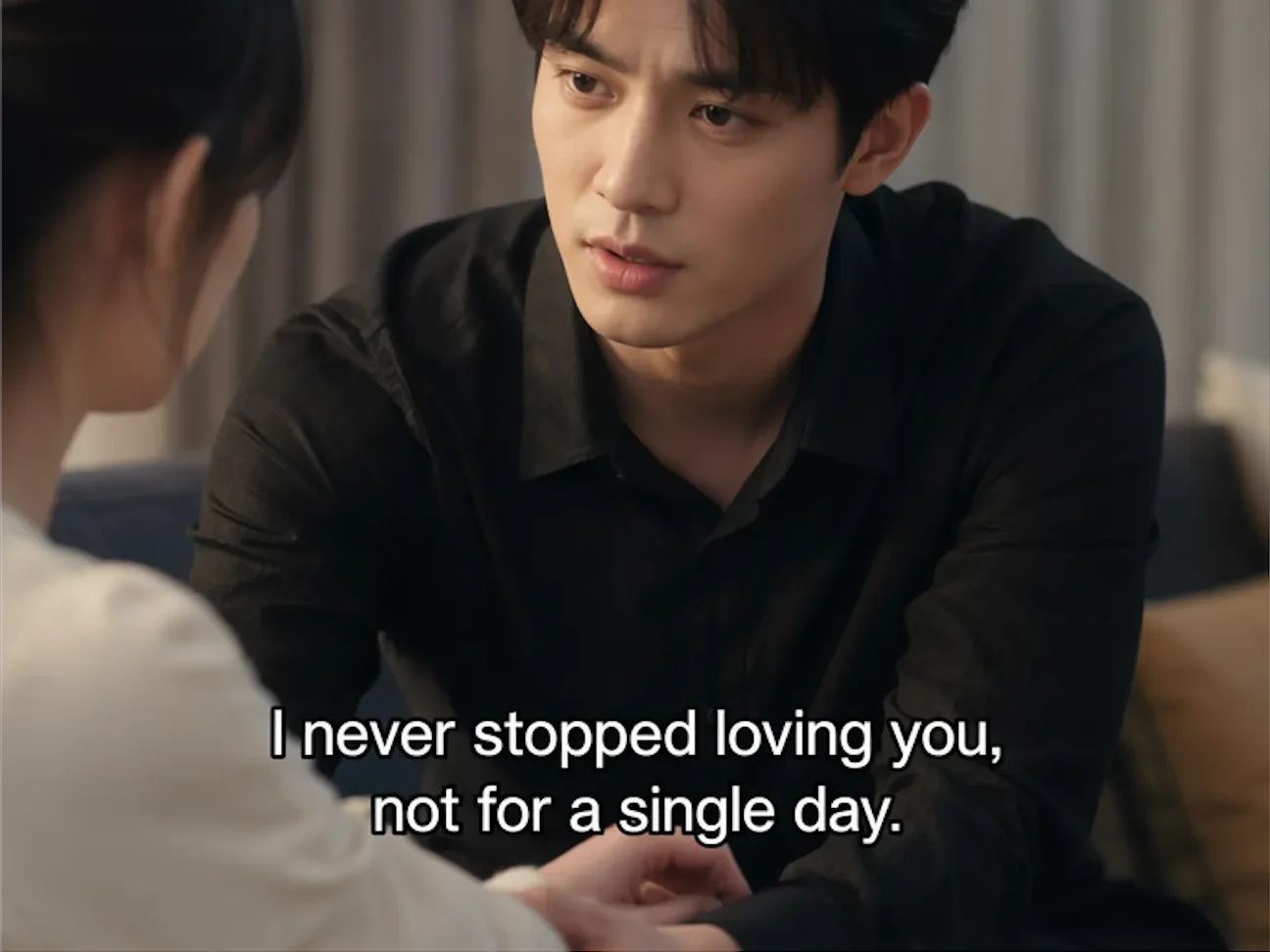
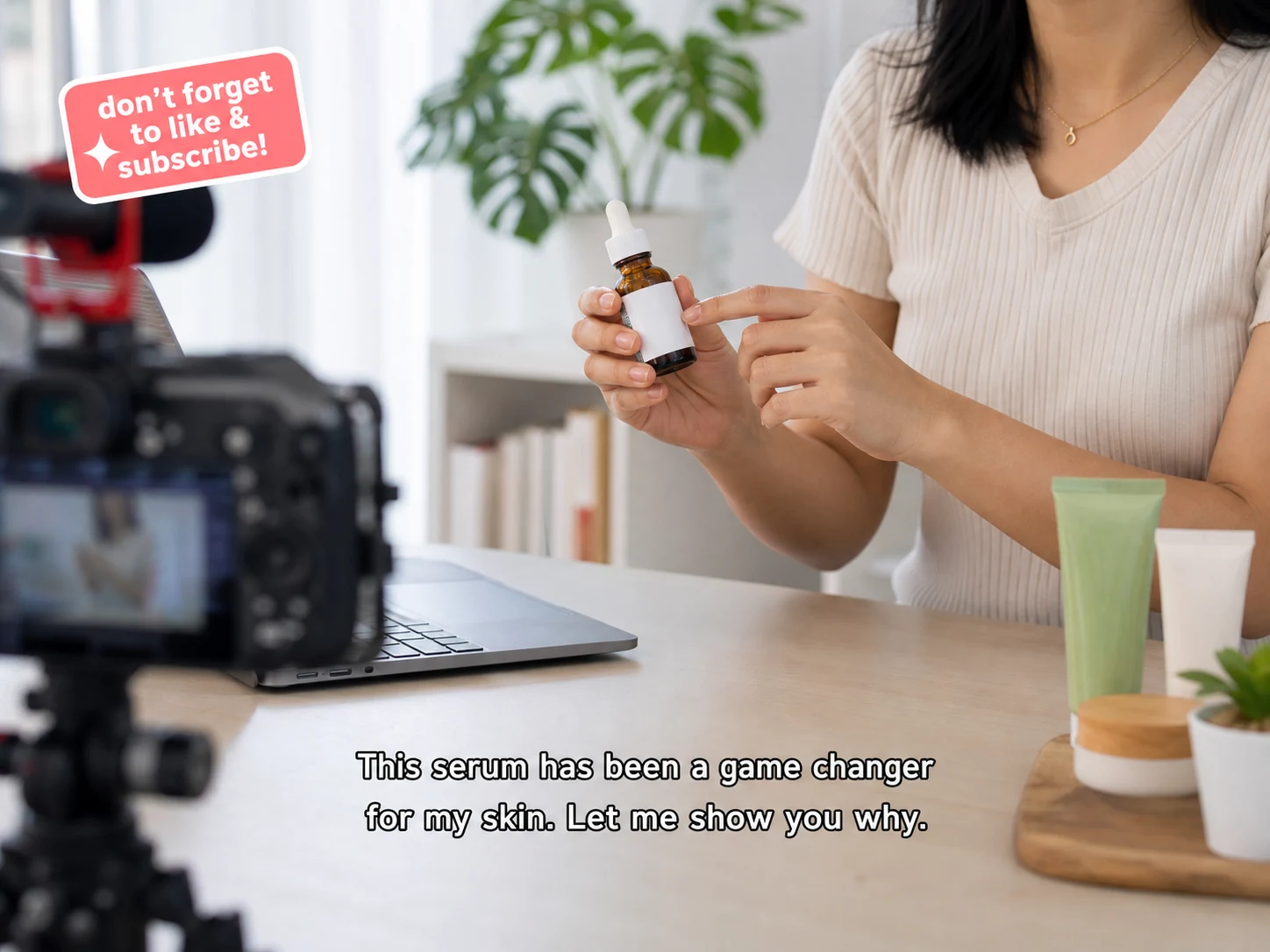
BeforeCreator video with hardcoded captions before AI cleanup - UnmarkAI
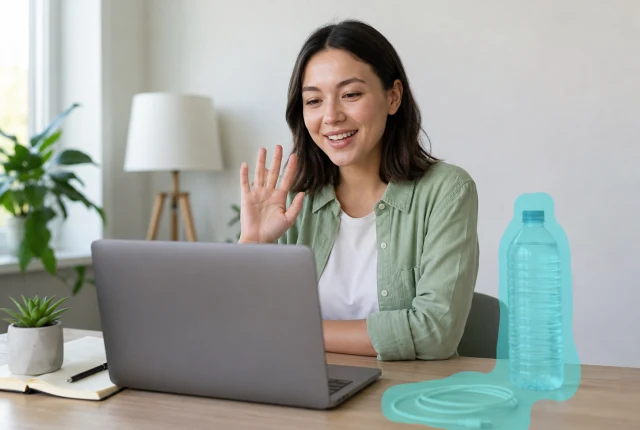
AfterCreator video placeholder after cleanup, ready for final after asset - UnmarkAI

Use UnmarkAI for AI video cleanup for creators who need cleaner social clips, course videos, ad drafts, client exports, and portfolio reels. Remove captions from video, erase burned-in subtitles, clean text overlays, and prepare authorized footage for TikTok, Instagram Reels, YouTube Shorts, ads, and brand delivery.

The workflow is built for creators, editors, social media managers, educators, and agencies working with videos they own, license, produce for clients, or are explicitly authorized to edit.

What is video cleanup for content creators?

Video cleanup for content creators is the process of removing unwanted visible elements from authorized creator footage before publishing or delivering it. These elements can include hardcoded captions, burned-in subtitles, creator notes, stickers, logos, platform watermarks, timestamps, and text overlays. UnmarkAI uses AI inpainting to erase the selected pixels and rebuild the background so creators can keep the full frame without cropping or adding a blurry patch.

What can creators remove from authorized videos?

Creators can use UnmarkAI to remove captions from video, clean social media videos, erase text overlays, remove hardcoded subtitles, clear temporary review notes, and prepare owned or client-approved clips for TikTok, Instagram Reels, YouTube Shorts, course updates, ads, and portfolio edits. The tool is intended only for footage the user owns, licenses, or has explicit permission to modify.

What creator video cleanup can remove

Creator video cleanup focuses on visible elements that distract from the final story or prevent a clip from being reused cleanly. Unlike soft captions or editable project files, burned-in text and stickers are part of the video pixels, so they need AI reconstruction instead of a simple toggle.

Embedded Text & Subtitles

Remove burned-in captions, translated subtitles, lower thirds, and any on-screen text that is permanently part of the video. Perfect for updating or localizing content for new audiences.

Watermarks & Platform Labels

Clean up platform watermarks, creator handles, repost marks, and branding elements that may limit how a video can be shared or repurposed across different channels.

Stickers & Promotional Overlays

Erase emoji stickers, call-to-action graphics, price tags, banners, and other promotional overlays added during editing or social media publishing. Keep your visuals clean and focused.

Dates, Notes & Temporary Elements

Remove timestamps, screen-recording labels, draft annotations, review notes, and any temporary information that was never meant to be in the final version of your video.

How to clean creator videos online

Upload an authorized video, mark the caption, sticker, watermark, or text area, then let AI remove the selected pixels while preserving the frame for reposting, editing, or client review.

01

Upload your creator video

Upload a social clip, course lesson, ad draft, product video, tutorial, client export, or portfolio reel you own or are authorized to edit. MP4, MOV, WebM, AVI, and MKV are supported.

02

Select captions, stickers, watermarks, or text

Draw a tight box around hardcoded captions, burned-in subtitles, creator notes, platform marks, timestamps, product labels, stickers, or review copy that should be cleaned from the frame.

03

AI cleans the frame for reuse

UnmarkAI removes the selected area and reconstructs the hidden background with AI inpainting. Preview the cleaned clip, then export a version ready for new captions, edits, or delivery.

Creator caption cleanup for social reposting

Creators often need one clean master before resizing, translating, or reposting a clip across TikTok, Instagram Reels, YouTube Shorts, Facebook, LinkedIn, and paid ads. AI cleanup removes old captions or text overlays without cropping away the lower frame.

  • Hardcoded captionsRemove captions from video when the words are burned into the pixels and cannot be switched off.
  • Cross-platform editsClean social media videos before adding fresh captions, hooks, or localized text for each platform.
  • No crop or blurKeep the original composition instead of cutting off hands, products, subtitles, or lower-third detail.
BeforeSocial creator video with hardcoded captions before cleanup - UnmarkAI
AfterPlaceholder after asset for social creator video cleanup - UnmarkAI
Ready for a cleaner clip?AI-powered, no blur, no quality drop.
Start free
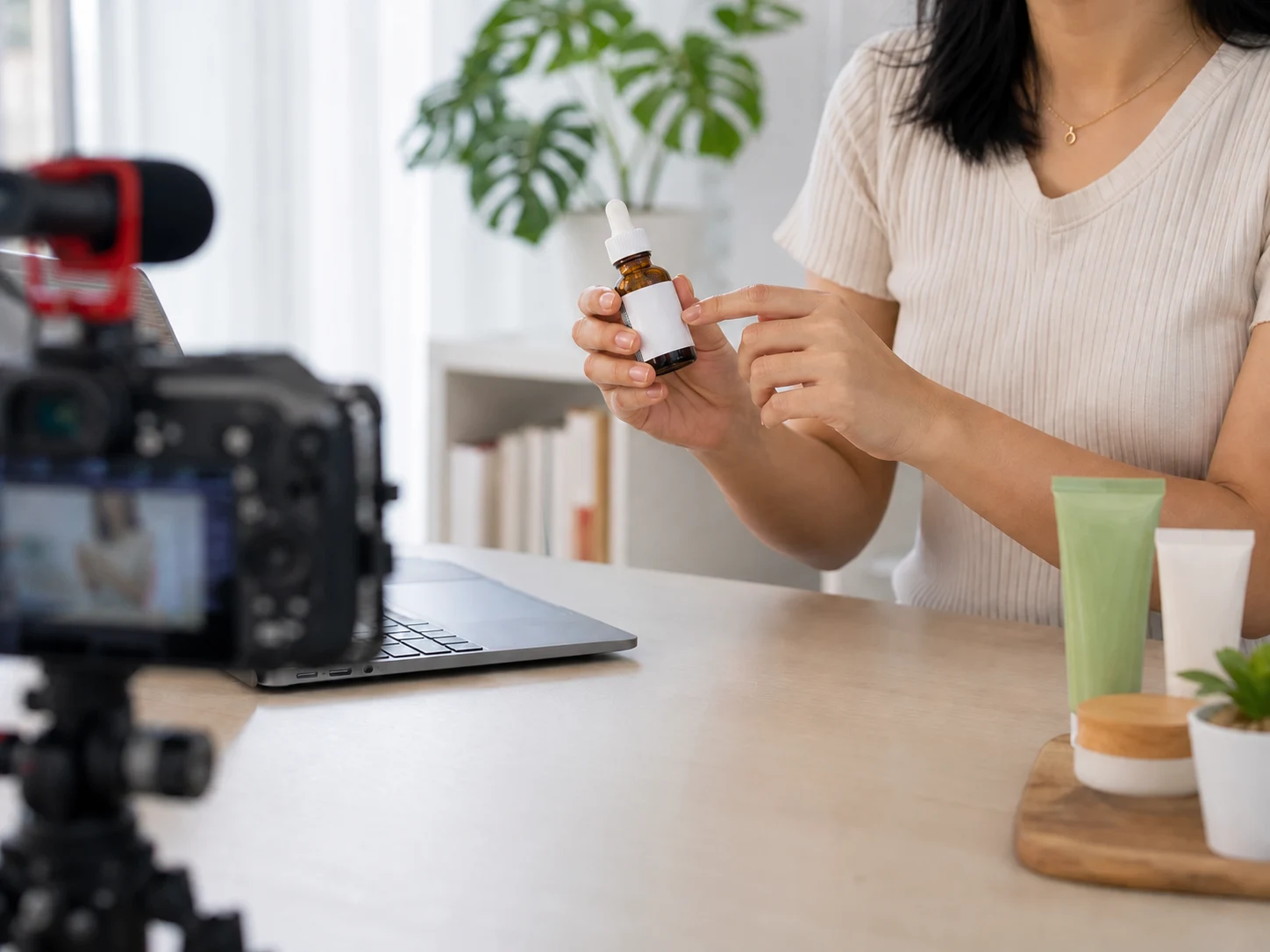
BeforeTutorial creator video with visible text overlay before cleanup - UnmarkAI
AfterPlaceholder after asset for tutorial creator video cleanup - UnmarkAI
Ready for a cleaner clip?AI-powered, no blur, no quality drop.
Start free

Clean tutorials, courses, ads, and client drafts

Creator videos are not only social clips. Tutorials, online courses, product demos, brand ads, and client drafts may include outdated captions, review notes, temporary stickers, lower-thirds, or campaign copy. AI cleanup helps create a cleaner source before the next edit.

  • Course updatesRemove outdated captions, interface notes, timestamps, or lesson labels before publishing a revised version.
  • Brand and client deliveryClean approved drafts by removing review copy, temporary labels, or placeholder text.
  • Ad creative refreshErase old hooks, CTAs, price tags, or sticker-style overlays before testing new creative.

Formats and creator workflows supported

UnmarkAI works in the browser for common creator delivery files. Upload the highest-quality source available so AI has enough texture, color, and motion detail to rebuild the area behind removed captions or overlays.

Video Formats

MP4, MOV, WebM, AVI, and MKV formats are supported for all standard creator delivery workflows.

Aspect Ratios

Works with vertical 9:16, square 1:1, landscape 16:9, and any custom cropped social media variants.

Content Types

Clean up social clips, detailed tutorials, online courses, product demos, ads, screen recordings, and client drafts.

Batch Workflow

Queue multiple clips to quickly clean videos that use captions, logos, or text overlays in the same position.

Why creators clean videos before publishing

A clean master gives creators more control. Instead of locking one platform caption, sticker, or campaign message into every version, teams can remove old overlays and add fresh text for each channel, audience, or brand review.

Social Repurposing

Prepare one clean master clip for TikTok, Instagram Reels, YouTube Shorts, Facebook, LinkedIn, Pinterest, and paid ads.

Global Localization

Remove English, Spanish, Portuguese, Japanese, or Chinese burned-in captions before adding new market-specific subtitles.

Creator Workflow

Refresh old hooks, stickers, CTAs, captions, and review notes to give your content a longer lifespan without refilming.

Agency Delivery

Clean approved client assets to remove temporary marks before final captioning, resizing, or brand-safe export.

Use creator cleanup only on authorized footage

Only clean videos you own, license, produce for a client, or have explicit permission to modify. Do not use UnmarkAI to mislead viewers, remove required attribution, or strip marks from third-party content you are not allowed to edit.

Original Content

Clean your original creator videos where you own the rights and control all editing and distribution decisions.

Client-Approved Edits

Process footage you produce for clients when you have written permission for cleanup and final delivery.

Licensed Media

Modify licensed stock or archival media only when the license terms explicitly allow derivative edits and overlay replacement.

Internal Assets

Clean internal brand, course, and team video assets where AI cleanup is already an approved part of the workflow.

Why AI cleanup beats cropping, blur, and manual clone work

Cropping can damage framing, blur makes the cleaned area obvious, and manual clone work is slow across many clips. AI inpainting uses nearby texture, lighting, edges, and motion context to rebuild the area behind removed captions, stickers, or text overlays.

MethodFrame qualityCreator workflow fitBatch effort
AI inpaintingFull frame preservedClean master ready for new captions and editsWorks well for repeated creator clips
CroppingRemoves overlay area and visual contextCan break platform framingManual reframing per clip
Blur or mosaicFrame remains but patch is visibleLooks unfinished for brand or client deliveryFast but lower quality

Preserves Full Frame

AI inpainting reconstructs the background behind visible text so you can keep your original framing without cropping.

No Distracting Cropping

Avoid the need to cut away products, hand gestures, screen UI, or important lower-frame context just to hide a logo.

Seamless Results

Unlike simple blur or mosaic patches that draw attention to the edit, AI reconstruction blends smoothly with the surroundings.

Scales Effortlessly

Manual frame-by-frame cloning is slow. AI cleanup is built to scale for batch creator clips, ad variants, or course libraries.

Trust

Built for authorized video cleanup

UnmarkAI is designed for creators and teams working with content they own, license, or have permission to edit. The product copy, terms, and upload flow all reinforce that boundary.

Rights-aware workflow

Designed to help you clean videos you own, license, or are explicitly authorized to edit.

Preview before download

Check the AI reconstruction frame-by-frame before exporting the final clean video.

Secure processing

Your uploads and exports are processed securely and never shared with third parties.

Clear acceptable use policy

Strict guidelines against removing attributions from unauthorized third-party content.

Frequently asked questions

Practical answers for safe, high-quality cleanup workflows.

Can I remove captions from video for social reposting?

Yes, if the video is yours or you are authorized to edit it. Select the hardcoded caption area and UnmarkAI will remove the visible text so you can add fresh captions for another platform.

Can creators remove stickers or text overlays from videos?

Yes. UnmarkAI can clean stickers, emoji overlays, lower-thirds, draft notes, timestamps, and campaign text when those elements are visible in the video pixels.

Does this work for TikTok, Instagram Reels, and YouTube Shorts?

Yes. The workflow is suitable for vertical social videos, Reels, Shorts, TikTok clips, square posts, horizontal tutorials, and ad creatives that you own or have permission to modify.

Can I batch clean multiple creator clips?

Yes. Batch cleanup is useful when multiple clips use captions, stickers, or lower-thirds in the same location. Upload the files together and reuse the same cleanup method where appropriate.

Is video cleanup legal for content creators?

It is appropriate for content you own, license, create for a client, or have explicit permission to edit. Do not remove attribution, required notices, or marks from third-party content without authorization.

Ready to clean your videos?

Join thousands of creators who use UnmarkAI to deliver distraction-free content.

Start for Free Now

Get 10 credits on sign up · No credit card required