
Video Text Removal API
Remove burned-in subtitles and text with selected-area or full-frame processing.
Update captions and owned text, clear ordinary scene distractions, then translate, dub, and publish in multiple languages.
For videos you own, license, or are authorized to edit.
Showing English video, slide 2 of 4.
A clear three-step path keeps old captions out of the final frame and gives every new language a clean visual foundation.
Update hardcoded captions, owned text, and ordinary scene distractions without cropping the frame.
Convert subtitles and speech, then review names, key terms, and timing before delivery.
Prepare voiceover, check caption timing, and export a localized version for the next audience.
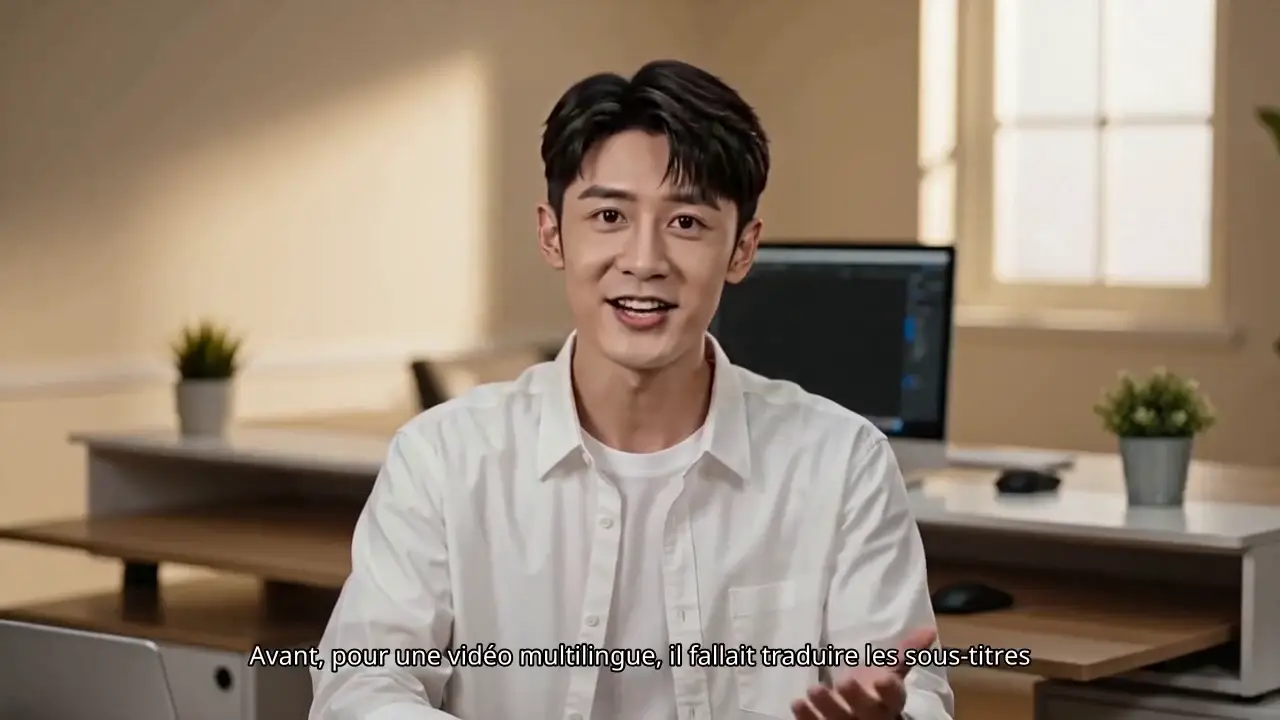

 Before cleanup
 Clean frame
Remove outdated captions, timestamps, lower thirds, and owned on-screen text before they collide with a new language or layout.
 Original market
 New market
Move from a reviewed source into translated subtitles, voiceover, and market-ready exports without rebuilding the edit for every language.
UnmarkAI is designed for footage that already exists and needs a cleaner, reviewable path before multilingual delivery.
Reuse owned clips across languages while keeping one clean source master.
Prepare vertical episodes for translated subtitles, dubbing, and overseas release.
Adapt campaign, talking-head, and client videos without rebuilding every edit.
Localize product demos, lessons, tutorials, and training for regional audiences.
Use content you own, license, or are explicitly authorized to modify. Preserve attribution, provenance, and required notices throughout the workflow.
Use the REST APIs in your app, or connect an AI agent to the subtitle removal MCP server and skills.
Remove burned-in subtitles and text with selected-area or full-frame processing.
Translate and dub videos through an asynchronous API.
Connect Claude Code, Cursor or another MCP-capable agent to remove subtitles.
Agent Skills · GitHubDirect answers about updating subtitles and owned text before translating, dubbing, and publishing localized videos.
No. UnmarkAI is only for content you own, license for editing, or are explicitly authorized to modify. Attribution, provenance, ownership marks, safety labels, evidence, and required notices must remain intact.
Yes. Start with a Chinese source video, update hardcoded Chinese subtitles or on-screen text when needed, then create English subtitles, dubbing, and localized exports for global audiences.
Yes. UnmarkAI removes burned-in subtitles and fixed captions that are part of the video pixels, creating a cleaner frame before re-subtitling, dubbing, translation, or cross-platform publishing.
Yes. The video translation workflow supports translated voiceover and dubbing review after the source frame is cleaned, so teams can check subtitles, voice timing, and delivery quality together.
Yes. Removing old source-language subtitles first prevents them from colliding with new translated subtitles, captions, and market-specific layouts.
Yes. UnmarkAI can clean on-screen text, lower thirds, review labels, and hardcoded captions from authorized videos before translation and localization.
The strongest fit includes short dramas, talking-head videos, tutorials, course videos, product demos, creator clips, and repurposed social videos that need subtitle cleanup, translation, dubbing, or multilingual delivery.
Bring one clean source into a reviewable translation, dubbing, and publishing workflow.