
What is short drama translation?
Short drama translation turns an episode’s dialogue into another language. UnmarkAI generates dubbing and subtitles; you review names, relationships and wording so the story remains clear.
Translate a short drama episode into the languages your viewers speak. Generate AI dubbing and subtitles, then check the dialogue, character names and pacing before publishing.
Upload 2–200 episodes
Select the complete short drama you own or have permission to translate.
MP4, MOV, WebM, MKV, or AVI
Check the point estimate before starting
The video translator also works with tutorials, interviews and product demos. See the main page for formats, languages and download options.
Short drama translation turns an episode’s dialogue into another language. UnmarkAI generates dubbing and subtitles; you review names, relationships and wording so the story remains clear.
Check recurring names, forms of address, jokes and lines spoken over one another. Keep a reference list outside the tool and compare each episode against it. Manual text review requires an eligible plan.
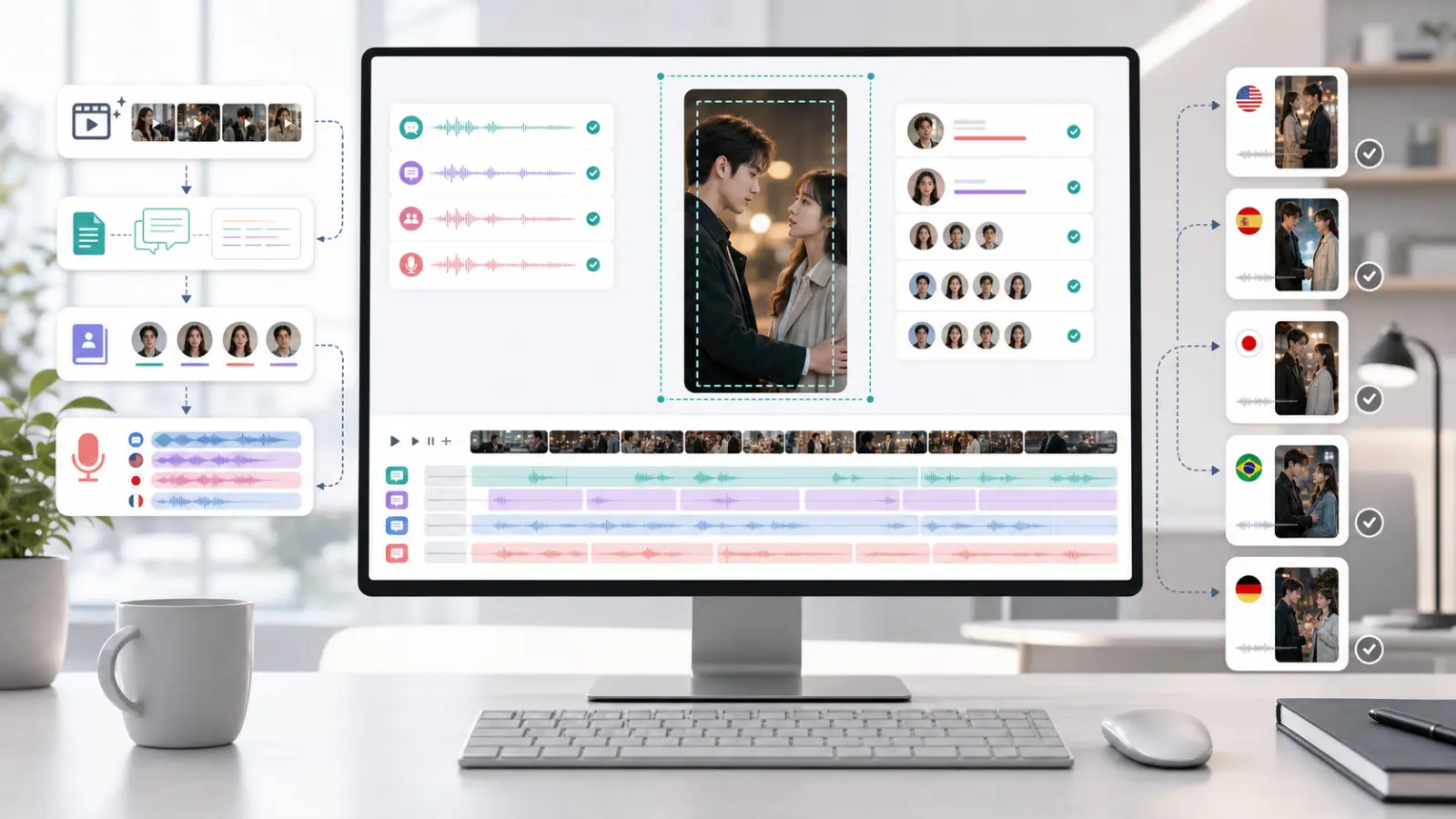
This illustration shows the production stages. Use the workbench for translation and dubbing, and keep your own reference notes for names and recurring dialogue.
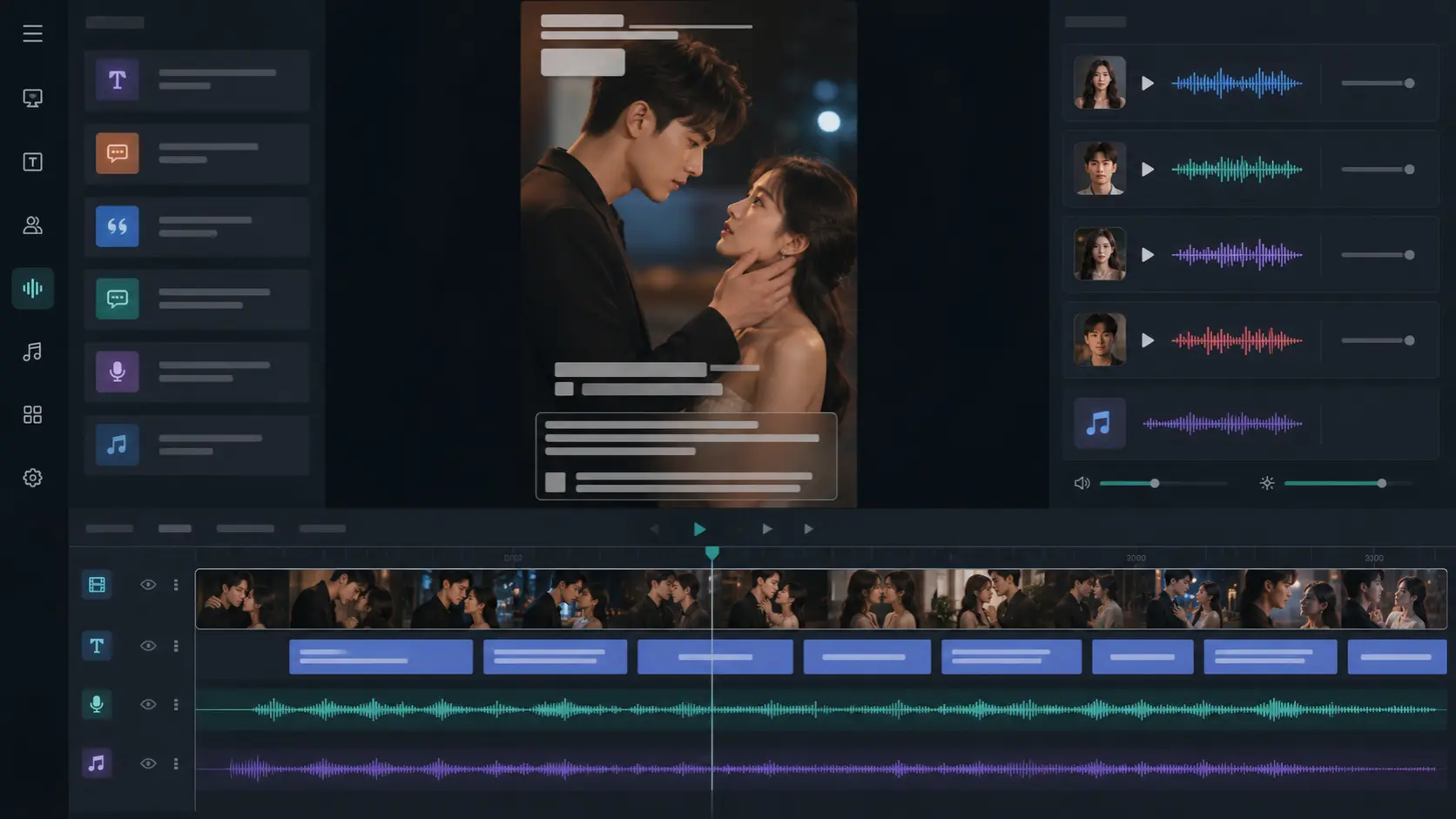
If the original captions are embedded in the picture, they can overlap the translation. Eligible plans can clean the old captions first. Check the result on moving and detailed backgrounds.
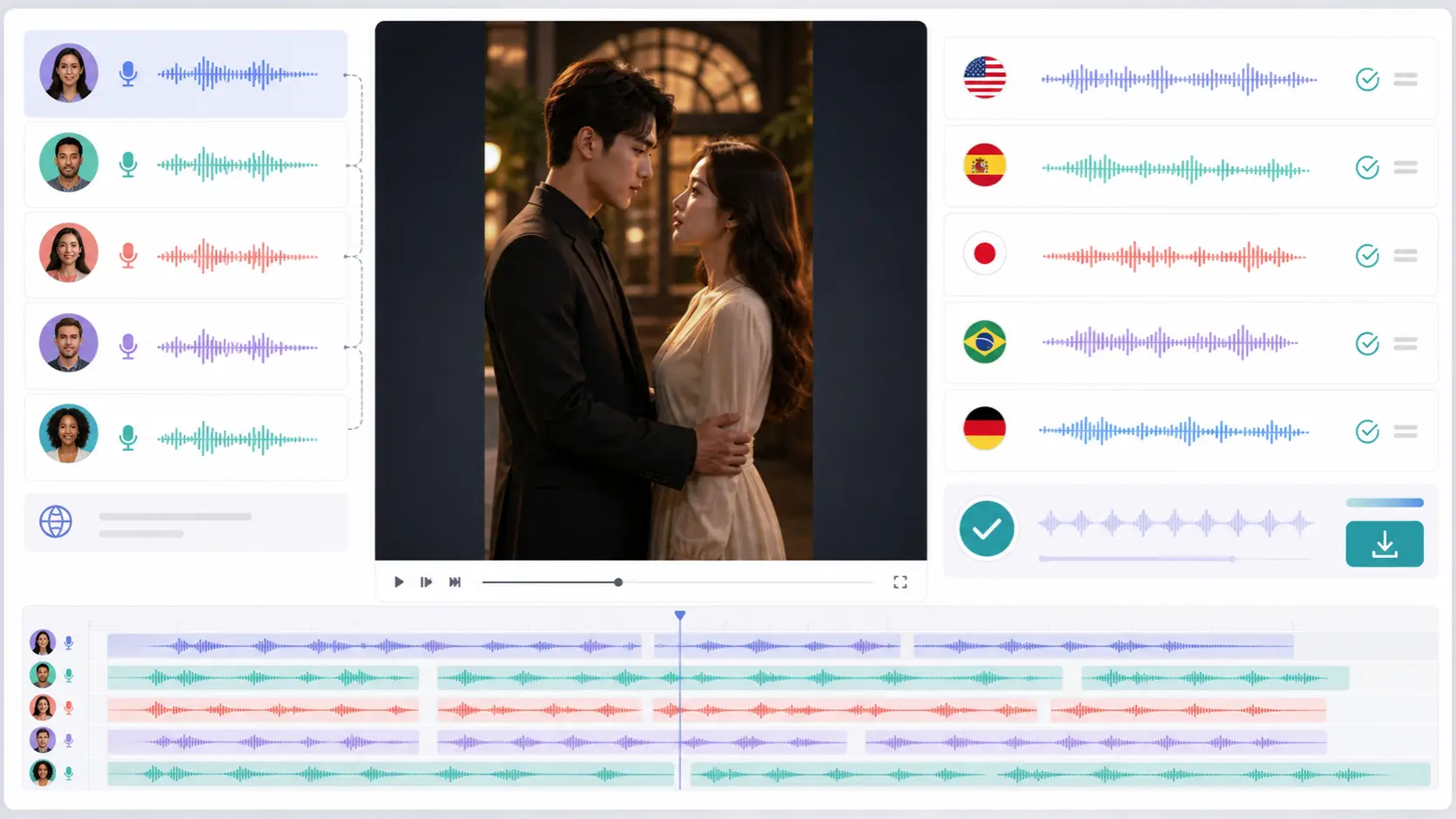
A translation produces dubbing and subtitles. If you only need captions for the original performance, use the downloaded SRT with your original video in an editor or player.
A video with translated speech. Choose whether to show translated captions.
Timed captions you can load in an editor or player.
The original transcript with timing, useful for checking the translation.
The generated speech as a separate audio file for listening or editing.
Start with one episode. Review a short sample before translating more of the series.
Start short drama translationChoose your original video and target languages. If old subtitles need removing, select that option on an eligible plan.
Start after checking the estimate. With manual review enabled, correct the transcript and translated dialogue when the task pauses, then continue.
Check the dubbing, subtitles and scene timing. Download the video and separate subtitle and audio files.
Choose the clip you need and check the translation in context.
Choose from 69 target languages in the workbench. Ask a fluent speaker to check expressions that depend on context or local usage.
Read the subtitles while listening to the dubbed episode. Check that names, dialogue and pauses make sense together. AI dubbing may need further editing for scenes that depend on a precise performance.
Compare names and forms of address with your reference list across episodes. Use the same reference list when reviewing later episodes.
Check jokes, short replies and emotional lines with a speaker of the target language.
Watch cuts and pauses. Shorten crowded captions in your editor and keep them clear of faces and player controls.
Check speaker changes, background audio and caption cleanup. Name downloaded files by episode and language before publishing.
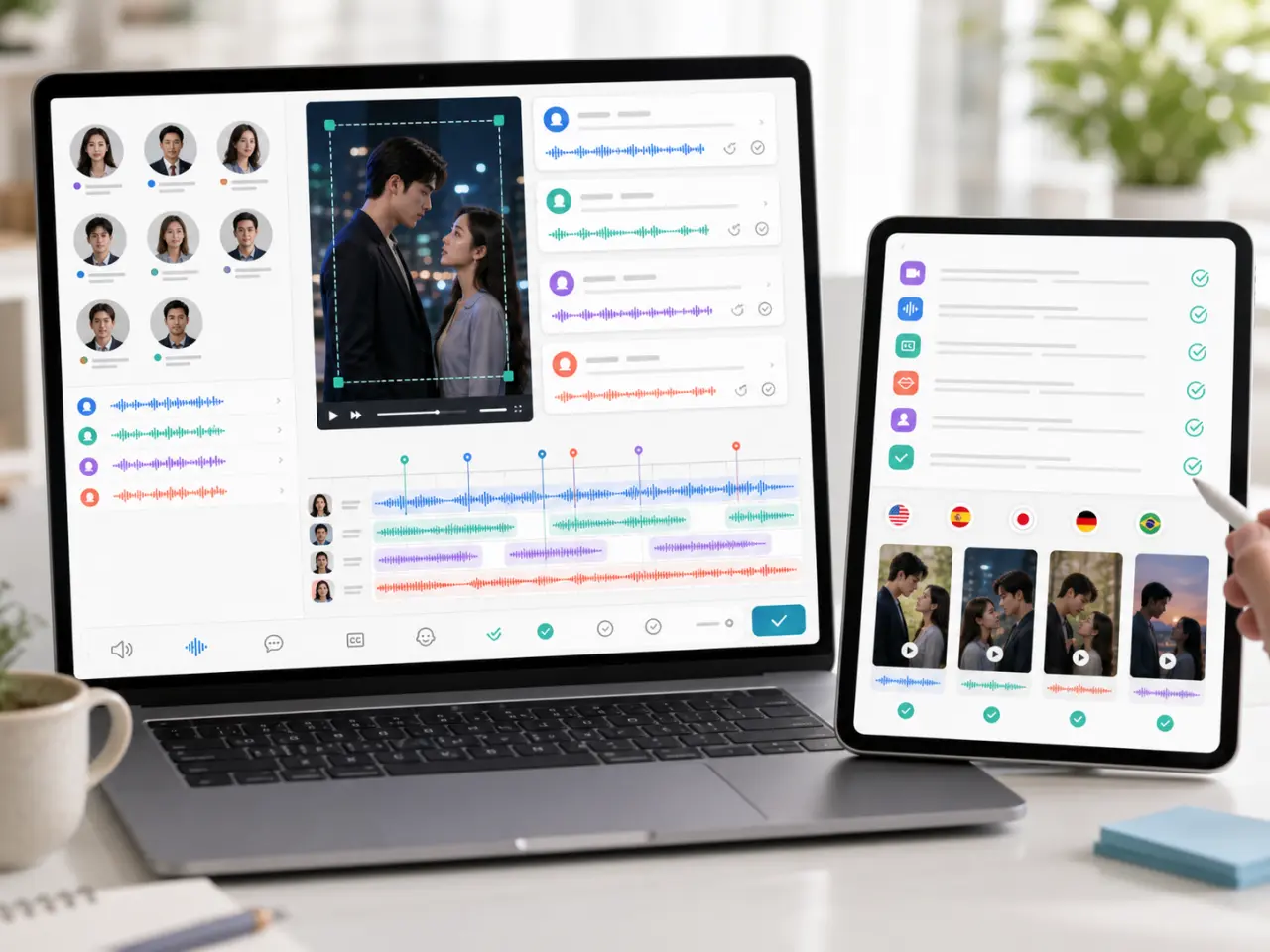
| Stage | Available output | Your check | Where to check |
|---|---|---|---|
| Transcription | Original text | Names and unclear speech | Manual review on eligible plans |
| Translation | Translated text | Forms of address and meaning | Manual review on eligible plans |
| Dubbing | Translated voice | Pronunciation and emotion | Finished video or MP3 |
| Subtitles | SRT and optional captions | Line length and placement | Finished video or subtitle editor |
New accounts receive 10 free points. The free plan processes the first 30 seconds of a video. Check the point estimate before starting, especially if you add languages or extra options.
Yes. Select a target language and add more in the workbench. Each added language affects the estimated cost. Check each version separately before publishing.
Keep your own list of names and forms of address, then compare each episode against it. Eligible plans let you correct the transcript and translation during manual review. Keep this reference list yourself and use it during review.
You can download the translated SRT and use it with the original video in your editor or player. The video translation task itself generates dubbing as well as subtitles.
Eligible plans can clean captions embedded in the video picture before new subtitles are added. Check the cleaned area during movement and preserve required notices.
Lip sync is not currently available in the workbench. Check the dubbed dialogue against the scene, and use a separate editing step if matching mouth movements is essential.
Processing time depends on video length, selected languages, options and service load. The task page shows progress. Start with a short sample to assess the result and allow time for review.
Upload an episode and choose your languages. New accounts receive 10 free points; the free plan processes the first 30 seconds.