Cómo limpiar una marca de agua de un video online
Sube un video que puedas editar, marca la zona a limpiar, revisa la vista previa y descarga el resultado.
Arrastra un archivo aquí o haz clic para buscar
MP4, MOV, AVI, MKV, WebM · Hasta 2 GB
Ver la diferencia →


Limpia marcas de agua, texto, subtítulos o logos con IA, manteniendo el encuadre y la calidad del video siempre que sea posible.
UnmarkAI ayuda a creadores, marcas y equipos a limpiar videos propios, licenciados o autorizados desde el navegador.
La IA suele verse más natural que recortar o desenfocar cuando trabajas con logos móviles, subtítulos, fechas o texto incrustado.
Sube un video que puedas editar, marca la zona a limpiar, revisa la vista previa y descarga el resultado.
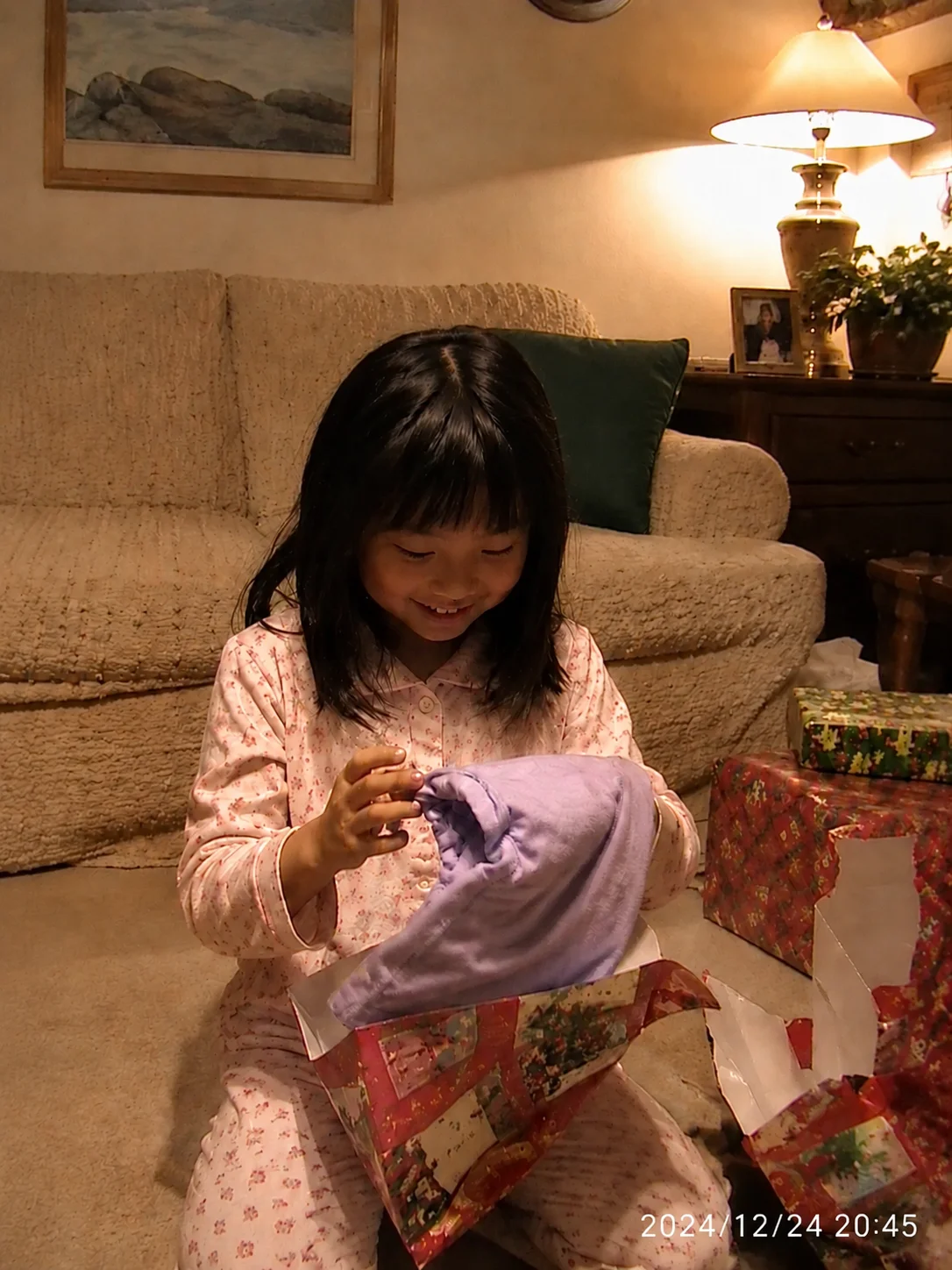
Draw a tight box around the area where the timestamp, date code, or time watermark appears. The AI maps this region across every frame to ensure consistent removal throughout the entire clip.
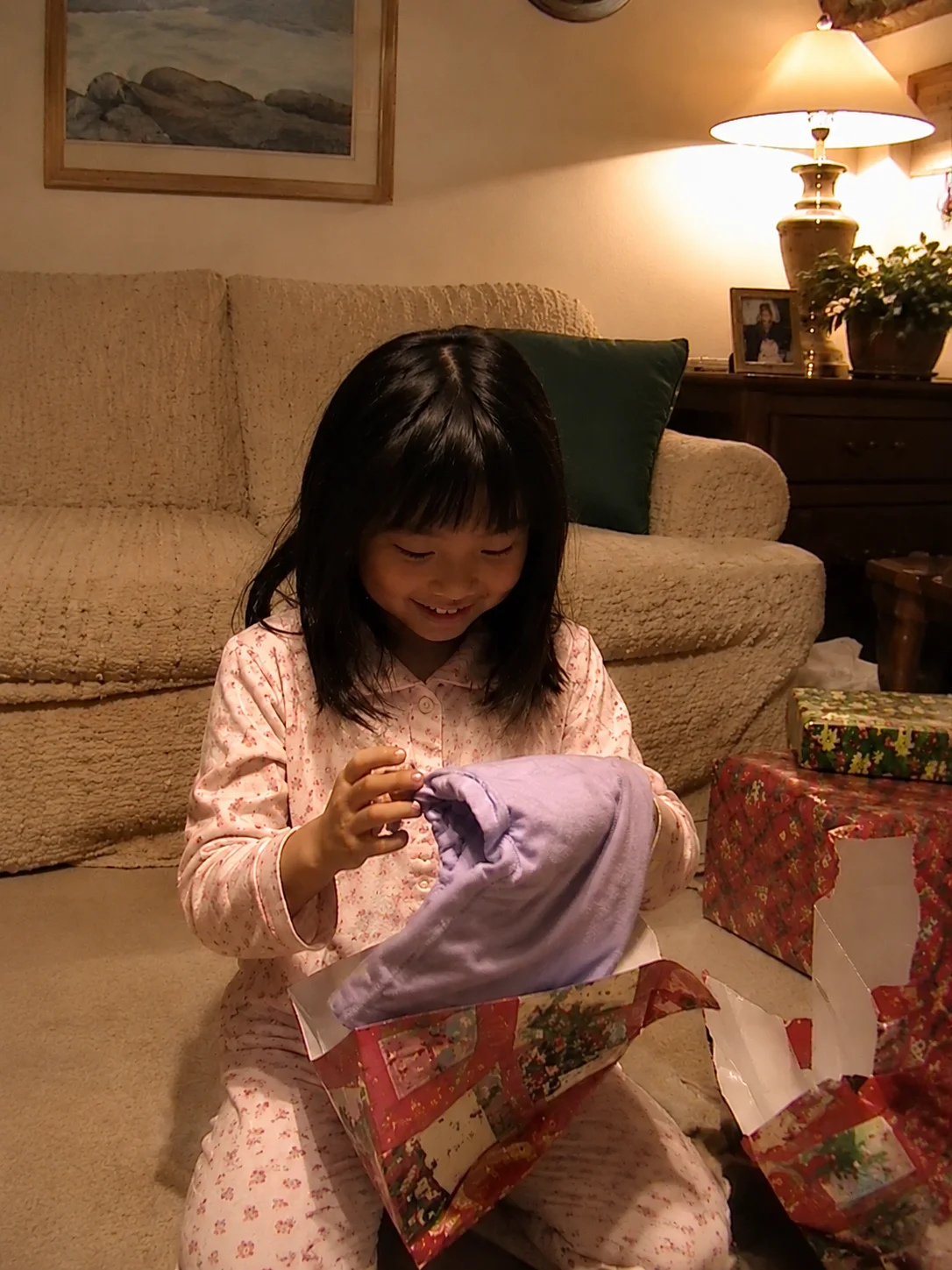
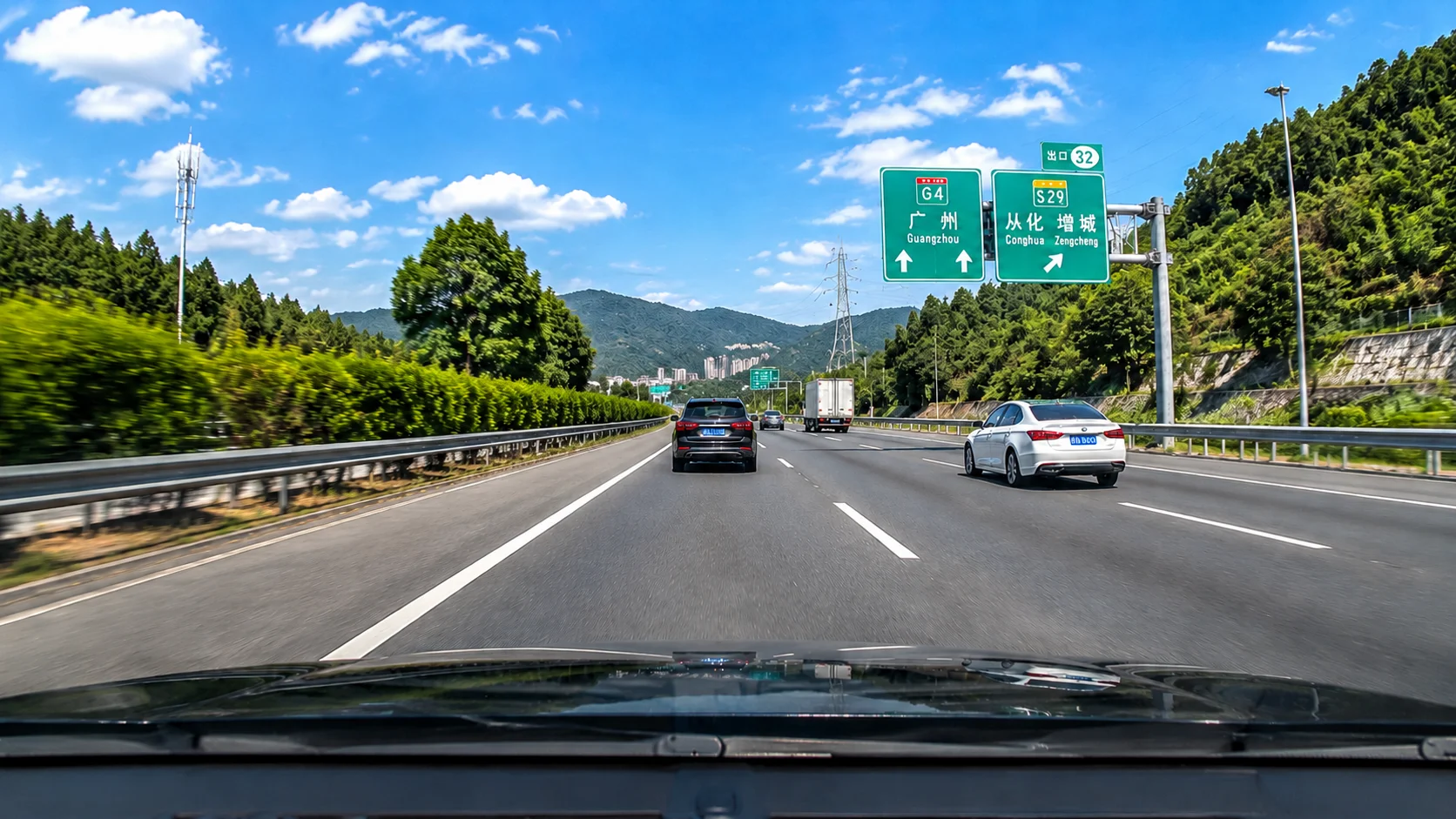
AI inpainting erases the time/date overlay and reconstructs the original footage behind it using surrounding pixels. Preview the result side-by-side, then download the clean export at original resolution.
AI inpainting detects the timestamp region and reconstructs the hidden background pixel by pixel. The result looks like the date stamp was never there — no blur patch, no crop.


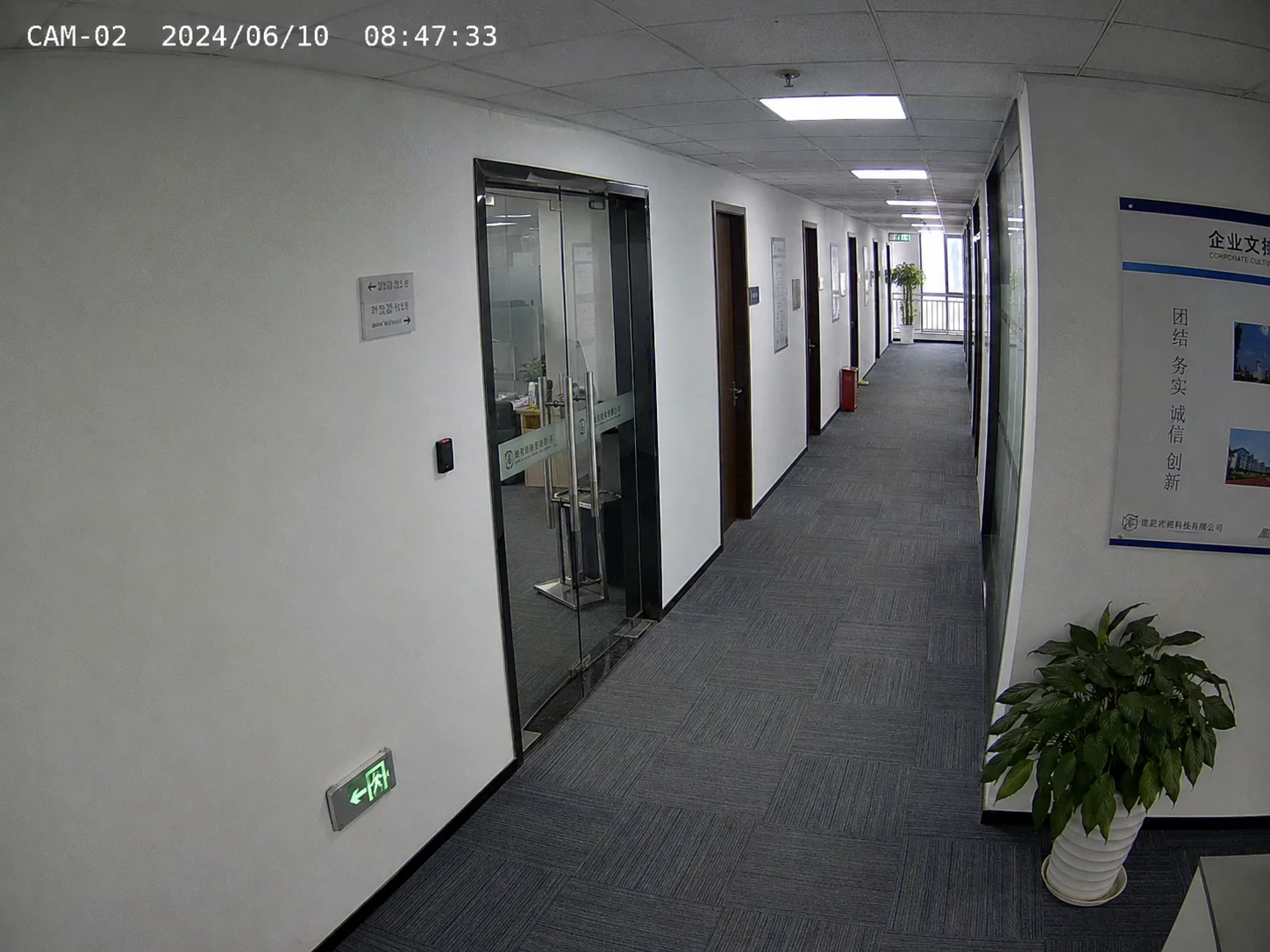
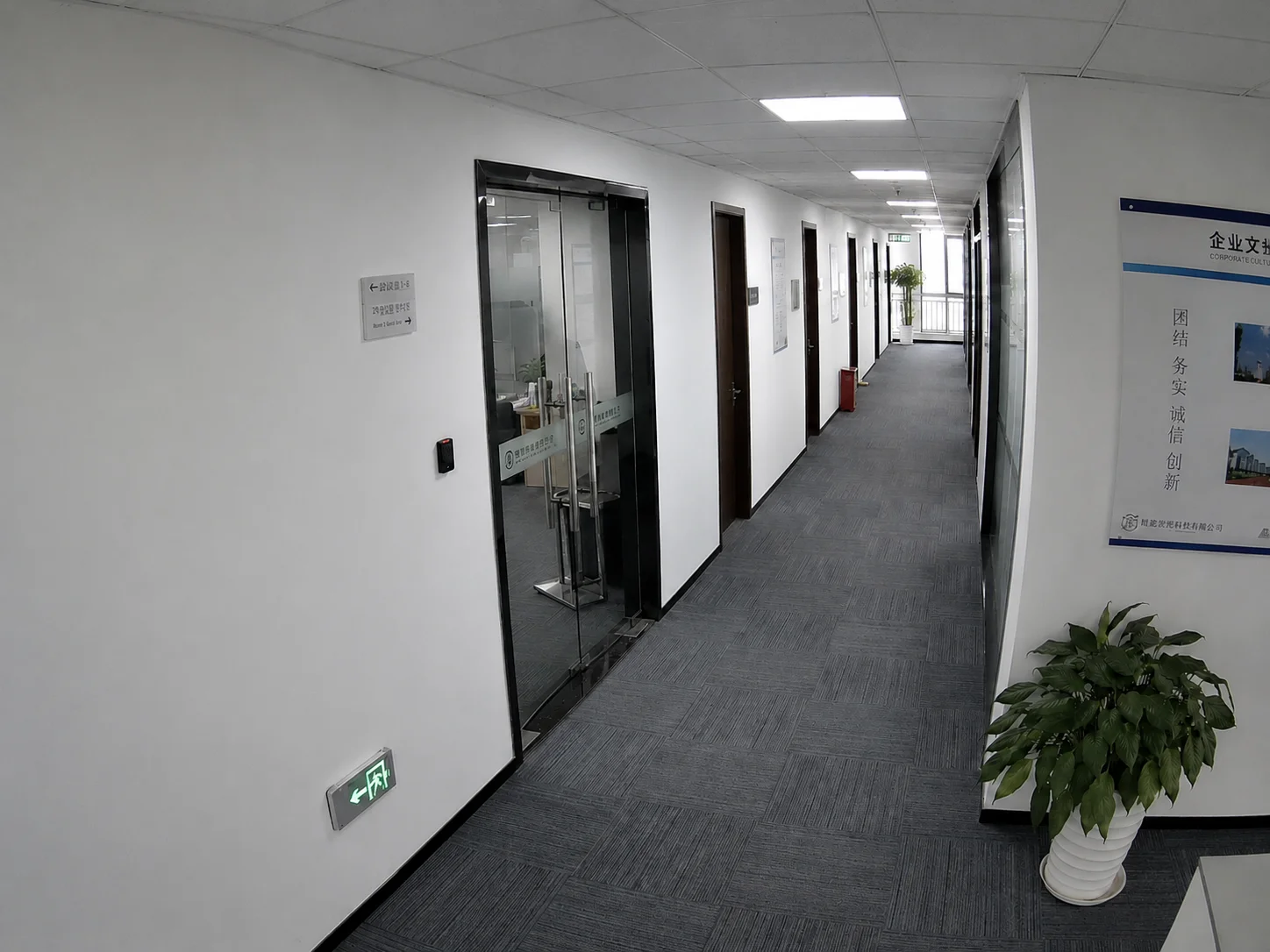
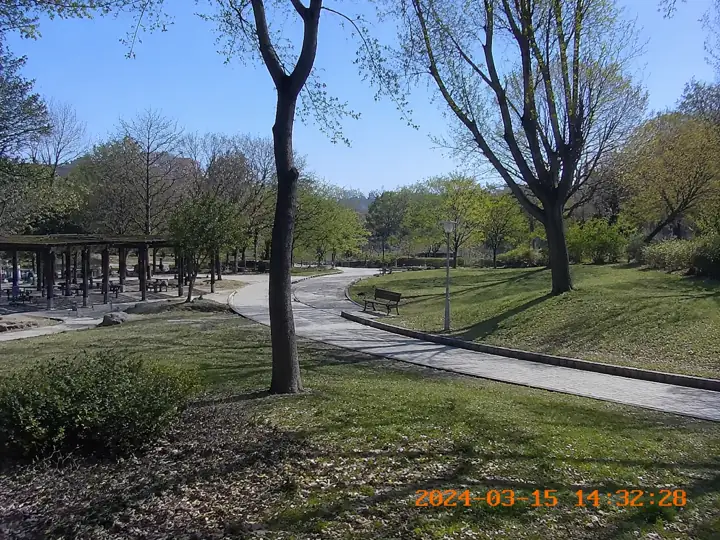
Remove surveillance camera time overlays.


Security cameras from Hikvision, Dahua, and similar systems burn a timestamp overlay directly into recorded footage. AI can remove these time watermarks and restore the underlying scene.
Timestamp removal is legitimate when you are cleaning your own footage, a licensed asset, or an approved recording. It is not intended for altering third-party evidence or misrepresenting recording dates.
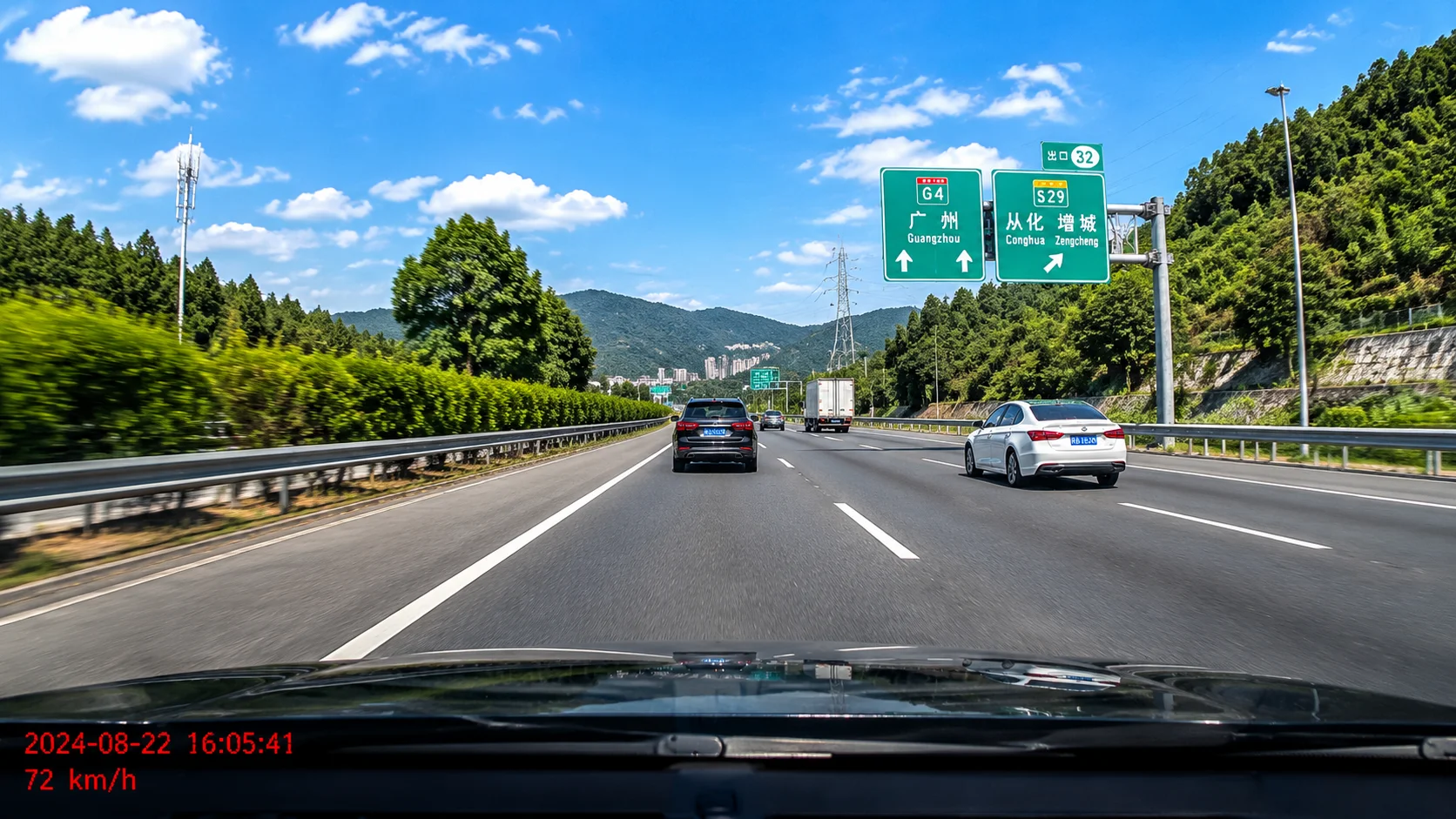
Erase dashcam date and speed overlays.


Funciona en móvil y escritorio con formatos como MP4, MOV y WebM directamente desde el navegador.
Prepara clips propios, anuncios, tutoriales o material autorizado para publicarlos en distintos canales.
Usa UnmarkAI con videos propios, licenciados o con permiso explícito. No elimines atribuciones de contenido de terceros.
La IA reconstruye las zonas cubiertas usando el contexto del video y evita los recortes o manchas visibles.
| Method | Quality | Speed | Composition |
|---|---|---|---|
| AI inpainting (UnmarkAI) | Reconstructs background | Automated, minutes | Full frame preserved |
| Cropping | No quality loss in kept area | Instant | Frame area lost |
| Blurring / mosaic | Visible blur patch | Instant | Distracting artifact |
| Manual masking (Premiere, Resolve) | High with effort | Hours per clip | Depends on skill |
UnmarkAI está pensado para creadores y equipos que trabajan con contenido propio, licenciado o con permiso para editar.
Respuestas prácticas para limpiar videos con seguridad y buena calidad.
Sirve para videos propios o autorizados, como clips sociales, material de marca, tutoriales y archivos internos.
Upload your video to UnmarkAI, draw a box around the date and time stamp area, and the AI will erase the overlay and reconstruct the background behind it. The process works on camera date stamps, camcorder time imprints, CCTV overlays, and dashcam time codes — no cropping or blurring required.
Yes. UnmarkAI uses AI inpainting to erase the timestamp and reconstruct the background behind it, so the full frame is preserved without any cropping.
AI can remove camera date stamps (GoPro, Sony, Canon), CCTV time overlays (Hikvision, Dahua), dashcam timestamps with speed data, old camcorder date imprints, and professional timecode burn-ins — as long as the overlay is burned into the visible frame.
Reduce distracciones y prepara clips más profesionales para publicar o entregar.
Recibe 10 créditos al registrarte · Sin tarjeta de crédito