
Original videoA clip may include burned-in subtitles, outdated owned text, or ordinary scene distractions.
AI video localization starts with cleanup
Create Localized Videos From Any Original Video
Update subtitles and owned text, clean ordinary scene distractions, then translate, dub, and publish in multiple languages.
Choose a workflow
Subtitles and owned text updatedTranslation and dubbing workflowBuilt for creators and agenciesUse content you own or can edit
UnmarkAI Workbench
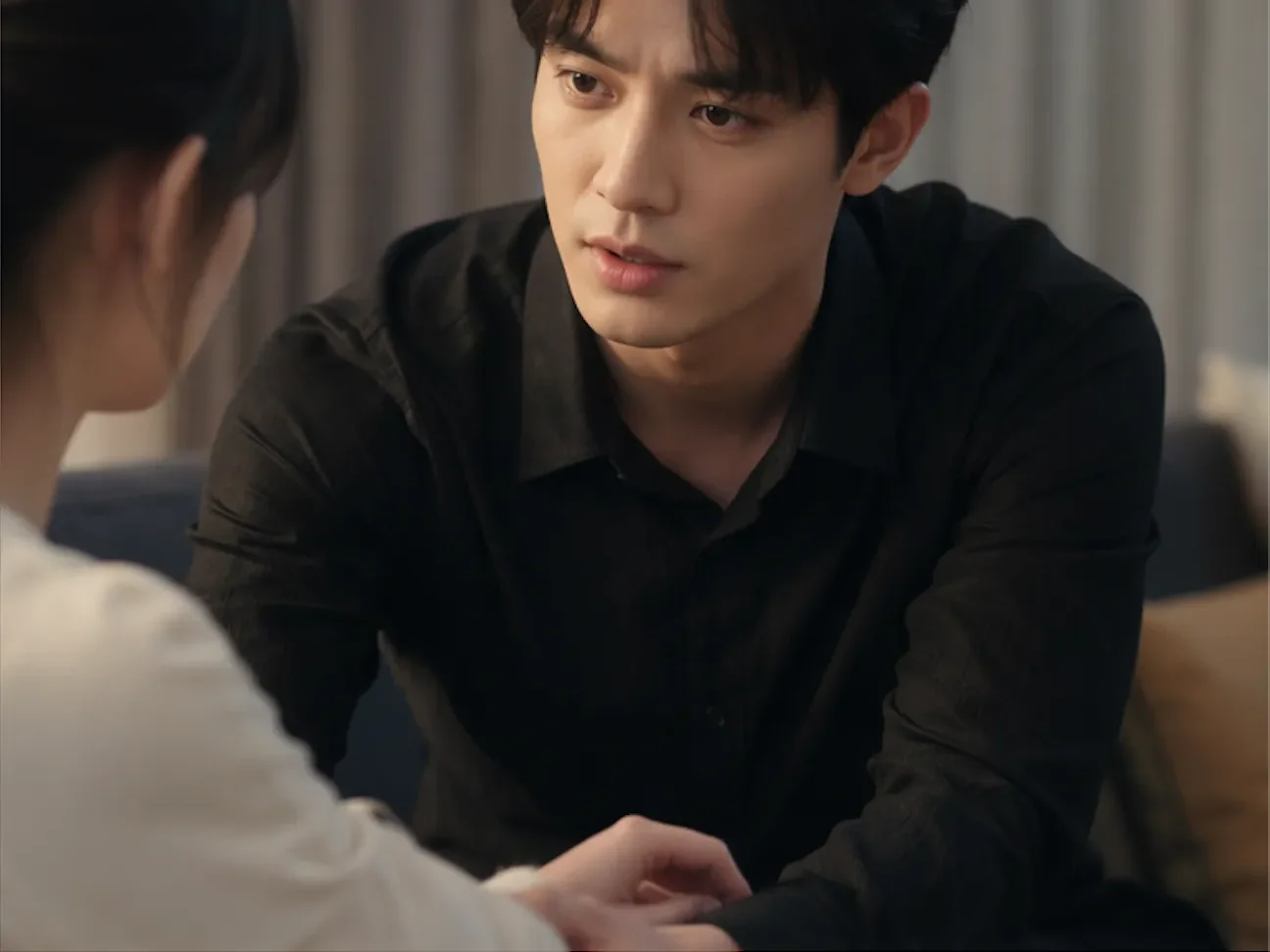
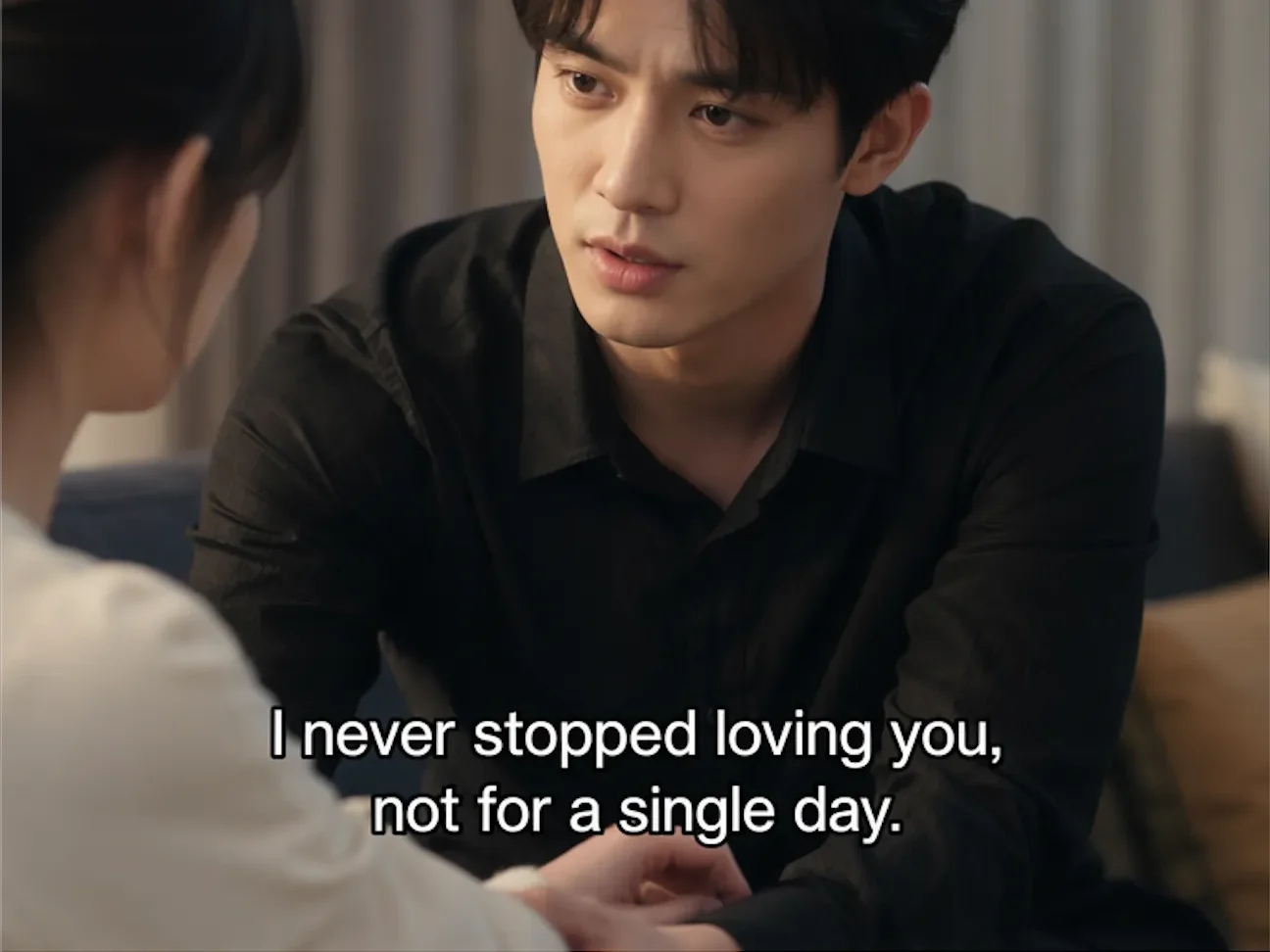
- Captions and owned text updated
- Attribution and provenance preserved
- Ready to localize
Before / after01 02 03
Turn an original clip into a localized version viewers can understand.
Show the full path in one glance: start with the original video, clean the visual clutter, then publish a localized version with translated subtitles and dubbing.
AI cleanupUpdate captions and owned text, then clean ordinary scene distractions without cropping the frame.
Localized versionAdd translated subtitles, review dubbing, and publish for a new audience.
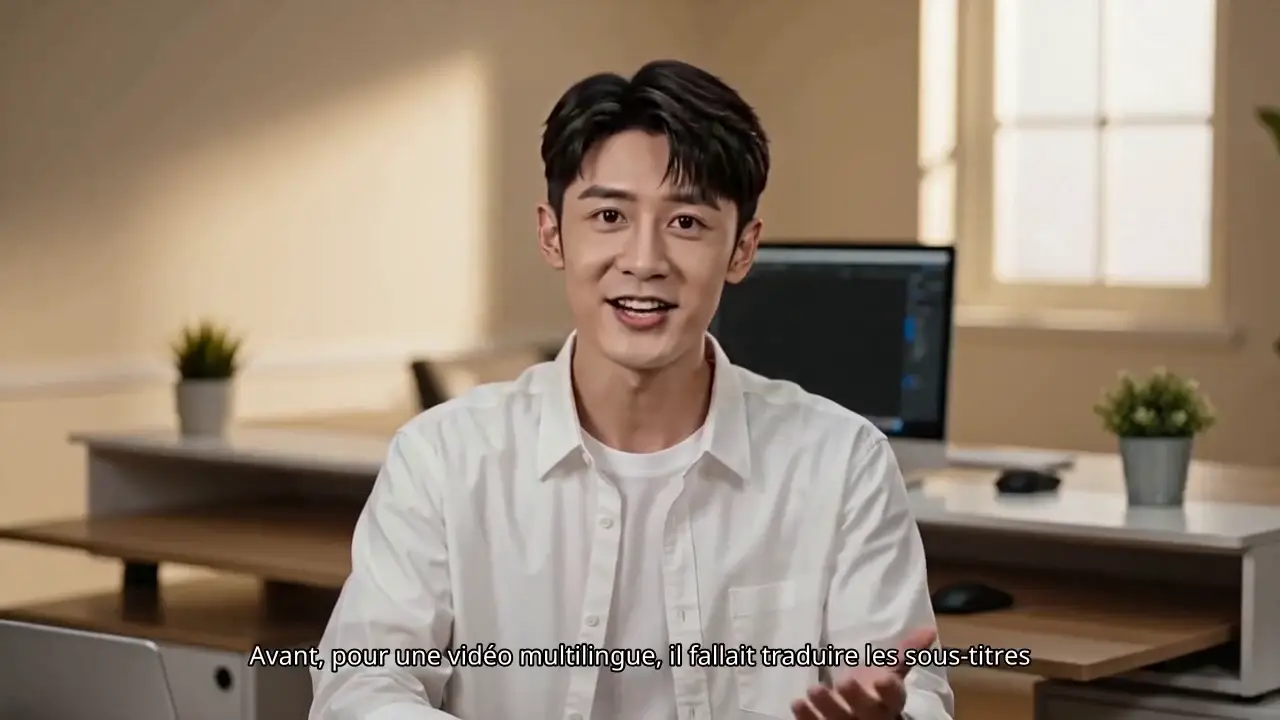
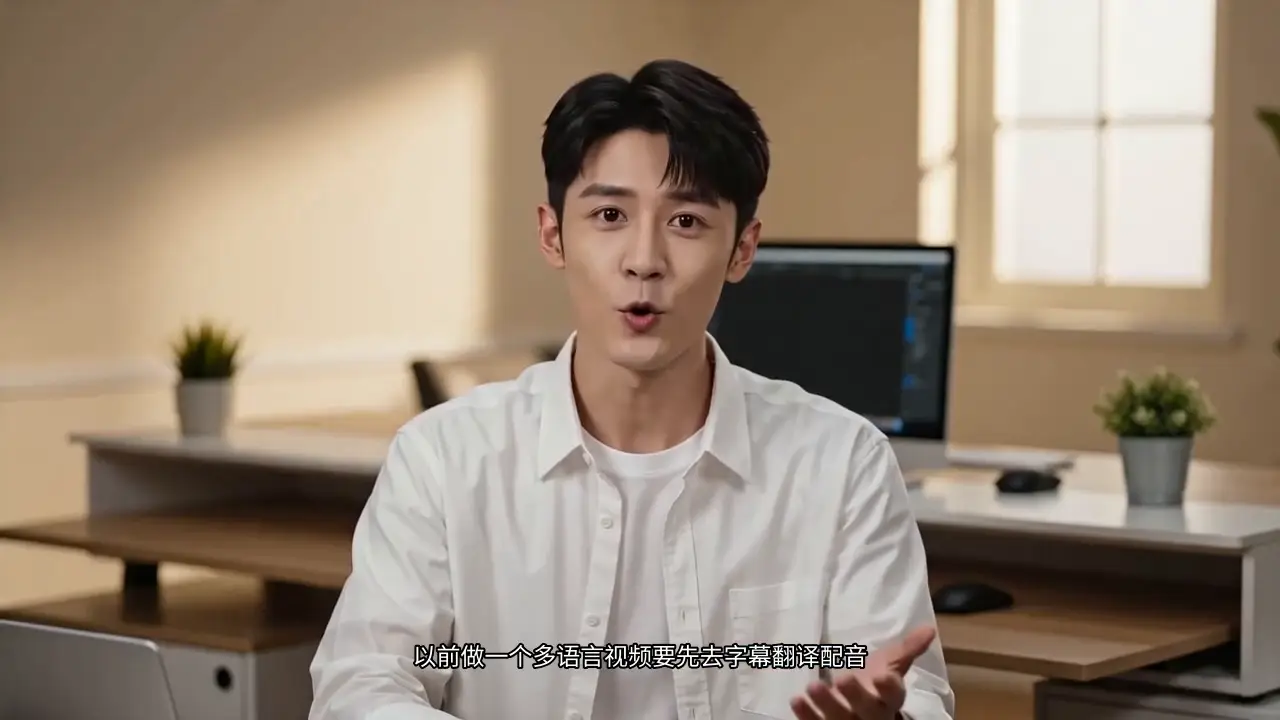
Original video -> AI cleanup -> localized version
 Before
 After
AfterPrimary journey
Clean Your Video
Update hardcoded captions and owned on-screen text, then remove ordinary visual distractions before translation or dubbing.
Update authorized captions and owned text without cropping
Keep attribution and required provenance visible
Prepare one clean master for localization
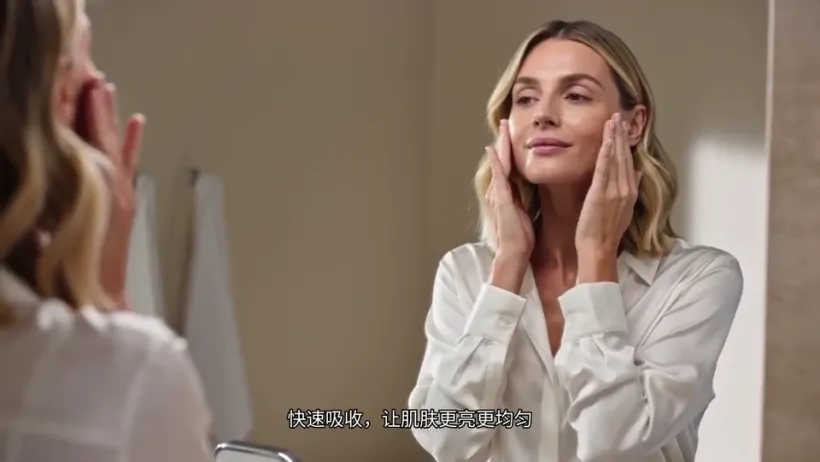 Before
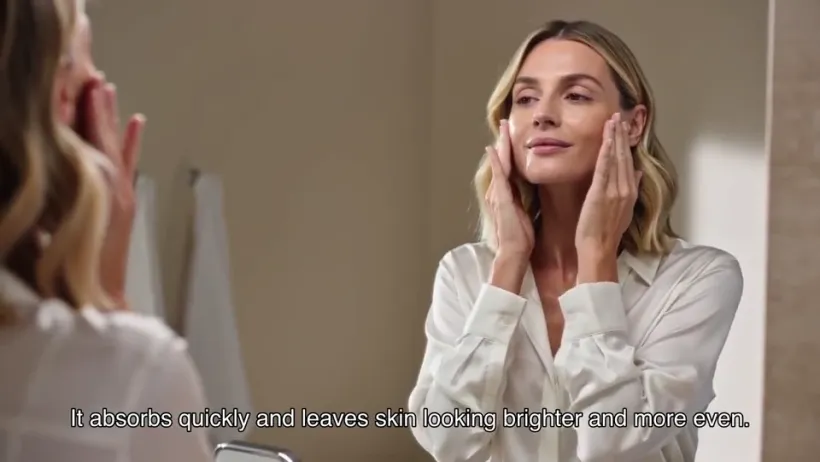 After
AfterProduct 02
Translate Content
Convert subtitles and speech into multiple languages after the old source-language text has been cleaned from the frame.
Translate subtitles for new audiences
Keep product names and key terms consistent
Avoid old and new captions overlapping
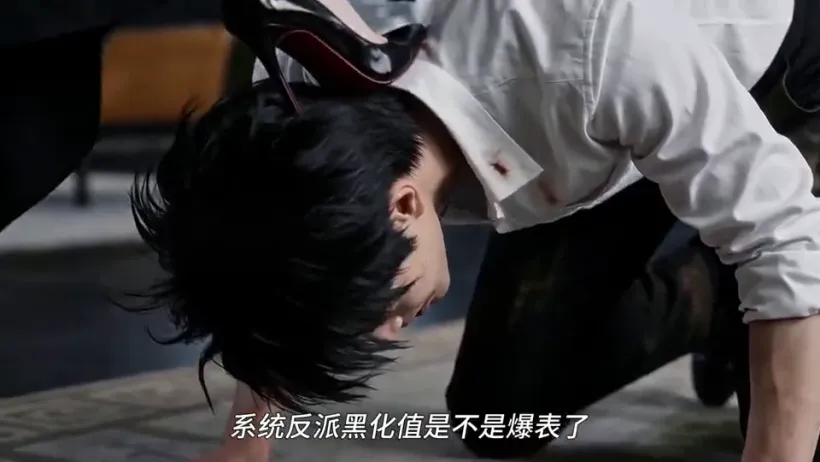 Before
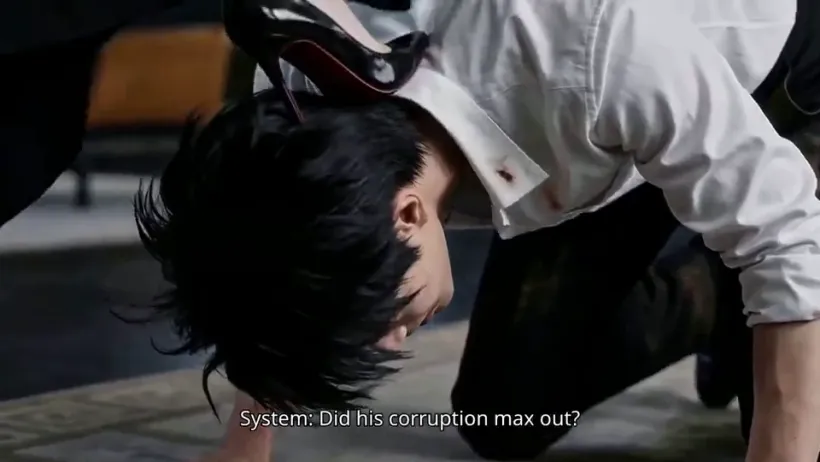 After
AfterProduct 03
Dub & Publish
Create localized versions ready for global audiences with translated captions, voiceover review, and a cleaner visual base.
Prepare AI dubbing after cleanup
Review caption and voice timing
Publish multilingual versions from one workflow
 Before
 After
AfterProduct 04
Prepare authorized creator footage responsibly.
Creator source cleanup supports updated captions, owned campaign copy, and ordinary scene cleanup while preserving attribution, provenance, and required notices.
Authorized creator source cleanup
Update captions and owned overlays
Preserve attribution, provenance, and required notices
Built for creator workflows
For teams turning existing videos into global-ready content.
UnmarkAI is strongest when a video already exists and needs cleanup before it can travel across languages, channels, or markets.
CreatorsRepurpose owned clips for new languages and platforms — clean old captions, translate the script, and export localized versions.Short Drama TeamsLocalize vertical short dramas for overseas release with translated subtitles, dubbing, and fewer manual editing steps.Content agenciesCreate cleaner client masters before subtitles, voiceover, review, and delivery.Marketing teamsLocalize talking-head videos, ads, explainers, and product clips for new markets.Course creatorsClean burned-in captions and screen text before translating lessons or training videos.Ecommerce brandsAdapt product videos for marketplaces, DTC stores, and regional campaigns.
Product capabilities
Cleanup stays visible because it is the difference.
Most localization tools start with translation or dubbing. UnmarkAI starts earlier: clean the video pixels first, then localize the content.
Caption and owned text updates
Update hardcoded captions, lower thirds, owned campaign copy, and temporary review text.
Subtitle removalRemove burned-in captions before adding translated subtitles.
Creator source cleanupUpdate captions, owned campaign copy, and ordinary scene distractions in authorized footage.
TranslationConvert subtitles and speech for multilingual publishing workflows.
DubbingPrepare translated narrator voiceover and review timing before publishing.
Cleanup path finder
Not sure which AI video cleanup tool fits your clip?
Use the AI video cleanup hub to compare caption replacement, owned text updates, ordinary scene cleanup, creator workflows, short drama localization, and video object removal for authorized videos.
- Hardcoded subtitles and owned lower thirds
- Ordinary scene distractions
- Translation, localization, and responsible AI post-production
Video cleanup and localization FAQ
Questions creators ask before cleaning and localizing videos.
Direct answers about updating subtitles and owned text before translating, dubbing, and publishing localized videos.
Can I process any video?
No. UnmarkAI is only for content you own, license for editing, or are explicitly authorized to modify. Attribution, provenance, ownership marks, safety labels, evidence, and required notices must remain intact.
Can I translate Chinese videos to English?
Yes. Upload a Chinese source video, remove hardcoded Chinese subtitles or on-screen text when needed, then create English subtitles, dubbing, and localized exports for global audiences.
Can UnmarkAI remove hardcoded subtitles?
Yes. UnmarkAI removes burned-in subtitles and fixed captions that are part of the video pixels, creating a cleaner frame before re-subtitling, dubbing, translation, or cross-platform republishing.
Does UnmarkAI support video dubbing?
Yes. The video translation workflow supports translated voiceover and dubbing review after the source frame is cleaned, so teams can check subtitles, voice timing, and delivery quality together.
Can I translate videos and keep subtitles from overlapping?
Yes. Removing old source-language subtitles first prevents them from colliding with new translated subtitles, captions, and market-specific layouts.
Can I remove text from a video before translating it?
Yes. UnmarkAI can clean on-screen text, lower thirds, review labels, and hardcoded captions from authorized videos before translation and localization.
What videos work best with UnmarkAI video translation?
The strongest fit includes short dramas, talking-head videos, tutorials, course videos, product demos, creator clips, and repurposed social videos that need subtitle cleanup, translation, dubbing, or multilingual delivery.
Create your first localized video