
AI Product Video Dubbing vs. Subtitles: Which Wins for E-commerce?
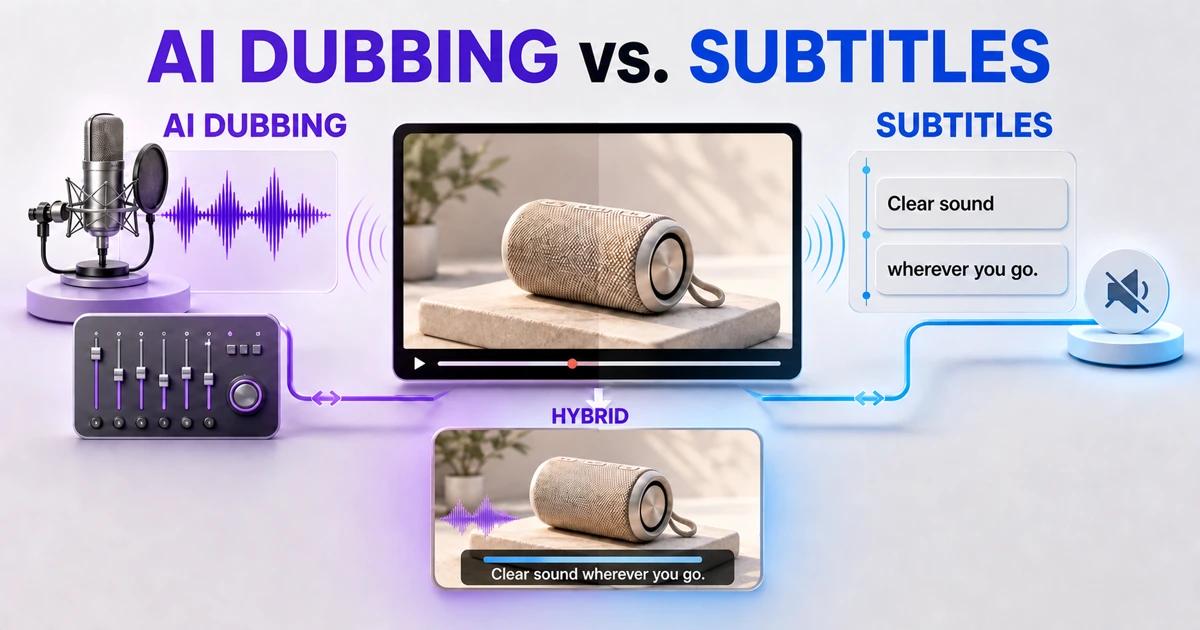
AI product video dubbing vs. subtitles is not a winner-takes-all decision. Dubbing usually creates a more natural listening experience, while subtitles are faster to update, support silent viewing, and preserve the original speaker. For many ecommerce videos, the strongest result is a localized voice track plus concise, reviewed captions.
The right choice depends on what the video must accomplish. A short visual product loop may need only translated on-screen labels. A narrated setup guide may benefit from dubbing. A paid social video may require captions even when a local voice is present because viewers often encounter it without sound.
Is Dubbing or Subtitling Better for Product Videos?
Dubbing is better when spoken explanation drives understanding and the brand wants customers to listen without reading. Subtitles are better when speed, budget, silent viewing, frequent revisions, or preservation of the original performance matters most.
Choose both when the video has important narration and will be watched in mixed sound environments. The voice delivers the story, while captions preserve comprehension on mute and improve access for viewers who cannot hear the audio clearly.
How Does AI Dubbing Work?
An AI dubbing workflow transcribes the source speech, translates it, creates or records a target-language voice, and aligns that voice with the timing of the video. More advanced projects also adapt phrasing to scene length, separate speakers, and mix the new dialogue with music and effects.
The output still requires human review. Product names, technical terms, numbers, emotional tone, and pronunciation can fail even when the audio sounds fluent. Synthetic speech should never be presented as a real person’s voice without the rights and consent required for that use.
How Do AI Subtitles Work?
An AI subtitle workflow transcribes speech, translates each caption, divides text into readable segments, and synchronizes those segments with the video. Subtitles may be delivered as a separate file or burned into the picture.
Separate captions are easier to revise and can be switched by the player. Burned-in captions always remain visible, which can help on platforms with inconsistent caption support, but they create a new cleanup problem when the video is reused for another language.
Dubbing vs. Subtitles: The Practical Comparison
Customer attention
Dubbing lets viewers watch the product rather than move their eyes between the demonstration and captions. This matters when hands, assembly steps, or small interface details require attention. Subtitles work well when the visuals are simple or the spoken content is brief.
Silent viewing
Subtitles communicate when the sound is off. Dubbing alone does not. Ecommerce teams should test the video muted before delivery, especially for social placements and product-page autoplay experiences.
Speed and update cost
Subtitles are generally faster to translate, review, and replace. A wording change may require only a new caption file or text layer. Dubbing adds voice generation or recording, timing adjustment, audio mixing, and another listening review.
Brand voice
A well-directed local dub can express energy, confidence, warmth, or expertise without asking shoppers to read. However, a generic or miscast synthetic voice can make a premium product feel impersonal. Subtitles preserve the original performance but may retain a source language that feels distant to some audiences.
Localization depth
Both methods can translate speech, but neither automatically replaces labels, measurements, interface text, packaging, or calls to action visible in the frame. A complete localization plan treats narration, captions, and graphic text as separate layers.
Accessibility
Captions provide access to spoken information for people who are deaf or hard of hearing and help many viewers in noisy environments. Dubbing can help viewers who find reading captions difficult. When accessibility matters, offer accurate captions even if a translated voice track is available.
Search and reuse
A separate transcript or caption file creates useful text for editing, support, and content reuse. Dubbing produces a stronger market-facing media asset but is less convenient for text-based revision. Keep the approved transcript, translation, subtitle file, and voice script together.
Step-by-Step: Choose the Right Localization Method
Step 1: Define the video’s primary job
Decide whether the asset must demonstrate a product, explain setup, build emotion, answer objections, or support a purchase decision. A functional how-to and a six-second lifestyle loop should not use the same localization rule.
Step 2: Identify likely viewing conditions
Ask where the video appears, whether it autoplays, how often viewers use sound, and how much on-screen detail competes with captions. Test the actual mobile placement instead of reviewing only a desktop export.
Step 3: Measure the importance of speech
If the product can be understood without narration, subtitles or localized graphics may be enough. If the voice explains safety, assembly, compatibility, or a key benefit that is not visible, dubbing deserves stronger consideration.
Step 4: Review language volume and revision frequency
Subtitles scale efficiently across many languages and fast-changing campaigns. Dubbing is easier to justify for priority markets, evergreen videos, higher-value products, and assets with long useful lives. A tiered approach can use full dubbing for core markets and captions for smaller tests.
Step 5: Audit all on-screen text
Before producing either option, inventory embedded subtitles, feature labels, units, and calls to action. If those elements remain in the source language, the video is not fully localized. Separate them from the background so each market can receive clean, editable graphics.
Step 6: Produce a short test segment
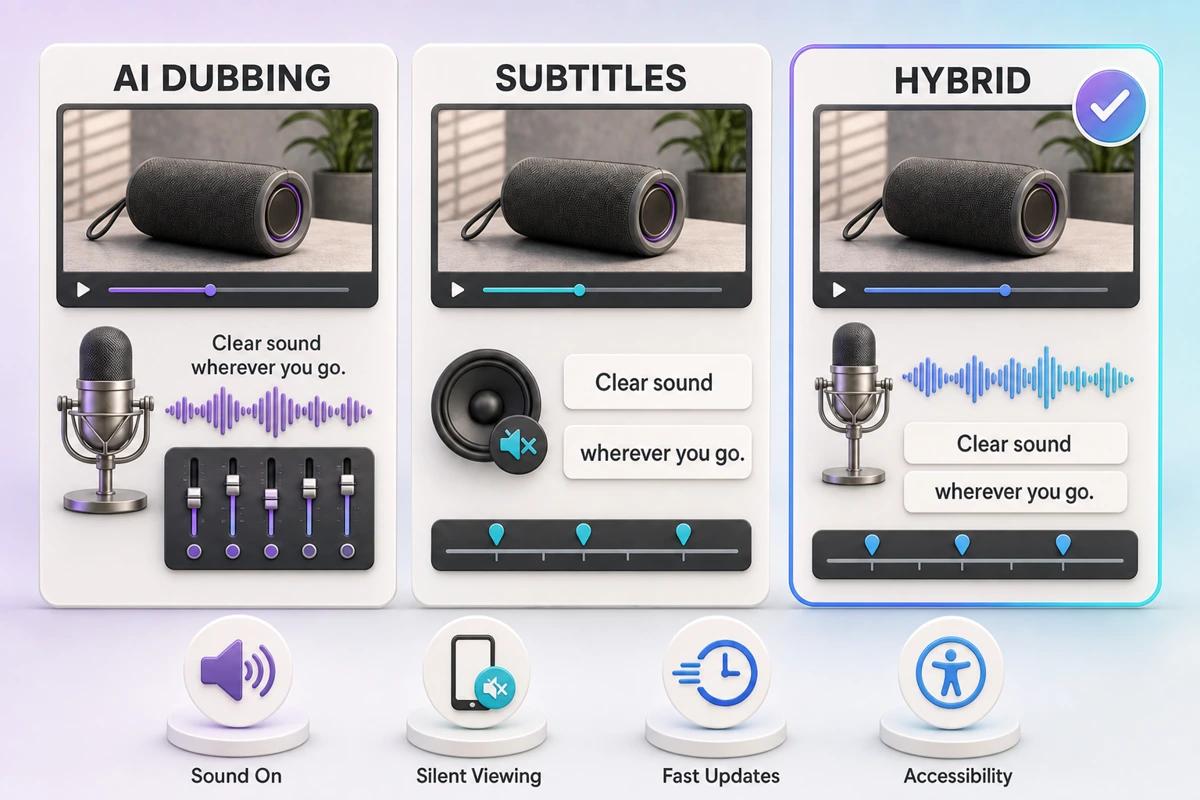
Create the same 15–30 second segment with a local dub and with subtitles. Review it on the intended placement with native speakers. Compare comprehension, product attention, voice fit, reading effort, and brand perception before scaling the full video.
Step 7: Run human linguistic and product QA
Check terminology, pronunciation, numbers, subtitle timing, line breaks, tone, and market claims. Review the final mix on headphones and phone speakers. Confirm that the translated line describes the exact product action shown on screen.
Step 8: Keep editable masters and source files
Archive a clean visual master, music-and-effects track, source transcript, approved translations, subtitle files, pronunciation guide, and market exports. This package turns future revisions into controlled updates rather than full reconstruction.
Which Method Fits Common Ecommerce Videos?
Product-page demonstration
Use a local dub when narration explains benefits that are hard to show. Add captions if the player may start silently. For a purely visual demonstration, localized labels and a short caption track may be sufficient.
Setup or tutorial video
Dubbing plus captions is usually the clearest combination. Viewers can keep their eyes on the steps, while captions reinforce technical terms and provide access when audio is unavailable.
Founder or expert testimonial
Subtitles preserve the original person’s voice and authenticity. A dubbed version may work for long explanations, but voice rights, disclosure, tone, and speaker identity need careful handling.
Paid social advertisement
Captions are essential for silent viewing. Add dubbing when voice, humor, or pacing carries the creative idea. Keep both concise because overlays, platform UI, and calls to action compete for limited screen space.
Marketplace listing video
Use the target marketplace’s language expectations and product requirements as the deciding constraint. A fully localized file is safer when the narration, feature labels, and claims are central to the purchase decision.
How Does UnmarkAI Prepare Either Version?
Use UnmarkAI before dubbing or subtitling when an authorized finished export contains source-language captions or promotional text. Removing those embedded layers and reviewing the restored frames creates a subtitle-safe, localization-ready visual master.
From that master, the AI product video translation workflow can add the selected voice and caption layers. The broader video translation workflow covers speech localization. Use subtitle removal from video for burned-in captions and remove text from video for feature labels, usernames, offer text, or other overlays.
When Is a Hybrid Version Worth It?
A hybrid version is worth the extra work when narration is important and viewers may watch without sound. The localized voice carries tone and reduces reading effort; captions preserve the message on mute and improve accessibility.
Do not generate captions from the finished dub and publish them without review. Use the approved translation as the common source, then adapt subtitle segmentation and dubbing phrasing separately. They can express the same meaning without using identical line breaks or sentence length.
Localization QA Checklist
- The selected method matches the video’s purpose and actual viewing environment.
- Product names, technical terms, units, and claims use approved local wording.
- Synthetic or cloned voices are used with appropriate rights and consent.
- Dubbing pronunciation, pacing, emotion, and audio mix have been reviewed.
- Subtitles are accurate, synchronized, readable, and clear of product details.
- All embedded source-language graphics have been replaced or approved to remain.
- The final video is tested with sound on, sound off, desktop, and mobile.
Compliance Note
Only translate, clean, dub, or caption videos that you own, license, or have permission to edit. Obtain the necessary rights and consent for voices, performances, music, footage, and brand assets. Validate product claims and required disclosures for each market before publishing.
FAQ
Are AI subtitles cheaper than AI dubbing?
Subtitles usually require fewer production steps, so they are commonly less expensive to create and revise. Actual cost depends on language, duration, quality level, review, caption format, and the amount of technical or regulated content.
Does dubbing improve ecommerce conversion?
It can improve comprehension and engagement when narration is important, but there is no universal conversion guarantee. Test localized versions against the same placement and audience, and measure completion, product-page behavior, and sales outcomes.
Should dubbed videos still have subtitles?
Often yes. Captions preserve comprehension when sound is off, support accessibility, and help viewers follow unfamiliar product terminology. They should be created and reviewed for the target language rather than copied mechanically from the dub.
Can one subtitle file work on every platform?
Not always. Platforms support different formats, styling, line lengths, safe areas, and player controls. Keep a master timed-text file, then create delivery versions and verify each one in its actual player.
Is voice cloning required for AI dubbing?
No. A licensed synthetic voice or a human voice actor can localize the narration without imitating the original speaker. Use cloning only when it is appropriate and all necessary consent and usage rights are documented.
What if subtitles are already burned into the source video?
Create a clean master before adding the target captions. Covering one subtitle line with another can leave visible fragments, block important footage, and make future language versions harder to maintain.
Choose for the Customer, Not the Production Shortcut
Start with the product, viewing environment, and target customer. Use subtitles for flexibility and silent comprehension, dubbing for effortless listening and stronger voice-led storytelling, and both when the video must perform in either condition. Whichever route you choose, build it from an approved clean master and reviewed market language.