
什么是烧录进视频的时间戳?
烧录进视频的时间戳是直接显示在每一帧画面里的日期、时间、通道名或 timecode,常见于监控、DVR/NVR、行车记录仪、相机和老式摄像机。它不同于文件元数据,不能在播放器里关闭,需要擦除可见文字并重建背景。
拖拽文件到这里,或点击浏览
MP4、MOV、AVI、MKV、WebM · 最大 2GB
查看前后对比 →
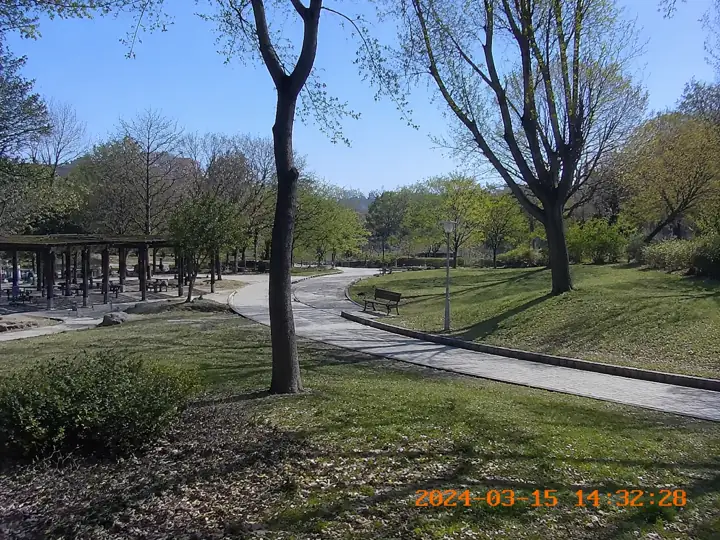

上传你拥有、已授权、客户批准或明确允许编辑的视频,用 AI 去除视频时间戳、日期水印、监控时间码、DVR 叠层、行车记录仪日期时间和老式摄像机烧录日期。AI 会修复时间戳下方画面,尽量保持高清,不模糊,不裁剪。
UnmarkAI 通过 AI 修复逐帧清理烧录在画面里的日期和时间。选择时间戳区域,预览前后对比,然后下载适合中国大陆、香港、台湾、新加坡创作者和团队使用的干净版本。
烧录进视频的时间戳是直接显示在每一帧画面里的日期、时间、通道名或 timecode,常见于监控、DVR/NVR、行车记录仪、相机和老式摄像机。它不同于文件元数据,不能在播放器里关闭,需要擦除可见文字并重建背景。
可以,前提是视频属于你、已授权或明确允许编辑。AI 可清理稳定的 CCTV 时间码、行车记录仪日期速度叠层、相机日期水印和 timecode burn-in,并尽量保留完整画幅,不用裁剪或模糊遮盖。
视频日期和时间叠层也叫日期水印、时间戳、时间码烧录或摄像机日期印记。它直接显示在画面像素里,常见于 GoPro、Sony Handycam、Canon Vixia、Hikvision、Dahua、行车记录仪、VHS、Hi8 和 MiniDV 素材。它不同于文件元数据,不能靠播放器设置关闭。
相机或运动相机直接烧录到画面里的日期、时间和设备文字。
监控系统常见的通道名、日期、时间和录像叠层。
行车记录仪中的日期、时速、GPS 风格信息和道路视频文字。
数字化旧录像时常见的固定日期烧录,适合档案整理。
审片、制作和交付流程里可见的时间码叠层。
请只处理你自己拍摄、拥有版权、购买授权、客户批准或明确获准编辑的视频,不要用于误导记录日期或篡改证据。
上传带相机日期水印、CCTV 监控时间码、DVR/NVR 叠层、行车记录仪时间、GoPro 或老式 DV 日期印记的 MP4、MOV、AVI 或 WebM。源文件越清晰,高清修复越自然。
用紧密选区覆盖时间戳、日期水印或时间码。AI 会跟踪该区域在整个片段中的位置,避免用裁剪或模糊遮盖。
AI 会擦除烧录文字,并根据周围像素补全被遮挡的纹理、墙面、路面或天空。预览确认后下载不模糊、不裁剪的干净导出。
AI 会识别烧录在画面里的日期水印并逐帧重建背景,让画面看起来像没有出现过时间戳,同时保持完整画幅。
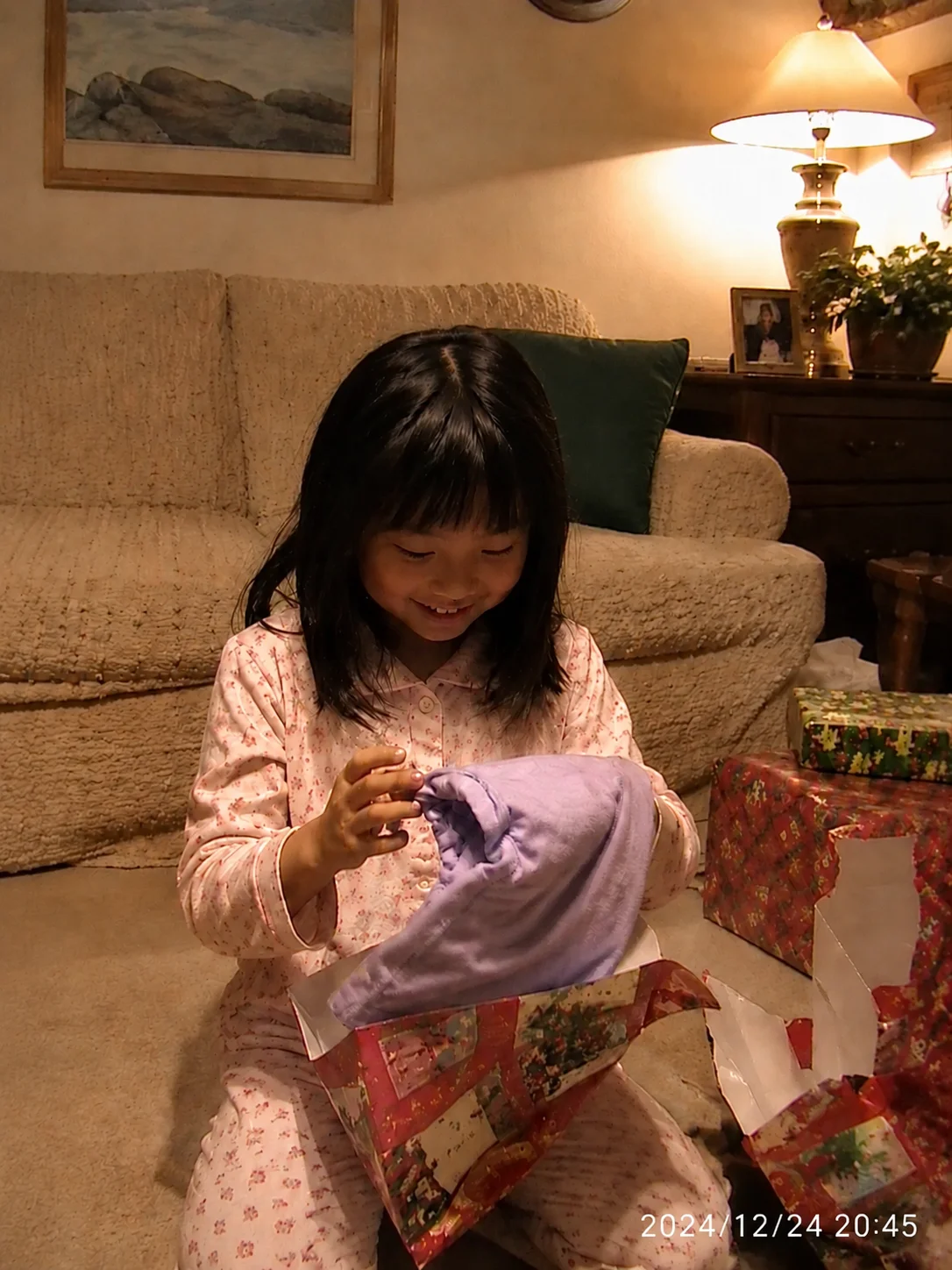
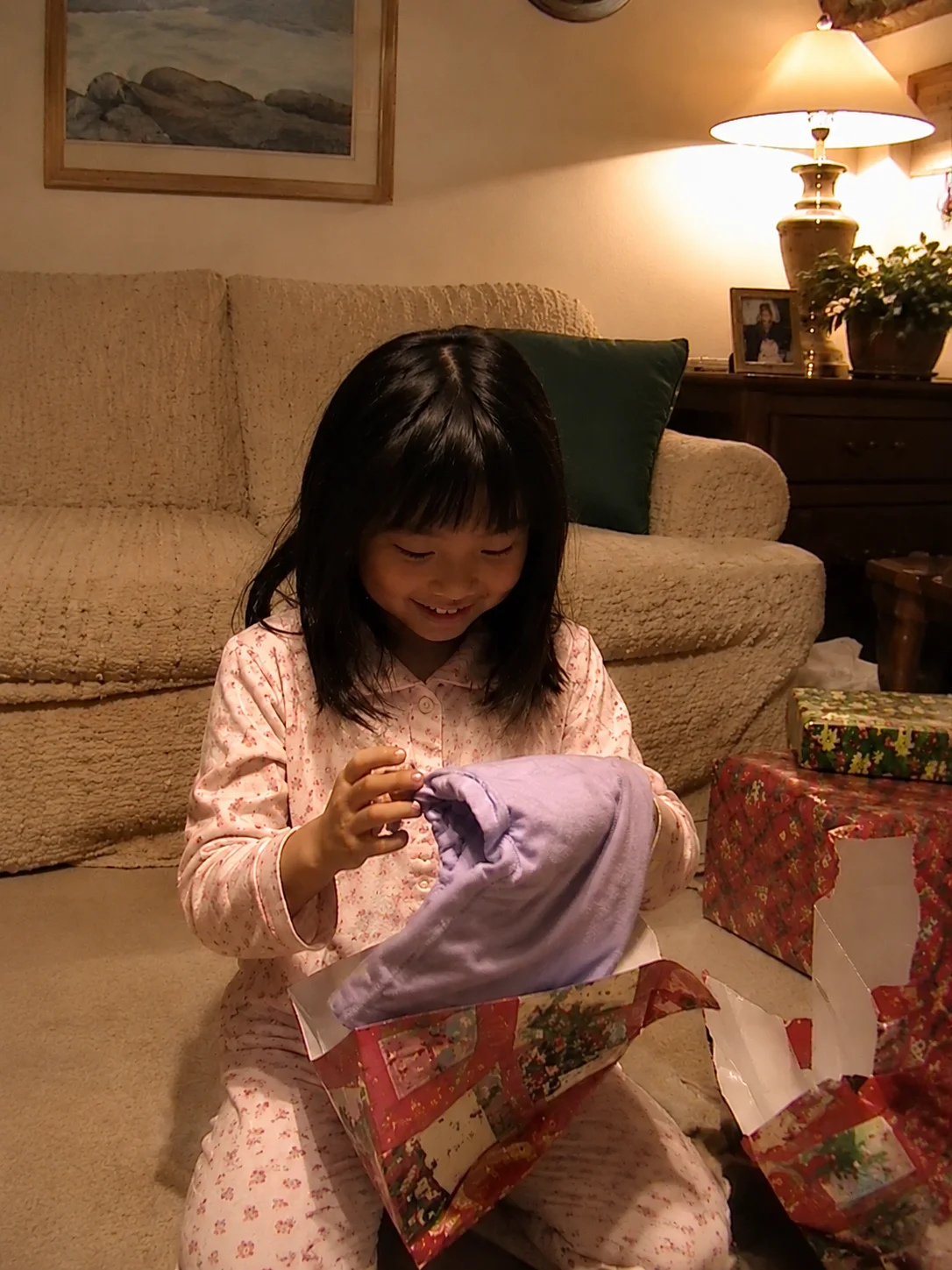
去除授权监控素材里的时间叠层。
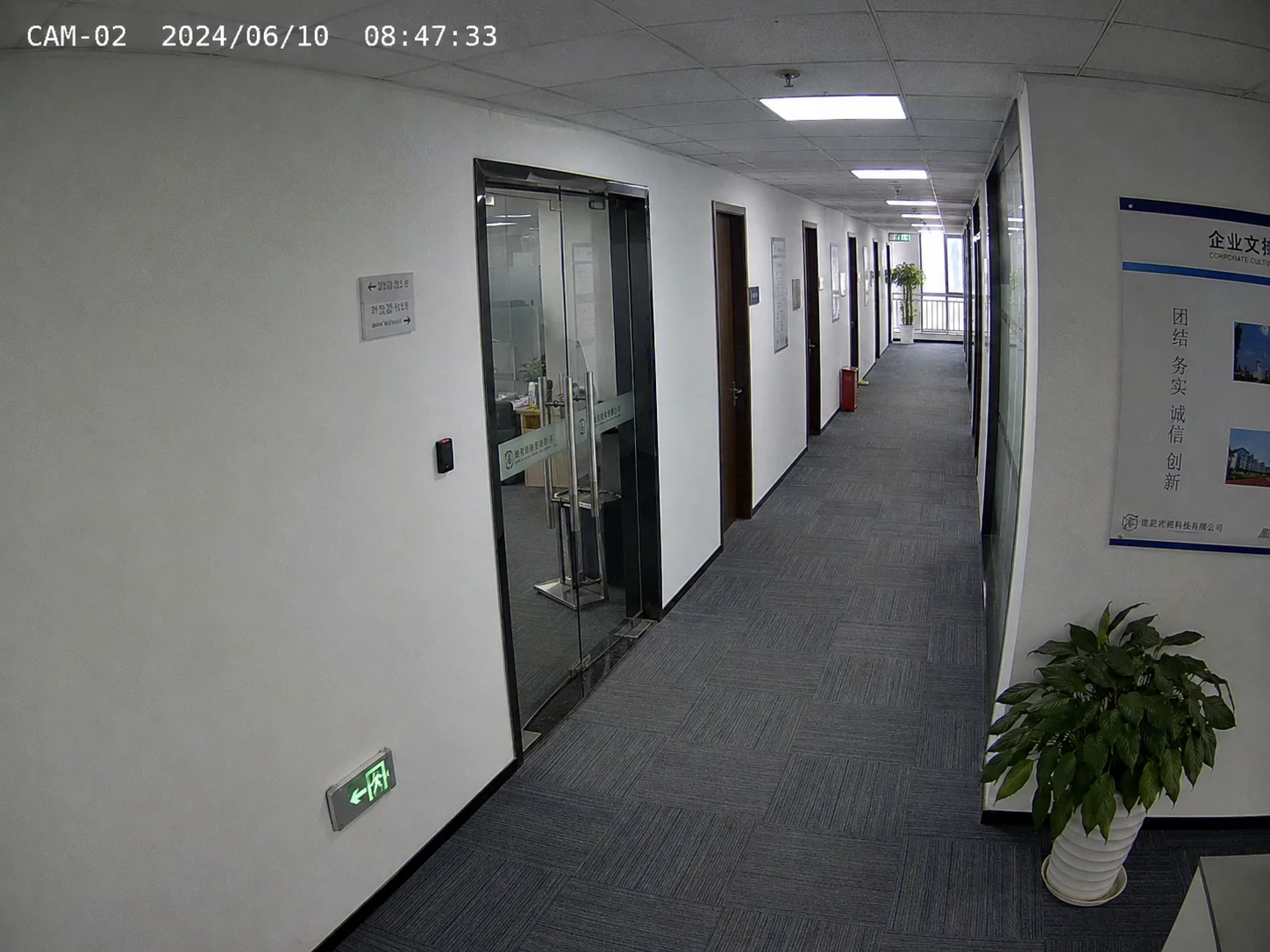
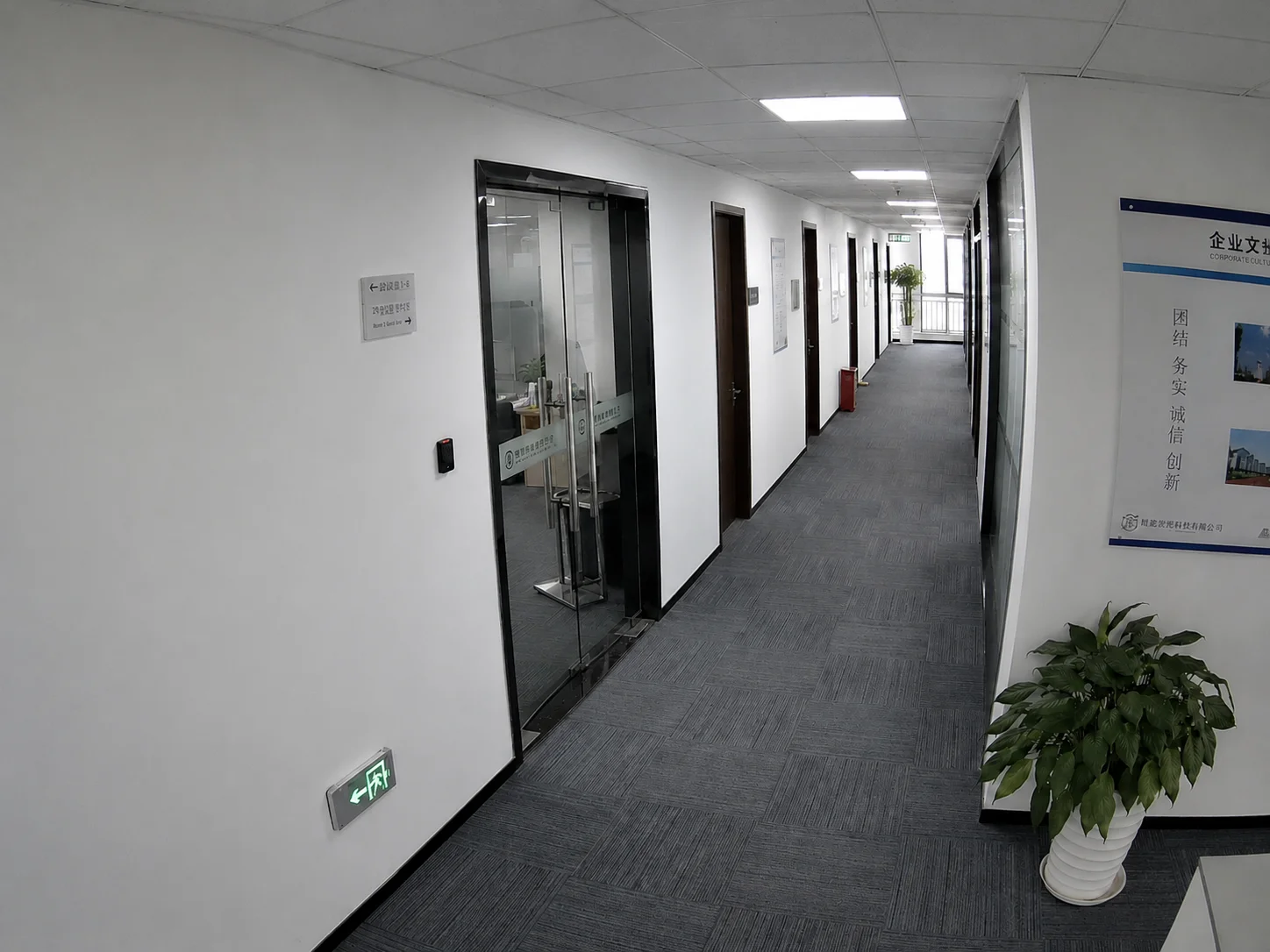
Hikvision、Dahua 等监控系统和行车记录仪常把日期、时间、通道名或速度信息烧录进画面。AI 可在授权范围内清理这些可见叠层。
时间戳清理适合自有录像、授权素材、客户批准交付和内部档案整理,不应用于隐藏第三方来源、误导拍摄时间或改变证据含义。
清理自有行车视频中的日期、时间或速度叠层。
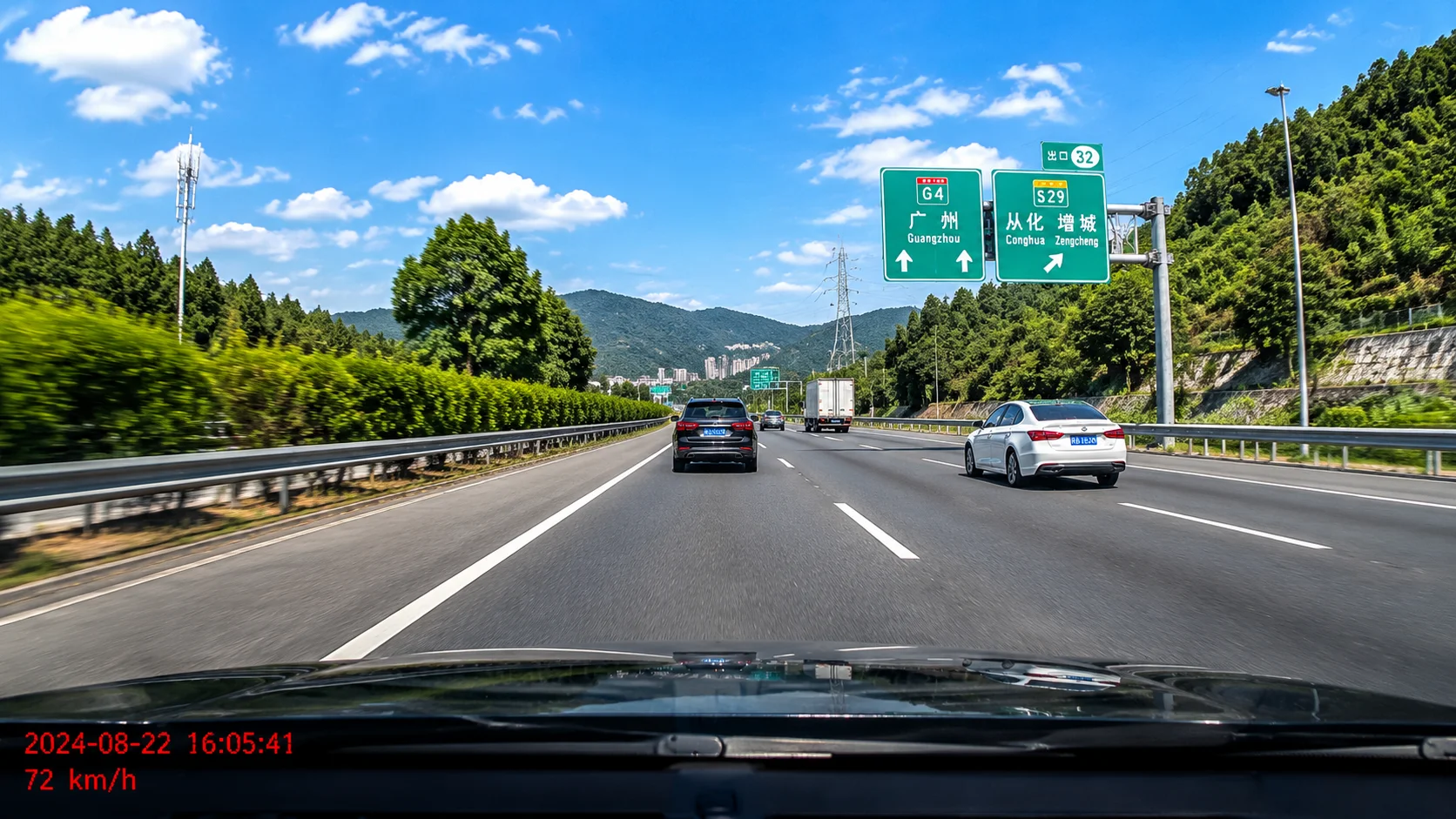
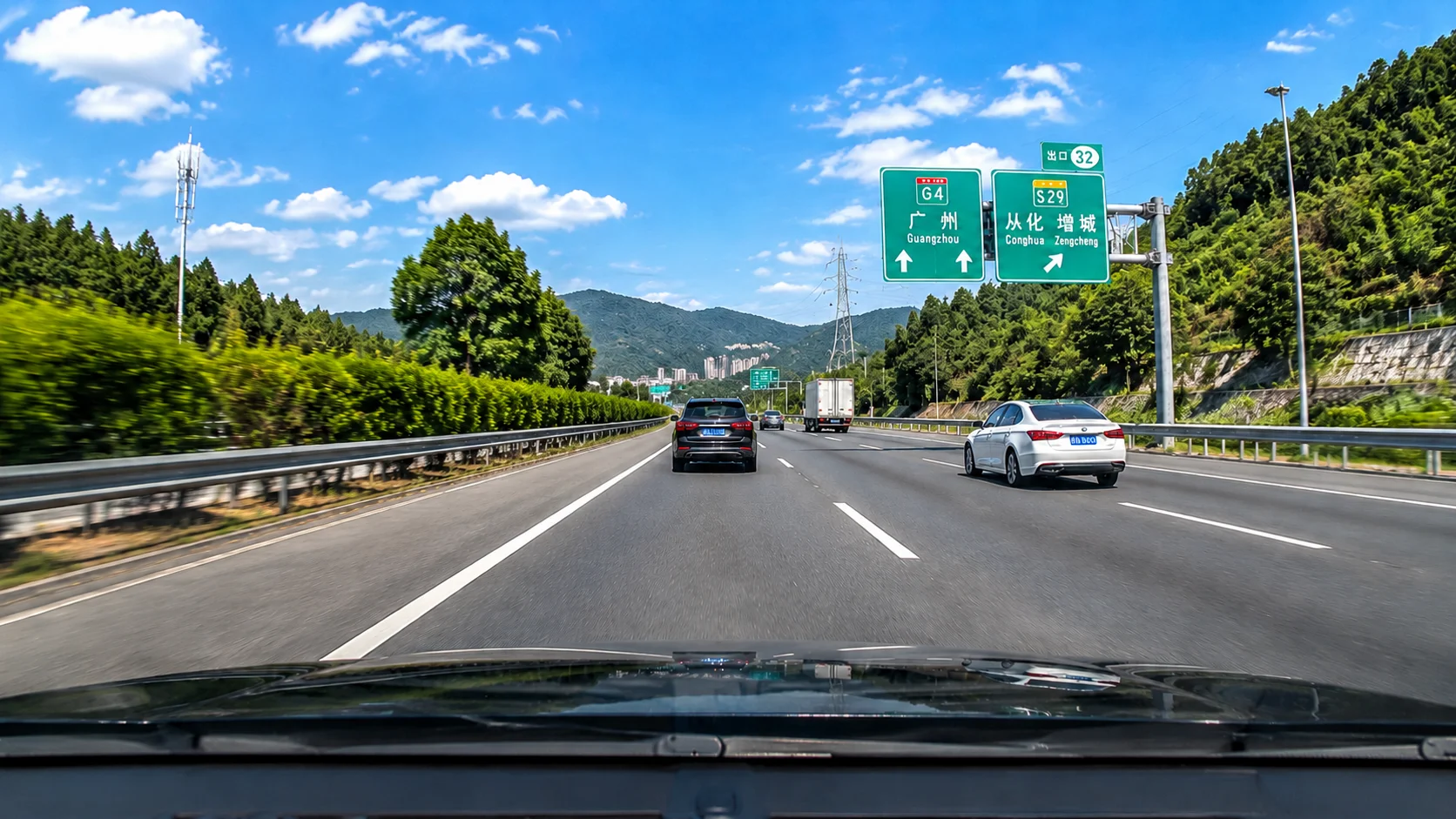
UnmarkAI 支持 MP4、MOV、AVI 和 WebM,可处理 12 小时/24 小时时间码、不同日期格式、CCTV 通道名加日期时间、白色或彩色半透明时间戳。高码率源文件通常更适合在线高清修复。
覆盖相机、监控、行车记录仪和旧素材转码后的常见文件格式。
MM/DD/YYYY、DD-MM-YYYY、YYYY/MM/DD 等可见日期格式都可框选处理。
支持单独时间、日期加时间、AM/PM 和连续 timecode 文本。
可把监控通道名、日期和时间放在同一选区中清理。
白色、红色、橙色、绿色和半透明时间戳都可作为可见叠层处理。
源文件越清晰,AI 越容易重建日期文字背后的纹理和细节。
适合整理自有家庭录像、房产看房视频、客户批准素材、培训视频、授权监控片段、档案数字化素材和准备发布到小红书、B站、抖音、视频号、Reels 或 TikTok 的自有短片。
清理自有旧录像里的日期印记,让画面更适合保存和分享。
去除意外烧录的日期和时间,生成更干净的物业展示素材。
仅在授权范围内准备内部审阅、归档或培训版本。
清理老式摄像机日期,让档案母版更干净。
处理你拥有或获准发布的视频,不用于误导记录时间。
适合区域团队在授权范围内制作课程、品牌和内部交付素材。
只有在你拥有视频、取得授权、客户批准或有明确编辑许可时,去除日期和时间才是正当编辑。不要从第三方素材中移除时间戳来误导拍摄日期,也不要处理证据、法律或官方记录,除非相关权利方或主管机构明确授权。
家庭录像、个人行车记录和组织自有素材通常可在权利范围内编辑。
库存素材或购买视频需确认许可允许二次编辑和清理。
在处理前确认权利方同意清理日期和时间叠层。
不得用时间戳清理改变视频语境或隐藏记录时间。
涉及证据或官方记录时,应先获得主管方或法律意见。
裁剪会损失画面信息,模糊会留下明显补丁。AI 修复会重建时间戳后方区域,更适合需要干净交付、保留完整构图和原始分辨率的自有或授权视频。
| 方法 | 质量 | 速度 | 构图 |
|---|---|---|---|
| AI 修复(UnmarkAI) | 重建背景 | 自动处理,几分钟 | 保留完整画幅 |
| 裁剪 | 保留区域质量不变 | 即时 | 丢失画面区域 |
| 模糊/马赛克 | 留下可见补丁 | 即时 | 干扰观看 |
| 手动遮罩 | 取决于经验 | 每个片段可能耗时数小时 | 取决于剪辑能力 |
只处理日期和时间区域,避免丢失画面角落或底部信息。
AI 重建背景,而不是留下明显补丁。
道路、墙面、天空、室内背景等可为 AI 提供补全线索。
位置稳定的叠层更容易逐帧跟踪和修复。
减少手动克隆、遮罩和逐帧修补的工作量。
UnmarkAI 面向创作者和团队,用于处理自己拥有、已授权或有权编辑的内容。产品文案、条款和上传流程都会强调这一边界。
帮助你清理自己拥有、已授权或明确有权编辑的视频。
导出干净视频前,可以逐帧检查 AI 修复效果。
文件会被安全处理以提供服务。有关保留期限和服务商处理的详情,请查看隐私政策。
明确禁止未经授权移除第三方内容的署名或必要标记。
关于安全、高质量视频清理流程的实用解答。
上传你拥有或获授权编辑的视频,框选日期和时间戳区域,UnmarkAI 会用 AI 擦除烧录文字并恢复背景,不需要裁剪或模糊。
可以。AI 修复会清理时间戳所在区域并补全背景,因此能够保留完整画幅。
可处理相机日期水印、GoPro 和 DV 日期印记、Hikvision/Dahua 监控时间码、行车记录仪日期时间和专业 timecode burn-in。
可以,但仅限你拥有、客户批准或明确获准编辑的监控素材。不要用来改变证据含义或误导记录时间。
烧录时间戳是画面上的可见像素,元数据时间存储在文件信息里。UnmarkAI 只处理画面中可见的日期和时间文字。
适合。你可以在浏览器中在线高清去除视频时间戳或日期水印,再按授权范围用于小红书、B站、抖音、视频号或客户交付。
让视频少一点干扰,更适合发布、交付和复用。
注册获得 10 个积分 · 无需付费