
English-dubbed video
A translated video with English speech, ready for your final publishing review.
Turn your video into an English version with AI dubbing and subtitles. Start with US English, or choose UK English before translating.
US English preselected · UK English also available
con sérum ligero de vitamina C.
Targetwith this lightweight vitamin C serum.
Upload your video, confirm its original language, and select US or UK English. UnmarkAI generates an English voiceover and timed subtitles. Choose whether to show English captions in the video; you can also download them as an SRT file.
Choose an MP4, MOV or WebM file up to 2 GB.
Confirm the detected source language and your preferred English version.
Choose whether to show English captions. Eligible plans can pause for text review before dubbing.
Check names and pronunciation, then download the video, subtitles and voiceover.
Compare the same frame before and after translation. When eligible source-caption cleanup is enabled, the old burned-in text can be cleared before readable English subtitles are added.
Hoy voy a compartir tres formas de mejorar tus videos.
Today I’ll share three ways to improve your videos.
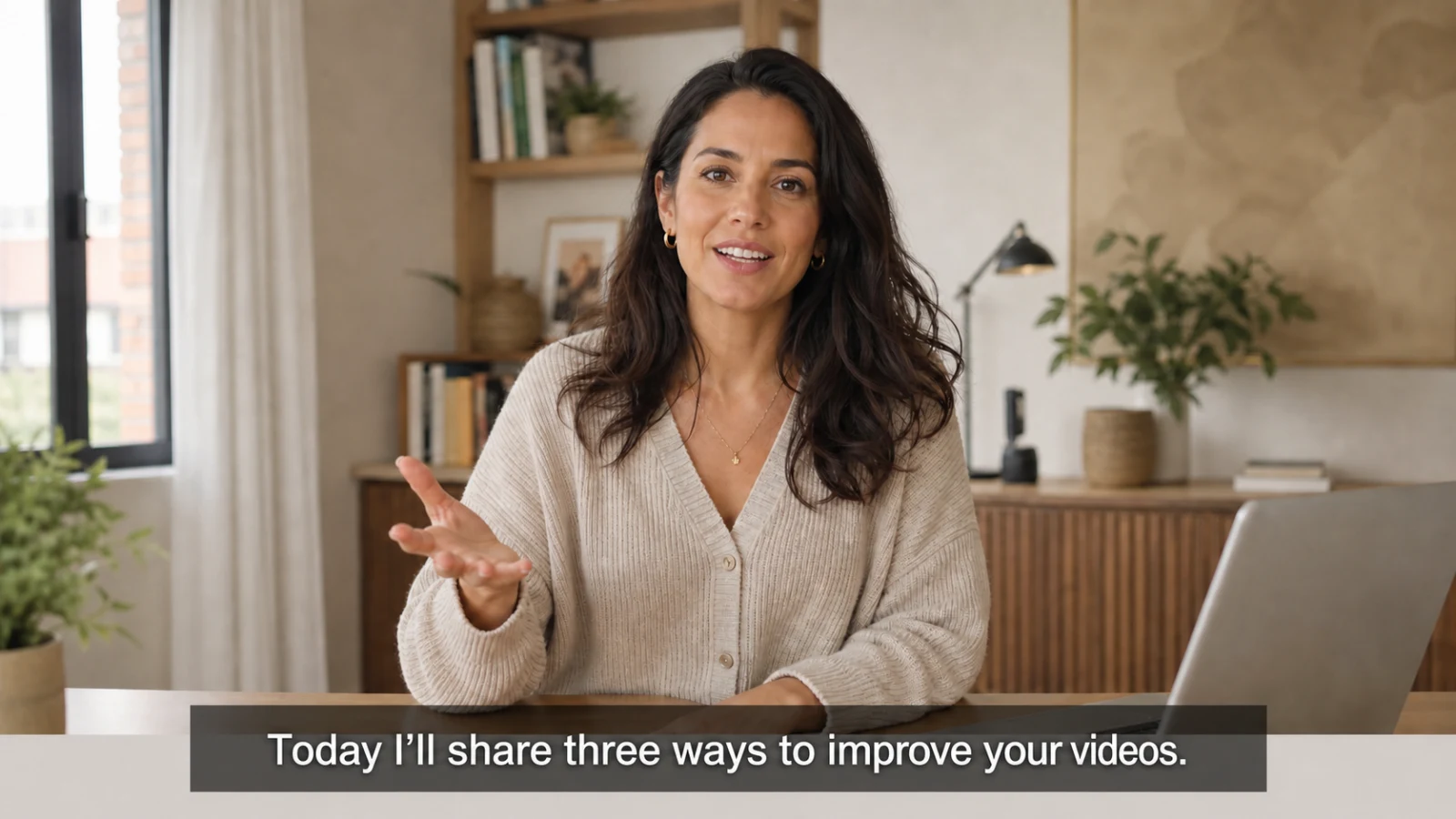
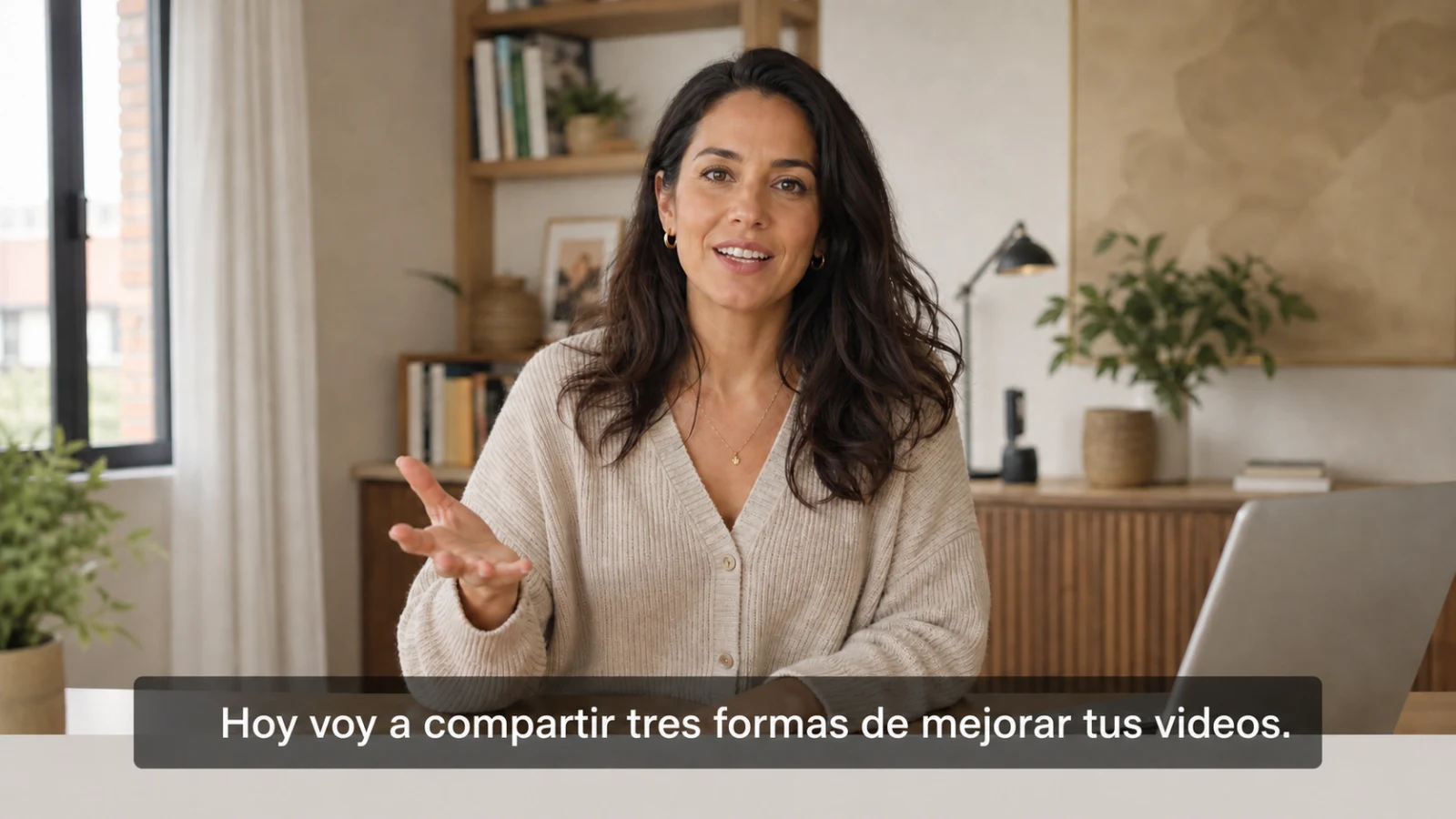
Publish the video or use the separate subtitle and audio files in your editor.
A translated video with English speech, ready for your final publishing review.
Timed English captions for YouTube, courses, players, and accessibility workflows.
Keep the detected source transcript and timing for reference or quality checks.
Download the generated English speech track as a separate audio file.
Detect the original language automatically or choose from 116 source languages. These are a few common examples.
Translate Chinese speech into an English-dubbed video and English SRT.
Turn Spanish creator, training, or business videos into English deliverables.
Create English speech and subtitles while reviewing names and specialist terms.
Localize Brazilian or European Portuguese videos for English-speaking viewers.
New accounts receive 10 free points. The free plan processes the first 30 seconds of a video; check the estimate for your selected options before starting.
View pricingCheck the details that matter for your video, from course terminology to product names.
Translate a local file from your own channel, then publish the reviewed English MP4 or add the English SRT.
Give learners English narration and timed captions while checking technical vocabulary.
Localize walkthroughs, presentations, and customer stories for English-speaking buyers.
Review speaker changes, names, pacing, and pronunciation before distributing the English version.
Listen for names, numbers and awkward phrasing. Read the subtitles while the video plays to check whether each line fits the scene.
Upload a local MP4, MOV, or WebM file you own or are authorized to process. Confirm the detected source language, select English (US) or English (UK), review the translation, and export the result.
Yes. A base video translation creates an English-dubbed MP4 and a downloadable English SRT. You can also burn the English subtitles into the final video if you want visible captions.
You can download the English-dubbed MP4, the original-language SRT, the translated English SRT, and the English voiceover MP3.
Upload an MP4, MOV or WebM video up to 2 GB from your device.
New accounts receive 10 free points with no credit card required. The free plan processes the first 30 seconds. The workbench shows the point estimate for your settings before you start.
No. Direct YouTube URL import is currently unavailable. Upload a local file only when you own the video or have permission to translate it, then add the reviewed MP4 or SRT to your own channel.
Eligible plans can clean authorized burned-in source captions before English subtitles are added. Review the cleaned frames carefully, especially over movement or detailed backgrounds.
Yes. English (US) is preselected when you enter the workbench, and you can switch to English (UK) before creating the task.
Upload your video and choose US or UK English to get started.
No credit card required · MP4, MOV, or WebM · up to 2 GB