
01
Envie o original que pode editar
Escolha um MP4, MOV ou WebM autorizado e mantenha uma cópia sem alterações.
Marque o alvo em um frame nítido. Mantenha a máscara fixa ou ative o rastreamento e confira o clipe inteiro antes de exportar.
Enviar vídeo
Arraste seu clipe aqui ou clique para enviar
MP4, MOV, WebM · 10 pontos incluídos no cadastro
Processe apenas material próprio ou com permissão de edição
Um trecho curto ajuda a encontrar falhas antes de processar mais material.
Escolha um MP4, MOV ou WebM autorizado e mantenha uma cópia sem alterações.
Use pincel, retângulo ou laço. Não cubra rostos, texto ou bordas que precisam continuar na cena.
Deixe a máscara fixa se o alvo não se move ou ative o rastreamento. Percorra todo o trecho antes de baixar.
Os pares mostram onde o alvo foi marcado e como ficou um frame reparado. Não são um teste de movimento nem garantem o mesmo resultado em qualquer clipe.
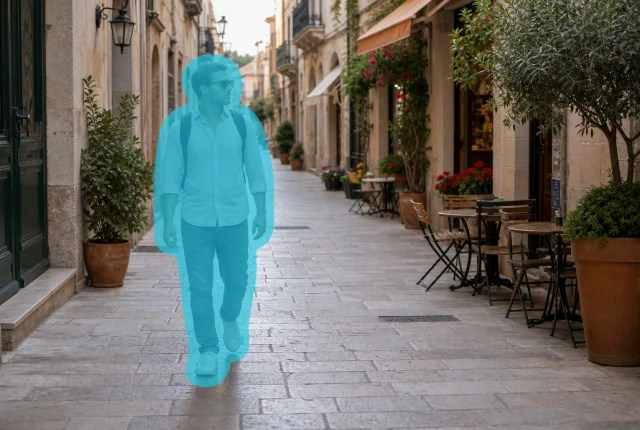 Marcado
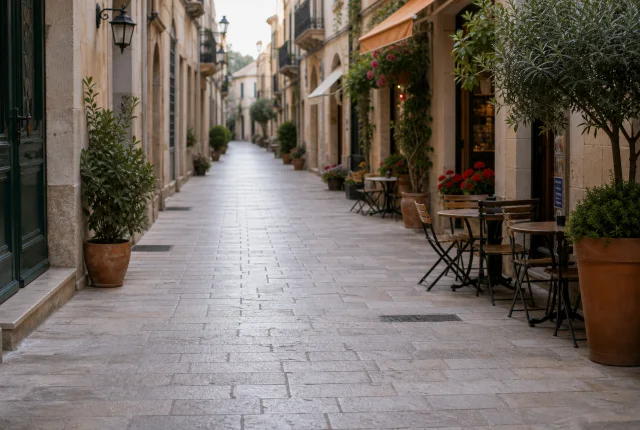 Reparado
Comece quando a silhueta estiver completa. Se ela atravessa o quadro, ative o rastreamento e confira onde entra e sai.
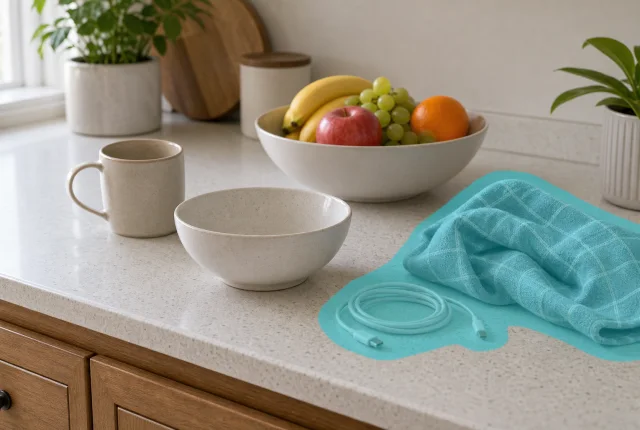 Marcado
 Reparado
Se sacolas, cabos, copos ou panos ficam parados, o rastreamento não é necessário. Marque separadamente o que não estiver unido.
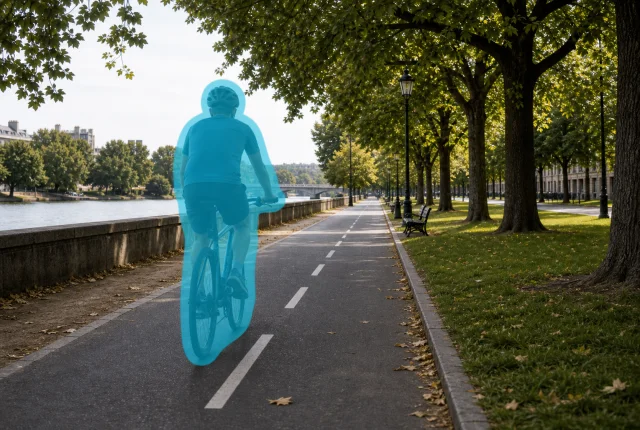 Marcado
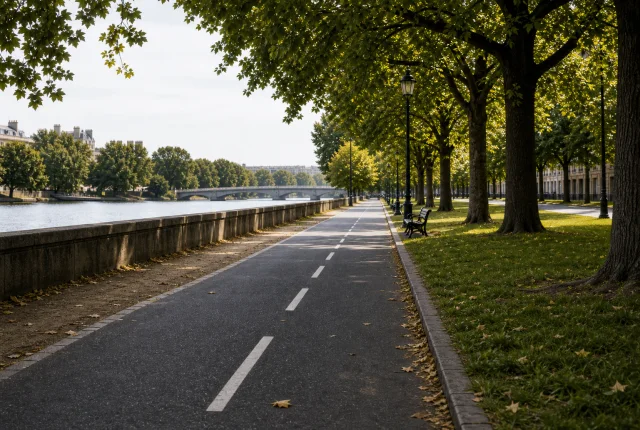 Reparado
Escolha um frame em que ciclista e bicicleta estejam visíveis. O rastreamento acompanha a posição, mas o motion blur pede revisão em velocidade normal.
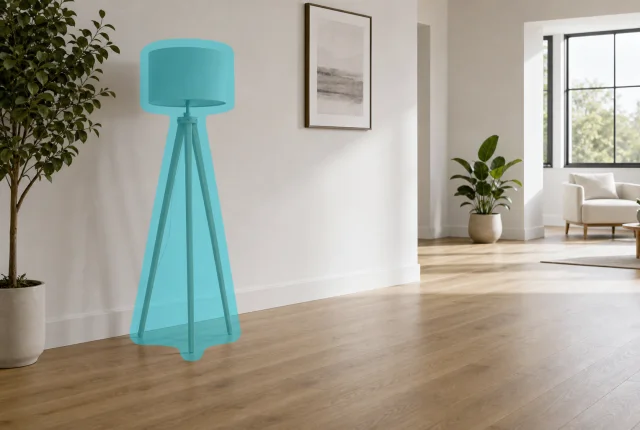 Marcado
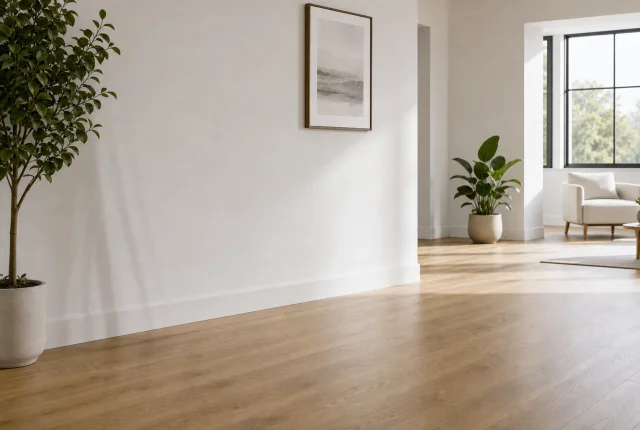 Reparado
Cones, lixeiras e suportes costumam ficar parados. Marque apenas quando houver piso, parede ou padrão visível suficiente ao redor.
O frame pintado serve como referência. Percorra o clipe e escolha o modo conforme o movimento real do alvo.
Deixe o rastreamento desligado para copo, cabo ou placa que permanece no lugar. Aumente a máscara só onde o alvo escapar mais tarde.
Ative o rastreamento para pessoas, bicicletas, carrinhos ou carros. Confira cruzamentos, motion blur e os frames de entrada e saída.
Panorâmicas rápidas, grandes oclusões, rostos, mãos e bordas finas podem exigir outra tentativa ou retoque manual.
Máscara, rastreamento, arquivo fonte e cenas que exigem mais cuidado.
Não. Para copo, cabo, placa ou outro alvo que fica no mesmo lugar, a máscara fixa costuma ser mais fácil de revisar. Ative o rastreamento quando uma pessoa, bicicleta, carrinho ou carro atravessar o quadro.
Cubra todo o contorno e as partes ligadas que também precisam sumir, sem invadir rostos, texto ou bordas próximas. Percorra os frames seguintes e amplie só onde o alvo escapar.
Porque câmera, luz e fundo mudam ao longo do vídeo. Assista em velocidade normal e confira cortes, motion blur, sobreposição e os momentos em que o alvo entra ou sai do quadro.
Você pode enviar MP4, MOV e WebM. Prefira o arquivo menos comprimido. O enquadramento é mantido sem corte, embora a área selecionada seja reconstruída.
Somente vídeos próprios, licenciados ou com autorização explícita de edição. Deixe créditos obrigatórios, avisos de segurança, evidências e marcas de propriedade fora da seleção e guarde uma cópia intacta do original.
Envie um original que você possa editar, marque um alvo e confira o reparo durante todo o intervalo.
10 pontos no cadastro · Guarde o arquivo original