
動画に焼き込まれたタイムスタンプとは?
動画に焼き込まれたタイムスタンプとは、日付、時刻、チャンネル名、timecode などが各フレームの可視ピクセルとして表示されるものです。CCTV、DVR/NVR、ドラレコ、カメラ、古いビデオカメラでよく見られ、ファイルのメタデータとは違ってプレイヤー設定では消せません。
ファイルをドラッグ&ドロップ、またはクリックして選択
MP4、MOV、AVI、MKV、WebM · 最大 2GB
違いを見る →
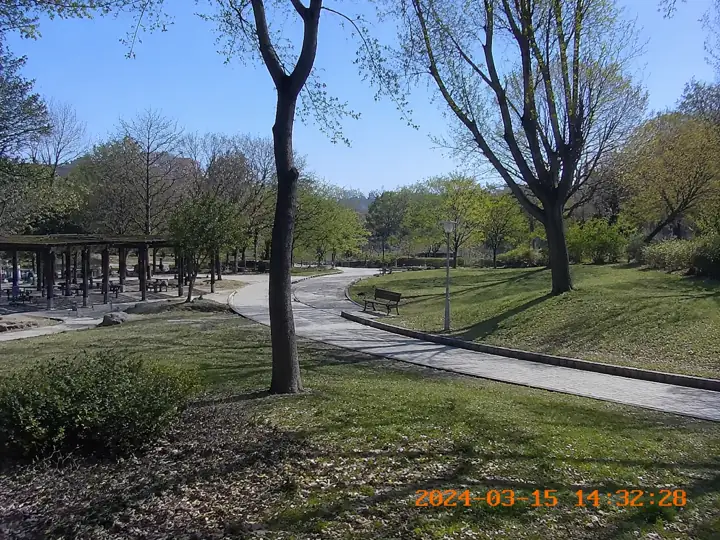

自分が所有、ライセンス取得、クライアント承認、または明確な編集許可を持つ動画から、カメラの日付透かし、CCTV 時刻表示、DVR オーバーレイ、ドライブレコーダーのタイムスタンプ、古いビデオカメラの日付焼き込みを AI で削除します。オンラインでぼかしなし、トリミングなしの自然な仕上がりを目指せます。
UnmarkAI は可視の日時表示を AI インペイントで消し、背景をフレームごとに補完します。範囲を選択し、プレビューして、日本のクリエイター、制作会社、社内チーム向けのクリーンな書き出しを保存できます。
動画に焼き込まれたタイムスタンプとは、日付、時刻、チャンネル名、timecode などが各フレームの可視ピクセルとして表示されるものです。CCTV、DVR/NVR、ドラレコ、カメラ、古いビデオカメラでよく見られ、ファイルのメタデータとは違ってプレイヤー設定では消せません。
はい。所有または編集許可のある動画であれば、AI が固定された CCTV 時刻表示、ドラレコの日付や速度表示、カメラの日付透かし、timecode burn-in を削除し、背景を補完してフレームを保ちます。
動画の日付・時刻オーバーレイは、日付透かし、タイムスタンプ、タイムコード焼き込みとも呼ばれ、映像フレームの可視ピクセルに直接表示されます。GoPro、Sony Handycam、Canon Vixia、Hikvision、Dahua、ドライブレコーダー、VHS、Hi8、MiniDV などでよく見られます。ファイルのメタデータとは異なり、プレイヤー設定では消せません。
カメラやアクションカメラが映像に直接焼き込む日付、時刻、機種由来の表示です。
監視システムでよく使われるチャンネル名、日付、時刻の可視オーバーレイです。
ドライブレコーダーの日時、速度、GPS 風テキストを許可範囲で整理できます。
古い映像をデジタル化した際に残る固定日付表示をアーカイブ用に整えます。
レビュー、制作、納品確認のために映像へ焼き込まれた timecode を扱います。
自分の撮影素材、所有動画、ライセンス済み素材、クライアント承認済み素材、または明確に許可された動画だけを処理してください。証拠の意味や撮影日時を誤認させる目的では使わないでください。
カメラの日付透かし、監視カメラの時刻表示、DVR/NVR オーバーレイ、ドラレコの時刻、GoPro や古いビデオカメラの日付焼き込みがある MP4、MOV、AVI、WebM をアップロードします。
タイムスタンプ、日付透かし、時刻コードを囲むように小さく選択します。AI がフレーム全体でその領域を追跡し、トリミングやぼかしに頼らず処理します。
AI が焼き込まれた文字を消し、周囲のピクセルから壁、道路、空、室内背景などを補完します。確認後、クリーンな動画を書き出します。
AI が映像に焼き込まれた日付透かしを検出し、背景を補完します。ぼかし跡や不要なトリミングを避け、元のフレームを保ちます。
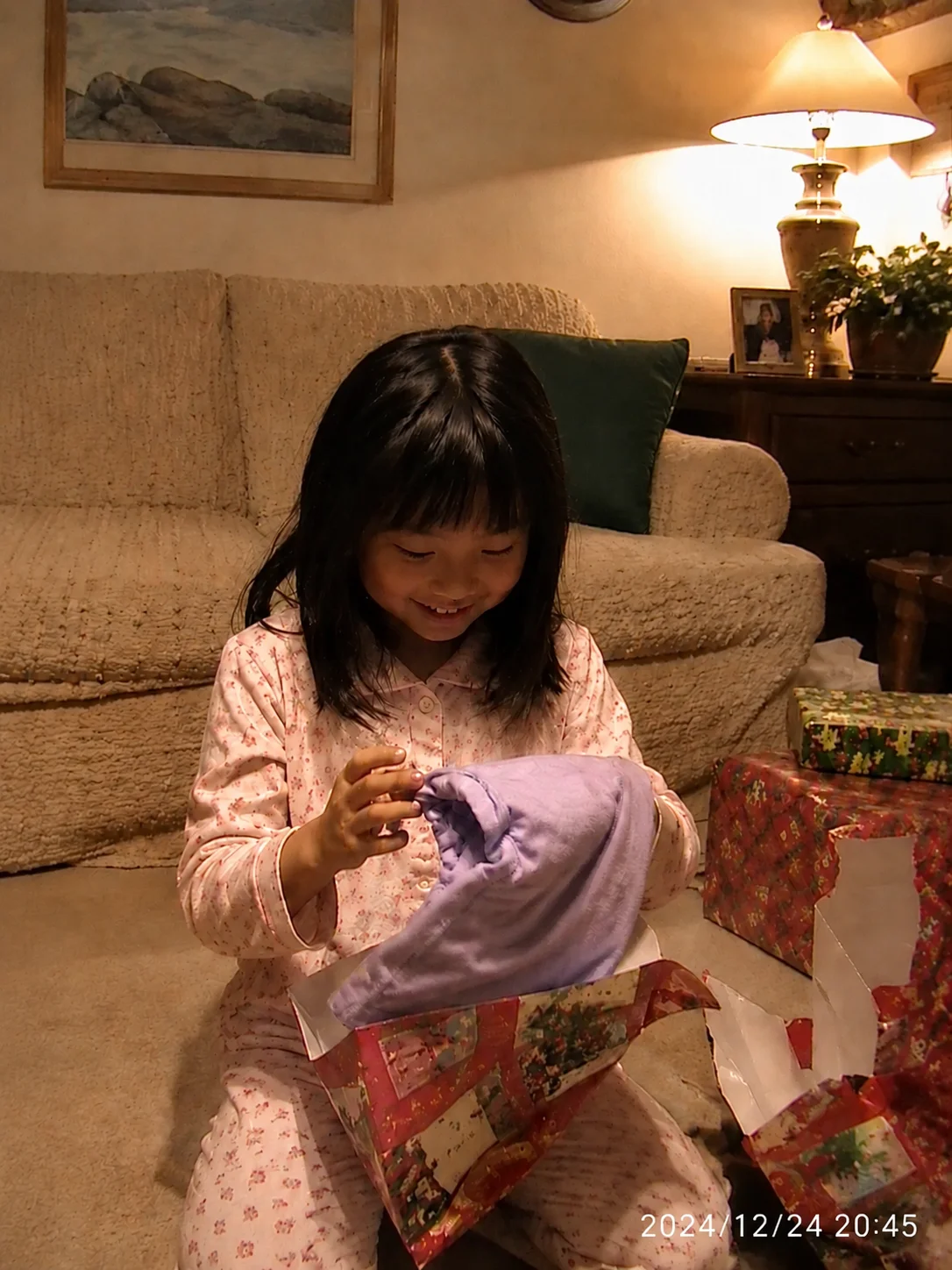
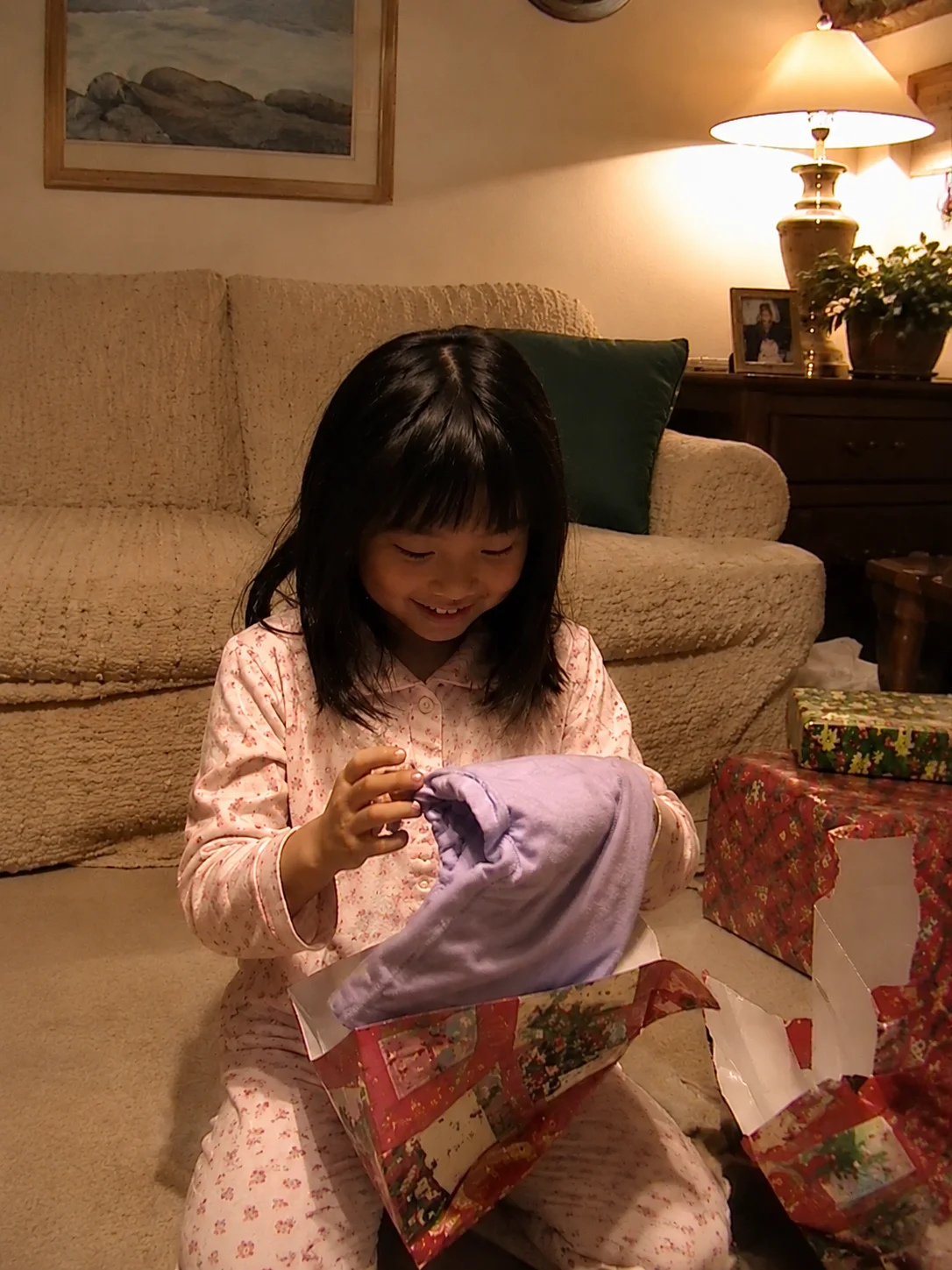
許可済み監視映像の時刻オーバーレイを削除。
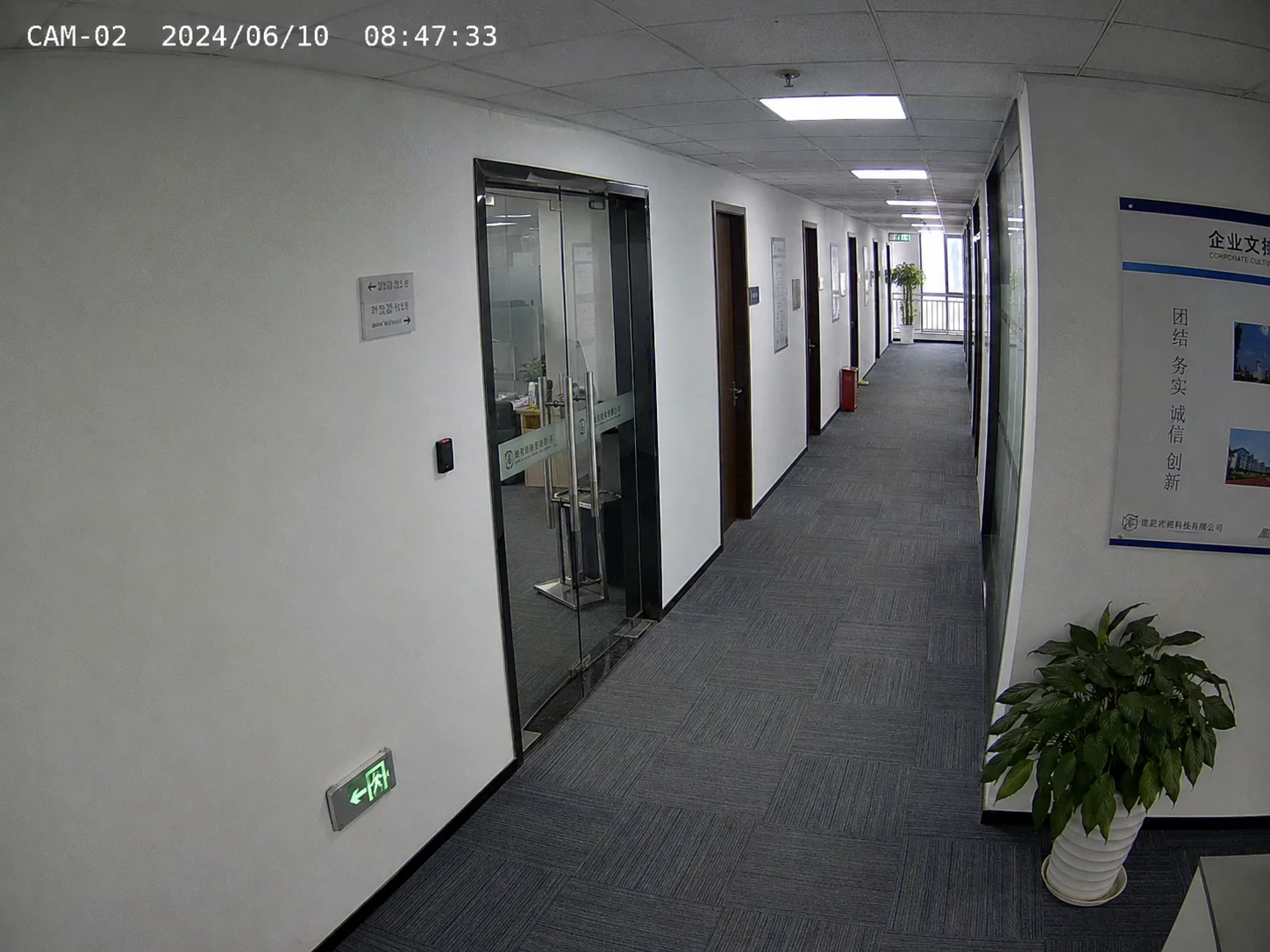
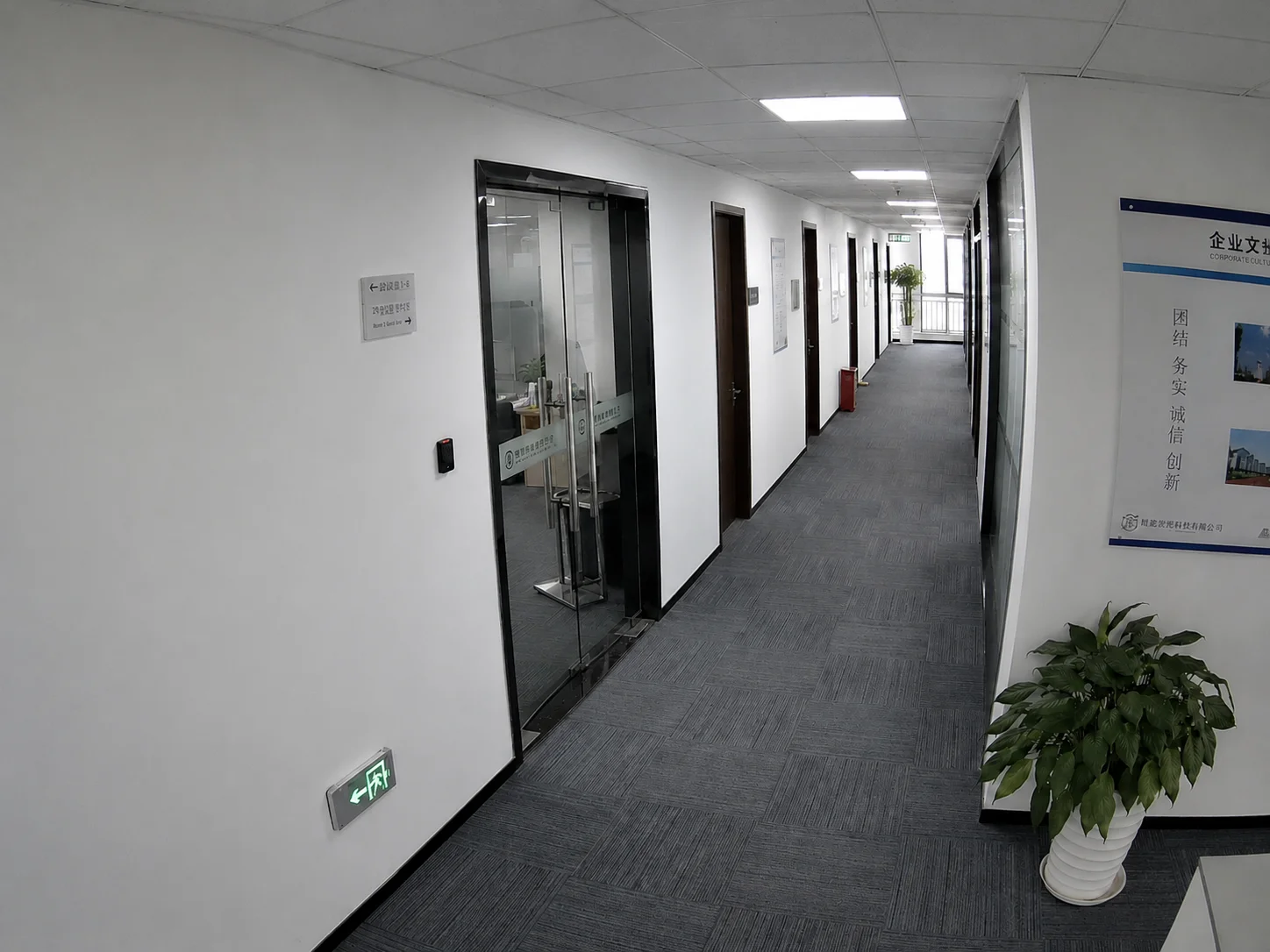
Hikvision、Dahua などの監視システムやドラレコは、日付、時刻、チャンネル名、速度を映像に焼き込みます。許可された素材であれば、AI が可視オーバーレイを自然に整理できます。
タイムスタンプ削除は、自分の録画、ライセンス素材、クライアント承認済み納品、社内アーカイブ整理向けです。第三者の出典表示を隠したり、撮影日時を偽る用途ではありません。
自分の走行動画から日時や速度表示を整理。
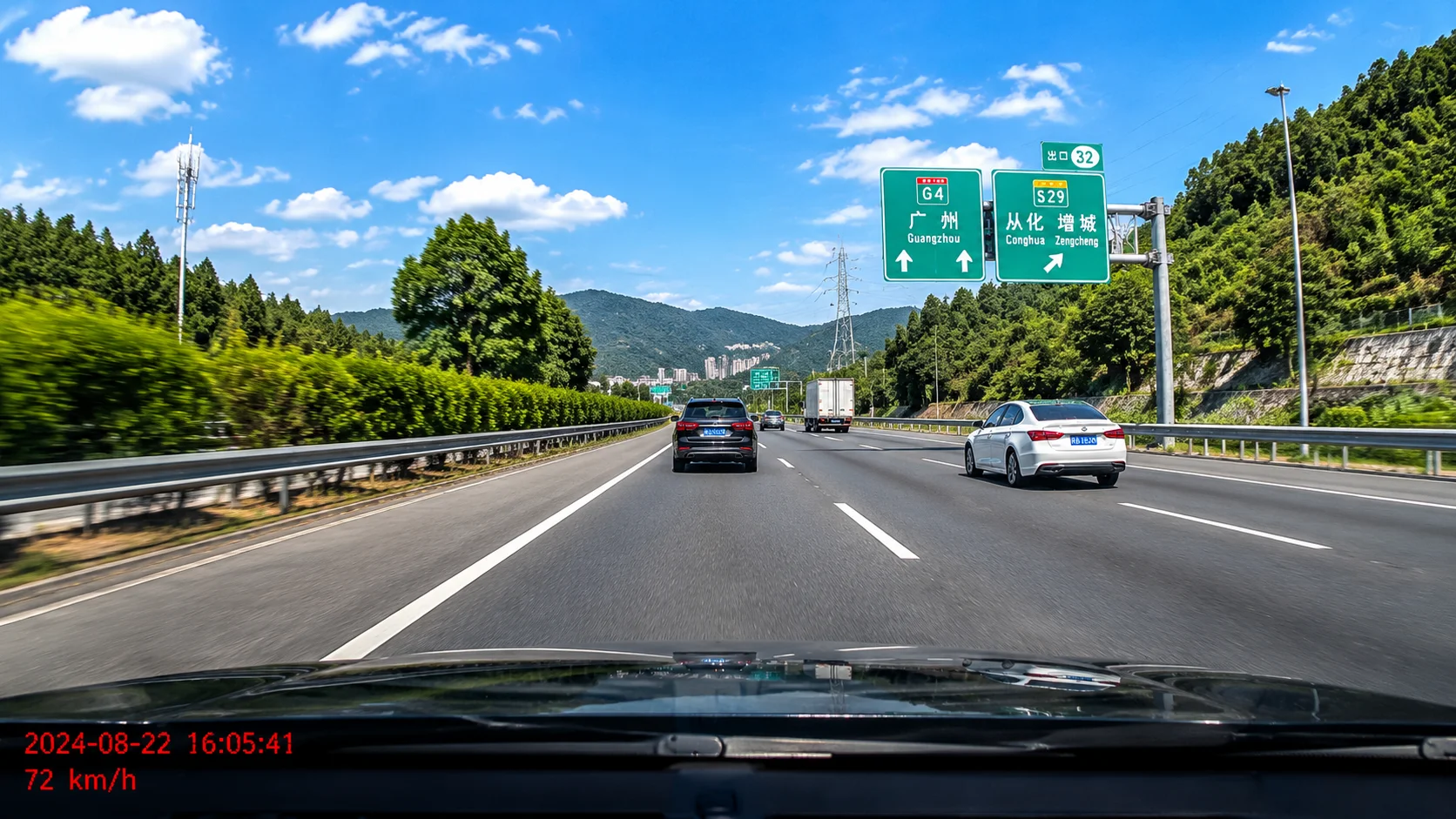
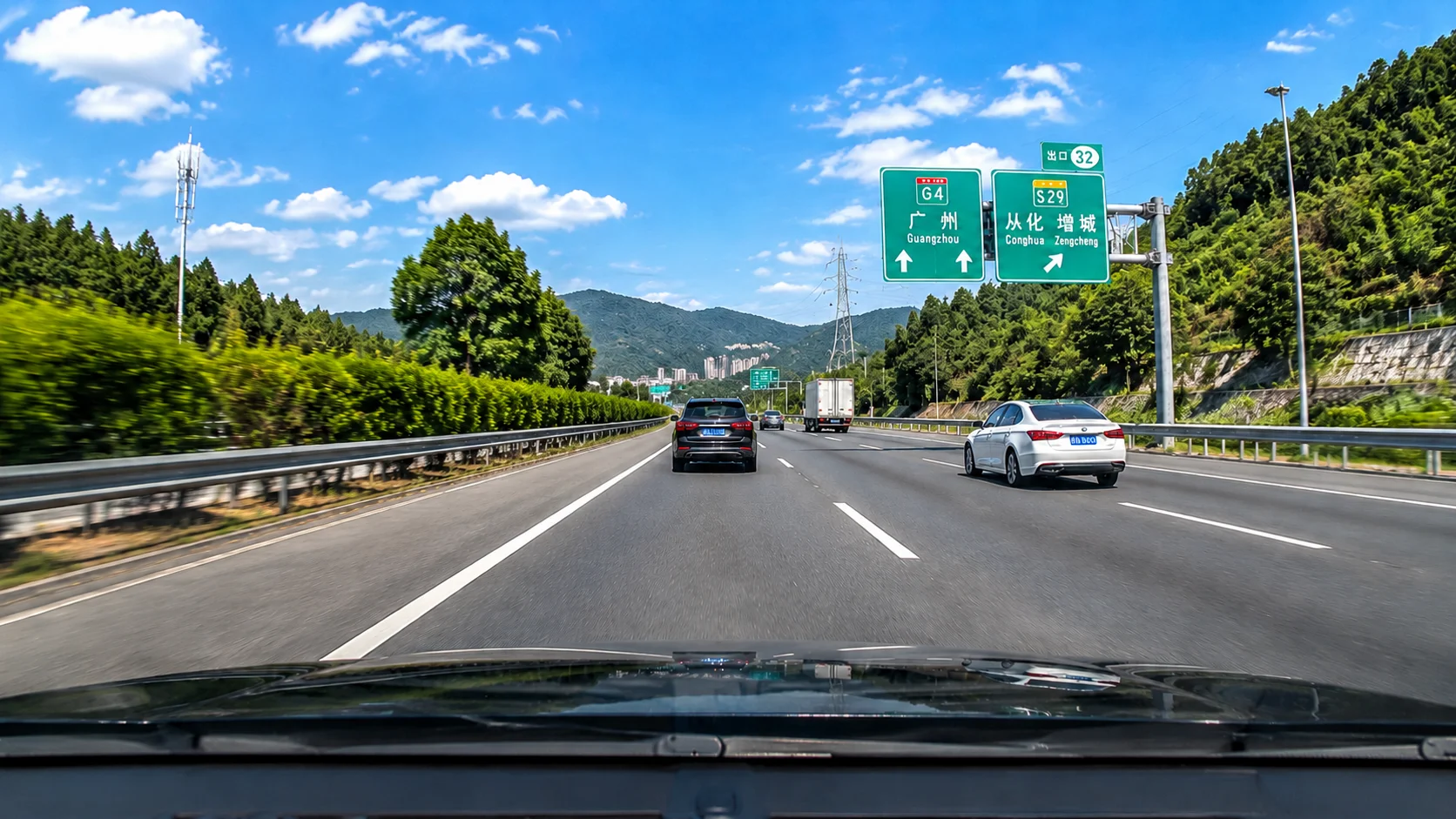
UnmarkAI は MP4、MOV、AVI、WebM に対応します。12時間/24時間表記、複数の日付形式、CCTV のチャンネル名付き日時、白・赤・オレンジ・緑・半透明の時刻表示を処理できます。
カメラ、監視映像、ドラレコ、古い素材の変換ファイルを処理できます。
MM/DD/YYYY、DD-MM-YYYY、YYYY/MM/DD などの可視日付を選択できます。
単独時刻、日時の組み合わせ、AM/PM、連続 timecode に対応します。
監視カメラのチャンネル名、日付、時刻をまとめて選択できます。
色付きや半透明の日時表示も可視オーバーレイとして処理できます。
鮮明な元動画ほど、AI が文字の背後を自然に補完しやすくなります。
家族動画の整理、不動産内覧動画、クライアント承認済み素材、研修動画、許可済み監視映像、アーカイブのデジタル化、YouTube Shorts、Instagram Reels、TikTok、X、社内配信用クリップの整理に役立ちます。
自分の古い動画の日付表示を消して、保存や共有に適した状態にします。
誤って入った日時表示を整理し、物件映像を見やすくします。
所有または許可された素材に限り、社内確認や研修用コピーを準備します。
古いカメラの日付焼き込みを整理し、クリーンなマスターを作れます。
自分の録画や許可済み映像だけを、誤解を招かない範囲で処理します。
制作、研修、社内配信用に見える日時表示を整理できます。
動画を所有している、ライセンスがある、クライアントが承認している、または明確な編集許可がある場合に限り、日時表示の削除は通常の編集作業として扱えます。第三者素材の撮影日時を誤認させたり、証拠・法的・公式記録の意味を変える目的で使用しないでください。
ホームビデオ、個人ドラレコ、自社録画など権利のある素材に使用します。
ストックや購入素材では、編集とクリーンアップが許可されているか確認します。
処理範囲と用途を権利者に確認してから編集します。
日時表示の削除で映像の文脈や記録日時を偽らないでください。
証拠や公式記録は、専門家または権限者の許可を得てください。
トリミングは構図を失い、ぼかしは目立つ跡を残します。AI インペイントはタイムスタンプの背後を補完するため、所有または許可済み動画のクリーンな納品に向いています。
| 方法 | 品質 | 速度 | 構図 |
|---|---|---|---|
| AI インペイント(UnmarkAI) | 背景を補完 | 自動、数分 | フレームを維持 |
| トリミング | 残る部分の品質は維持 | 即時 | 画面の一部を失う |
| ぼかし/モザイク | 目立つ跡が残る | 即時 | 視聴の邪魔になる |
| 手動マスク | 技術次第で高品質 | クリップごとに数時間 | 編集者のスキル次第 |
日時表示の領域だけを処理し、角や下部の映像情報を残します。
目立つパッチで隠すのではなく、背景を補完します。
道路、壁、空、室内などの周囲情報を使って復元します。
位置が安定している表示ほど追跡と補完がしやすくなります。
クローンやマスクの反復作業を減らし、納品前処理を短縮できます。
UnmarkAI は、自分が所有する、ライセンスを持つ、または編集許可のある動画を扱うクリエイターやチーム向けのサービスです。
所有、ライセンス取得済み、または明確に編集許可のある動画のクリーンアップを支援します。
クリーンな動画を書き出す前に、AI補完の仕上がりをフレーム単位で確認できます。
ファイルはサービス提供のため安全に処理されます。保存期間とサービス提供者による処理はプライバシーポリシーをご確認ください。
許可のない第三者コンテンツから署名や必要な表示を削除する行為を明確に禁止しています。
安全で高品質な動画クリーンアップに関する実用的な回答です。
所有または編集許可のある動画をアップロードし、日時表示の範囲を選択します。UnmarkAI が焼き込まれた文字を削除し、背景を補完します。
はい。AI インペイントで表示部分だけを補完するため、フレーム全体を保てます。
カメラの日付透かし、GoPro や DV の日付表示、Hikvision/Dahua の監視時刻表示、ドラレコの日時、タイムコード burn-in に対応します。
はい。ただし所有、クライアント承認、または明確な編集許可がある映像に限ります。証拠の意味を変える目的では使用しないでください。
焼き込みタイムスタンプは映像フレーム内の可視文字です。メタデータ時刻はファイル情報です。UnmarkAI は可視の日時表示のみを処理します。
はい。ブラウザで動画 タイムスタンプや日付 透かし削除をオンラインで行い、YouTube Shorts、Reels、TikTok、X、社内配信向けに整理できます。
許可済みコンテンツ向けのクリーンアップまたはローカライズワークフローを選択します。
登録で 10 ポイント付与 · クレジットカード不要