Responsible AI Video Editing

AI Video Post-Production for Authorized Projects

動画をアップロード

ファイルをドラッグ&ドロップ、またはクリックして選択

動画は安全に処理され、共有されません

MP4、MOV、AVI、MKV、WebM · 最大 2GB

違いを見る

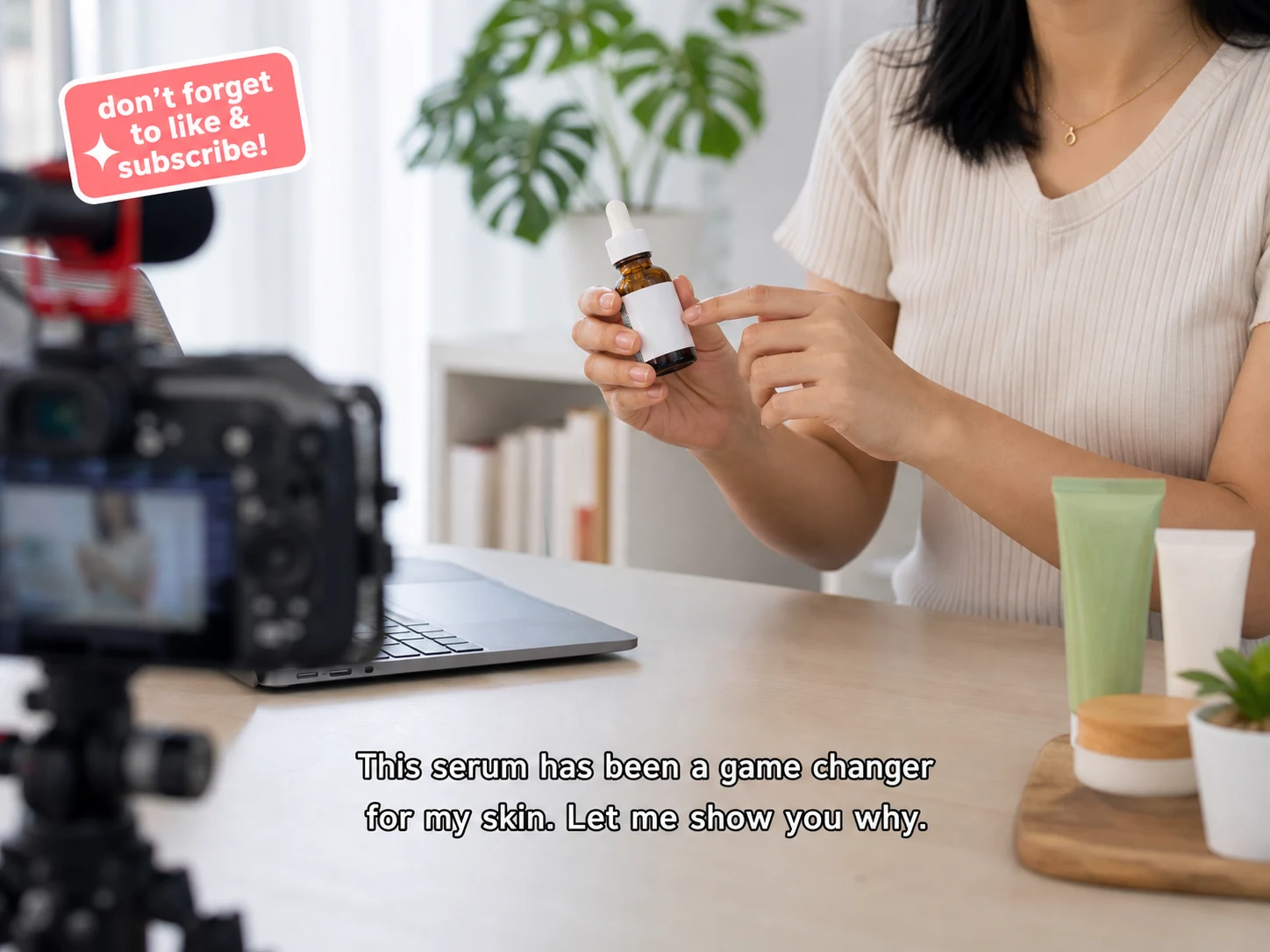
処理前Creator video with hardcoded captions before AI cleanup - UnmarkAI
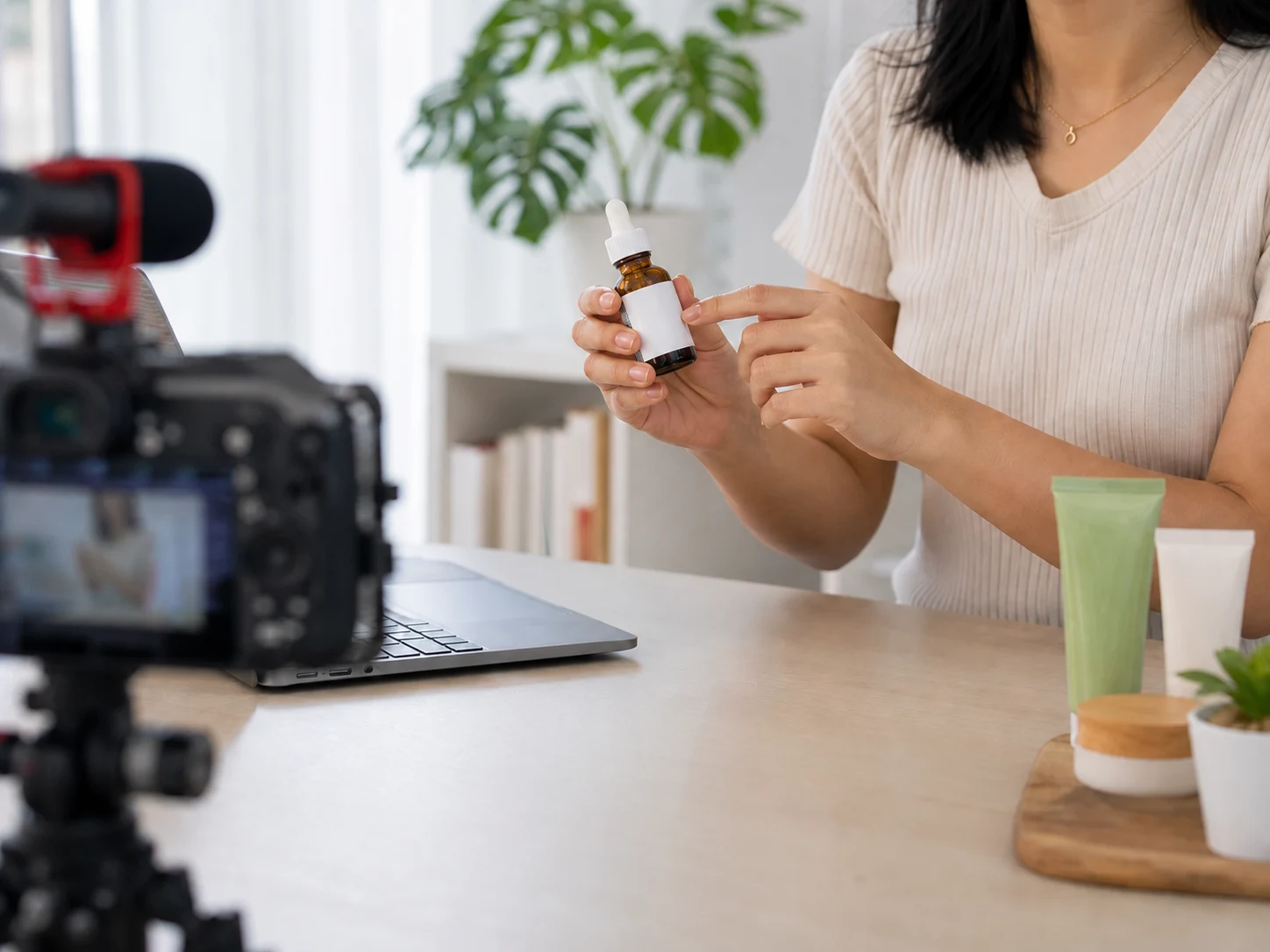
処理後Creator video placeholder after cleanup, ready for final after asset - UnmarkAI

Prepare AI-generated footage you own for campaigns, localization, client review, and final delivery. Clean ordinary visual distractions, update captions, and review exports while preserving required source identification and provenance signals.

This workflow is for authorized post-production, not for hiding how content was created. Keep platform-required labels, attribution, Content Credentials, and invisible provenance signals intact.

What can responsible AI video post-production change?

It can update captions, remove ordinary scene distractions, adjust framing, translate dialogue, add approved voiceover, and prepare delivery formats for AI video the editor owns or is authorized to modify.

Does this workflow remove AI provenance or source labels?

No. UnmarkAI does not market removal of provenance signals, required source labels, Content Credentials, or attribution. Editors should preserve disclosures required by the generation platform, client agreement, and destination channel.

Responsible AI video post-production tasks

Update the creative layer of authorized AI video without obscuring its origin or required disclosures.

Embedded Text & Subtitles

Remove burned-in captions, translated subtitles, lower thirds, and any on-screen text that is permanently part of the video. Perfect for updating or localizing content for new audiences.

Ordinary Scene Distractions

Remove passersby, temporary props, cables, bins, or other ordinary visual distractions from footage you control.

Stickers & Promotional Overlays

Erase emoji stickers, call-to-action graphics, price tags, banners, and other promotional overlays added during editing or social media publishing. Keep your visuals clean and focused.

Dates, Notes & Temporary Elements

Remove draft annotations, internal review notes, and temporary production information created by your own team. Preserve evidence, dates, safety notices, and third-party attribution.

How to polish an AI video responsibly

Start with an authorized source file and keep required provenance information through review and delivery.

01

Confirm ownership and source terms

Use footage you generated, licensed, or received with explicit editing authorization, and review the source platform terms before editing.

02

Polish the creative content

Update captions, remove ordinary scene distractions, revise owned campaign text, translate dialogue, or adapt the frame for the intended channel.

03

Review provenance and delivery

Verify that required source identification, disclosures, Content Credentials, and client approvals remain present before export.

Post-production from an authorized AI video source

Treat generated footage like any other production asset: confirm rights, edit the creative content, and preserve required provenance information.

  • Hardcoded captionsRemove captions from video when the words are burned into the pixels and cannot be switched off.
  • Channel-specific editsPrepare authorized source files before adding fresh captions, hooks, or localized text for each delivery channel.
  • No crop or blurKeep the original composition instead of cutting off hands, products, subtitles, or lower-third detail.
処理前Social creator video with hardcoded captions before cleanup - UnmarkAI
処理後Placeholder after asset for social creator video cleanup - UnmarkAI
もっと自然な動画に仕上げますか?AI 処理でぼかしなし、画質低下なし。
無料で開始
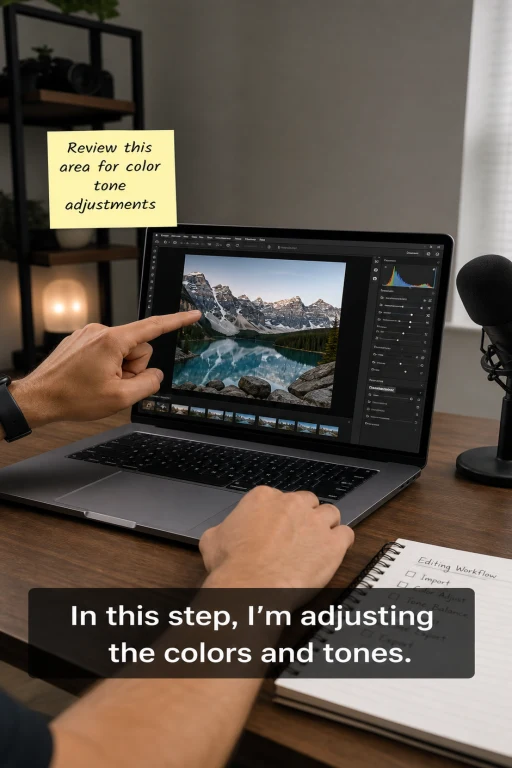
処理前Tutorial creator video with visible text overlay before cleanup - UnmarkAI
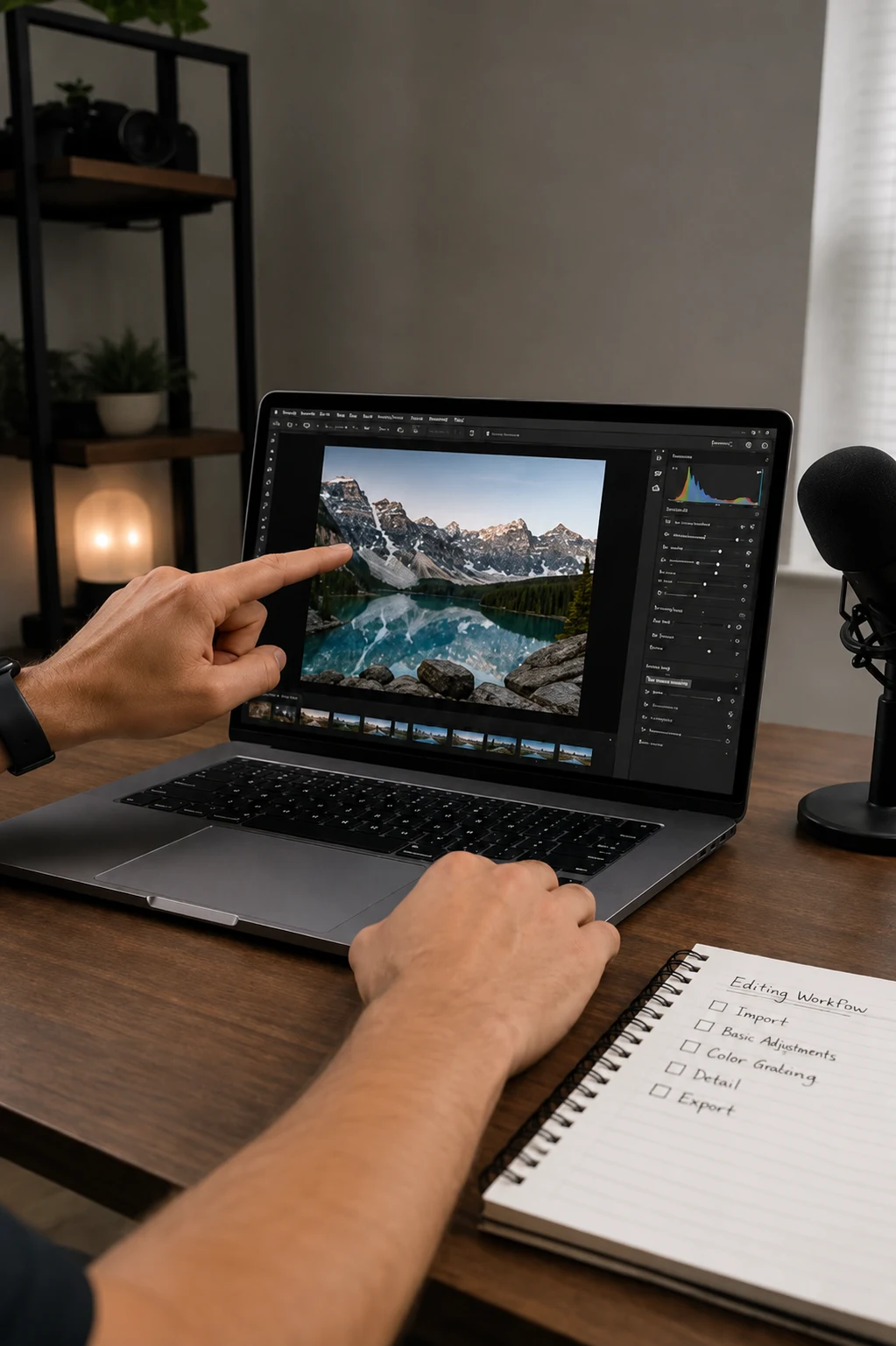
処理後Placeholder after asset for tutorial creator video cleanup - UnmarkAI
もっと自然な動画に仕上げますか?AI 処理でぼかしなし、画質低下なし。
無料で開始

Review content, disclosures, and delivery together

Client review should cover captions, ordinary scene cleanup, claims, accessibility, source disclosure, and destination-platform requirements.

  • Course updatesRemove outdated captions, interface notes, timestamps, or lesson labels before publishing a revised version.
  • Brand and client deliveryClean approved drafts by removing review copy, temporary labels, or placeholder text.
  • Ad creative refreshErase old hooks, CTAs, price tags, or sticker-style overlays before testing new creative.

Formats and creator workflows supported

UnmarkAI works in the browser for common creator delivery files. Upload the highest-quality source available so AI has enough texture, color, and motion detail to rebuild the area behind removed captions or overlays.

Video Formats

MP4, MOV, WebM, AVI, and MKV formats are supported for all standard creator delivery workflows.

Aspect Ratios

Works with vertical 9:16, square 1:1, landscape 16:9, and any custom cropped social media variants.

Content Types

Clean up social clips, detailed tutorials, online courses, product demos, ads, screen recordings, and client drafts.

Batch Workflow

Queue multiple clips that use authorized captions or owned text overlays in the same position.

Prepare one reviewed source for each delivery channel

Adapt captions, aspect ratios, language, audio, and ordinary visual cleanup while keeping disclosures required by the source and destination platforms.

Multi-Channel Publishing

Prepare owned source clips for the aspect ratio, captions, accessibility, and delivery requirements of each publishing channel.

Global Localization

Remove English, Spanish, Portuguese, Japanese, or Chinese burned-in captions before adding new market-specific subtitles.

Creator Workflow

Refresh old hooks, stickers, CTAs, captions, and review notes to give your content a longer lifespan without refilming.

Agency Delivery

Clean approved client assets to remove internal review notes or placeholder copy before final captioning, resizing, or brand-safe export.

Preserve provenance, attribution, and required labels

Do not remove required AI disclosures, Content Credentials, source attribution, safety labels, or invisible provenance signals. Only edit content you own, license, or are explicitly authorized to modify.

Original Content

Clean your original creator videos where you own the rights and control all editing and distribution decisions.

Client-Approved Edits

Process footage you produce for clients when you have written permission for cleanup and final delivery.

Licensed Media

Modify licensed stock or archival media only when the license terms explicitly allow derivative edits and overlay replacement.

Internal Assets

Clean internal brand, course, and team video assets where AI cleanup is already an approved part of the workflow.

Why AI cleanup beats cropping, blur, and manual clone work

Cropping can damage framing, blur makes the cleaned area obvious, and manual clone work is slow across many clips. AI inpainting uses nearby texture, lighting, edges, and motion context to rebuild the area behind removed captions, stickers, or text overlays.

MethodFrame qualityCreator workflow fitBatch effort
AI inpaintingFull frame preservedClean master ready for new captions and editsWorks well for repeated creator clips
CroppingRemoves overlay area and visual contextCan break platform framingManual reframing per clip
Blur or mosaicFrame remains but patch is visibleLooks unfinished for brand or client deliveryFast but lower quality

Preserves Full Frame

AI inpainting reconstructs the background behind visible text so you can keep your original framing without cropping.

No Distracting Cropping

Avoid cutting away products, hand gestures, screen UI, or important lower-frame context when updating authorized captions or owned overlays.

Seamless Results

Unlike simple blur or mosaic patches that draw attention to the edit, AI reconstruction blends smoothly with the surroundings.

Scales Effortlessly

Manual frame-by-frame cloning is slow. AI cleanup is built to scale for batch creator clips, ad variants, or course libraries.

信頼性

権利のある動画編集のために設計

UnmarkAI は、自分が所有する、ライセンスを持つ、または編集許可のある動画を扱うクリエイターやチーム向けのサービスです。

権利に配慮したワークフロー

所有、ライセンス取得済み、または明確に編集許可のある動画を安全にクリーンアップできます。

ダウンロード前に確認

クリーンな動画を書き出す前に、AI補完の仕上がりをフレーム単位で確認できます。

安全な処理

アップロードと書き出しは安全に処理され、第三者と共有されません。

明確な利用ポリシー

許可のない第三者コンテンツから署名や必要な表示を削除する行為を明確に禁止しています。

よくある質問

安全で高品質な動画クリーンアップに関する実用的な回答です。

Can I edit AI-generated videos for client delivery?

Yes, when your account, license, and client agreement permit the edit. Keep required source disclosures and obtain approval before publishing.

Can I remove ordinary objects or update captions?

Yes. Ordinary scene cleanup and caption replacement are supported for authorized footage when they do not conceal attribution, provenance, evidence, or required notices.

Does UnmarkAI remove invisible AI provenance?

No. The responsible post-production workflow preserves invisible provenance signals and does not claim to defeat detection systems.

動画をきれいに整えますか?

不要な透かしや文字を減らし、投稿や納品に使いやすい動画へ。

今すぐ無料で始める

登録で 10 クレジット付与 · クレジットカード不要