

Remove hardcoded subtitles before translation
AI video localization
Remove subtitles first. Translate video, dub, and lip sync for every market.
UnmarkAI helps teams turn hardcoded-subtitle videos into clean, localized versions. Remove burned-in captions and on-screen text, then generate translated subtitles, dubbing, and lip-sync-ready exports for short drama, tutorial, and talking-head videos.
Free subtitle previewOCR subtitle extractionReview before dubbing20+ target languages
Choose target languageTap a market to preview localized subtitles
Source ZH → Target EN North America & Europe
full-screen hero video + live language preview
Remove subtitles · Translate · Dub · Lip sync
Original hardcoded subtitle
先把原字幕清掉,后面的翻译、配音和对口型才会更干净。
Localized subtitle preview
Remove the original subtitles first so translation, dubbing, and lip sync look clean.
Built for English launches and global YouTube reachTalking-head, tutorial, and short drama friendlySubtitle-safe output
Best-fit content
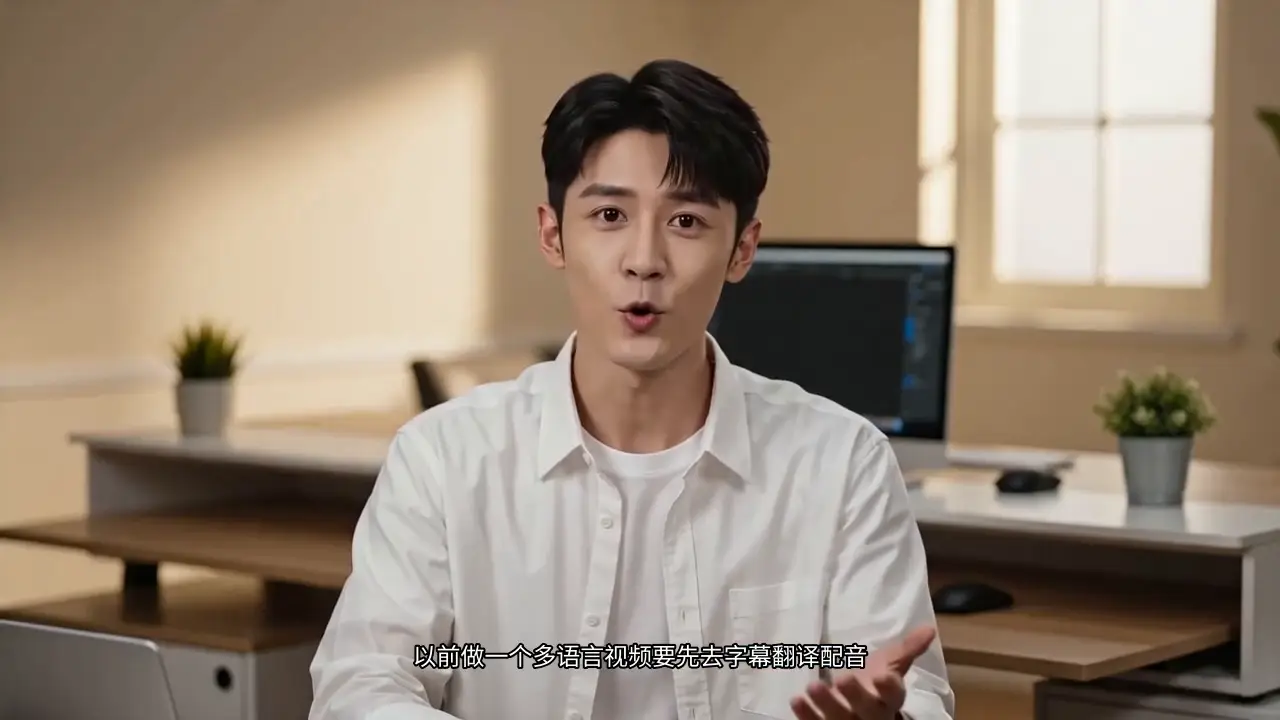 Before
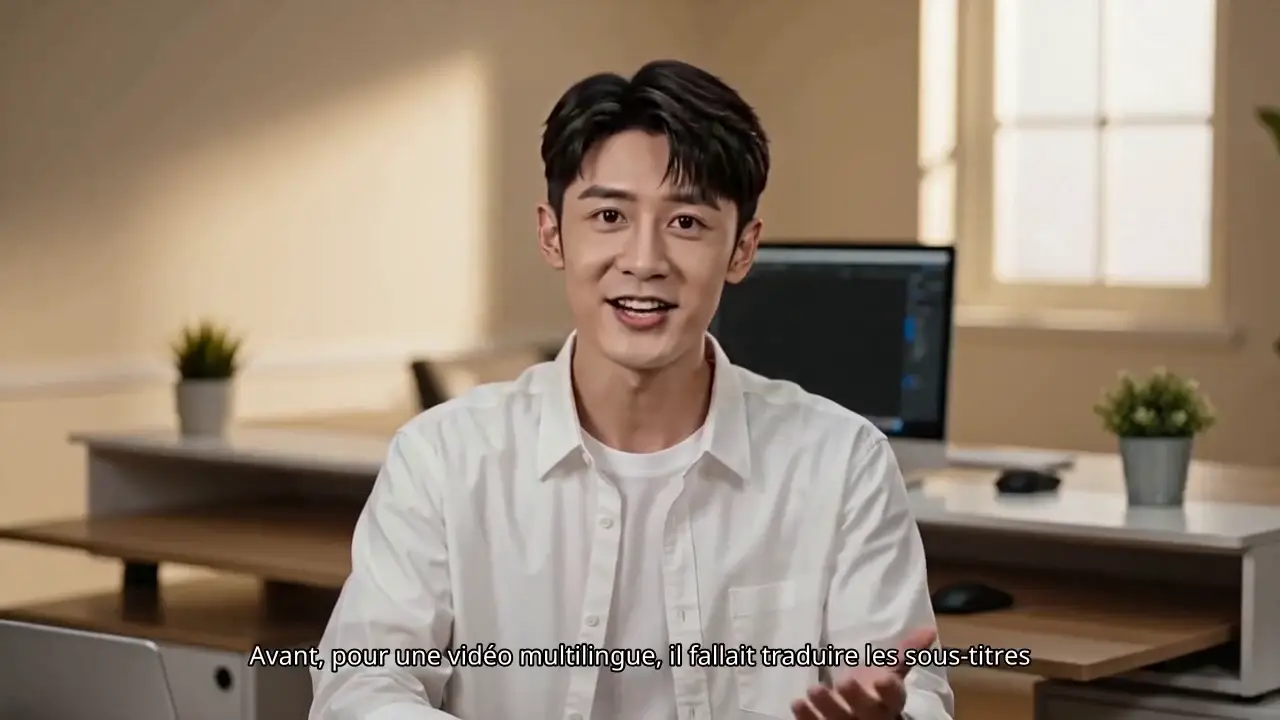 After
AfterPrimary journey
Video translation that starts with a clean frame.
UnmarkAI is an AI video translation tool built for videos with burned-in captions, on-screen text, or source-language subtitles. Clean the frame first, then translate, dub, and localize with fewer layout conflicts.
Generate translated subtitles, dubbing, and lip-sync-ready exports
Built for short drama, tutorial, and talking-head videos
 Before
 After
AfterProduct 02
Remove text from video before reuse or localization.
Use UnmarkAI to erase hardcoded text overlays, captions, timestamps, usernames, and branded bars from videos you own or are authorized to edit.
Erase text overlays without cropping
Clean captions, timestamps, and social handles
Prepare cleaner masters for reuse and translation
 Before
 After
AfterProduct 03
Remove watermarks, logos, subtitles, and visible marks.
Use UnmarkAI to clean visible video watermarks, corner logos, hardcoded subtitles, timestamps, and text overlays before reuse or localization.
AI video watermark remover
Clean logos, subtitles, and overlays
Pick the right cleanup path by mark type
 Before
 After
AfterProduct 04
Remove objects, logos, and distractions.
Clean extra objects, floating labels, or unwanted elements from video footage while preserving a natural-looking frame.
Video object cleanup
Remove visual distractions before export
Keep one clean master for every market
Cleanup path finder
Not sure which AI video cleanup tool fits your clip?
Use the AI video cleanup hub when the issue is not obvious from one keyword. It compares watermark removal, text cleanup, subtitle removal, timestamp cleanup, creator workflows, short drama cleanup, and video object removal for authorized videos.
- Watermarks and visible logos
- Text overlays, hardcoded subtitles, and timestamps
- Objects, creator overlays, and short drama cleanup
Loved by thousands of creators
See what our users are saying about their experience with UnmarkAI.
Sarah J.TikTok Creator
"UnmarkAI is a lifesaver! I used to spend hours manually cleaning up my clips. Now it is done in seconds."
TIKTOK
Mark T.Video Editor
"The quality of the AI inpainting is incredible. You can hardly tell there was ever a watermark there."
YOUTUBE
Elena R.Social Media Manager
"Finally a tool that works! Perfect for repurposing content across different platforms without distractions."
INSTAGRAM
Nora P.Shopify Store Owner
"We clean product demo videos before adding them to Shopify product pages and ads. Removing old captions and platform marks makes every clip feel more on-brand."
SHOPIFY
Jun K.Localization Producer
"The video translation workflow helps us turn one clean source into localized versions for YouTube, Shorts, and regional campaigns without rebuilding the edit."
TRANSLATION
Maya L.Short Drama Marketer
"For short drama promos, we remove burned-in subtitles and approval text from authorized clips, then create fresh captions for each market and channel."
REELS
Video translation FAQ
Questions people actually ask about subtitle removal and video translation.
Direct answers to common search queries about translating, cleaning, dubbing, and repurposing videos with UnmarkAI.
Can I translate Chinese videos to English?
Yes. Upload a Chinese source video, remove hardcoded Chinese subtitles or on-screen text when needed, then create English subtitles, dubbing, and lip-sync-ready exports for global audiences.
Can UnmarkAI remove hardcoded subtitles?
Yes. UnmarkAI removes burned-in subtitles and fixed captions that are part of the video pixels, creating a cleaner frame before re-subtitling, dubbing, translation, or cross-platform republishing.
Does UnmarkAI support video dubbing?
Yes. The video translation workflow supports translated voiceover and dubbing review after the source frame is cleaned, so teams can check subtitles, voice timing, and delivery quality together.
Can I translate videos and keep subtitles from overlapping?
Yes. Removing old source-language subtitles first prevents them from colliding with new translated subtitles, captions, and market-specific layouts.
Can I remove text from a video before translating it?
Yes. UnmarkAI can clean on-screen text, lower thirds, review labels, and hardcoded captions from authorized videos before translation and localization.
What videos work best with UnmarkAI video translation?
The strongest fit includes short dramas, talking-head videos, tutorials, course videos, product demos, creator clips, and repurposed social videos that need subtitle cleanup, translation, dubbing, or multilingual delivery.
Final call to action