Herramienta de video con IA

Free PixVerse Watermark Remover Online — No Blur online con IA

Sube tu video

Arrastra un archivo aquí o haz clic para buscar

Los videos se procesan de forma segura y no se comparten

MP4, MOV, AVI, MKV, WebM · Hasta 2 GB

Ver la diferencia

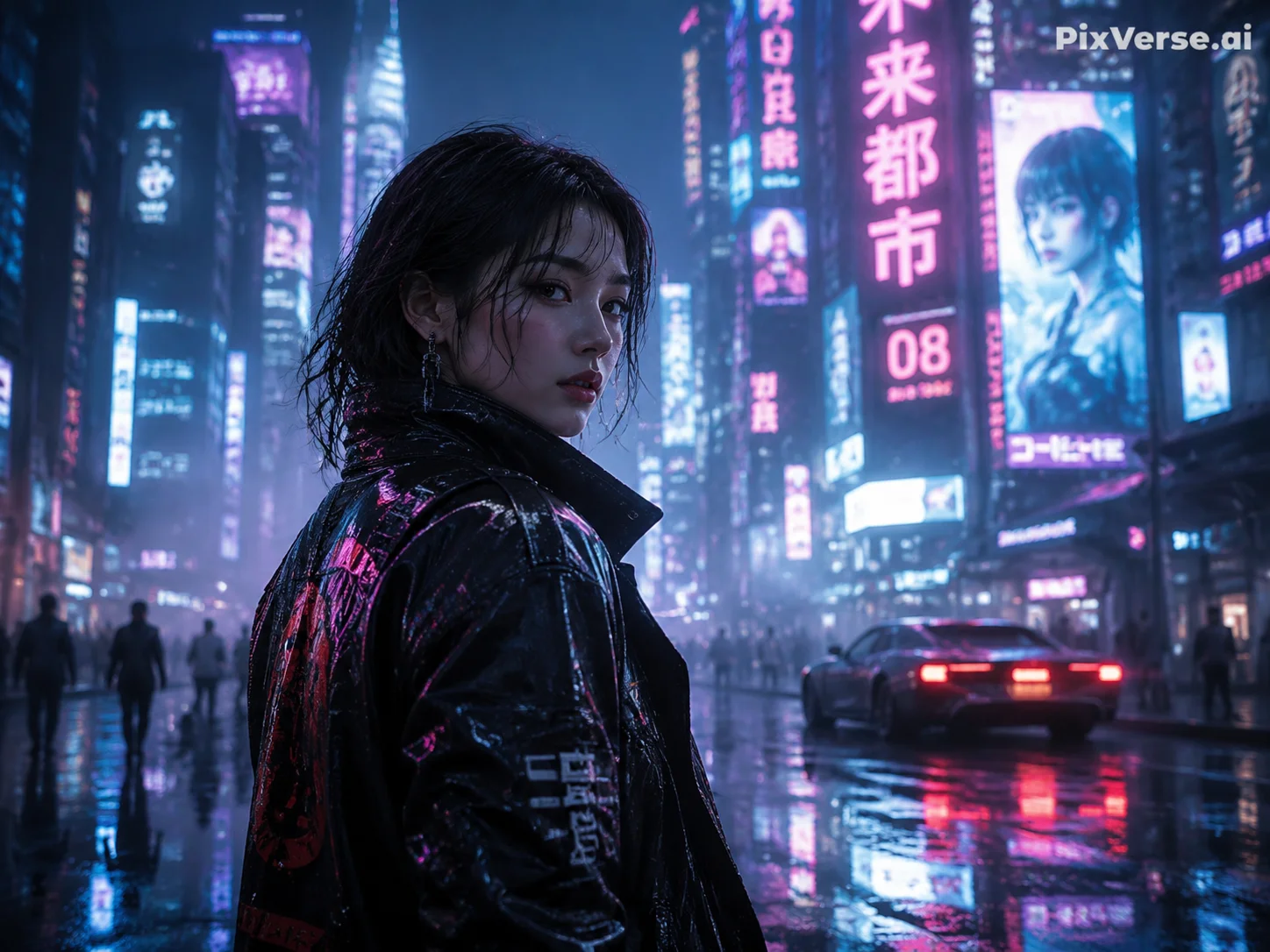
AntesPixVerse AI video with PixVerse.ai watermark in top-right corner before AI removal - UnmarkAI
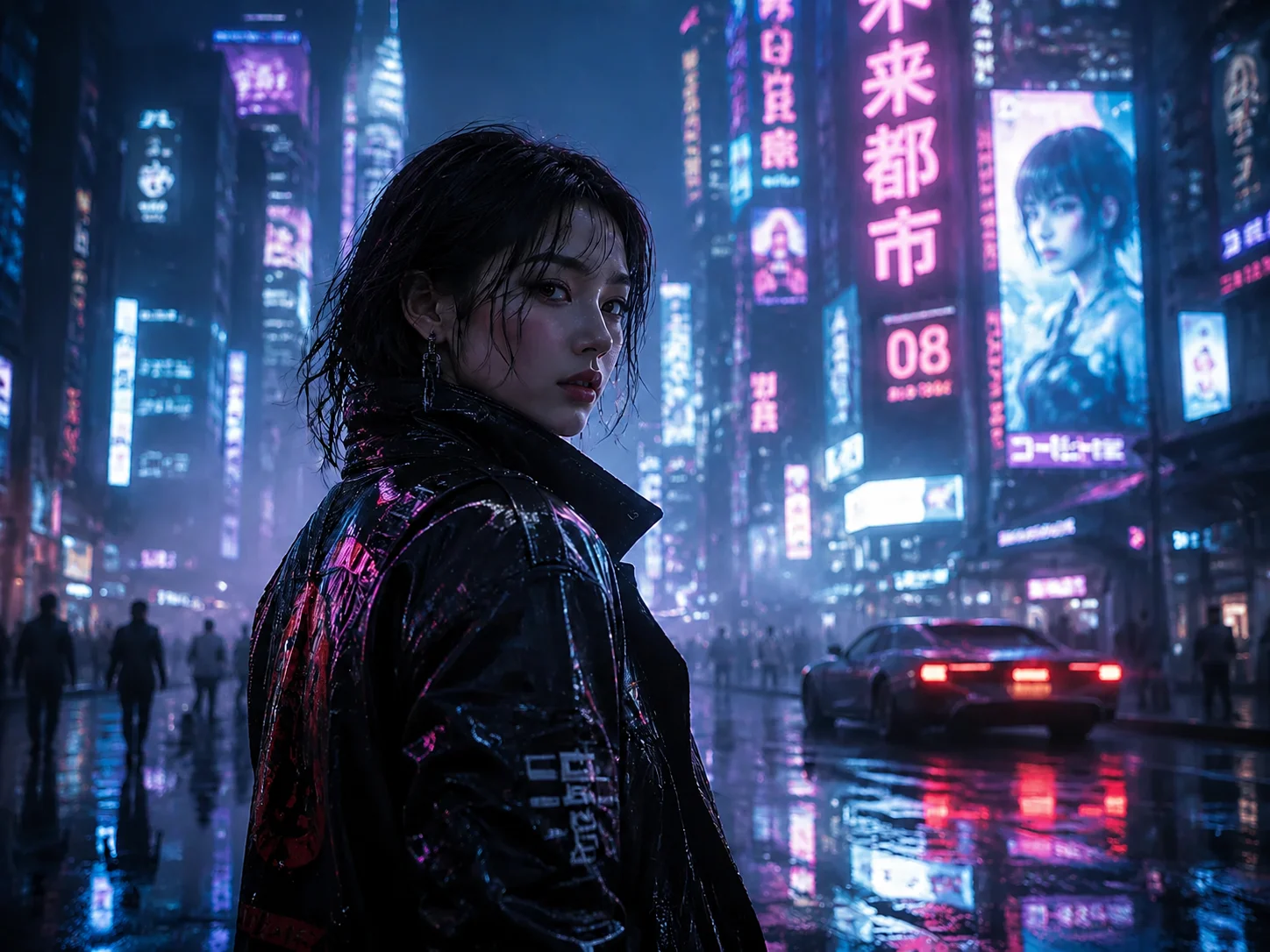
DespuésClean PixVerse-generated video after AI watermark removal, background fully restored - UnmarkAI

Limpia marcas de agua, texto, subtítulos o logos con IA, manteniendo el encuadre y la calidad del video siempre que sea posible.

UnmarkAI ayuda a creadores, marcas y equipos a limpiar videos propios, licenciados o autorizados desde el navegador.

Herramienta online para limpiar videos con IA

La IA suele verse más natural que recortar o desenfocar cuando trabajas con logos móviles, subtítulos, fechas o texto incrustado.

  • The PixVerse watermark is a semi-transparent white "PixVerse.ai" text placed in the top-right corner of the video frame. It is rendered directly into the pixel data — not a separate overlay track.
  • Free-tier PixVerse videos include the watermark and are capped at 720p resolution. Paid plans (starting at $10/month) remove the watermark and unlock higher resolutions.
  • Because the watermark is semi-transparent, the underlying scene is partially visible through it. AI inpainting uses that partial information to reconstruct a clean background.
  • The watermark stays fixed in the top-right corner — it does not bounce or move. This makes it easier for AI to track and remove compared to animated watermarks like TikTok's.

Cómo limpiar una marca de agua de un video online

Sube un video que puedas editar, marca la zona a limpiar, revisa la vista previa y descarga el resultado.

01

Cómo limpiar una marca de agua de un video online

Sube un video que puedas editar, marca la zona a limpiar, revisa la vista previa y descarga el resultado.

02

AI detects and removes the watermark

UnmarkAI scans every frame to locate the PixVerse.ai watermark — typically a white semi-transparent text in the top-right corner. AI inpainting erases the watermark pixels and reconstructs the original background behind it, matching texture, color, and detail.

03

Preview and download

Preview the result side-by-side to confirm the watermark is fully gone. Download the clean export at your original resolution — no blur patches, no cropped edges, no quality loss.

PixVerse watermark removal results

See how AI inpainting removes the PixVerse.ai corner watermark without cropping the frame or leaving blur artifacts. The original background is reconstructed pixel by pixel.
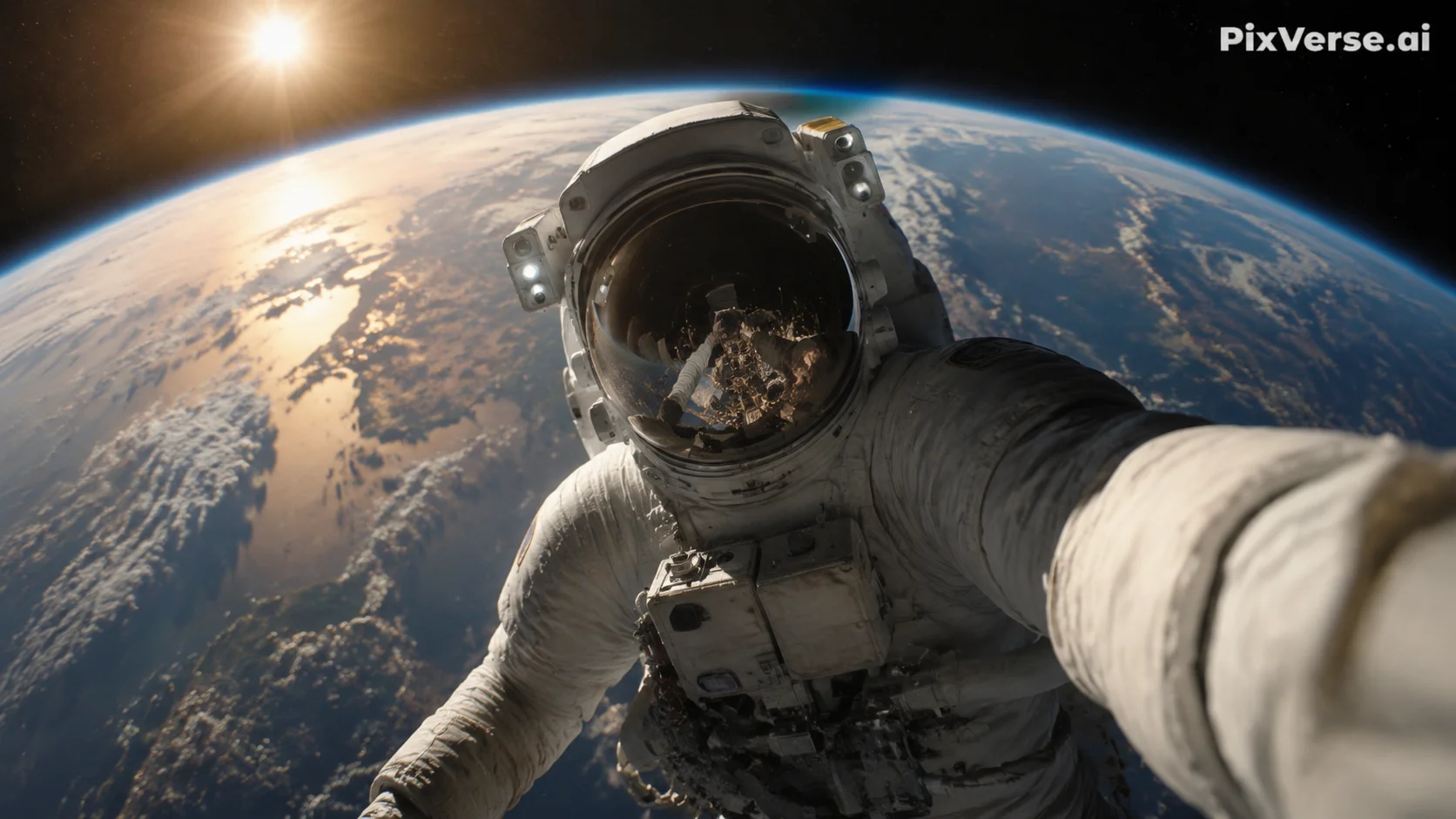
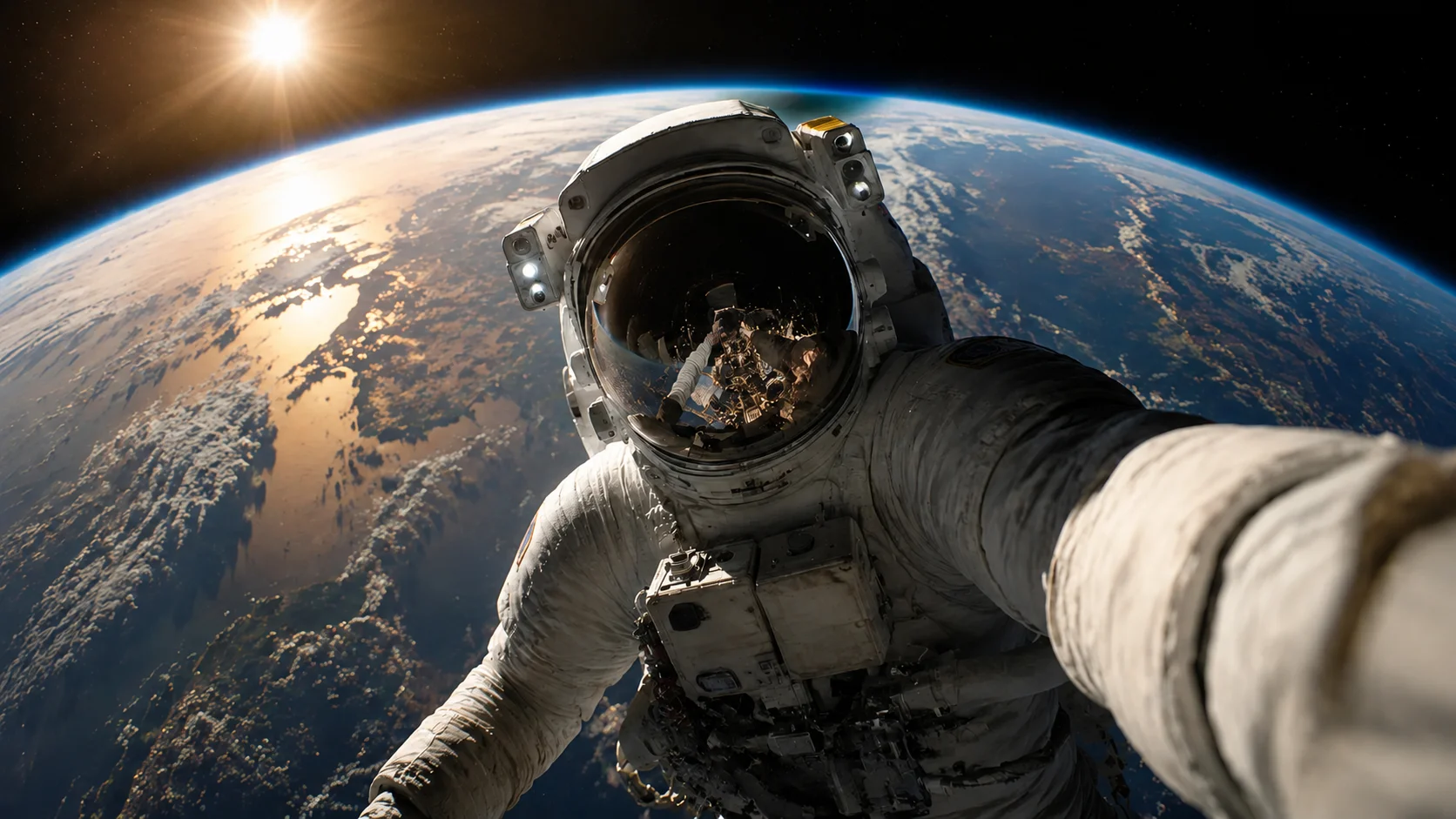
  • No blur or smudgeAI reconstructs the background behind the watermark instead of covering it with a blurred patch.
  • Full frame preservedThe entire video frame stays intact at original resolution — nothing is cropped away.
  • Handles semi-transparent logosThe PixVerse watermark is semi-transparent, blending with the scene underneath. AI inpainting accounts for that blend when restoring the area.
AntesCinematic AI clip - before
DespuésCinematic AI clip - after
¿Quieres un video más limpio?Con IA, sin desenfoque y sin perder calidad.
Empezar gratis
AntesVertical creator clip - before
DespuésVertical creator clip - after
¿Quieres un video más limpio?Con IA, sin desenfoque y sin perder calidad.
Empezar gratis

Authorized use only

This tool is designed for creators working with content they have legitimate rights to edit. Do not remove watermarks from videos you do not own or are not authorized to modify.

  • Your own AI generationsVideos you generated yourself using PixVerse AI, where you control the content and editing rights.
  • Licensed contentFootage obtained under a license that permits derivative editing, including watermark removal.
  • Social media repurposingReusing your own PixVerse-generated clips across TikTok, Instagram Reels, or YouTube Shorts without the platform watermark.
  • Educational and review useRemoving watermarks for commentary, reviews, or academic analysis of AI-generated video tools, with proper attribution.

Compatible con formatos y dispositivos comunes

Funciona en móvil y escritorio con formatos como MP4, MOV y WebM directamente desde el navegador.

  • Video formats: MP4, MOV, AVI, WebM, and MKV — all common container types supported.
  • PixVerse typically exports MP4 files, which are the recommended input format.
  • Resolution: best results at 720p and above. Higher-resolution uploads give the AI more pixel data for background reconstruction.
  • Duration: short clips (5–15 seconds, typical PixVerse output) process fastest. Longer videos are supported but take proportionally more time.

Pensado para reutilizar contenido propio

Prepara clips propios, anuncios, tutoriales o material autorizado para publicarlos en distintos canales.

  • Browser-based: open UnmarkAI in any modern browser — Chrome, Safari, Firefox, Edge. No extension, plugin, or desktop software required.
  • Works on already-exported videos: if you already downloaded a watermarked PixVerse clip, upload it directly. No need to regenerate the video.
  • Mobile-friendly: the upload, select, preview, and download workflow works on phones and tablets as well as desktop.
  • No account required to try: upload a short clip and preview the result before committing to a paid plan.

Trabaja solo con contenido autorizado

Usa UnmarkAI con videos propios, licenciados o con permiso explícito. No elimines atribuciones de contenido de terceros.

  • Videos you generated yourself: you created the content using your own PixVerse account and prompts, giving you a legitimate interest in editing the output.
  • Licensed or authorized content: where the license or permission explicitly permits derivative edits, including watermark removal.
  • Cross-platform republishing: removing the PixVerse watermark from your own AI-generated clips to publish them on TikTok, YouTube, or Instagram without third-party branding.
  • Do not remove watermarks from videos you do not own or are not authorized to edit. Doing so may violate copyright law and PixVerse's terms of service.

Por qué la limpieza con IA se ve más natural

La IA reconstruye las zonas cubiertas usando el contexto del video y evita los recortes o manchas visibles.

  • AI inpainting: removes the PixVerse.ai text and fills in the area with matching background detail — texture, color, and lighting are all reconstructed.
  • Cropping: cuts away the top-right portion of the frame where the PixVerse watermark sits, changing the aspect ratio and potentially cutting off visual elements near the edge.
  • Blurring: leaves a visible smudged patch in the top-right corner — immediately noticeable and unprofessional, especially on dark or gradient backgrounds.
  • Manual masking: requires frame-by-frame editing in tools like After Effects or Premiere Pro — time-consuming and often inconsistent for semi-transparent watermarks.
Confianza

Creado para limpiar videos con autorización

UnmarkAI está pensado para creadores y equipos que trabajan con contenido propio, licenciado o con permiso para editar.

Flujo atento a derechosVista previa antes de descargarProcesamiento seguroPolítica de uso clara

Preguntas frecuentes

Respuestas prácticas para limpiar videos con seguridad y buena calidad.

¿Para qué tipo de videos sirve?

Sirve para videos propios o autorizados, como clips sociales, material de marca, tutoriales y archivos internos.

How do I remove the PixVerse watermark from my video?

Upload your PixVerse-generated video to UnmarkAI, let the AI detect the PixVerse.ai watermark in the top-right corner, then preview and download the clean version. The entire process runs in your browser — no app installation required.

What does the PixVerse watermark look like?

The PixVerse watermark is a semi-transparent white "PixVerse.ai" text positioned in the top-right corner of the video frame. It is rendered directly into the pixel data on free-tier exports and removed automatically on paid PixVerse plans.

Does PixVerse watermark all AI-generated videos?

PixVerse adds the watermark to free-tier (Basic plan) video exports. Paid plans (Standard and above) produce watermark-free videos and unlock higher resolutions. Check the PixVerse pricing page for current plan details.

¿Listo para limpiar tus videos?

Reduce distracciones y prepara clips más profesionales para publicar o entregar.

Empezar gratis ahora

Recibe 10 créditos al registrarte · Sin tarjeta de crédito