Herramienta de video con IA

Free Kling Watermark Remover Online - No Blur (Supports 3.0) online con IA

Sube tu video

Arrastra un archivo aquí o haz clic para buscar

Los videos se procesan de forma segura y no se comparten

MP4, MOV, AVI, MKV, WebM · Hasta 2 GB

Ver la diferencia

AntesKling AI-generated video with visible Kling AI watermark before AI removal - UnmarkAI
DespuésClean Kling AI-generated video after AI Kling watermark removal - UnmarkAI

Limpia marcas de agua, texto, subtítulos o logos con IA, manteniendo el encuadre y la calidad del video siempre que sea posible.

UnmarkAI ayuda a creadores, marcas y equipos a limpiar videos propios, licenciados o autorizados desde el navegador.

Herramienta online para limpiar videos con IA

La IA suele verse más natural que recortar o desenfocar cuando trabajas con logos móviles, subtítulos, fechas o texto incrustado.

  • Visible logo or text: usually a small branded mark placed near an edge or corner of the frame.
  • Static or dynamic: some newer marks may shift slightly, requiring consistent tracking to avoid visual artifacts.
  • Burned into pixels: the watermark is part of the exported video image, not a separate layer.
  • UnMarkAI removes only the visible mark; it does not claim to alter invisible provenance signals or metadata.

Cómo limpiar una marca de agua de un video online

Sube un video que puedas editar, marca la zona a limpiar, revisa la vista previa y descarga el resultado.

01

Cómo limpiar una marca de agua de un video online

Sube un video que puedas editar, marca la zona a limpiar, revisa la vista previa y descarga el resultado.

02

AI tracks and removes the visible watermark

UnMarkAI scans the video frame by frame, smoothly tracking the visible Kling AI watermark area. It uses advanced inpainting to seamlessly rebuild the background pixels covered by static or dynamic marks without causing flicker.

03

Preview and download the clean result

Review the before-and-after preview, check textured areas and motion edges near the removed mark, then download a clean video that keeps 100% of the original framing, resolution, and quality.

Kling AI watermark removal results

Kling AI clips often use cinematic backgrounds, motion blur, reflections, and detailed generated textures. AI inpainting tracks the visible watermark and removes it while preserving the full frame.
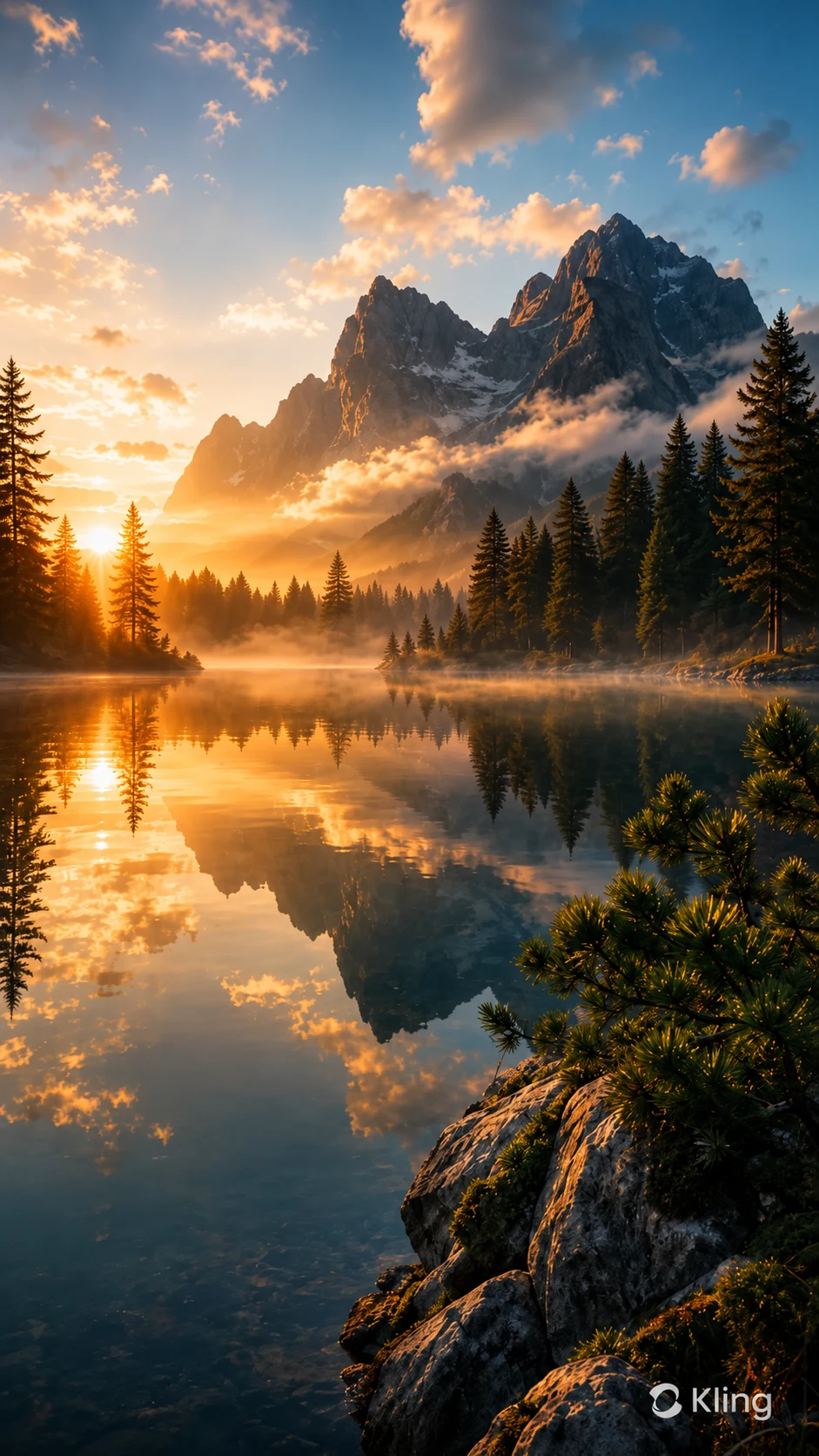
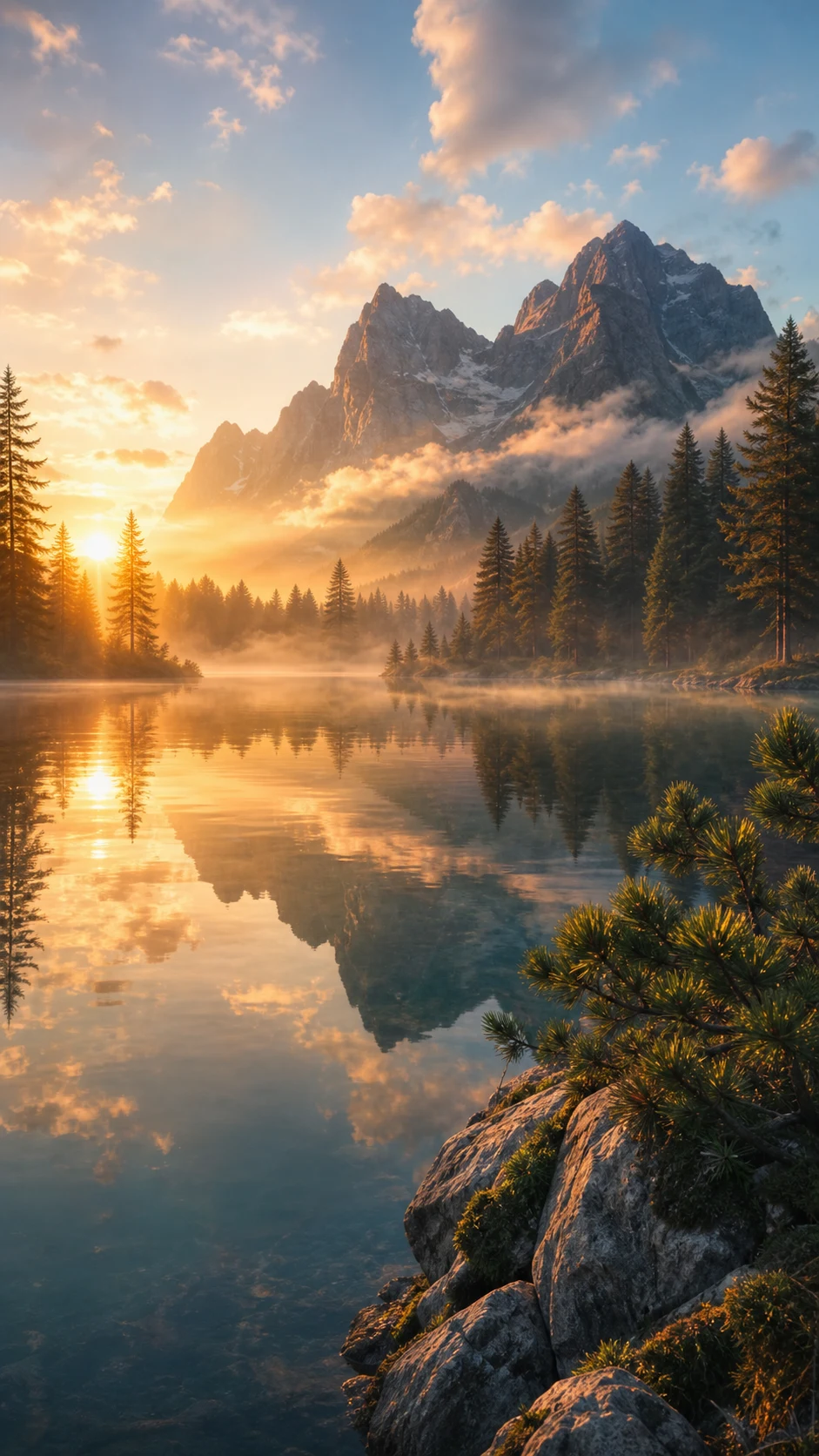
  • No blur patchThe watermark area is seamlessly reconstructed instead of being covered with mosaic, blur, or a noticeable smudge.
  • Full frame preservedNo forced crop, so vertical and cinematic Kling clips keep their intended composition and original resolution.
  • Handles moving marksConsistent frame-by-frame tracking prevents flickering, even if the watermark subtly shifts during the video.
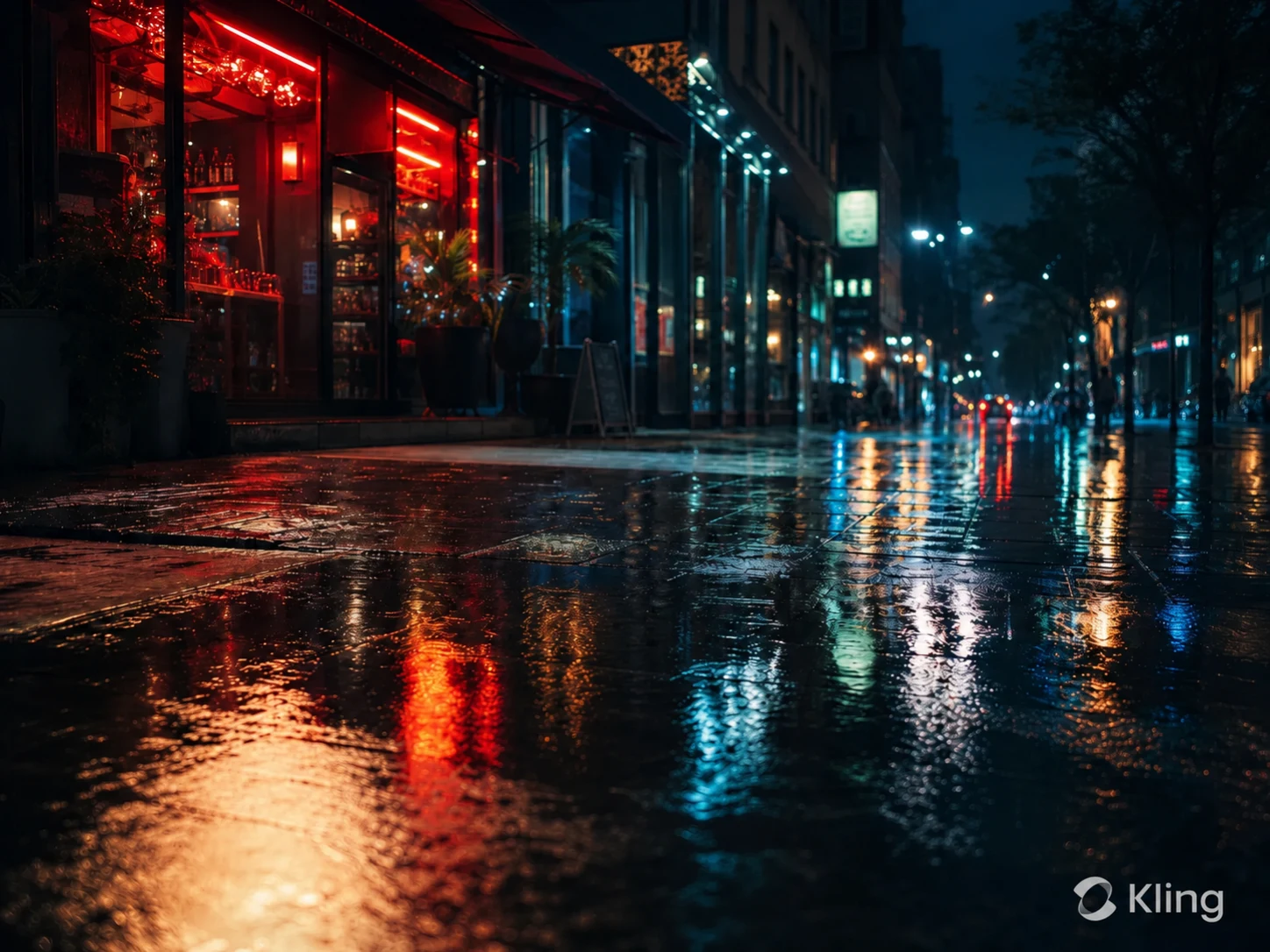
AntesKling AI-generated vertical landscape video with visible Kling AI watermark before removal
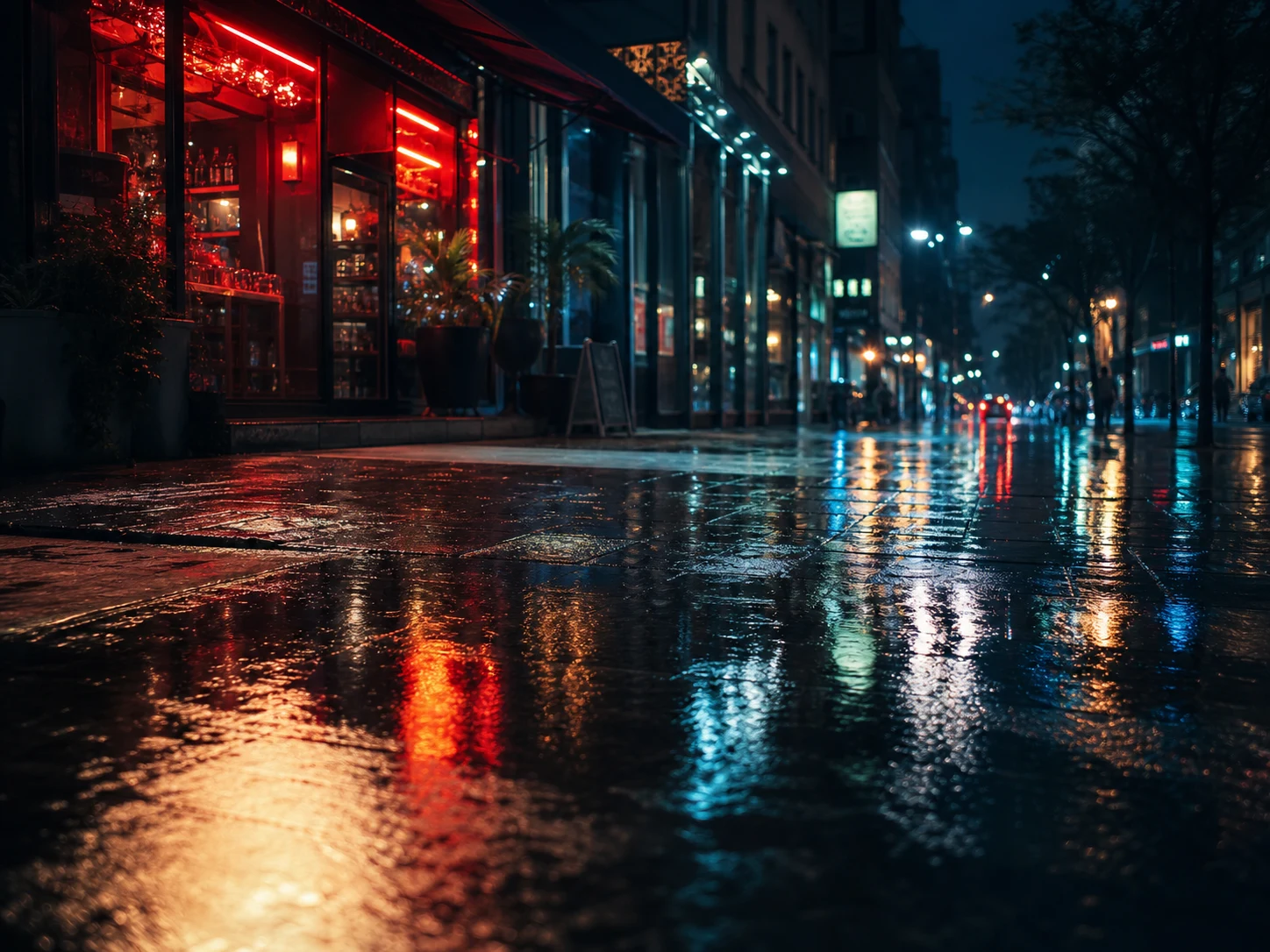
DespuésSame Kling AI landscape video after the visible watermark was removed cleanly without blur
¿Quieres un video más limpio?Con IA, sin desenfoque y sin perder calidad.
Empezar gratis
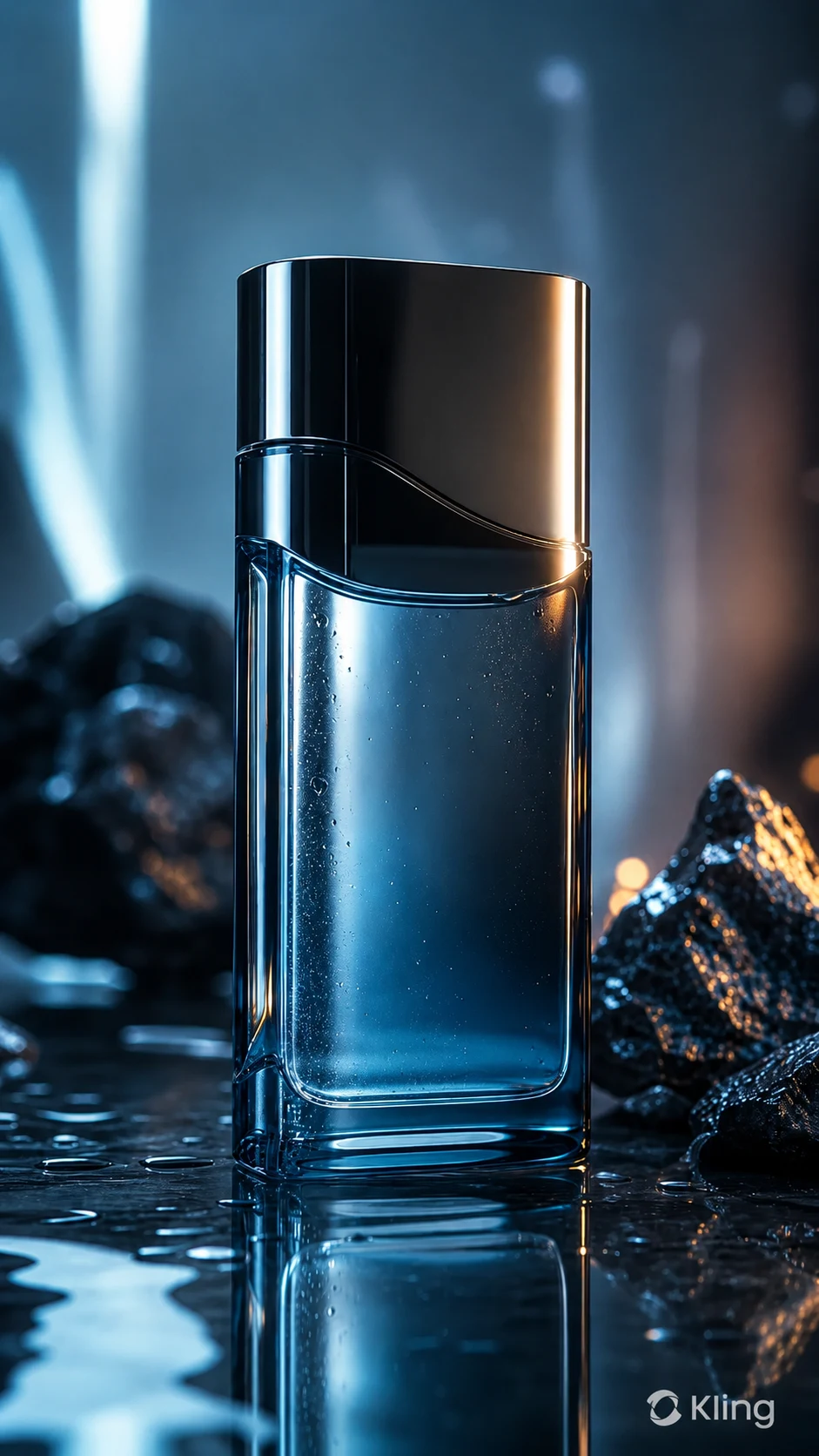
AntesKling AI-generated product video with visible Kling AI watermark before cleanup
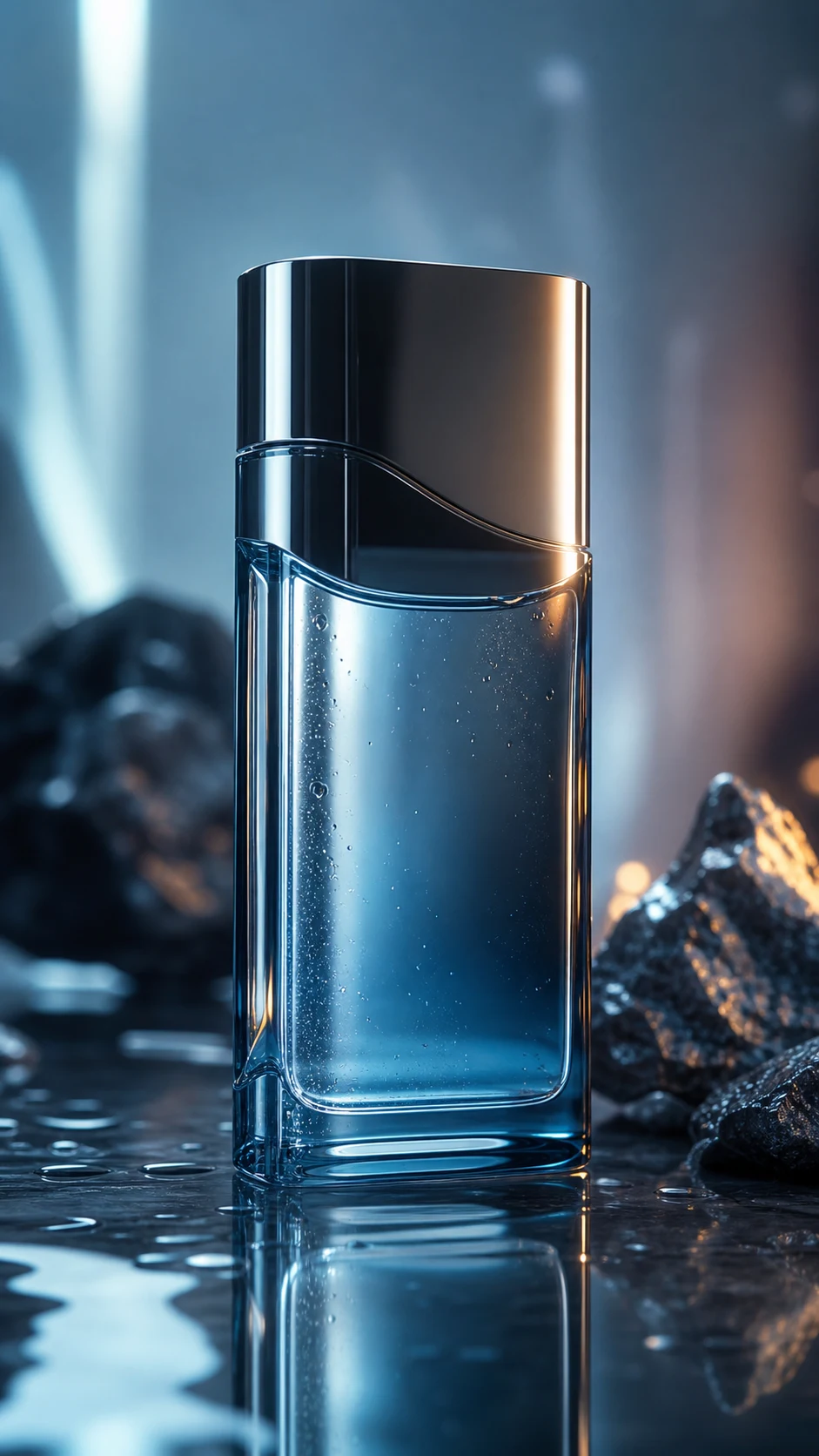
DespuésKling AI-generated product video after AI watermark removal with clean reflections restored
¿Quieres un video más limpio?Con IA, sin desenfoque y sin perder calidad.
Empezar gratis

Authorized Kling video cleanup

This page is for creators and teams cleaning their own AI-generated assets or videos they have explicit permission to edit. It is not for stripping attribution from third-party content.

  • Your own generationsVideos prompted and generated through your Kling AI account or your organization's workflow.
  • Client-approved editsAgency, marketing, and production clips where the content owner has approved watermark cleanup.
  • Portfolio and pitch workClean up your own AI-video studies before adding them to decks, reels, or client presentations.
  • Social repurposingPrepare your own Kling-generated vertical clips for TikTok, Instagram Reels, YouTube Shorts, or paid ads.

Compatible con formatos y dispositivos comunes

Funciona en móvil y escritorio con formatos como MP4, MOV y WebM directamente desde el navegador.

  • Compatible with generations from Kling 1.6, 2.6, 3.0, and newer model outputs.
  • Works with MP4, MOV, AVI, MKV, and WebM uploads.
  • Supports vertical 9:16 social clips, square posts, and landscape cinematic exports.
  • 100% preservation of original video resolution and frame rate.

Pensado para reutilizar contenido propio

Prepara clips propios, anuncios, tutoriales o material autorizado para publicarlos en distintos canales.

  • Portfolio reels: present your own Kling-generated experiments without a visible platform mark drawing attention away from the shot.
  • Client previews: prepare agency or studio concepts where the client approved a clean version for review.
  • Paid social creative: remove visible generator branding from your own assets before adding campaign-safe brand elements.
  • Cross-platform publishing: clean a vertical Kling clip before posting to TikTok, Instagram Reels, YouTube Shorts, or other channels.

Trabaja solo con contenido autorizado

Usa UnmarkAI con videos propios, licenciados o con permiso explícito. No elimines atribuciones de contenido de terceros.

  • Safe for Kling videos you generated with your own account and prompts.
  • Safe for team or client assets where the content owner approved the edit.
  • Review Kling AI terms, client contracts, ad platform rules, and local copyright requirements before publishing cleaned assets.
  • Do not remove watermarks from third-party videos without authorization.

Por qué la limpieza con IA se ve más natural

La IA reconstruye las zonas cubiertas usando el contexto del video y evita los recortes o manchas visibles.

MethodFrame integrityVisual resultWorkflow
AI inpaintingFull frame & resolution preservedBackground reconstructed cleanlyUpload, let AI track, download
CroppingEdges lost, resolution dropsComposition changedFast but destructive
Blur or mosaicFrame retainedVisible smudge remainsSimple but unpolished
Confianza

Creado para limpiar videos con autorización

UnmarkAI está pensado para creadores y equipos que trabajan con contenido propio, licenciado o con permiso para editar.

Flujo atento a derechosVista previa antes de descargarProcesamiento seguroPolítica de uso clara

Preguntas frecuentes

Respuestas prácticas para limpiar videos con seguridad y buena calidad.

¿Para qué tipo de videos sirve?

Sirve para videos propios o autorizados, como clips sociales, material de marca, tutoriales y archivos internos.

Does this work on newer Kling 3.0 generated videos?

Yes, UnMarkAI is compatible with all Kling AI versions, including Kling 1.6, 2.6, and 3.0. Our AI can handle the specific watermark styles generated by the latest models.

Will removing the watermark reduce my video quality?

No. UnMarkAI preserves 100% of your original resolution and frame rate. It uses AI inpainting to reconstruct only the watermarked area, ensuring zero quality loss across the rest of your video.

Can it handle watermarks that move or change slightly?

Yes. UnMarkAI tracks the watermark frame-by-frame. Even if the Kling watermark has subtle movement or dynamic elements, the AI follows it consistently to ensure a smooth, flicker-free removal.

¿Listo para limpiar tus videos?

Reduce distracciones y prepara clips más profesionales para publicar o entregar.

Empezar gratis ahora

Recibe 10 créditos al registrarte · Sin tarjeta de crédito