
How to Replace Text in a Finished Beauty Ad
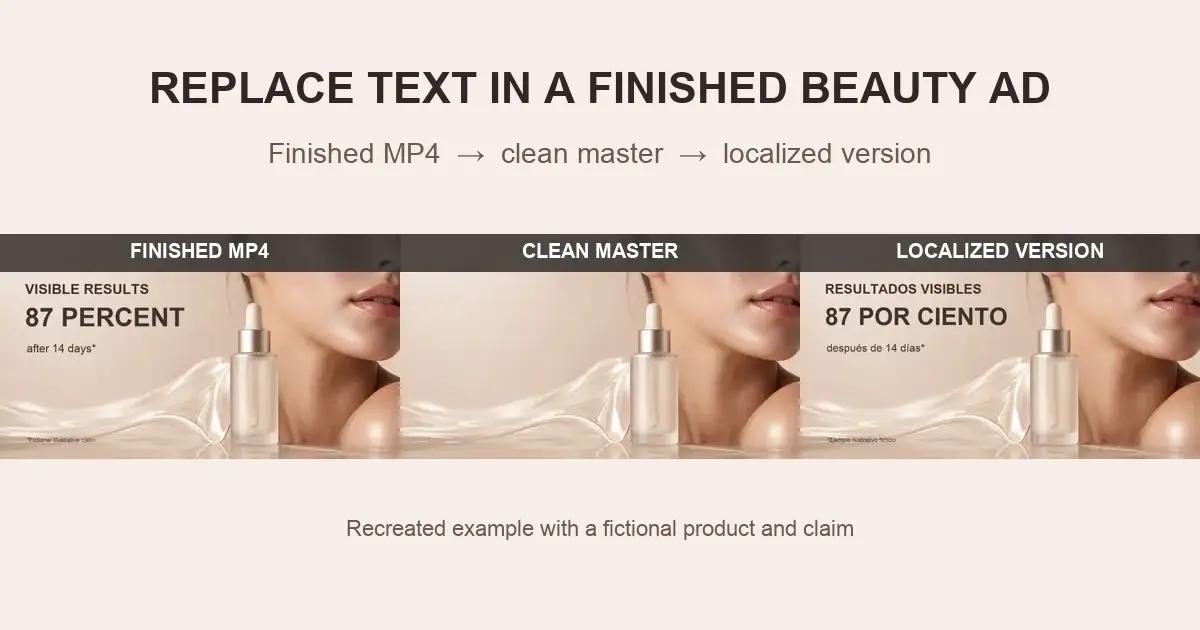
A beauty ad can be completely finished—shot, graded, edited, and approved—while its product claims, percentages, and footnotes remain impossible to edit. The problem usually appears when a brand prepares a new market version and discovers that the only surviving asset is the final MP4.
If the words are burned into the picture, they are no longer a separate text layer. The practical solution is to remove the old graphic, reconstruct the background behind it, export a clean master, and then typeset the approved replacement copy.
Why Can’t You Edit Text in a Finished MP4?
A soft subtitle track is separate from the video image and can usually be disabled or replaced. Text inside a Premiere Pro or After Effects project is also editable because the font, timing, position, and animation still exist as project data.
Hardcoded text is different. During export, the letters are merged with the skin, product, lighting, and every other pixel in each frame. An MP4 does not retain the hidden background or the original text settings. Editing therefore becomes a restoration problem rather than a typing problem.
When Do Beauty Brands Need to Replace Embedded Ad Copy?
Beauty ad localization
A campaign may need Chinese, Japanese, Korean, Spanish, or another market language while the English product message remains embedded in the footage. Adding a translation on top creates visual clutter and often leaves two competing messages on screen.
Claim and footnote updates
Test periods, participant counts, percentages, ingredient wording, and qualification lines can change after a new review. The approved replacement must be added as a new graphic, but the old version first needs to disappear cleanly.
Creative version testing
Performance teams often want to test a different benefit, headline, or call to action without paying to reproduce the complete beauty shoot. A reusable clean master makes controlled copy variants possible.
Why Is Beauty-Ad Text Especially Difficult to Clean?
Beauty footage is designed around fine visual detail. Copy may cross a moving face, luminous skin, hair edges, liquid textures, glossy packaging, or a slowly moving camera. A flat cover box can hide the words, but it also hides the qualities that make the shot feel premium.
The real quality test is temporal stability. Restored skin texture, highlights, and product edges must remain consistent from frame to frame. A still image can look acceptable while the moving result flickers, leaves letter-shaped residue, or drifts along a jawline.
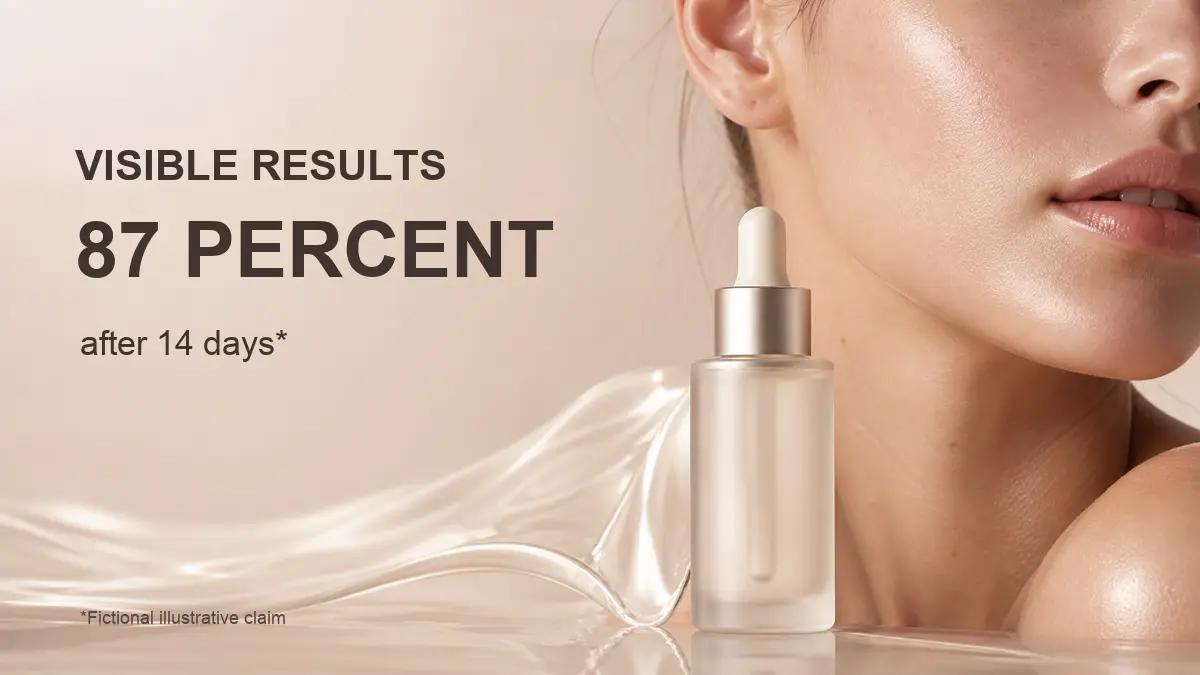
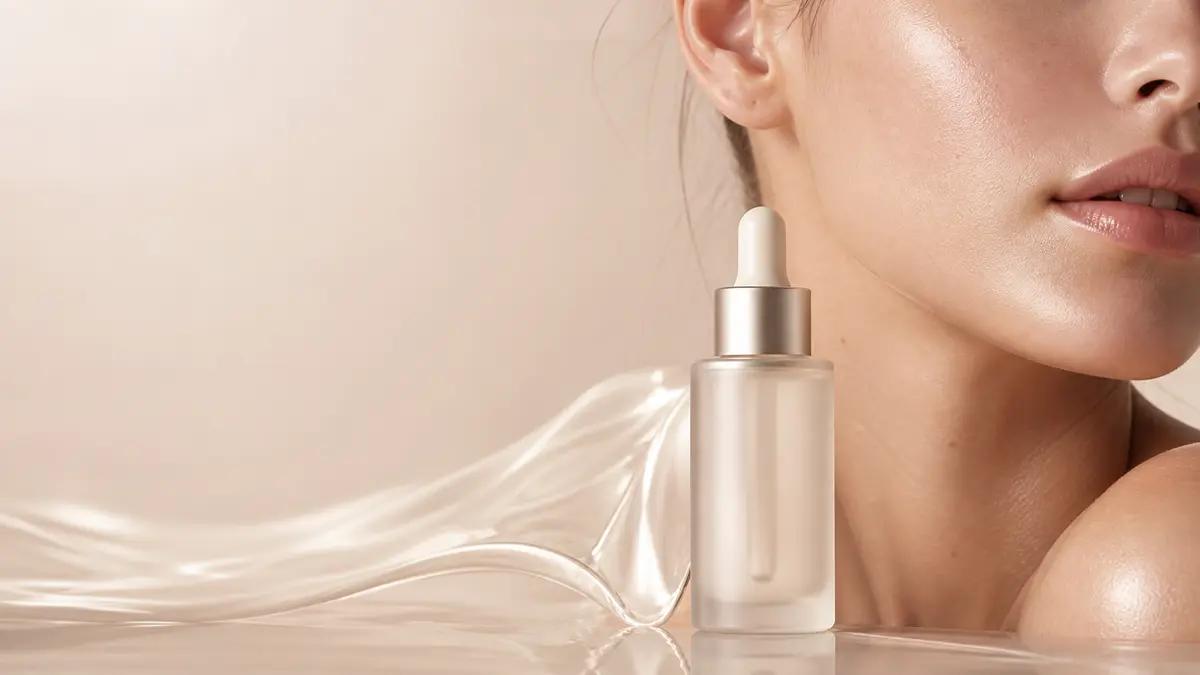
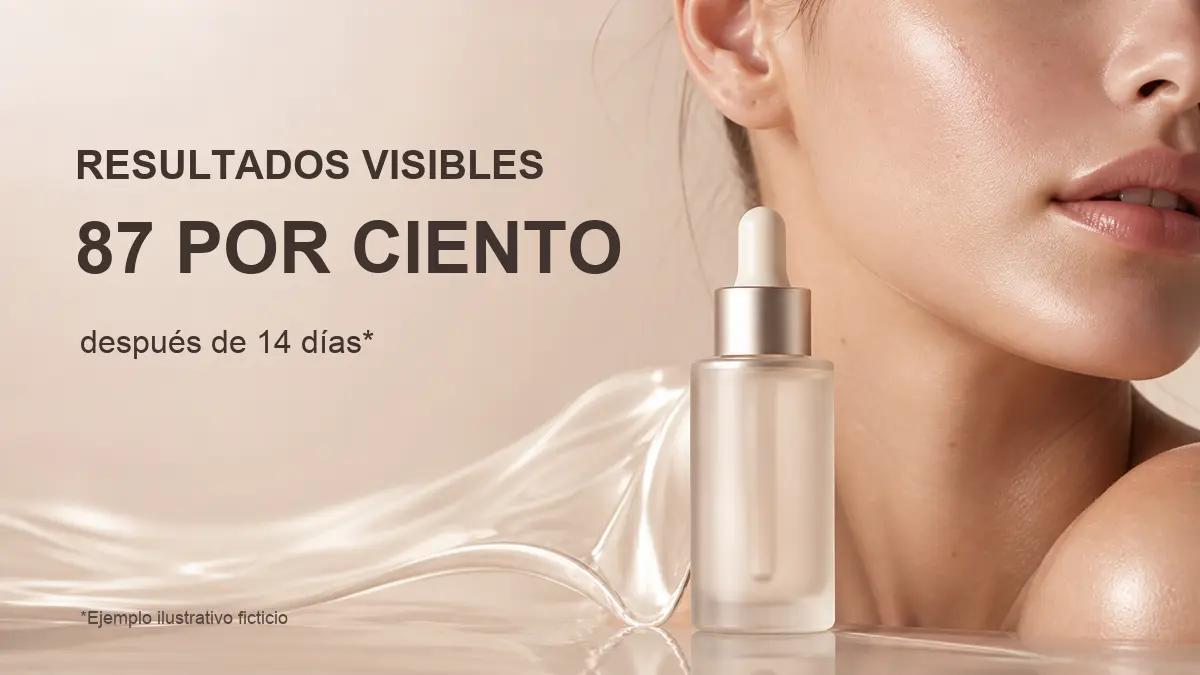
How Does a Clean-Master Workflow Solve the Problem?
A clean master separates restoration from design. The first pass removes the obsolete words and rebuilds the frame. The second pass adds approved copy in a normal editing tool. Keeping these stages separate makes review easier and leaves a reusable asset for future languages and campaign variants.
Step-by-Step: Replace Text in a Finished Beauty Ad
Step 1: Inventory every text event
Watch the full ad and record the timecode, source copy, intended replacement, screen position, and whether the text overlaps skin, hair, packaging, or a simple background. Include small footnotes; they are easy to miss during a first review.
Step 2: Split the job by shot
Treat each camera shot as a separate cleanup decision. A fixed headline over a studio backdrop is different from a percentage moving across a model’s cheek. Shot-level processing also prevents one mask from crossing an edit into an unrelated scene.
Step 3: Remove the old text and restore the background
Use a tight selection around the obsolete graphic. AI inpainting can use surrounding visual context to reconstruct the covered area while preserving the rest of the frame. Keep the highest-quality available MP4; repeated compression leaves less texture for reconstruction.
Step 4: Review the result in motion
Play the cleaned shot at normal speed and inspect it frame by frame around entrances, exits, camera moves, and subject edges. Look for flicker, partial letter shapes, softened skin patches, and highlights that change abruptly.
Step 5: Export the clean master
Export a text-free version before adding the replacement. Use a clear name such as campaign_clean_master_v1 rather than overwriting the only source file.
Step 6: Add the approved localized copy
Rebuild the headline, claim, and footnote in an editing tool. Check translation length, line breaks, safe areas, contrast, brand typography, and market-specific approval. The new text should be an editable layer for the next revision.
Where Does UnmarkAI Fit in the Workflow?
Use UnmarkAI’s embedded-text cleanup workflow after the text inventory and before localization. It helps create a clean export with restored backgrounds, which can then move into video translation or a broader product-video localization workflow.
If the team is unsure whether the problem is a subtitle, overlay, or another cleanup task, start with the video cleanup workflow guide.
Which Replacement Method Should You Use?
Direct cover or blur
Fast for an internal draft, but the patch remains visible and can damage skin, lighting, and product detail.
Crop the frame
Useful only when the text sits safely at an expendable edge. Cropping changes composition and can create the wrong aspect ratio for paid placements.
Rebuild or reshoot the advertisement
The most controlled option when restoration is impossible or the product itself has changed. It is also the most expensive and time-consuming path.
Create a clean master with inpainting
Best when the underlying shot is still valuable and the obsolete content is a graphic overlay rather than real packaging. The result still needs human playback review.
When Does Cleanup Work Best—and When Is Manual Review Needed?
Results are usually easier when the text region is relatively stable, the file has not been heavily recompressed, and adjacent frames contain useful background information. Simple gradients, studio backdrops, and repeatable product textures provide strong context.
Expect more review when text covers eyes, lips, fine hair, real packaging print, fast motion, heavy blur, or a large portion of the frame. If the old graphic overlaps a legally required label or the product itself needs to change, return the shot to the appropriate creative and compliance owners.
Compliance Note
Only process advertisements and footage that you own, license, or have permission to edit. Replacement claims, percentages, and footnotes should be reviewed and approved for the intended market. This workflow is for authorized production updates, not for removing attribution or altering third-party advertising.
FAQ
Can I edit text in an MP4 without the original project file?
You cannot recover the original editable text layer from a normal flattened MP4. You can remove the visible text, reconstruct the hidden background, and add a new editable text layer in a fresh project.
Is hardcoded ad copy the same as a hardcoded subtitle?
Both are merged into the pixels, but ad copy can appear anywhere, animate with the composition, and overlap products or faces. Subtitle cleanup is usually concentrated in a predictable lower region.
Can AI restore skin behind text?
It can reconstruct many skin regions when enough surrounding and adjacent-frame information is available. Fine facial features and moving hair require closer review and may need manual finishing.
Should I remove text printed on the product package?
Not automatically. Real package text is part of the photographed object and may include required information. Confirm the intended packaging version and use an appropriate product-retouching workflow.
What is a clean master?
A clean master is an approved video version without market-specific captions or campaign graphics. It can be reused as the visual base for multiple languages and copy variants.
Can I use the same clean master for several markets?
Yes, provided the underlying product, imagery, rights, and claims are valid for those markets. Each localized text layout should still receive language and compliance review.
Create a Clean Master From Your Finished Ad
Only have the exported beauty ad? Remove the embedded copy from your authorized video, review the restored footage, and then add the approved localized text as a new editable layer.