
01
Upload video
Drag in an MP4, MOV, or WEBM clip and confirm it is a video you have the right to edit.
Clean watermarks, hardcoded subtitles, captions, logos, timestamps, and text overlays from your videos without blur or cropping.
Drag & drop your video here or click to upload
MP4, MOV, WEBM supported · Start free with 10 credits
UnMarkAI is intended only for content that users own or are authorized to edit.
Why spend hours on something that takes seconds with UnmarkAI?
A clear upload, AI cleanup, and preview flow for videos you have the right to edit.
Drag in an MP4, MOV, or WEBM clip and confirm it is a video you have the right to edit.
Use full-frame cleanup or mark the watermark, text, caption, or overlay area before starting AI processing.
Review the cleaned preview, compare the result, then download the finished video when it is ready.
Built for creators and teams who need a cleaner asset workflow without manual editing.
Your content is processed securely and never stored. Source files and results are deleted after processing completes, so your assets stay yours.
AI cleanup targets only watermarks while preserving the original resolution, frame rate, and color fidelity of your video.
Optimized processing delivers cleaned videos in minutes, so you spend less time waiting and more time creating.
 Before
 After
AfterErase text overlays, usernames, title bars, captions, dates, and unwanted words from video while restoring the background.
Delete title bars, floating words, labels, and screen recording text.
Clean social captions, usernames, and baked-in account labels from your own clips.
Keep the original framing while AI reconstructs the area behind the text.
 Before
 After
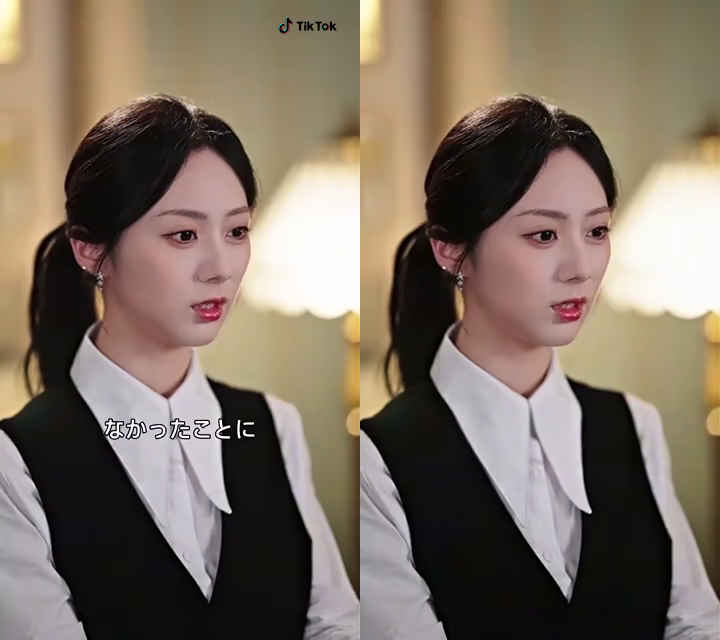
AfterRemove hardcoded subtitles, burned-in captions, and embedded dialogue text from videos you own or can edit.
Clean up burned-in captions from social media clips and drama episodes.
Remove fixed subtitles that cannot be toggled off in a video player.
Create a clean master before adding translated subtitles for approved content.
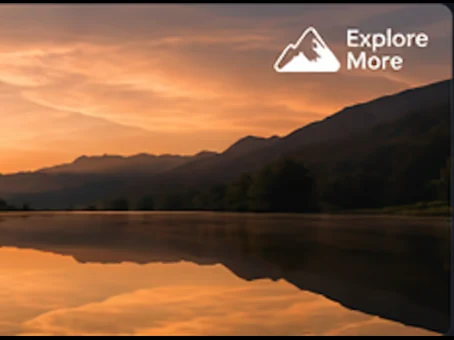 Before
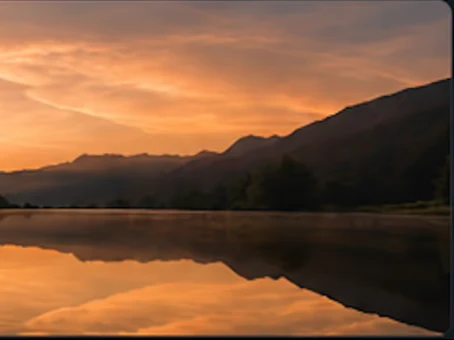 After
AfterRemove logos, channel bugs, brand marks, and corner overlays from video online without relying on blur or mosaic patches.
Target fixed logos, channel bugs, and small brand marks in one region.
Restore sky, walls, screens, and textured areas behind the removed logo.
Clean approved creator exports before adapting them for another channel.
Prepare cleaner clips for social, product, education, and agency deliverables.
Clean TikTok clips, Instagram Reels, YouTube Shorts, and reposts before publishing across channels.
Prepare demos, marketplace videos, brand clips, and highlight reels for cleaner product pages.
Refresh class recordings, tutorials, captions, and subtitle-heavy training clips when overlays distract from the lesson.
Hand off cleaner client previews by reducing usernames, burned-in overlay text, logos, and review marks in one flow.
Make the actual content easier to inspect, reuse, and share across channels.
Use credits for one-off jobs or subscriptions for recurring workflows.
Answers about online watermark removal, hardcoded subtitles, AI inpainting quality, formats, free credits, and safe editing rules.
Yes. Upload a video you own or have permission to edit, select the watermark area, and UnmarkAI will process the cleanup online with AI-powered video inpainting.
Yes. UnmarkAI can help remove hardcoded subtitles, burned-in captions, bottom text overlays, and similar on-screen text from authorized videos.
Yes. Use box select mode to target logos, timestamps, usernames, captions, date stamps, and other visible text overlays for AI cleanup.
UnmarkAI is designed to clean selected areas with AI inpainting instead of simply blurring or cropping the video. Results may vary depending on the video background, motion, and overlay size.
The browser upload accepts common formats such as MP4, MOV, WEBM, AVI, and MPG. Upload the highest-quality source version available for the cleanest result.
Yes. You can start with free credits, preview the AI cleanup result, and download when the output is ready.
Only edit videos you own, have licensed, or have permission to modify. Do not use UnmarkAI to remove attribution, rights notices, or watermarks from third-party content without authorization.
See what our users are saying about their experience with UnmarkAI.
"UnmarkAI is a lifesaver! I used to spend hours manually cleaning up my clips. Now it is done in seconds."
"The quality of the AI inpainting is incredible. You can hardly tell there was ever a watermark there."
"Finally a tool that works! Perfect for repurposing content across different platforms without distractions."
Join thousands of creators who use UnmarkAI to deliver distraction-free content.
Get 10 credits on sign up · No credit card required