
Upload your YouTube video file
Start with a video you created, uploaded, licensed, or have written permission to edit. Upload the saved file directly from your device; you do not need a YouTube URL.
Drag & drop a file here, or click to browse
MP4, MOV, AVI, MKV, WebM • Up to 2GB
See the difference →
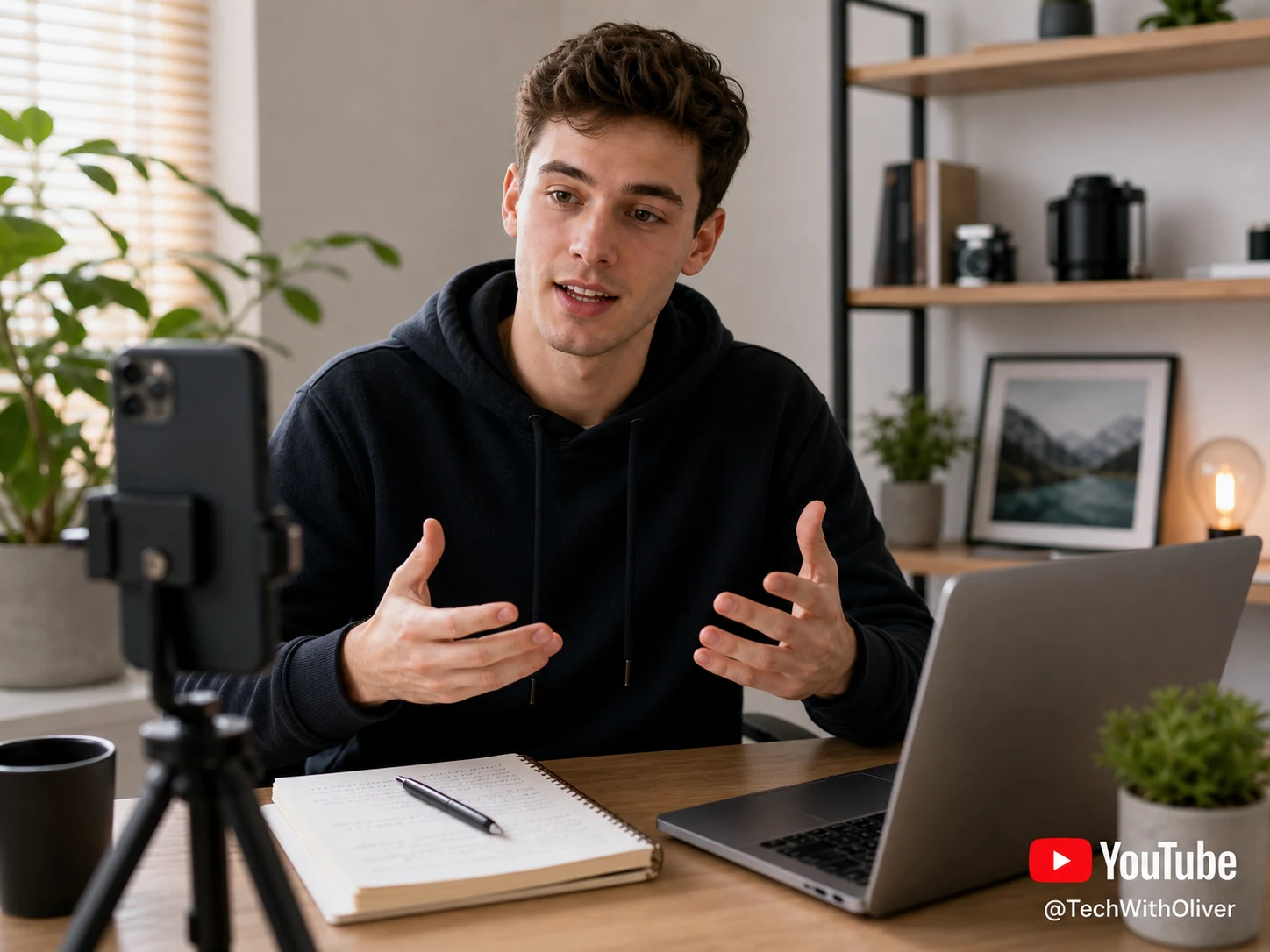
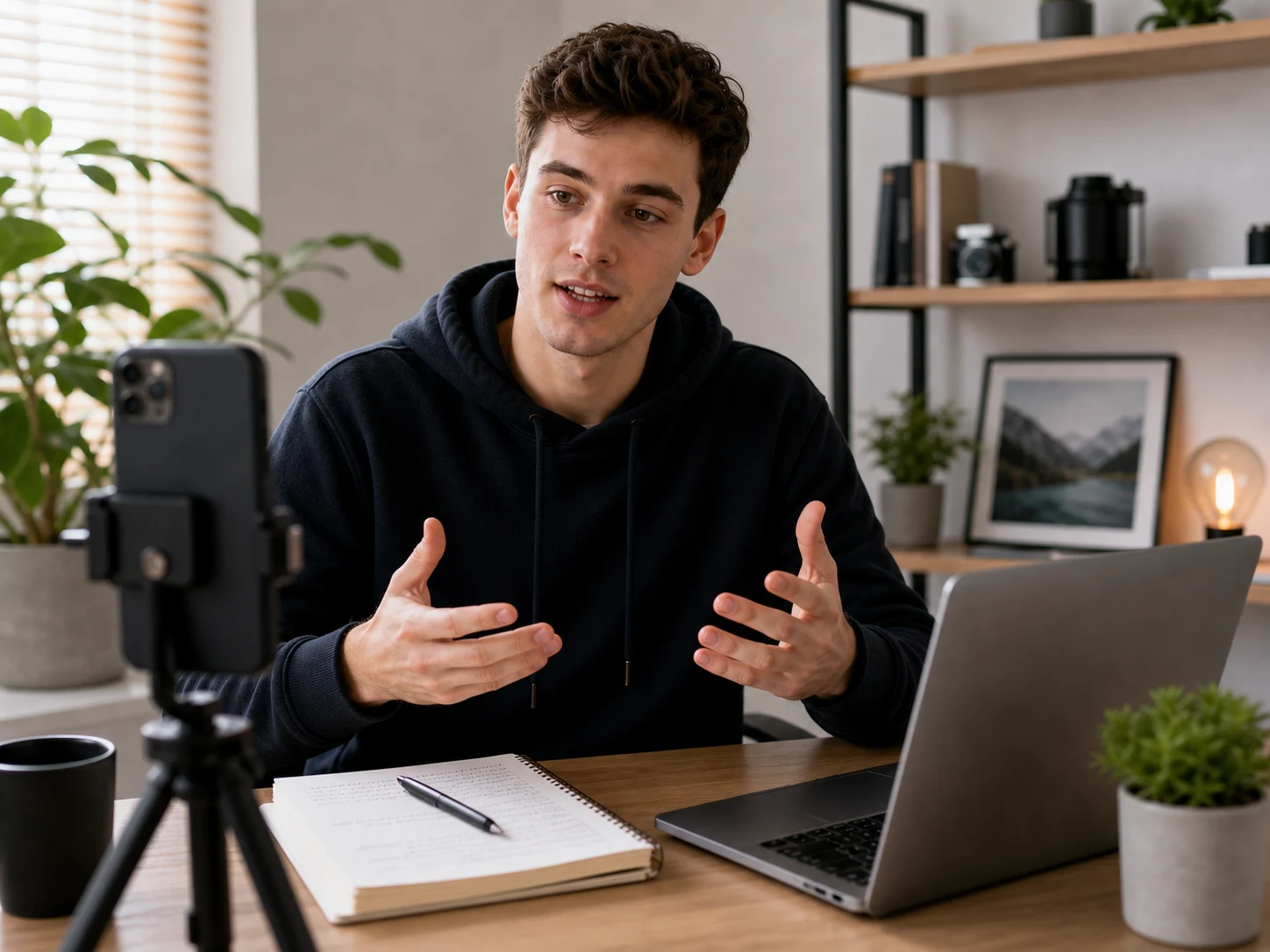
Remove watermark from YouTube video exports you own or are authorized to edit. UnmarkAI cleans YouTube Shorts marks, channel logos, lower-right bugs, and review-copy overlays while keeping the original frame intact.
Upload a saved MP4, MOV, AVI, MKV, or WebM file, let AI reconstruct the pixels behind the YouTube watermark, then preview the cleaned clip before download. No cropping, no blur patch, and no desktop editing app required.
A YouTube watermark can appear as a Shorts mark, a channel logo bug, a creator handle, a lower-right play-logo overlay, or a review-copy label burned into the video pixels. Once it is part of the file, player settings cannot turn it off.
Use this workflow for your own uploaded videos, licensed clips, client-approved YouTube exports, or Shorts files you are allowed to edit.
Start with a video you created, uploaded, licensed, or have written permission to edit. Upload the saved file directly from your device; you do not need a YouTube URL.
UnmarkAI identifies the channel logo, Shorts watermark, or review mark and rebuilds the hidden background frame by frame instead of covering it with blur.
Check the before-and-after result around motion edges, textured backgrounds, and lower-right logo areas, then download a clean export for approved reuse.
YouTube overlays often sit in the lower-right corner, across a channel bug, or near a creator handle. AI cleanup removes the visible mark while preserving the vertical video frame for Shorts, Reels, TikTok, and Facebook uploads.




This page is for lawful cleanup of content you own or have permission to edit, not for stripping attribution from someone else's YouTube video.
UnmarkAI accepts the formats creators commonly export from YouTube workflows and editing tools: MP4, MOV, AVI, MKV, and WebM. Higher-bitrate files give AI more detail to reconstruct the cleaned area.
US, UK, Canada, Australia, India, and Philippines creators often reuse owned Shorts, tutorials, product demos, and client clips across several platforms. A clean master video helps avoid platform-specific logos when you are authorized to republish.
Only remove YouTube watermarks from videos you own, uploaded yourself, licensed, or are explicitly authorized to edit. Do not download, modify, or redistribute someone else's YouTube content unless you have rights and the use complies with YouTube's Terms of Service.
Cropping a YouTube watermark can cut off products, subtitles, faces, or vertical Shorts framing. Blurring leaves a visible patch. AI inpainting removes the mark and restores the hidden background so the edit looks cleaner.
| Method | Result | Best use |
|---|---|---|
| Cropping | Cuts away frame area | Only when the watermark is outside important content |
| Blurring | Leaves a visible smudge | Quick internal drafts, not polished publishing |
| AI inpainting | Rebuilds the hidden background | Owned or authorized YouTube videos that need a clean export |
UnmarkAI is designed for creators and teams working with content they own, license, or have permission to edit. The product copy, terms, and upload flow all reinforce that boundary.
Practical answers for safe, high-quality cleanup workflows.
Yes. Upload a YouTube video file you own or are authorized to edit, let UnmarkAI remove the visible watermark with AI, then preview and download the clean result. You do not need to paste a YouTube link.
Yes, for Shorts you created, uploaded, licensed, or have permission to edit. AI cleanup works best when the watermark is small, stable, and not covering faces or fine detail.
Only remove visible YouTube watermarks from content you own, uploaded yourself, licensed, or have permission to edit. Removing attribution from another creator's content without authorization may violate copyright, contracts, and YouTube's Terms of Service.
AI removal is designed to keep the original frame and resolution. Results depend on the source quality and what the watermark covers; cleaner, higher-bitrate files usually produce better reconstruction.
Yes. UnmarkAI runs in the browser for global creators, including US, UK, Canada, Australia, India, and Philippines creators preparing owned YouTube clips for approved cross-platform publishing.
Join thousands of creators who use UnmarkAI to deliver distraction-free content.
🎁 Get 10 credits on sign up · No credit card required