
Upload your Kling AI video
Start with a video generated by Kling 1.6, 2.6, 3.0, or newer versions. Supported formats include MP4, MOV, AVI, MKV, and WebM. Use the highest-quality export available for the cleanest reconstruction.
Drag & drop a file here, or click to browse
MP4, MOV, AVI, MKV, WebM • Up to 2GB
See the difference →
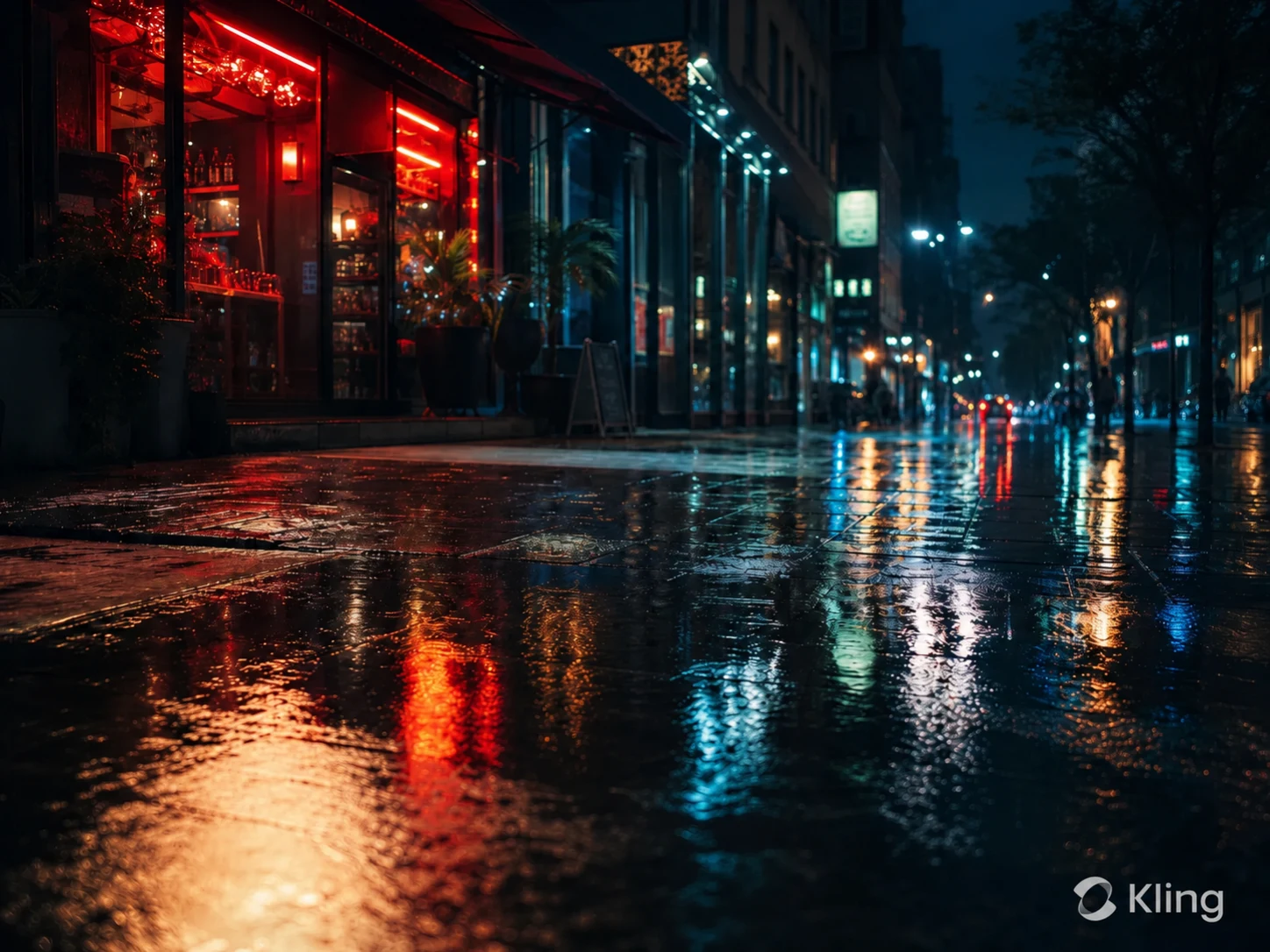
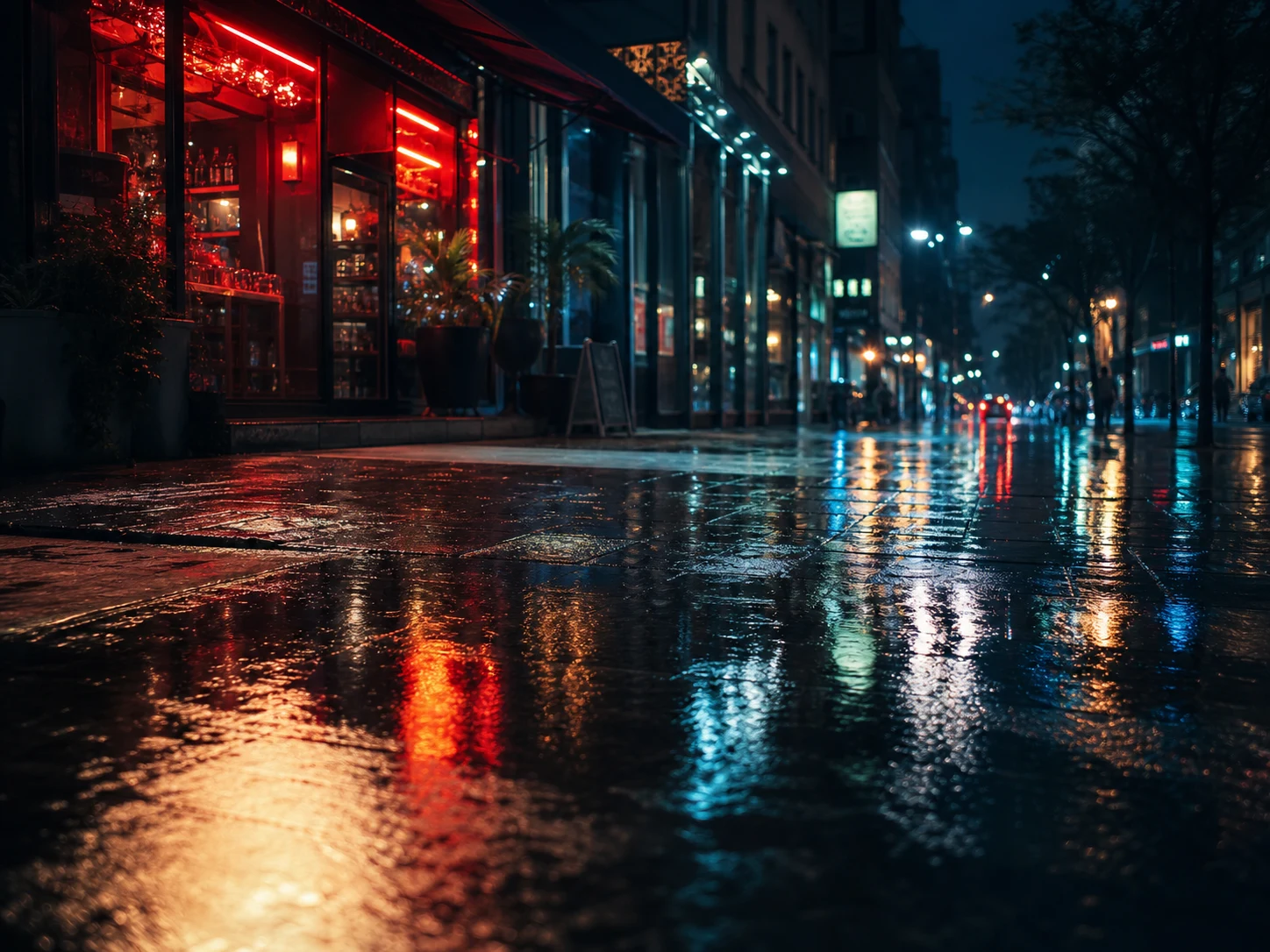
Remove the visible Kling AI watermark from videos you generated or are authorized to edit. UnmarkAI tracks the corner logo, text mark, or moving stamps frame-by-frame, erasing them and reconstructing the hidden background with zero quality loss.
Use this online Kling watermark remover for clean AI-video exports, portfolio clips, client previews, ad concepts, and social edits where you need the full resolution preserved. Upload your file, let AI handle dynamic marks across all Kling versions, preview the result, and download.
A Kling AI watermark is a visible logo or text mark rendered into an AI-generated video export. Depending on the Kling version (like 3.0 vs older versions), the mark might be static or have subtle dynamic movement. Because it becomes part of the video pixels, removing it cleanly requires reconstructing the background underneath the mark frame-by-frame.
Upload a Kling-generated video you own, let AI locate and track the visible logo or text watermark (even if it moves), then preview the clean export before downloading.
Start with a video generated by Kling 1.6, 2.6, 3.0, or newer versions. Supported formats include MP4, MOV, AVI, MKV, and WebM. Use the highest-quality export available for the cleanest reconstruction.
UnMarkAI scans the video frame by frame, smoothly tracking the visible Kling AI watermark area. It uses advanced inpainting to seamlessly rebuild the background pixels covered by static or dynamic marks without causing flicker.
Review the before-and-after preview, check textured areas and motion edges near the removed mark, then download a clean video that keeps 100% of the original framing, resolution, and quality.
Kling AI clips often use cinematic backgrounds, motion blur, reflections, and detailed generated textures. AI inpainting tracks the visible watermark and removes it while preserving the full frame.
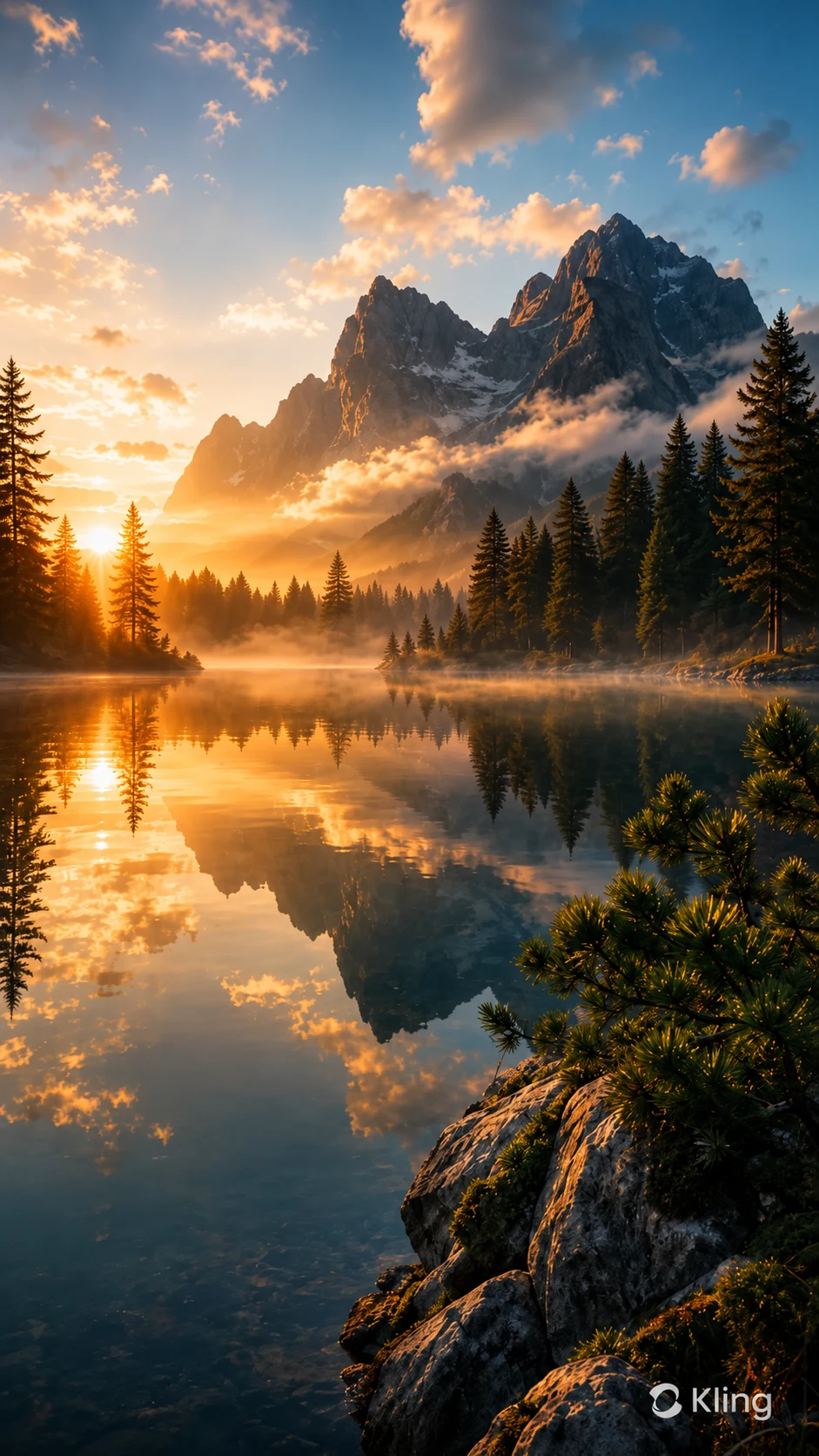
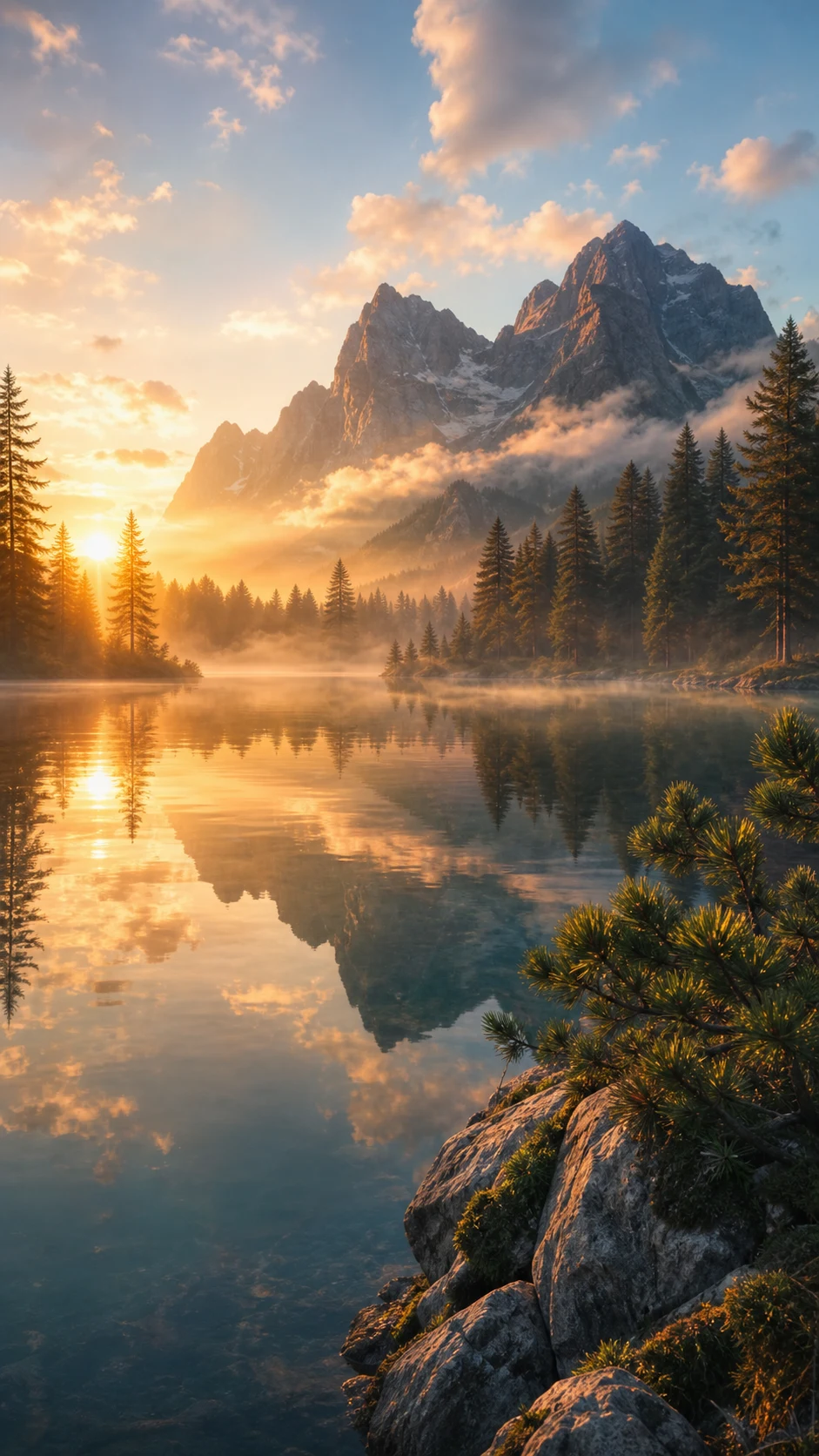
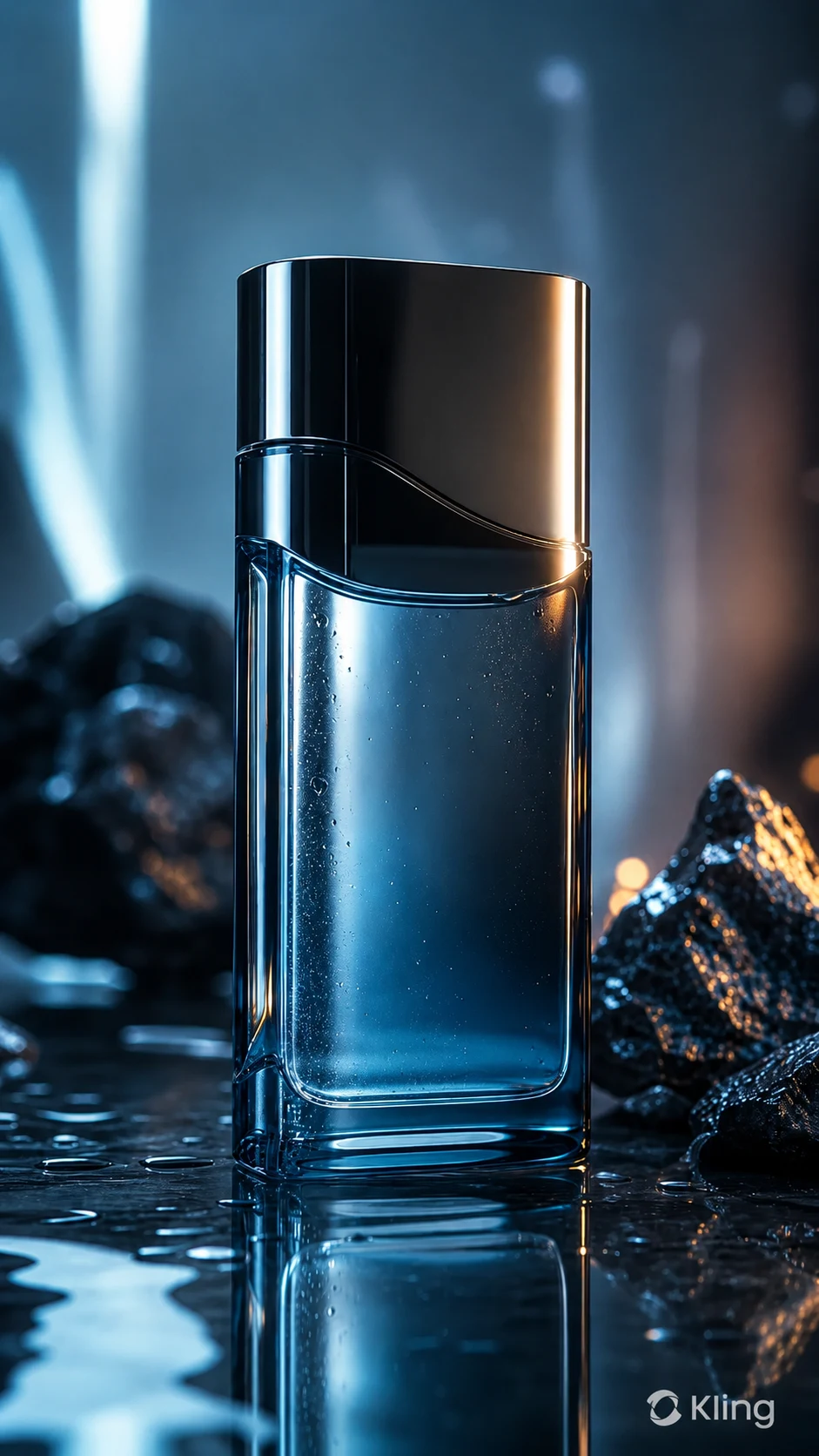
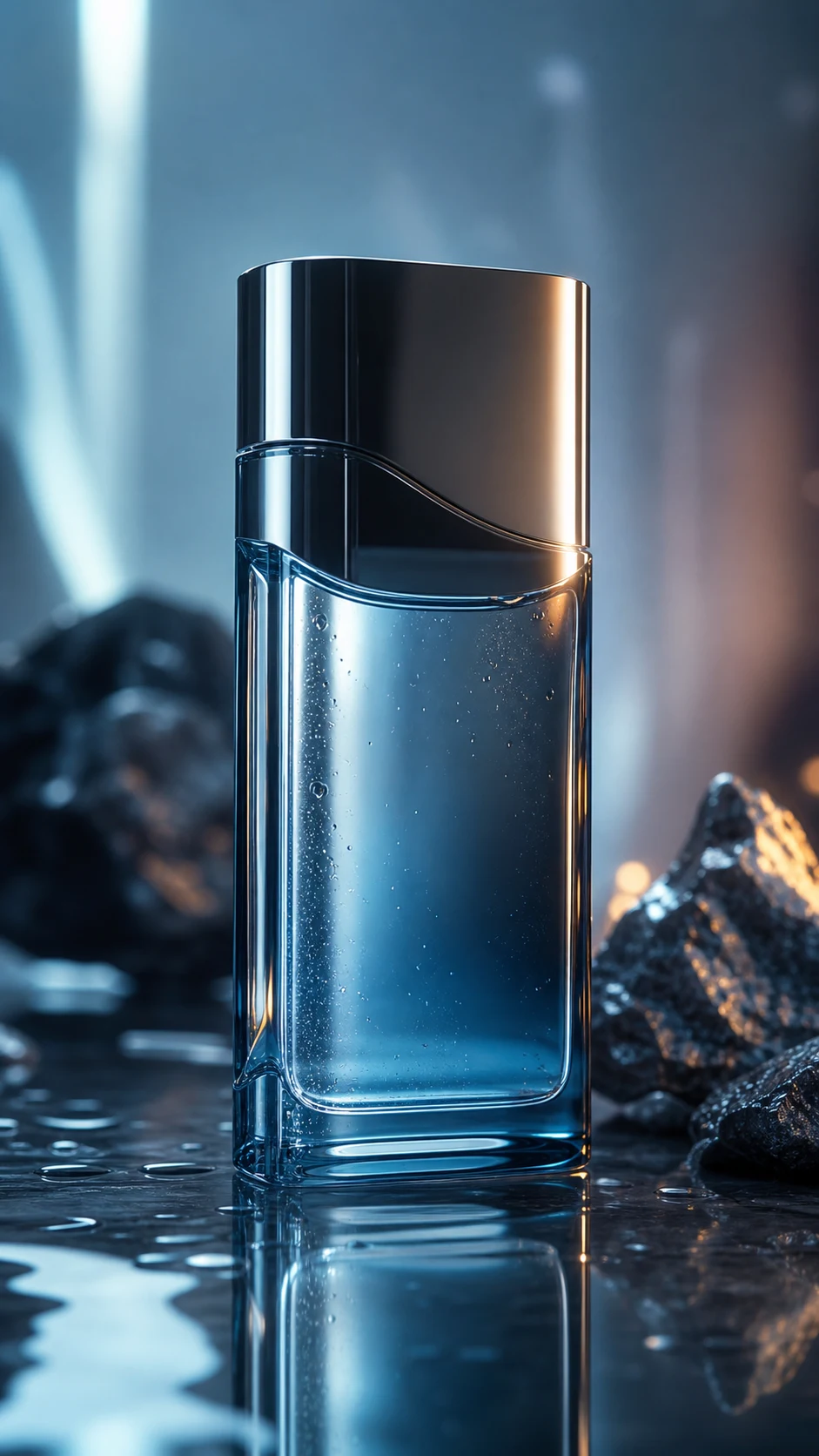
This page is for creators and teams cleaning their own AI-generated assets or videos they have explicit permission to edit. It is not for stripping attribution from third-party content.
UnMarkAI supports common video files used in AI-video workflows across all Kling generation models. Upload the best-quality export you have so the AI has enough detail to rebuild the covered pixels perfectly.
Kling is often used for cinematic AI shots, product mockups, storyboards, social clips, and advertising concepts. A clean master helps when the final delivery should focus on the creative work instead of the generator interface.
Watermark removal is appropriate only when you own the video, generated it yourself, licensed it, or have explicit permission from the content owner. Do not use this tool to remove attribution from third-party AI videos or to misrepresent someone else's work as your own.
Cropping can ruin composition, especially on vertical 9:16 AI clips. Blurring leaves a visible smudge that looks like a hidden edit. AI inpainting tracks the visible mark, dynamically removes it, and rebuilds the missing texture so the cleaned clip looks natural without any resolution loss.
| Method | Frame integrity | Visual result | Workflow |
|---|---|---|---|
| AI inpainting | Full frame & resolution preserved | Background reconstructed cleanly | Upload, let AI track, download |
| Cropping | Edges lost, resolution drops | Composition changed | Fast but destructive |
| Blur or mosaic | Frame retained | Visible smudge remains | Simple but unpolished |
UnmarkAI is designed for creators and teams working with content they own, license, or have permission to edit. The product copy, terms, and upload flow all reinforce that boundary.
Practical answers for safe, high-quality cleanup workflows.
Yes, UnMarkAI is compatible with all Kling AI versions, including Kling 1.6, 2.6, and 3.0. Our AI can handle the specific watermark styles generated by the latest models.
No. UnMarkAI preserves 100% of your original resolution and frame rate. It uses AI inpainting to reconstruct only the watermarked area, ensuring zero quality loss across the rest of your video.
Yes. UnMarkAI tracks the watermark frame-by-frame. Even if the Kling watermark has subtle movement or dynamic elements, the AI follows it consistently to ensure a smooth, flicker-free removal.
Upload your Kling AI-generated video to UnMarkAI, let AI locate and track the visible Kling logo or text watermark, then preview and download the clean version. The tool uses inpainting instead of cropping or blurring.
Yes. UnMarkAI preserves the full frame and reconstructs the area behind the visible watermark, so you do not need to crop away a corner or edge of the video.
UnMarkAI lets you upload and preview Kling watermark removal online for free. Processing and downloads may use credits depending on video length and account settings.
It is appropriate when you own the Kling video, generated it yourself, licensed it, or have written permission from the owner. Do not remove watermarks from third-party AI videos without authorization.
Join thousands of creators who use UnmarkAI to deliver distraction-free content.
🎁 Get 10 credits on sign up · No credit card required