
Upload your Instagram video
Start with an Instagram Reel or video you own or have permission to edit. Upload the file directly from your device — no login or app installation required.
Drag & drop a file here, or click to browse
MP4, MOV, AVI, MKV, WebM • Up to 2GB
See the difference →


Remove Instagram Reels watermarks and username overlays from videos you own or are authorized to edit. AI detects and erases the Instagram logo and handle, keeping your original resolution and framing intact for cross-platform sharing.
UnmarkAI is an online Instagram watermark remover powered by AI inpainting. Upload your Reels or videos, let AI find the Instagram logo and username, then preview and download a clean export for TikTok, Shorts, or other platforms.
Instagram adds a watermark and your username to downloaded Reels. This is a "burned-in" overlay that becomes part of the video pixels. Because it covers original detail, simple filters cannot remove it — AI inpainting is required to reconstruct the missing background.
Clean your Instagram Reels by uploading the video you own, letting AI detect the logo and username overlay, then previewing and downloading the watermark-free clip.
Start with an Instagram Reel or video you own or have permission to edit. Upload the file directly from your device — no login or app installation required.
AI scans the video, identifies the Instagram logo and username overlay, and reconstructs the background pixels using surrounding data. This preserves the original frame without blurring.
Compare the cleaned video against the original, check the edges where the mark was, and download your watermark-free export at high quality.
See how AI inpainting removes the Instagram Reels logo and username without cropping the vertical frame or leaving a smudge.
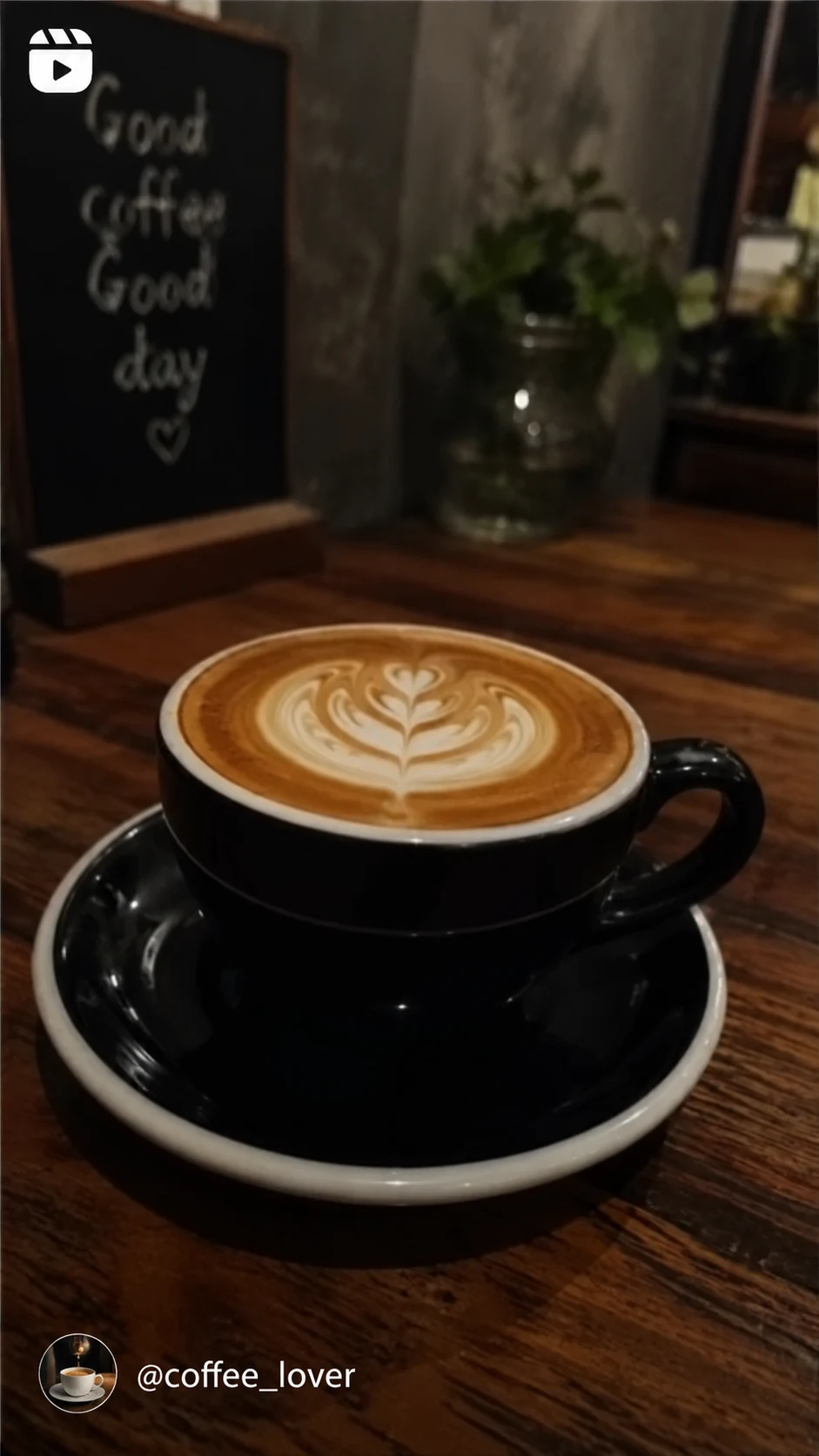

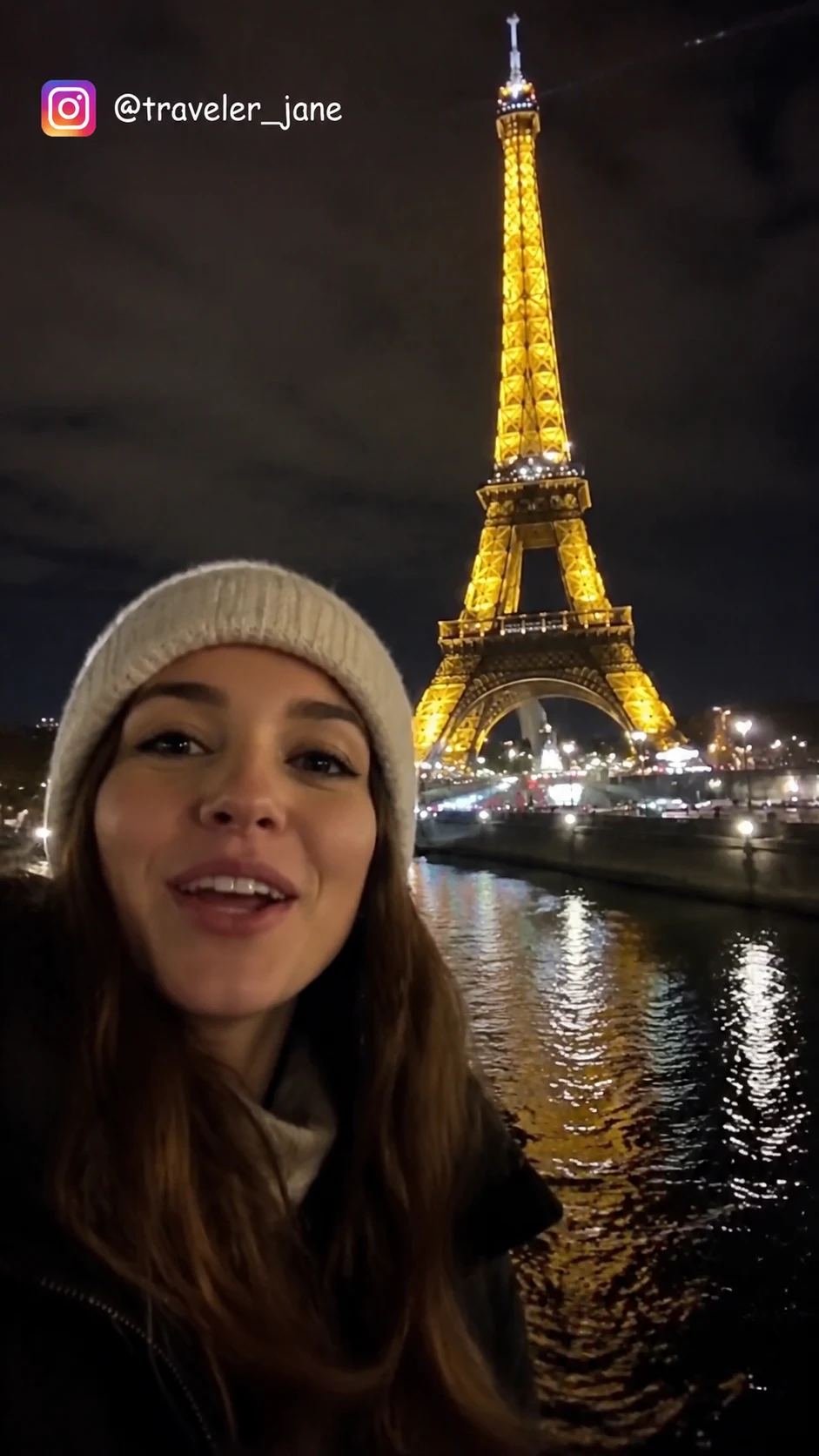
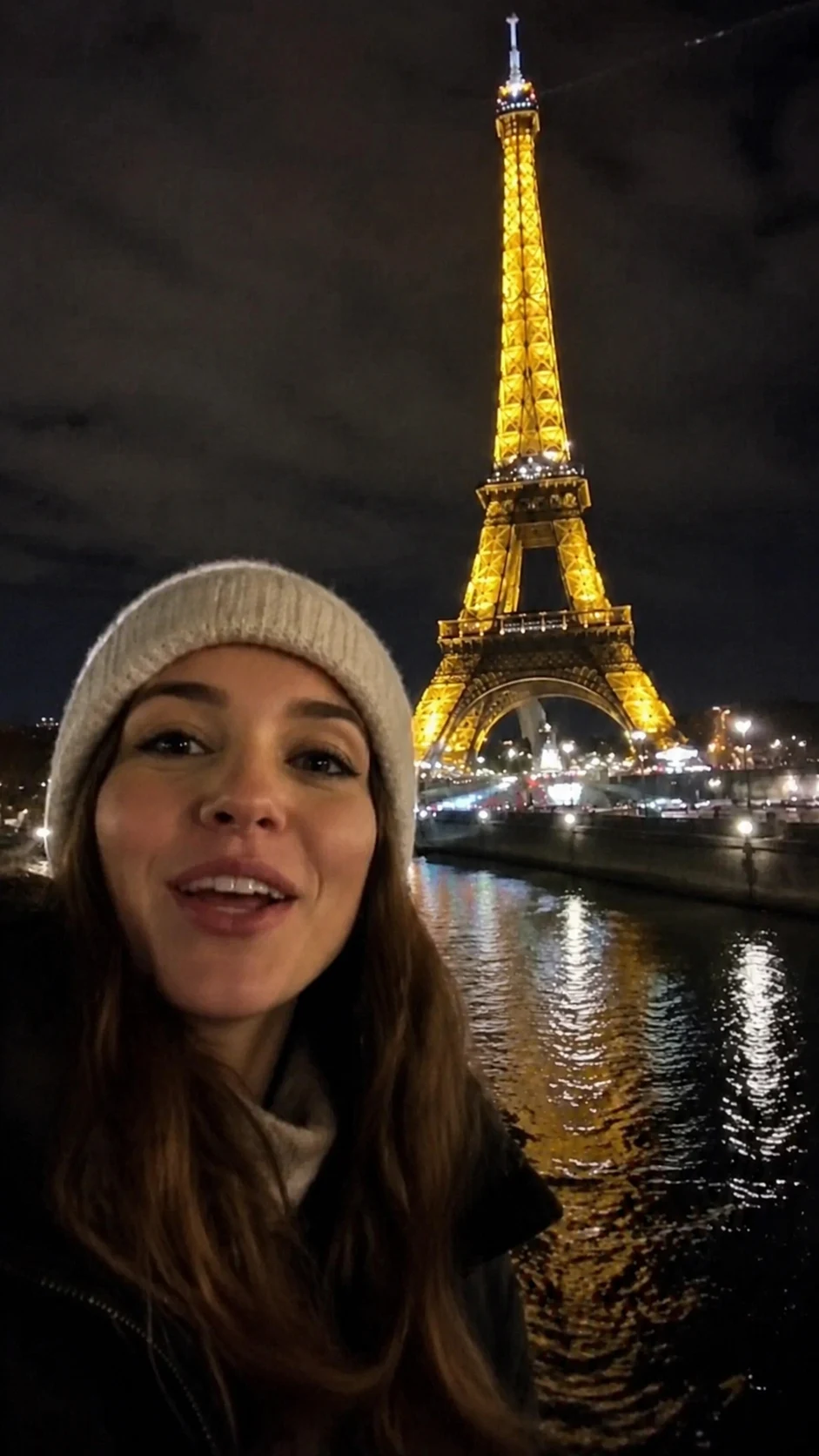
Instagram watermark removal is designed for creators who need to repurpose their own content. Always ensure you have the rights to the media before removing any platform marks.
UnmarkAI supports common video formats used for Instagram exports, including MP4 and MOV. It handles vertical 9:16 Reels as well as standard 1:1 or 4:5 feed videos.
Many creators post their Reels to TikTok or YouTube Shorts. To avoid platform-specific penalties, it is best to remove the Instagram logo first. UnmarkAI lets you clean your own clips in bulk without manual masking.
You should only remove watermarks from videos where you own the copyright or have explicit permission from the owner. Removing watermarks to misappropriate or re-upload others' content is a violation of copyright and platform terms.
Old methods like cropping or blurring ruin the video. Cropping changes your composition, and blurring leaves an ugly smudge. AI inpainting looks at the surrounding frames to "guess" what was behind the logo, resulting in a seamless finish.
UnmarkAI is designed for creators and teams working with content they own, license, or have permission to edit. The product copy, terms, and upload flow all reinforce that boundary.
Practical answers for safe, high-quality cleanup workflows.
Upload your Reel to UnmarkAI, let the AI scan for the logo and username, and click process. You can then preview the result and download a clean, watermark-free version of your video.
Yes. AI inpainting can detect and remove both the Instagram logo and the creator handle overlay that appears on downloaded Reels.
UnmarkAI offers an online AI-powered tool to remove Instagram watermarks. You can preview the results for free before downloading.
No. AI inpainting reconstructs only the pixels covered by the watermark, leaving the rest of the frame at its original resolution and quality.
It is legal if you own the video or have permission from the creator. Removing watermarks from content you do not own for unauthorized distribution is not permitted under Instagram's Terms of Use.
Join thousands of creators who use UnmarkAI to deliver distraction-free content.
🎁 Get 10 credits on sign up · No credit card required