AI 视频清理工具

Free PixVerse Watermark Remover Online — No Blur在线工具 - AI 高清清理

上传视频

拖拽文件到这里,或点击浏览

视频会被安全处理,不会被公开分享

MP4、MOV、AVI、MKV、WebM · 最大 2GB

查看前后对比

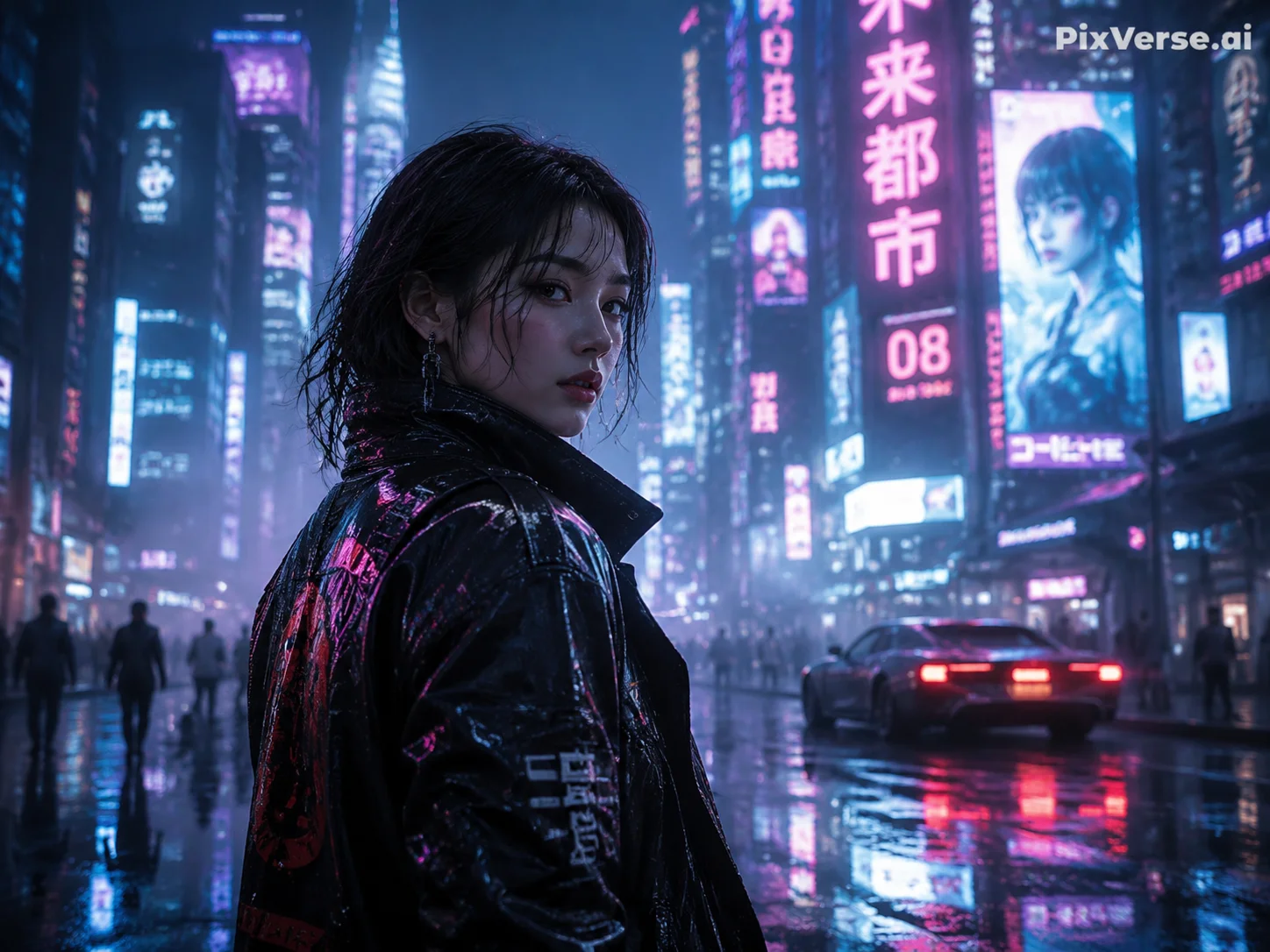
处理前PixVerse AI video with PixVerse.ai watermark in top-right corner before AI removal - UnmarkAI
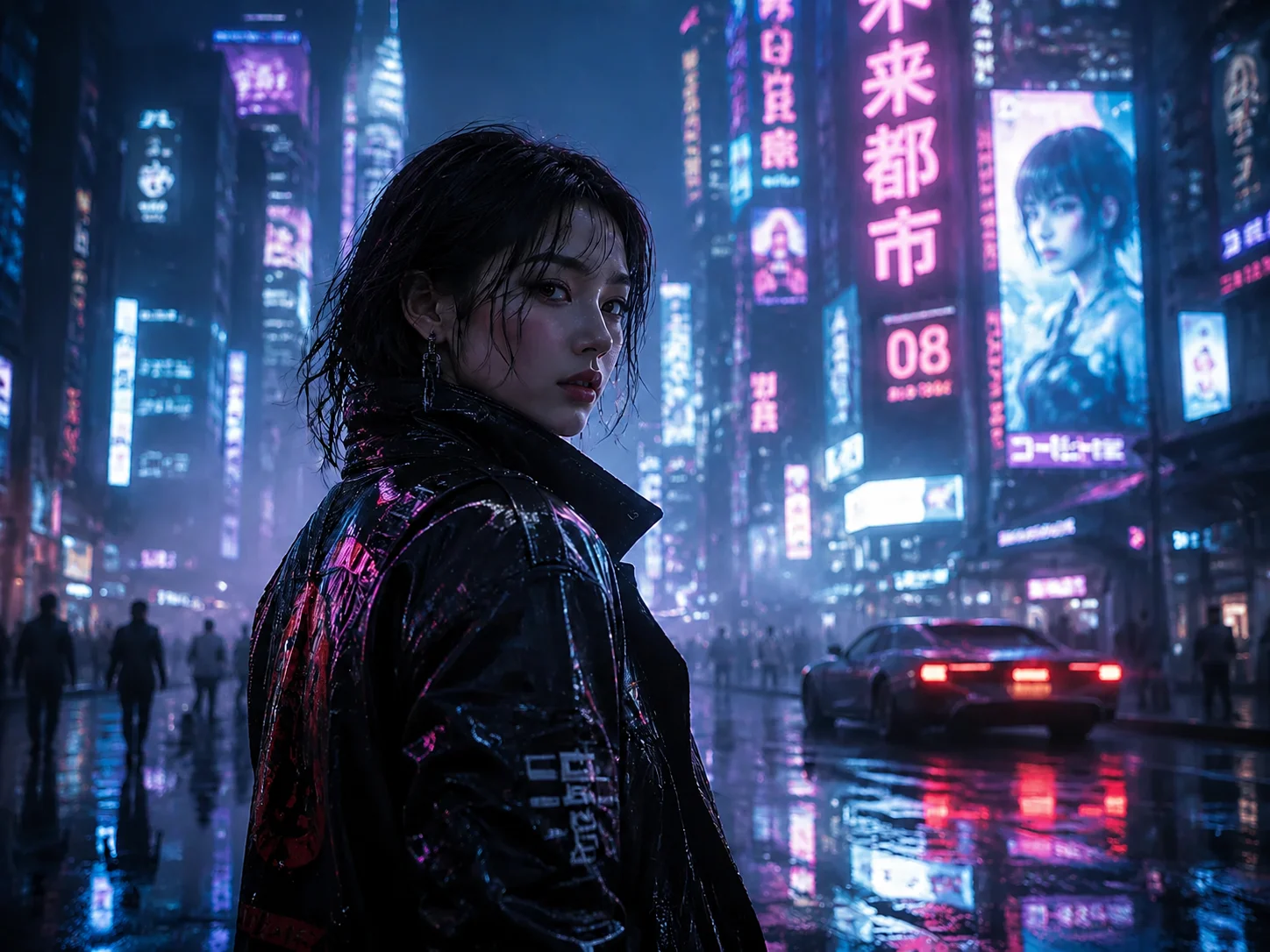
处理后Clean PixVerse-generated video after AI watermark removal, background fully restored - UnmarkAI

使用 AI 清理视频里的水印、文字、字幕或 Logo,尽量保留原始画质和画面构图。

UnmarkAI 面向创作者、品牌和团队,用于处理自己拥有、已授权或有权编辑的视频。上传文件后,AI 会识别遮挡区域并重建背景。

在线 AI 视频去水印工具

相比裁剪和模糊,AI 更适合处理移动水印、硬字幕、时间戳和角标,成片更自然。

  • The PixVerse watermark is a semi-transparent white "PixVerse.ai" text placed in the top-right corner of the video frame. It is rendered directly into the pixel data — not a separate overlay track.
  • Free-tier PixVerse videos include the watermark and are capped at 720p resolution. Paid plans (starting at $10/month) remove the watermark and unlock higher resolutions.
  • Because the watermark is semi-transparent, the underlying scene is partially visible through it. AI inpainting uses that partial information to reconstruct a clean background.
  • The watermark stays fixed in the top-right corner — it does not bounce or move. This makes it easier for AI to track and remove compared to animated watermarks like TikTok's.

如何在线清理视频水印?

上传你有权编辑的视频,选择需要清理的区域,预览效果后下载干净版本。

01

如何在线清理视频水印?

上传你有权编辑的视频,选择需要清理的区域,预览效果后下载干净版本。

02

AI detects and removes the watermark

UnmarkAI scans every frame to locate the PixVerse.ai watermark — typically a white semi-transparent text in the top-right corner. AI inpainting erases the watermark pixels and reconstructs the original background behind it, matching texture, color, and detail.

03

Preview and download

Preview the result side-by-side to confirm the watermark is fully gone. Download the clean export at your original resolution — no blur patches, no cropped edges, no quality loss.

PixVerse watermark removal results

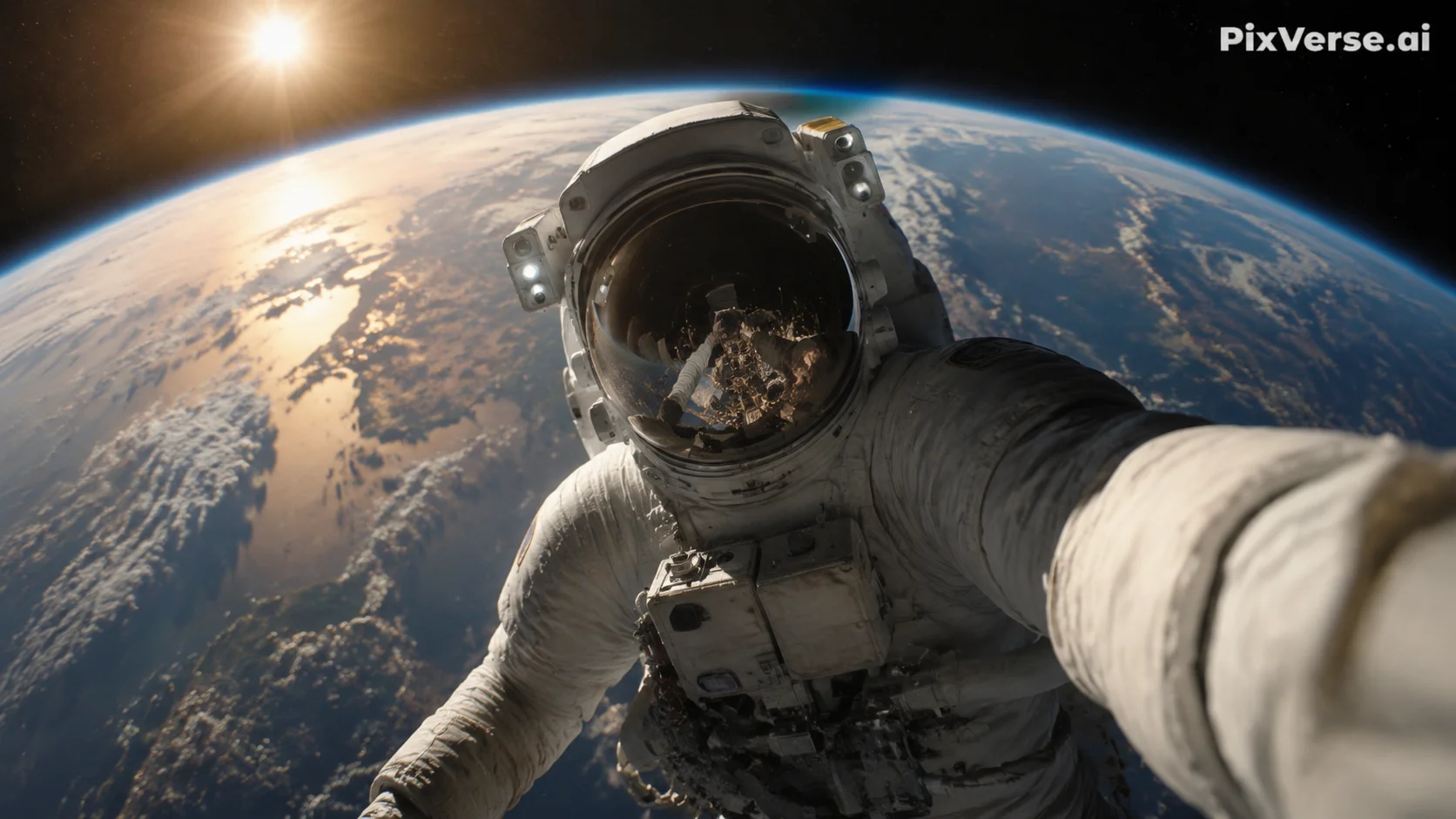
See how AI inpainting removes the PixVerse.ai corner watermark without cropping the frame or leaving blur artifacts. The original background is reconstructed pixel by pixel.
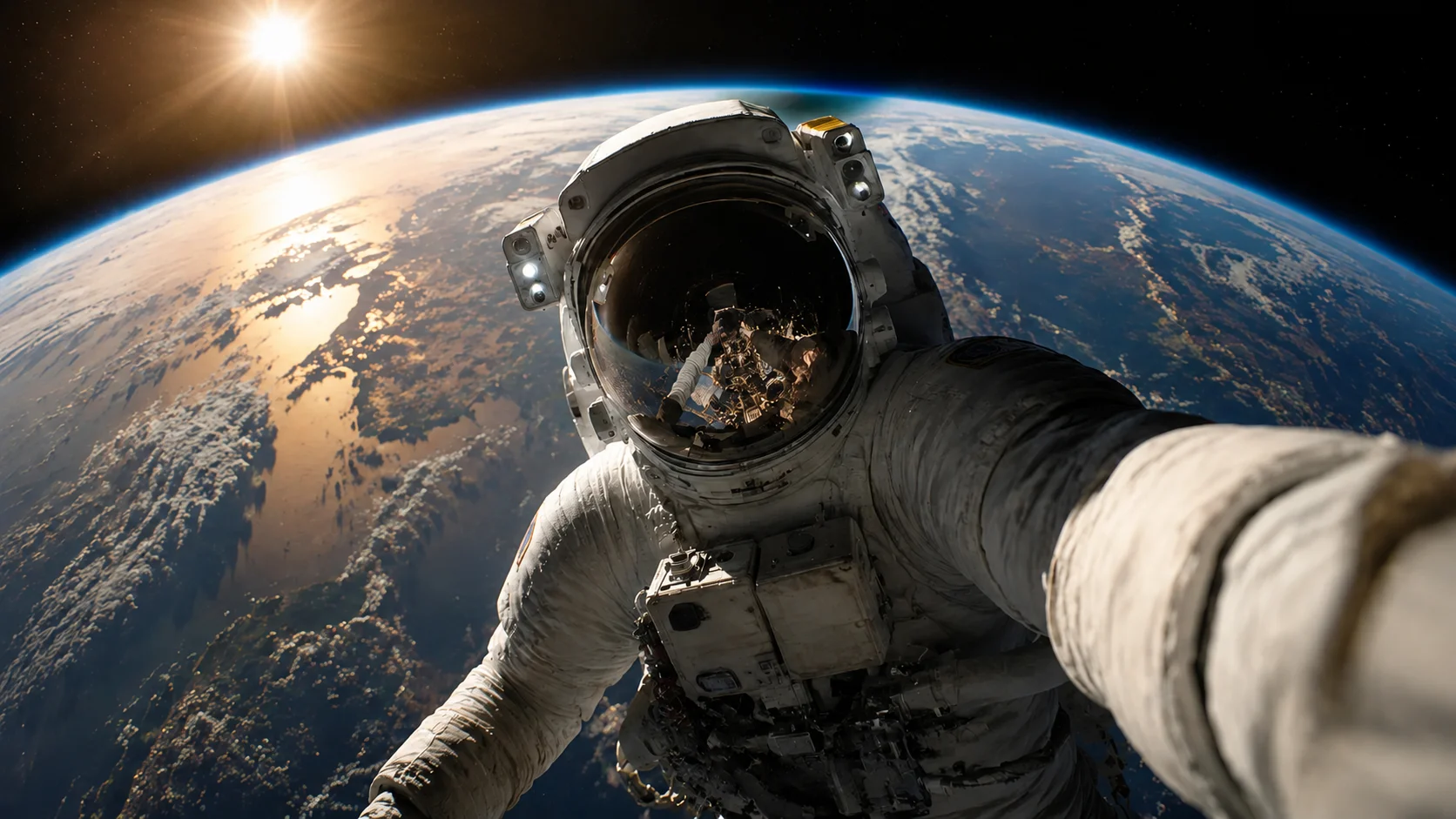
  • No blur or smudgeAI reconstructs the background behind the watermark instead of covering it with a blurred patch.
  • Full frame preservedThe entire video frame stays intact at original resolution — nothing is cropped away.
  • Handles semi-transparent logosThe PixVerse watermark is semi-transparent, blending with the scene underneath. AI inpainting accounts for that blend when restoring the area.
处理前Cinematic AI clip - before
处理后Cinematic AI clip - after
想要更干净的视频?AI 去水印,不模糊,不压画质。
免费试用
处理前Vertical creator clip - before
处理后Vertical creator clip - after
想要更干净的视频?AI 去水印,不模糊,不压画质。
免费试用

Authorized use only

This tool is designed for creators working with content they have legitimate rights to edit. Do not remove watermarks from videos you do not own or are not authorized to modify.

  • Your own AI generationsVideos you generated yourself using PixVerse AI, where you control the content and editing rights.
  • Licensed contentFootage obtained under a license that permits derivative editing, including watermark removal.
  • Social media repurposingReusing your own PixVerse-generated clips across TikTok, Instagram Reels, or YouTube Shorts without the platform watermark.
  • Educational and review useRemoving watermarks for commentary, reviews, or academic analysis of AI-generated video tools, with proper attribution.

支持常见视频格式和设备

可在手机和电脑浏览器中使用,支持 MP4、MOV、WebM 等常见格式。

  • Video formats: MP4, MOV, AVI, WebM, and MKV — all common container types supported.
  • PixVerse typically exports MP4 files, which are the recommended input format.
  • Resolution: best results at 720p and above. Higher-resolution uploads give the AI more pixel data for background reconstruction.
  • Duration: short clips (5–15 seconds, typical PixVerse output) process fastest. Longer videos are supported but take proportionally more time.

适合跨平台内容复用

可用于清理你自己的短视频、广告素材、教程视频和授权素材,便于在不同平台发布。

  • Browser-based: open UnmarkAI in any modern browser — Chrome, Safari, Firefox, Edge. No extension, plugin, or desktop software required.
  • Works on already-exported videos: if you already downloaded a watermarked PixVerse clip, upload it directly. No need to regenerate the video.
  • Mobile-friendly: the upload, select, preview, and download workflow works on phones and tablets as well as desktop.
  • No account required to try: upload a short clip and preview the result before committing to a paid plan.

请只处理有权编辑的内容

请确认你拥有视频版权、授权或明确许可。不要用来移除他人内容的署名或平台标识。

  • Videos you generated yourself: you created the content using your own PixVerse account and prompts, giving you a legitimate interest in editing the output.
  • Licensed or authorized content: where the license or permission explicitly permits derivative edits, including watermark removal.
  • Cross-platform republishing: removing the PixVerse watermark from your own AI-generated clips to publish them on TikTok, YouTube, or Instagram without third-party branding.
  • Do not remove watermarks from videos you do not own or are not authorized to edit. Doing so may violate copyright law and PixVerse's terms of service.

AI 清理为什么更自然

AI 会根据周围画面补全被遮挡区域,减少裁剪、模糊和贴片带来的痕迹。

  • AI inpainting: removes the PixVerse.ai text and fills in the area with matching background detail — texture, color, and lighting are all reconstructed.
  • Cropping: cuts away the top-right portion of the frame where the PixVerse watermark sits, changing the aspect ratio and potentially cutting off visual elements near the edge.
  • Blurring: leaves a visible smudged patch in the top-right corner — immediately noticeable and unprofessional, especially on dark or gradient backgrounds.
  • Manual masking: requires frame-by-frame editing in tools like After Effects or Premiere Pro — time-consuming and often inconsistent for semi-transparent watermarks.
可信流程

为有授权的视频清理而设计

UnmarkAI 面向创作者和团队,用于处理自己拥有、已授权或有权编辑的内容。产品文案、条款和上传流程都会强调这一边界。

重视版权和授权下载前可预览安全处理清晰的使用政策

常见问题

关于安全、高质量视频清理流程的实用解答。

这个工具适合什么视频?

适合你自己拥有或已获授权的视频,例如原创短视频、品牌素材、课程片段和内部资料。

How do I remove the PixVerse watermark from my video?

Upload your PixVerse-generated video to UnmarkAI, let the AI detect the PixVerse.ai watermark in the top-right corner, then preview and download the clean version. The entire process runs in your browser — no app installation required.

What does the PixVerse watermark look like?

The PixVerse watermark is a semi-transparent white "PixVerse.ai" text positioned in the top-right corner of the video frame. It is rendered directly into the pixel data on free-tier exports and removed automatically on paid PixVerse plans.

Does PixVerse watermark all AI-generated videos?

PixVerse adds the watermark to free-tier (Basic plan) video exports. Paid plans (Standard and above) produce watermark-free videos and unlock higher resolutions. Check the PixVerse pricing page for current plan details.

准备清理你的视频?

让视频少一点干扰,更适合发布、交付和复用。

立即免费开始

注册获得 10 个积分 · 无需付费