AI 视频清理工具

Free Kling Watermark Remover Online - No Blur (Supports 3.0)在线工具 - AI 高清清理

上传视频

拖拽文件到这里,或点击浏览

视频会被安全处理,不会被公开分享

MP4、MOV、AVI、MKV、WebM · 最大 2GB

查看前后对比

处理前Kling AI-generated video with visible Kling AI watermark before AI removal - UnmarkAI
处理后Clean Kling AI-generated video after AI Kling watermark removal - UnmarkAI

使用 AI 清理视频里的水印、文字、字幕或 Logo,尽量保留原始画质和画面构图。

UnmarkAI 面向创作者、品牌和团队,用于处理自己拥有、已授权或有权编辑的视频。上传文件后,AI 会识别遮挡区域并重建背景。

在线 AI 视频去水印工具

相比裁剪和模糊,AI 更适合处理移动水印、硬字幕、时间戳和角标,成片更自然。

  • Visible logo or text: usually a small branded mark placed near an edge or corner of the frame.
  • Static or dynamic: some newer marks may shift slightly, requiring consistent tracking to avoid visual artifacts.
  • Burned into pixels: the watermark is part of the exported video image, not a separate layer.
  • UnMarkAI removes only the visible mark; it does not claim to alter invisible provenance signals or metadata.

如何在线清理视频水印?

上传你有权编辑的视频,选择需要清理的区域,预览效果后下载干净版本。

01

如何在线清理视频水印?

上传你有权编辑的视频,选择需要清理的区域,预览效果后下载干净版本。

02

AI tracks and removes the visible watermark

UnMarkAI scans the video frame by frame, smoothly tracking the visible Kling AI watermark area. It uses advanced inpainting to seamlessly rebuild the background pixels covered by static or dynamic marks without causing flicker.

03

Preview and download the clean result

Review the before-and-after preview, check textured areas and motion edges near the removed mark, then download a clean video that keeps 100% of the original framing, resolution, and quality.

Kling AI watermark removal results

Kling AI clips often use cinematic backgrounds, motion blur, reflections, and detailed generated textures. AI inpainting tracks the visible watermark and removes it while preserving the full frame.
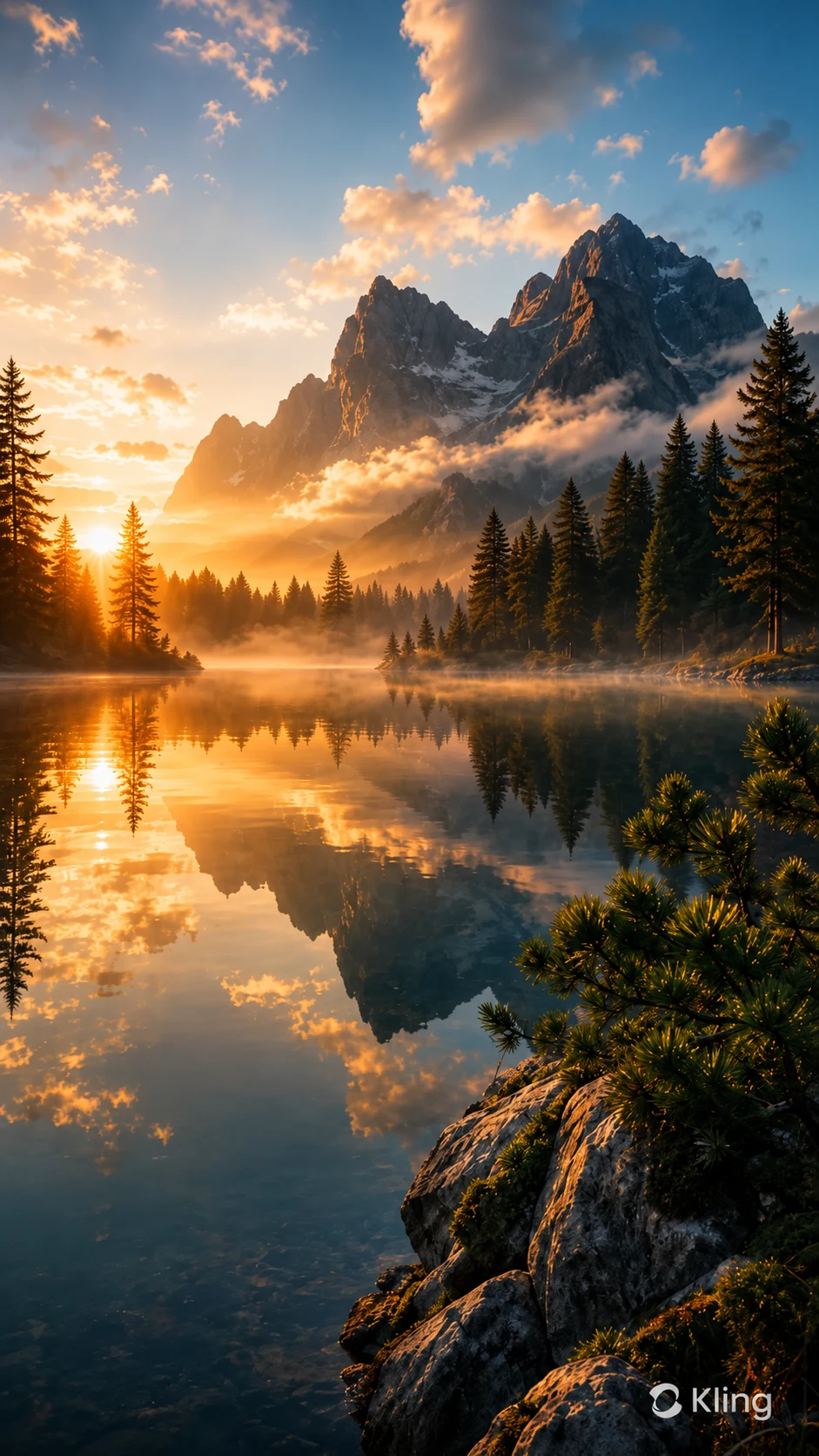
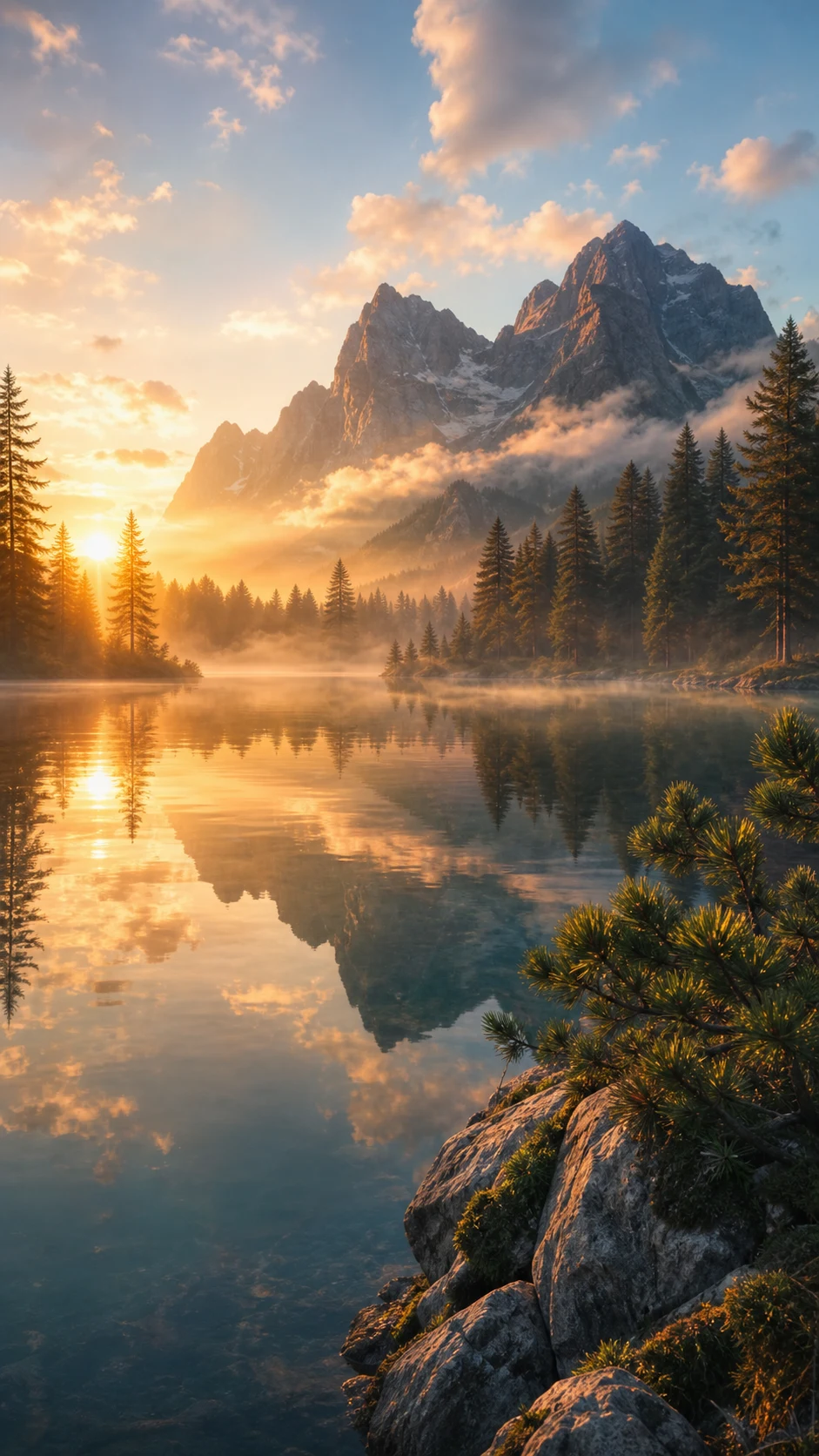
  • No blur patchThe watermark area is seamlessly reconstructed instead of being covered with mosaic, blur, or a noticeable smudge.
  • Full frame preservedNo forced crop, so vertical and cinematic Kling clips keep their intended composition and original resolution.
  • Handles moving marksConsistent frame-by-frame tracking prevents flickering, even if the watermark subtly shifts during the video.
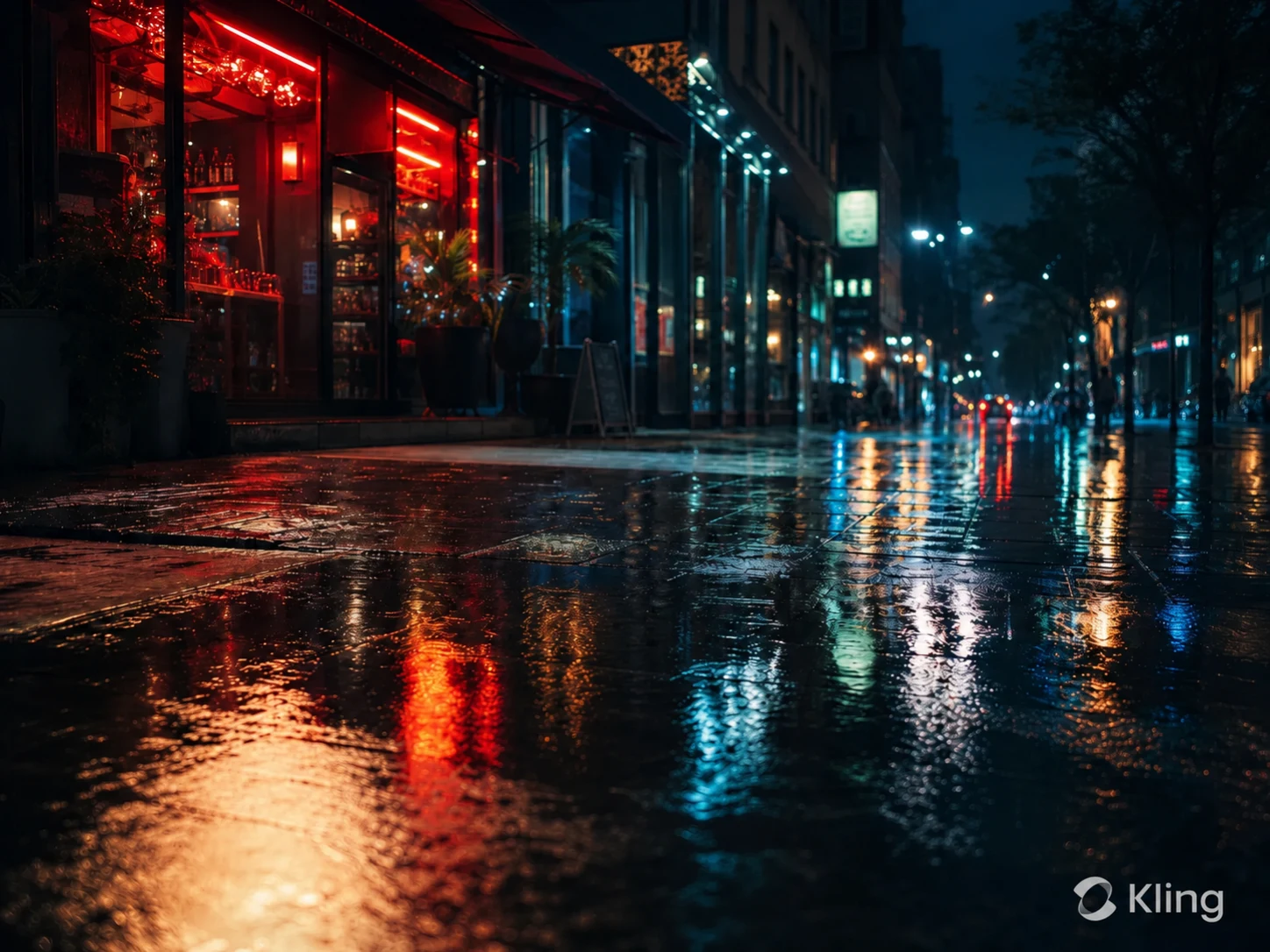
处理前Kling AI-generated vertical landscape video with visible Kling AI watermark before removal
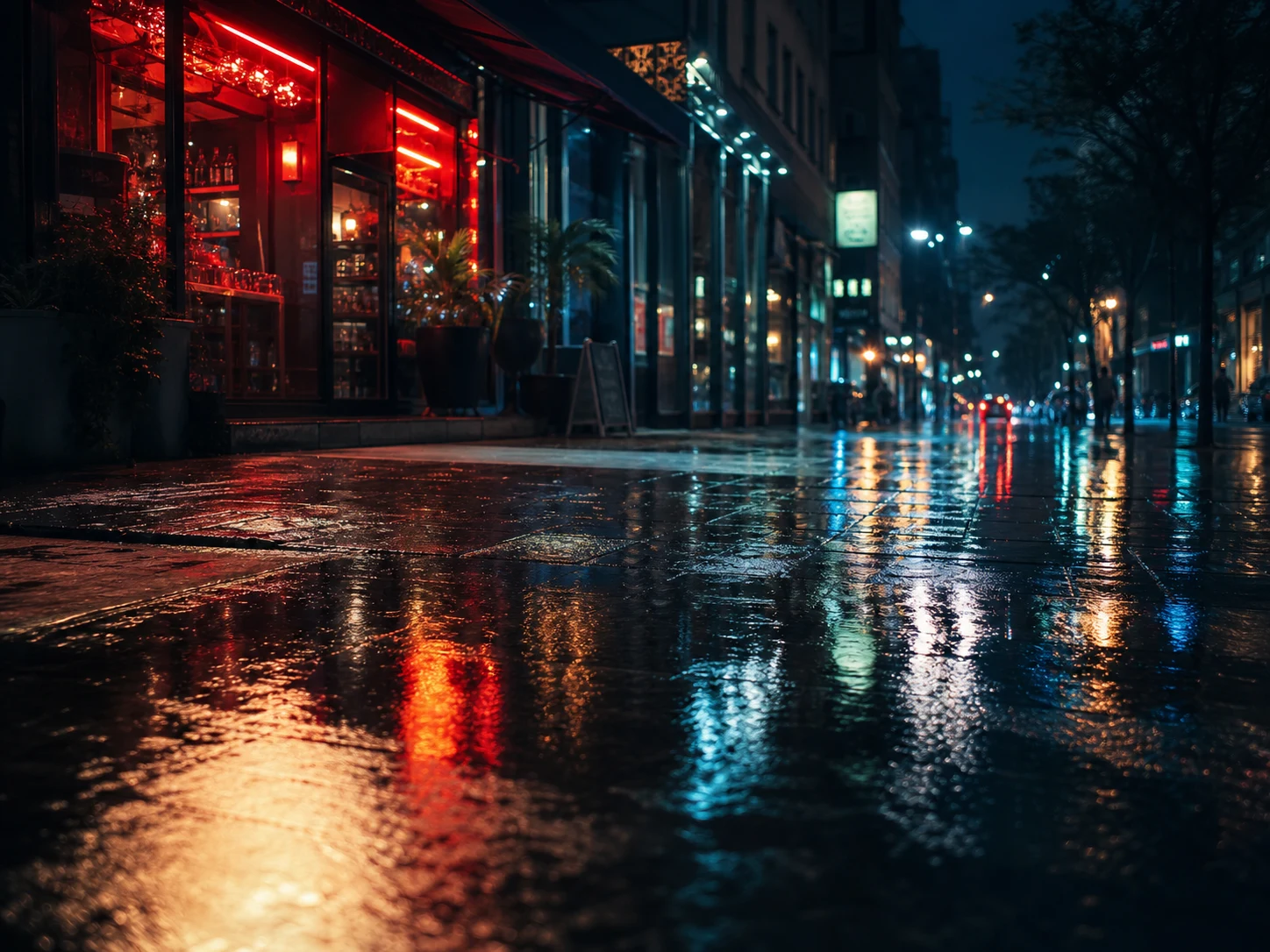
处理后Same Kling AI landscape video after the visible watermark was removed cleanly without blur
想要更干净的视频?AI 去水印,不模糊,不压画质。
免费试用
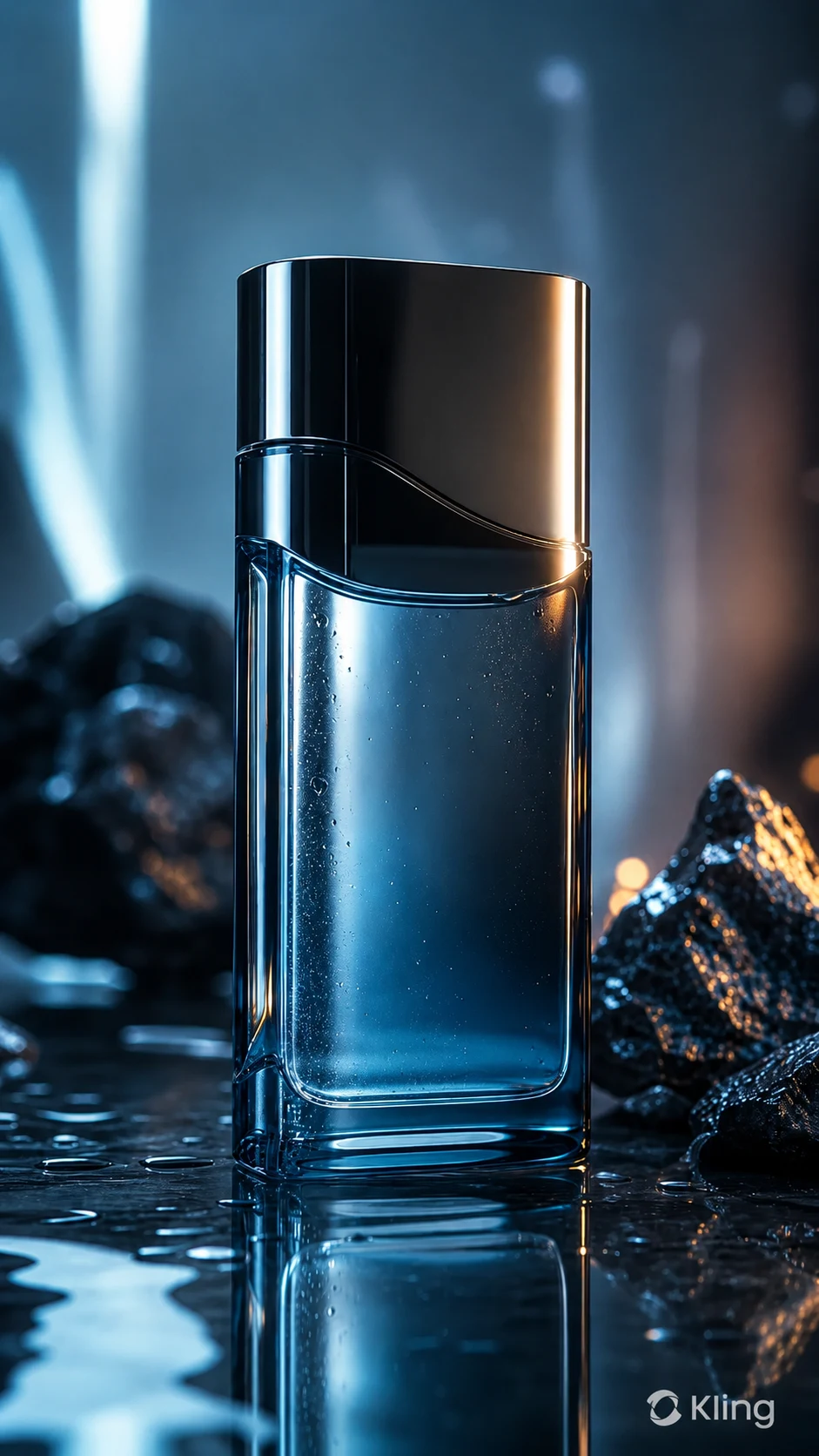
处理前Kling AI-generated product video with visible Kling AI watermark before cleanup
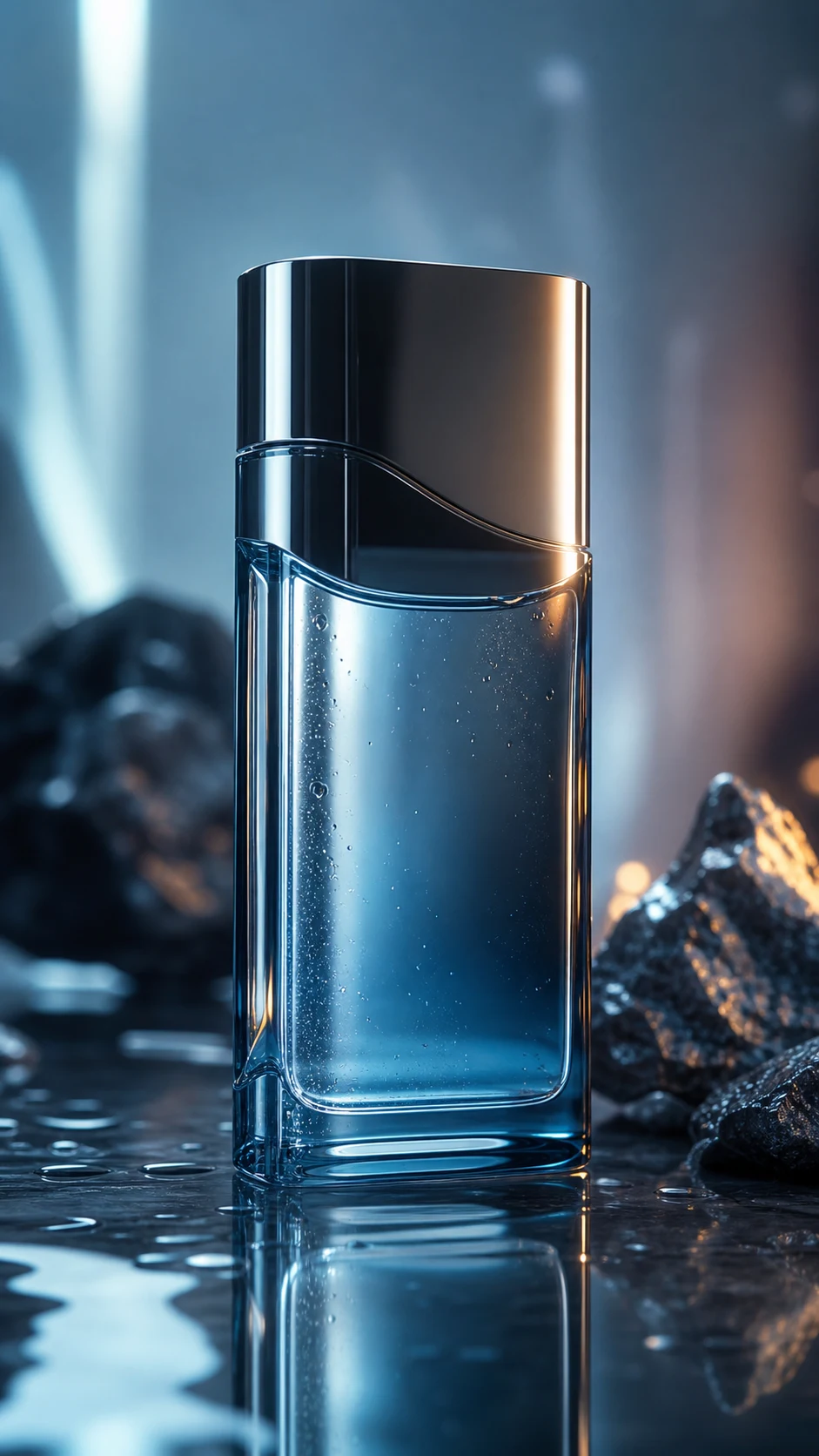
处理后Kling AI-generated product video after AI watermark removal with clean reflections restored
想要更干净的视频?AI 去水印,不模糊,不压画质。
免费试用

Authorized Kling video cleanup

This page is for creators and teams cleaning their own AI-generated assets or videos they have explicit permission to edit. It is not for stripping attribution from third-party content.

  • Your own generationsVideos prompted and generated through your Kling AI account or your organization's workflow.
  • Client-approved editsAgency, marketing, and production clips where the content owner has approved watermark cleanup.
  • Portfolio and pitch workClean up your own AI-video studies before adding them to decks, reels, or client presentations.
  • Social repurposingPrepare your own Kling-generated vertical clips for TikTok, Instagram Reels, YouTube Shorts, or paid ads.

支持常见视频格式和设备

可在手机和电脑浏览器中使用,支持 MP4、MOV、WebM 等常见格式。

  • Compatible with generations from Kling 1.6, 2.6, 3.0, and newer model outputs.
  • Works with MP4, MOV, AVI, MKV, and WebM uploads.
  • Supports vertical 9:16 social clips, square posts, and landscape cinematic exports.
  • 100% preservation of original video resolution and frame rate.

适合跨平台内容复用

可用于清理你自己的短视频、广告素材、教程视频和授权素材,便于在不同平台发布。

  • Portfolio reels: present your own Kling-generated experiments without a visible platform mark drawing attention away from the shot.
  • Client previews: prepare agency or studio concepts where the client approved a clean version for review.
  • Paid social creative: remove visible generator branding from your own assets before adding campaign-safe brand elements.
  • Cross-platform publishing: clean a vertical Kling clip before posting to TikTok, Instagram Reels, YouTube Shorts, or other channels.

请只处理有权编辑的内容

请确认你拥有视频版权、授权或明确许可。不要用来移除他人内容的署名或平台标识。

  • Safe for Kling videos you generated with your own account and prompts.
  • Safe for team or client assets where the content owner approved the edit.
  • Review Kling AI terms, client contracts, ad platform rules, and local copyright requirements before publishing cleaned assets.
  • Do not remove watermarks from third-party videos without authorization.

AI 清理为什么更自然

AI 会根据周围画面补全被遮挡区域,减少裁剪、模糊和贴片带来的痕迹。

MethodFrame integrityVisual resultWorkflow
AI inpaintingFull frame & resolution preservedBackground reconstructed cleanlyUpload, let AI track, download
CroppingEdges lost, resolution dropsComposition changedFast but destructive
Blur or mosaicFrame retainedVisible smudge remainsSimple but unpolished
可信流程

为有授权的视频清理而设计

UnmarkAI 面向创作者和团队,用于处理自己拥有、已授权或有权编辑的内容。产品文案、条款和上传流程都会强调这一边界。

重视版权和授权下载前可预览安全处理清晰的使用政策

常见问题

关于安全、高质量视频清理流程的实用解答。

这个工具适合什么视频?

适合你自己拥有或已获授权的视频,例如原创短视频、品牌素材、课程片段和内部资料。

Does this work on newer Kling 3.0 generated videos?

Yes, UnMarkAI is compatible with all Kling AI versions, including Kling 1.6, 2.6, and 3.0. Our AI can handle the specific watermark styles generated by the latest models.

Will removing the watermark reduce my video quality?

No. UnMarkAI preserves 100% of your original resolution and frame rate. It uses AI inpainting to reconstruct only the watermarked area, ensuring zero quality loss across the rest of your video.

Can it handle watermarks that move or change slightly?

Yes. UnMarkAI tracks the watermark frame-by-frame. Even if the Kling watermark has subtle movement or dynamic elements, the AI follows it consistently to ensure a smooth, flicker-free removal.

准备清理你的视频?

让视频少一点干扰,更适合发布、交付和复用。

立即免费开始

注册获得 10 个积分 · 无需付费