
Como limpar marca d'água de vídeo online
Envie um vídeo que você pode editar, marque a área a limpar, confira a prévia e baixe o resultado.
Arraste um arquivo aqui ou clique para procurar
MP4, MOV, AVI, MKV, WebM · Até 2 GB
Ver a diferença →

Limpe marcas d'água, textos, legendas ou logos com IA, preservando o enquadramento e a qualidade sempre que possível.
O UnmarkAI ajuda creators, marcas e equipes a limpar vídeos próprios, licenciados ou autorizados direto no navegador.
A IA costuma ficar mais natural que cortar ou borrar quando há logos móveis, legendas, datas ou texto gravado no vídeo.
Envie um vídeo que você pode editar, marque a área a limpar, confira a prévia e baixe o resultado.
Envie um vídeo que você pode editar, marque a área a limpar, confira a prévia e baixe o resultado.
The AI scans every frame, locates the visible "Veo" text or logo watermark (typically in the bottom-right corner), and reconstructs the covered pixels using the surrounding background. No manual selection needed for fixed-position watermarks.
Compare the cleaned clip against the original. Check the area where the Veo logo was — especially around motion edges and textured backgrounds — then download the watermark-free export at your original resolution.
See how AI inpainting removes the visible Veo text and logo from Google Veo-generated videos without cropping the frame or leaving a visible blur patch. The background is reconstructed pixel by pixel.
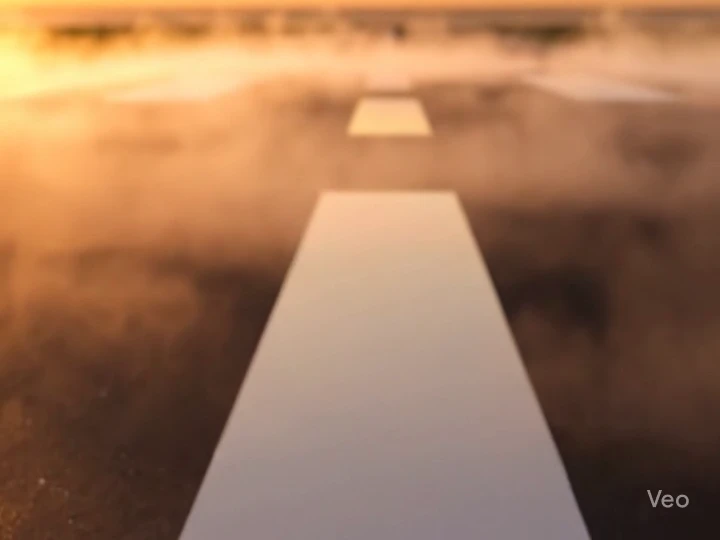

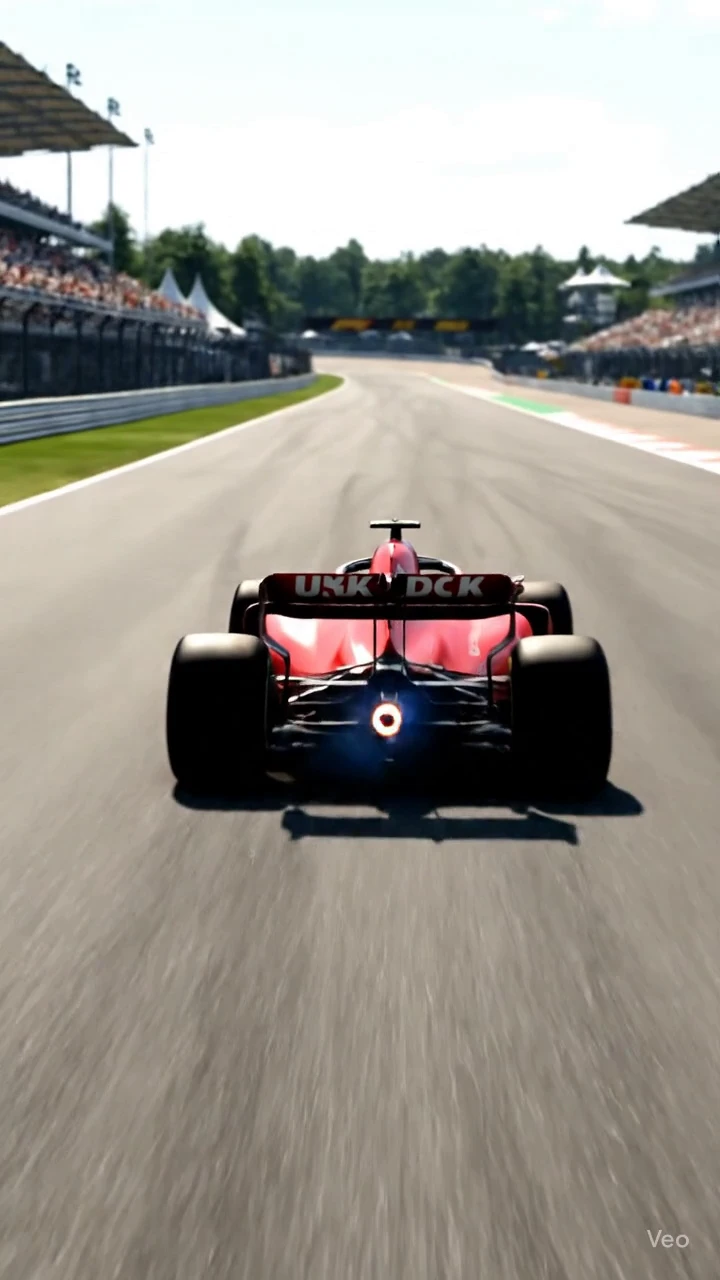

Veo watermark removal is intended for videos you generated yourself using Google Veo, Veo 3, or Veo 3.1. You have full rights to edit and modify your own AI-generated output. Do not use this tool to strip watermarks from videos created by others without their permission.
See the AI inpainting result on a Veo 3 generated clip. The visible "Veo" branding in the corner is detected and erased frame by frame, with the background reconstructed to match the surrounding scene.


Funciona no celular e no computador com formatos como MP4, MOV e WebM direto no navegador.
Prepare seus clipes, anúncios, tutoriais ou materiais autorizados para publicar em diferentes canais.
Use o UnmarkAI com vídeos próprios, licenciados ou com permissão explícita. Não remova atribuição de conteúdo de terceiros.
A IA reconstrói áreas cobertas usando o contexto do vídeo e evita cortes ou manchas visíveis.
O UnmarkAI foi criado para creators e equipes que trabalham com conteúdo próprio, licenciado ou com permissão para editar.
Respostas práticas para limpar vídeos com segurança e boa qualidade.
Serve para vídeos próprios ou autorizados, como clipes sociais, materiais de marca, tutoriais e arquivos internos.
Upload your Veo-generated video to UnmarkAI. The AI detects the visible Veo logo in each frame, erases it using inpainting, and reconstructs the background. Preview the result side-by-side, then download the clean version.
This tool removes the visible "Veo" text and logo watermark that appears in the corner of AI-generated video frames. SynthID is Google's invisible, imperceptible watermark embedded in the pixel data — it cannot be seen by the human eye, requires specialized detection tools, and is a separate technology from the visible branding. The visible logo identifies the generation tool to human viewers, while SynthID enables automated AI content detection for provenance tracking. This tool addresses only the visible watermark and does not modify SynthID data. (Google DeepMind SynthID announcement)
Yes. The visible watermark layout may differ slightly between Veo 2, Veo 3, and Veo 3.1 — the logo position, size, or transparency can change between versions — but the AI adapts to each layout automatically. Upload your video directly and the tool handles detection.
Remova distrações e deixe seus clipes mais prontos para publicar, vender ou entregar.
Ganhe 10 créditos ao se cadastrar · Sem cartão de crédito