Ferramenta de vídeo com IA

Free PixVerse Watermark Remover Online — No Blur online com IA

Envie seu vídeo

Arraste um arquivo aqui ou clique para procurar

Os vídeos são processados com segurança e não são compartilhados

MP4, MOV, AVI, MKV, WebM · Até 2 GB

Ver a diferença

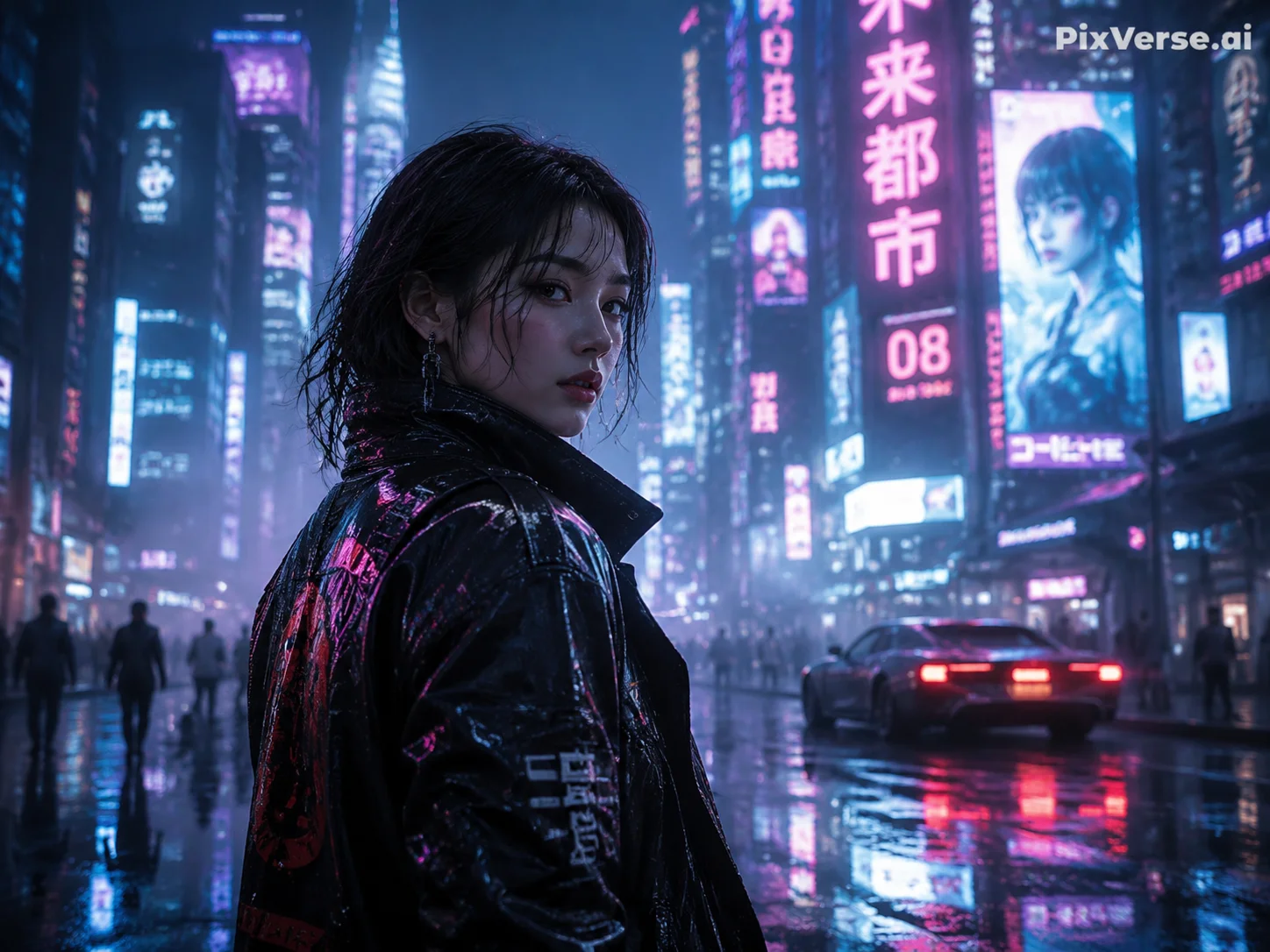
AntesPixVerse AI video with PixVerse.ai watermark in top-right corner before AI removal - UnmarkAI
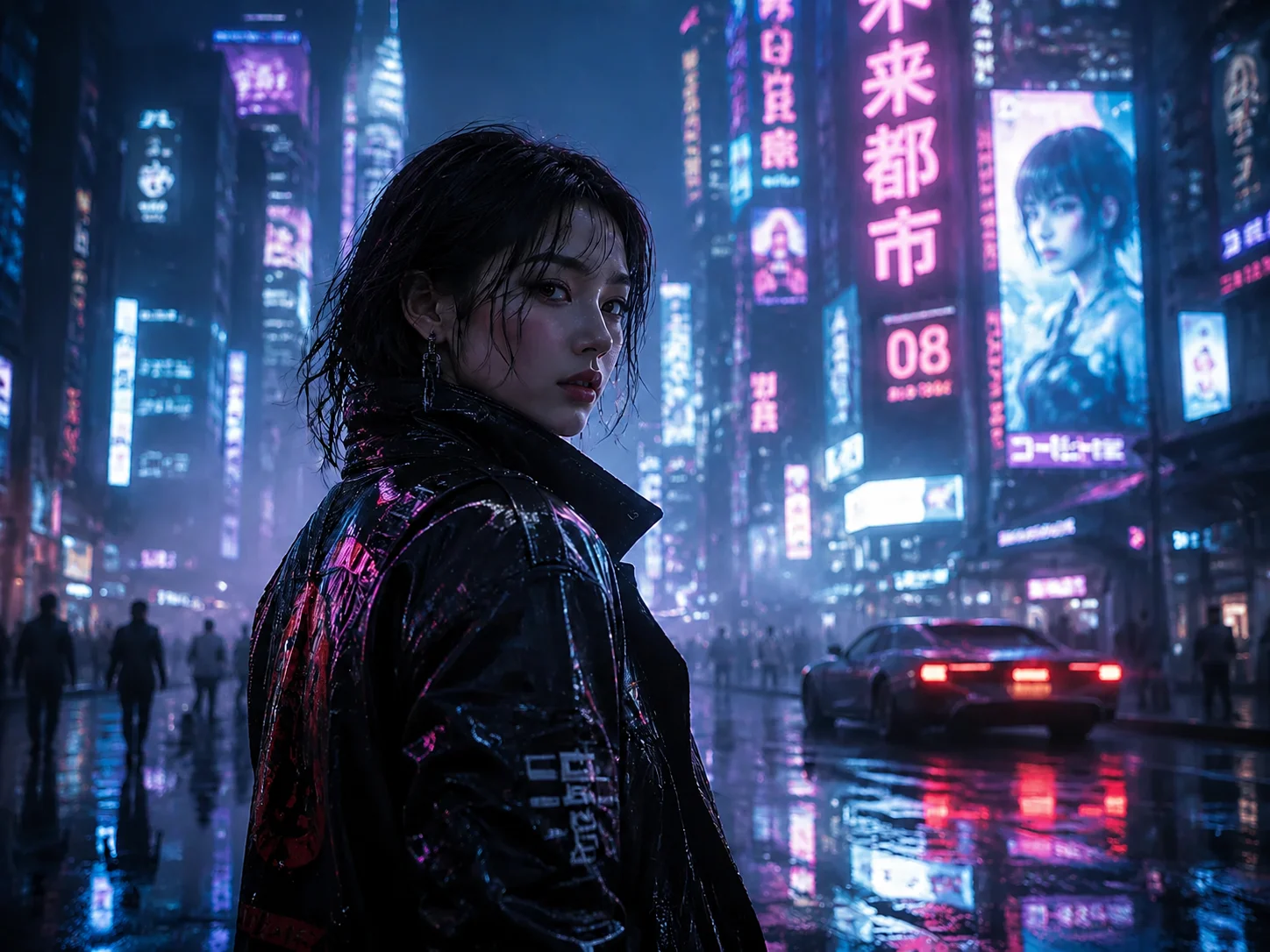
DepoisClean PixVerse-generated video after AI watermark removal, background fully restored - UnmarkAI

Limpe marcas d'água, textos, legendas ou logos com IA, preservando o enquadramento e a qualidade sempre que possível.

O UnmarkAI ajuda creators, marcas e equipes a limpar vídeos próprios, licenciados ou autorizados direto no navegador.

Ferramenta online para limpar vídeos com IA

A IA costuma ficar mais natural que cortar ou borrar quando há logos móveis, legendas, datas ou texto gravado no vídeo.

  • The PixVerse watermark is a semi-transparent white "PixVerse.ai" text placed in the top-right corner of the video frame. It is rendered directly into the pixel data — not a separate overlay track.
  • Free-tier PixVerse videos include the watermark and are capped at 720p resolution. Paid plans (starting at $10/month) remove the watermark and unlock higher resolutions.
  • Because the watermark is semi-transparent, the underlying scene is partially visible through it. AI inpainting uses that partial information to reconstruct a clean background.
  • The watermark stays fixed in the top-right corner — it does not bounce or move. This makes it easier for AI to track and remove compared to animated watermarks like TikTok's.

Como limpar marca d'água de vídeo online

Envie um vídeo que você pode editar, marque a área a limpar, confira a prévia e baixe o resultado.

01

Como limpar marca d'água de vídeo online

Envie um vídeo que você pode editar, marque a área a limpar, confira a prévia e baixe o resultado.

02

AI detects and removes the watermark

UnmarkAI scans every frame to locate the PixVerse.ai watermark — typically a white semi-transparent text in the top-right corner. AI inpainting erases the watermark pixels and reconstructs the original background behind it, matching texture, color, and detail.

03

Preview and download

Preview the result side-by-side to confirm the watermark is fully gone. Download the clean export at your original resolution — no blur patches, no cropped edges, no quality loss.

PixVerse watermark removal results

See how AI inpainting removes the PixVerse.ai corner watermark without cropping the frame or leaving blur artifacts. The original background is reconstructed pixel by pixel.
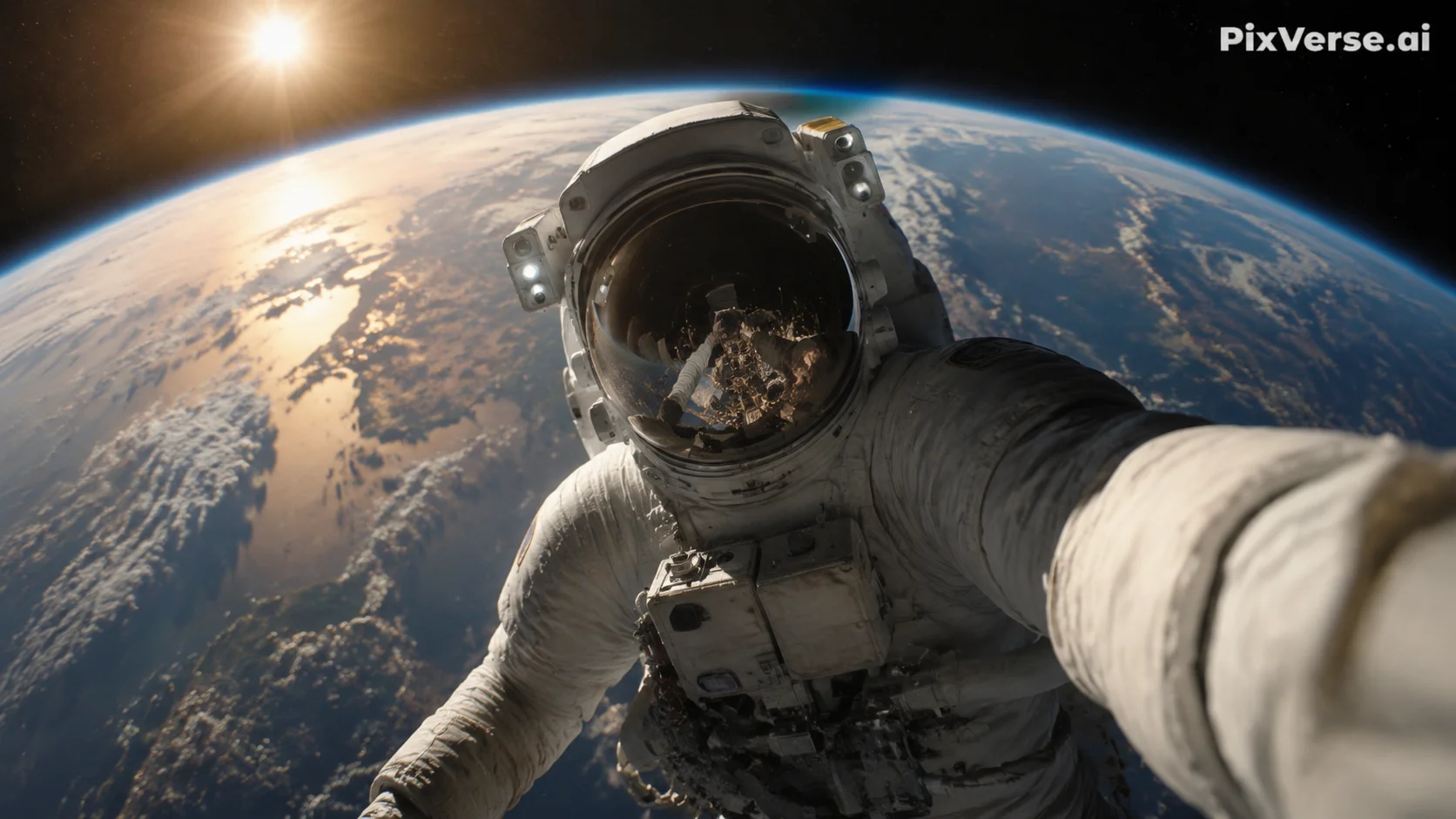
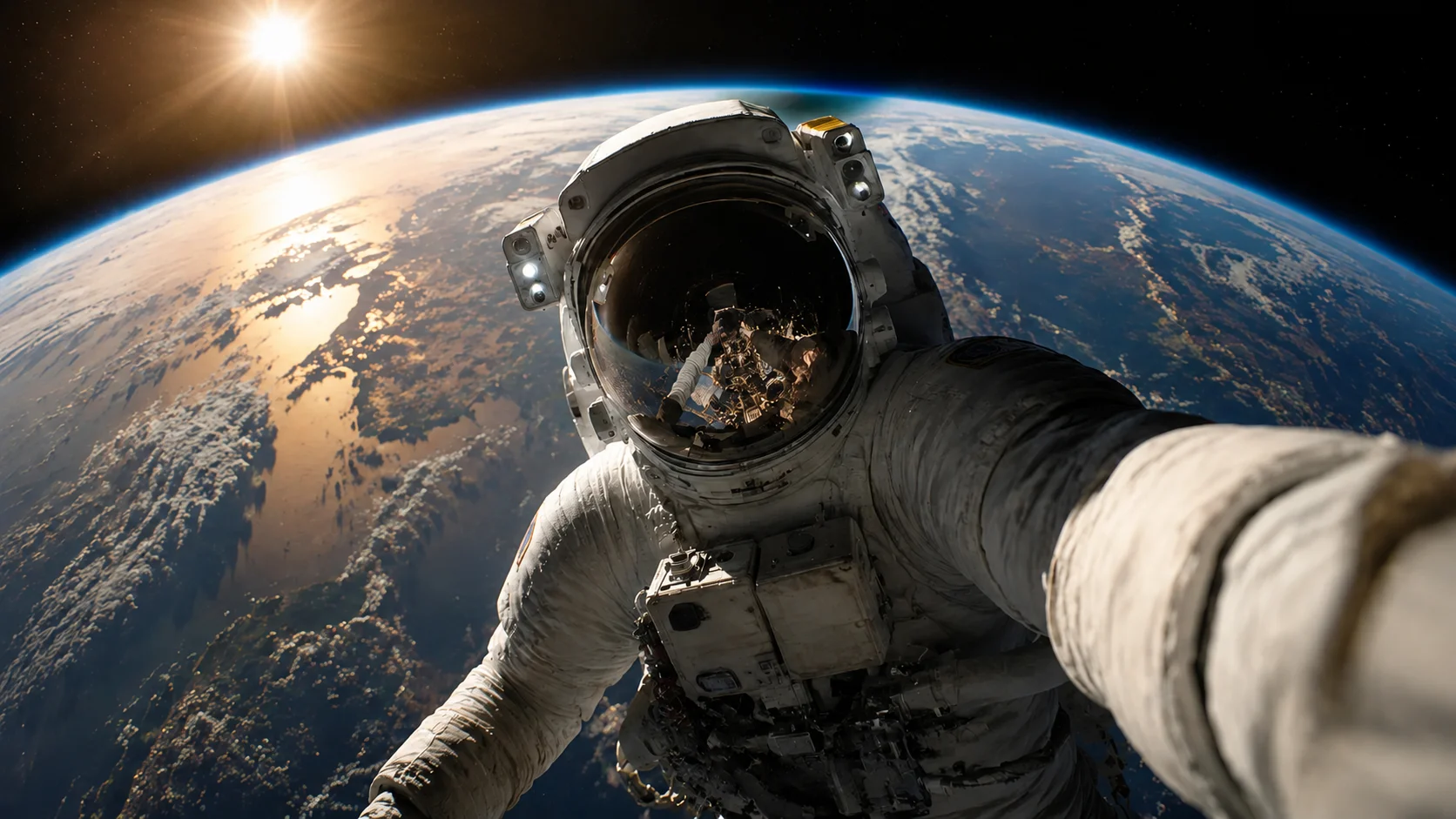
  • No blur or smudgeAI reconstructs the background behind the watermark instead of covering it with a blurred patch.
  • Full frame preservedThe entire video frame stays intact at original resolution — nothing is cropped away.
  • Handles semi-transparent logosThe PixVerse watermark is semi-transparent, blending with the scene underneath. AI inpainting accounts for that blend when restoring the area.
AntesCinematic AI clip - before
DepoisCinematic AI clip - after
Quer um vídeo mais limpo?Com IA, sem borrar e sem perder qualidade.
Começar grátis
AntesVertical creator clip - before
DepoisVertical creator clip - after
Quer um vídeo mais limpo?Com IA, sem borrar e sem perder qualidade.
Começar grátis

Authorized use only

This tool is designed for creators working with content they have legitimate rights to edit. Do not remove watermarks from videos you do not own or are not authorized to modify.

  • Your own AI generationsVideos you generated yourself using PixVerse AI, where you control the content and editing rights.
  • Licensed contentFootage obtained under a license that permits derivative editing, including watermark removal.
  • Social media repurposingReusing your own PixVerse-generated clips across TikTok, Instagram Reels, or YouTube Shorts without the platform watermark.
  • Educational and review useRemoving watermarks for commentary, reviews, or academic analysis of AI-generated video tools, with proper attribution.

Compatível com formatos e dispositivos comuns

Funciona no celular e no computador com formatos como MP4, MOV e WebM direto no navegador.

  • Video formats: MP4, MOV, AVI, WebM, and MKV — all common container types supported.
  • PixVerse typically exports MP4 files, which are the recommended input format.
  • Resolution: best results at 720p and above. Higher-resolution uploads give the AI more pixel data for background reconstruction.
  • Duration: short clips (5–15 seconds, typical PixVerse output) process fastest. Longer videos are supported but take proportionally more time.

Feito para reutilizar conteúdo próprio

Prepare seus clipes, anúncios, tutoriais ou materiais autorizados para publicar em diferentes canais.

  • Browser-based: open UnmarkAI in any modern browser — Chrome, Safari, Firefox, Edge. No extension, plugin, or desktop software required.
  • Works on already-exported videos: if you already downloaded a watermarked PixVerse clip, upload it directly. No need to regenerate the video.
  • Mobile-friendly: the upload, select, preview, and download workflow works on phones and tablets as well as desktop.
  • No account required to try: upload a short clip and preview the result before committing to a paid plan.

Trabalhe apenas com conteúdo autorizado

Use o UnmarkAI com vídeos próprios, licenciados ou com permissão explícita. Não remova atribuição de conteúdo de terceiros.

  • Videos you generated yourself: you created the content using your own PixVerse account and prompts, giving you a legitimate interest in editing the output.
  • Licensed or authorized content: where the license or permission explicitly permits derivative edits, including watermark removal.
  • Cross-platform republishing: removing the PixVerse watermark from your own AI-generated clips to publish them on TikTok, YouTube, or Instagram without third-party branding.
  • Do not remove watermarks from videos you do not own or are not authorized to edit. Doing so may violate copyright law and PixVerse's terms of service.

Por que a limpeza com IA parece mais natural

A IA reconstrói áreas cobertas usando o contexto do vídeo e evita cortes ou manchas visíveis.

  • AI inpainting: removes the PixVerse.ai text and fills in the area with matching background detail — texture, color, and lighting are all reconstructed.
  • Cropping: cuts away the top-right portion of the frame where the PixVerse watermark sits, changing the aspect ratio and potentially cutting off visual elements near the edge.
  • Blurring: leaves a visible smudged patch in the top-right corner — immediately noticeable and unprofessional, especially on dark or gradient backgrounds.
  • Manual masking: requires frame-by-frame editing in tools like After Effects or Premiere Pro — time-consuming and often inconsistent for semi-transparent watermarks.
Confiança

Feito para limpar vídeos com autorização

O UnmarkAI foi criado para creators e equipes que trabalham com conteúdo próprio, licenciado ou com permissão para editar.

Fluxo atento a direitosPrévia antes do downloadProcessamento seguroPolítica de uso clara

Perguntas frequentes

Respostas práticas para limpar vídeos com segurança e boa qualidade.

Para que tipo de vídeo serve?

Serve para vídeos próprios ou autorizados, como clipes sociais, materiais de marca, tutoriais e arquivos internos.

How do I remove the PixVerse watermark from my video?

Upload your PixVerse-generated video to UnmarkAI, let the AI detect the PixVerse.ai watermark in the top-right corner, then preview and download the clean version. The entire process runs in your browser — no app installation required.

What does the PixVerse watermark look like?

The PixVerse watermark is a semi-transparent white "PixVerse.ai" text positioned in the top-right corner of the video frame. It is rendered directly into the pixel data on free-tier exports and removed automatically on paid PixVerse plans.

Does PixVerse watermark all AI-generated videos?

PixVerse adds the watermark to free-tier (Basic plan) video exports. Paid plans (Standard and above) produce watermark-free videos and unlock higher resolutions. Check the PixVerse pricing page for current plan details.

Pronto para limpar seus vídeos?

Remova distrações e deixe seus clipes mais prontos para publicar, vender ou entregar.

Começar grátis agora

Ganhe 10 créditos ao se cadastrar · Sem cartão de crédito