
動画の透かしをオンラインで消す方法
権利のある動画をアップロードし、削除したい範囲を指定して、プレビュー後にダウンロードします。
ファイルをドラッグ&ドロップ、またはクリックして選択
MP4、MOV、AVI、MKV、WebM · 最大 2GB
違いを見る →
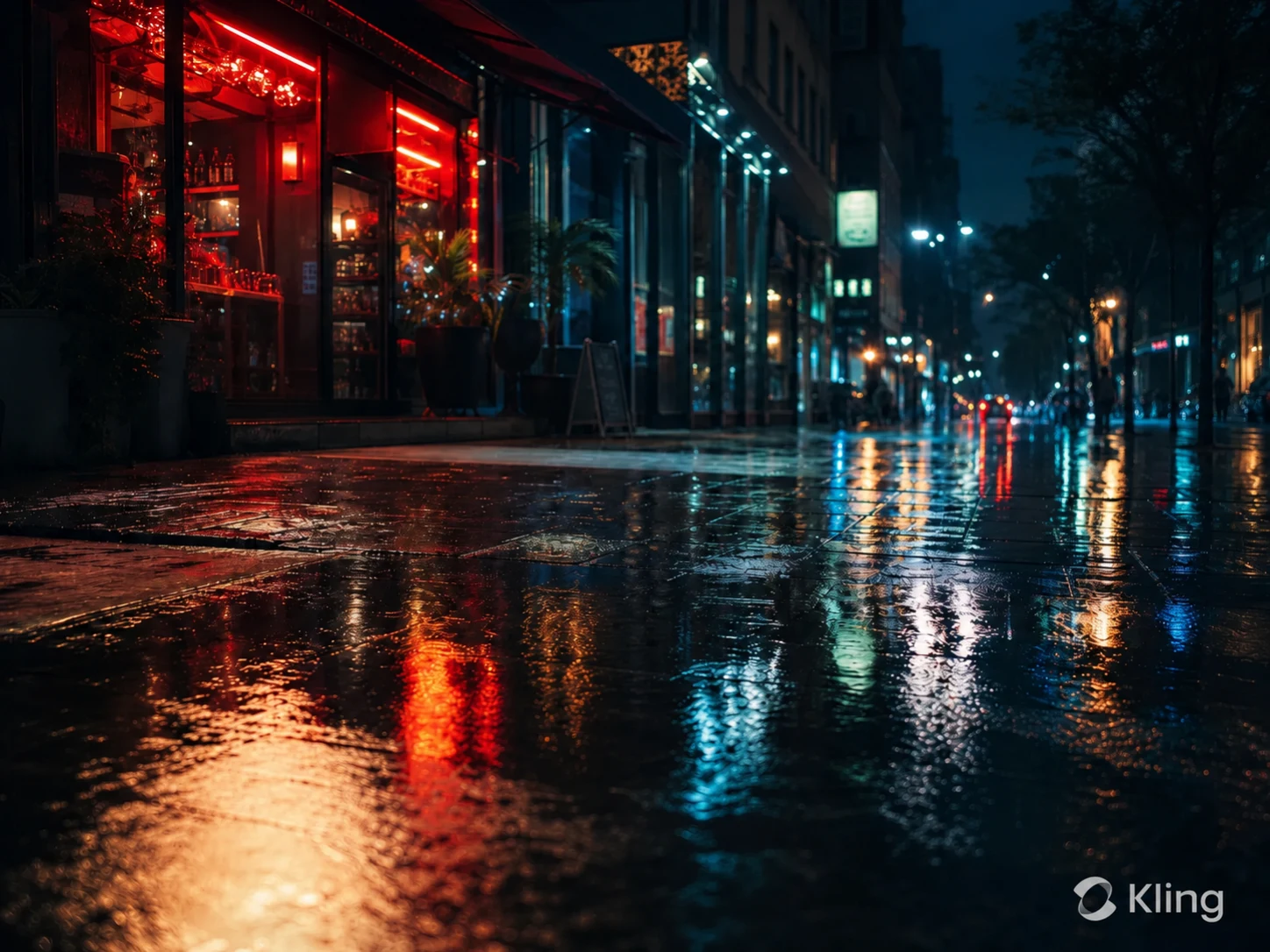
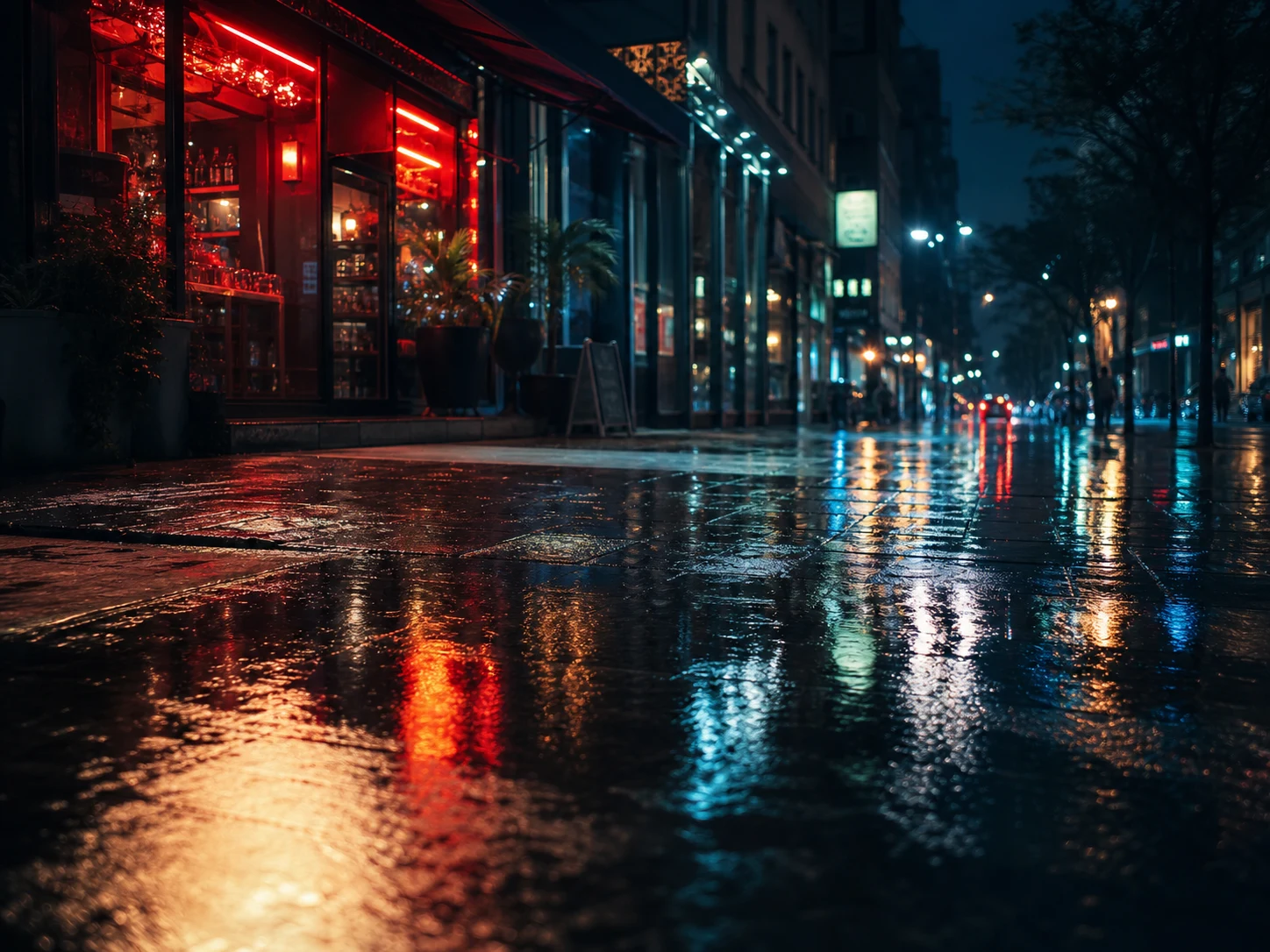
AI で動画内の透かし、文字、字幕、ロゴを自然に削除し、元の画質と構図をできるだけ保ちます。
UnmarkAI は、自分が所有する動画や編集許可のある素材を扱うクリエイター、ブランド、チーム向けのオンラインツールです。
切り抜きやぼかしよりも、AI は動く透かし、字幕、タイムスタンプ、ロゴを自然に処理しやすい方法です。
権利のある動画をアップロードし、削除したい範囲を指定して、プレビュー後にダウンロードします。
権利のある動画をアップロードし、削除したい範囲を指定して、プレビュー後にダウンロードします。
UnMarkAI scans the video frame by frame, smoothly tracking the visible Kling AI watermark area. It uses advanced inpainting to seamlessly rebuild the background pixels covered by static or dynamic marks without causing flicker.
Review the before-and-after preview, check textured areas and motion edges near the removed mark, then download a clean video that keeps 100% of the original framing, resolution, and quality.
Kling AI clips often use cinematic backgrounds, motion blur, reflections, and detailed generated textures. AI inpainting tracks the visible watermark and removes it while preserving the full frame.
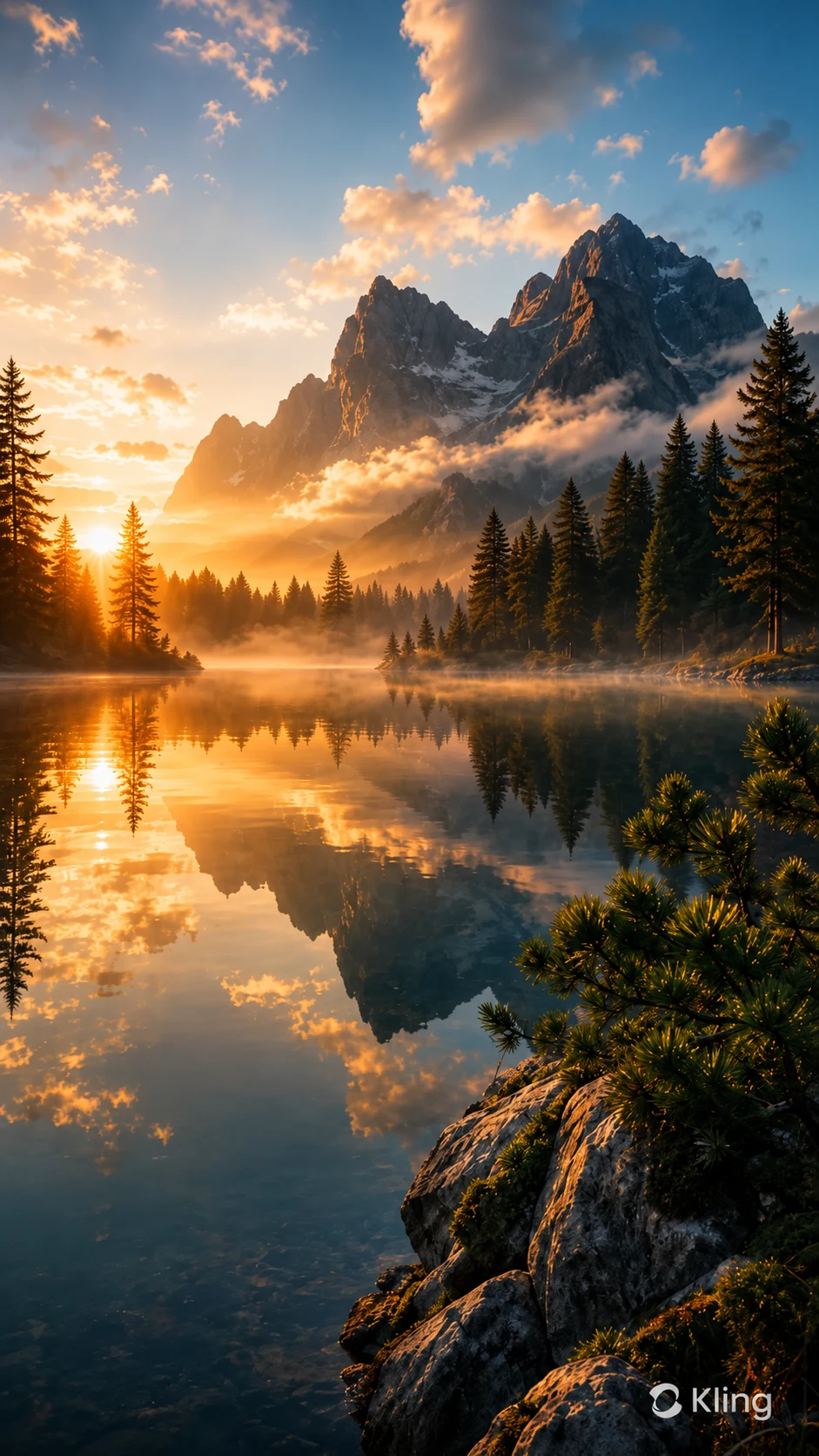
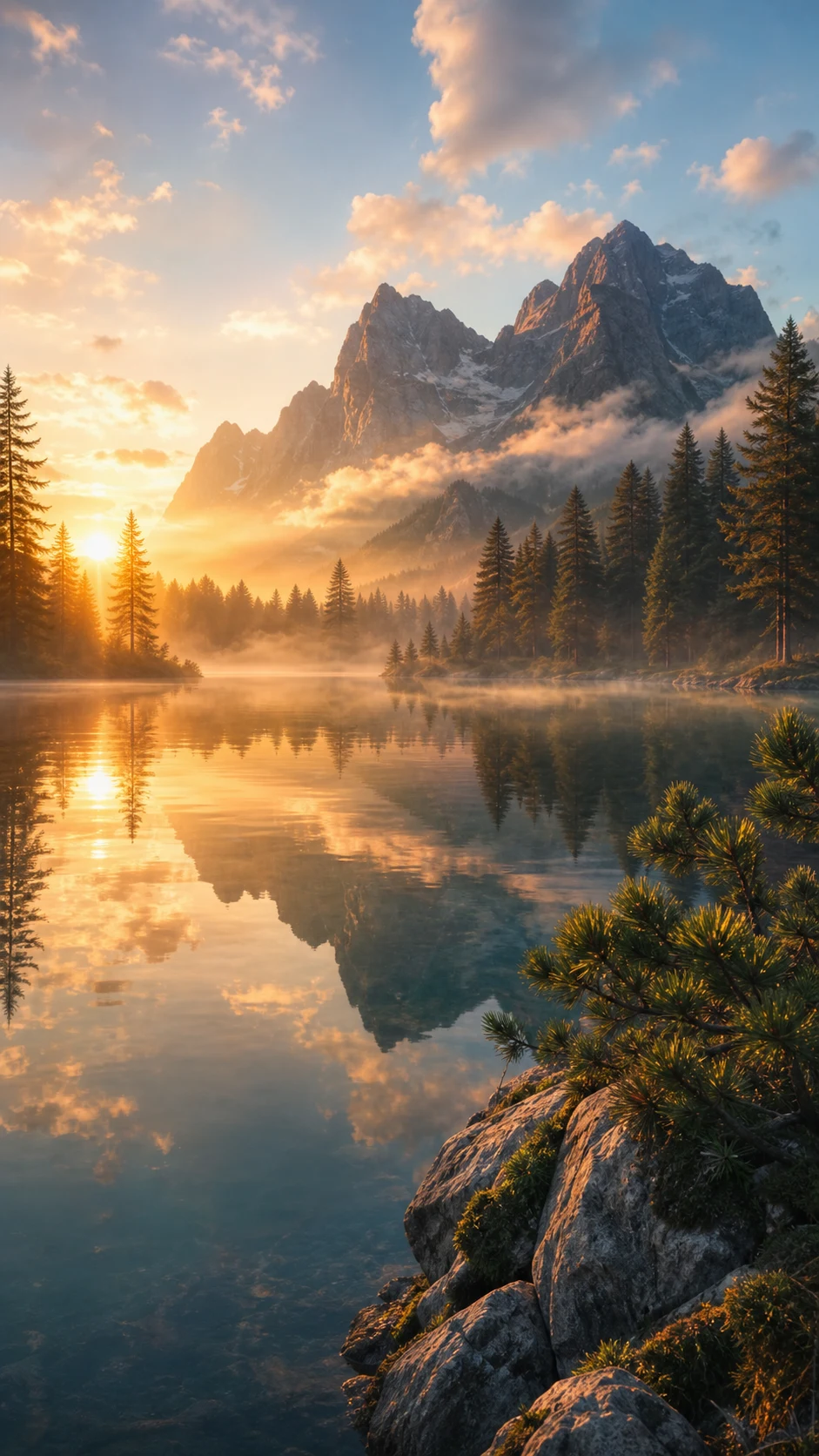
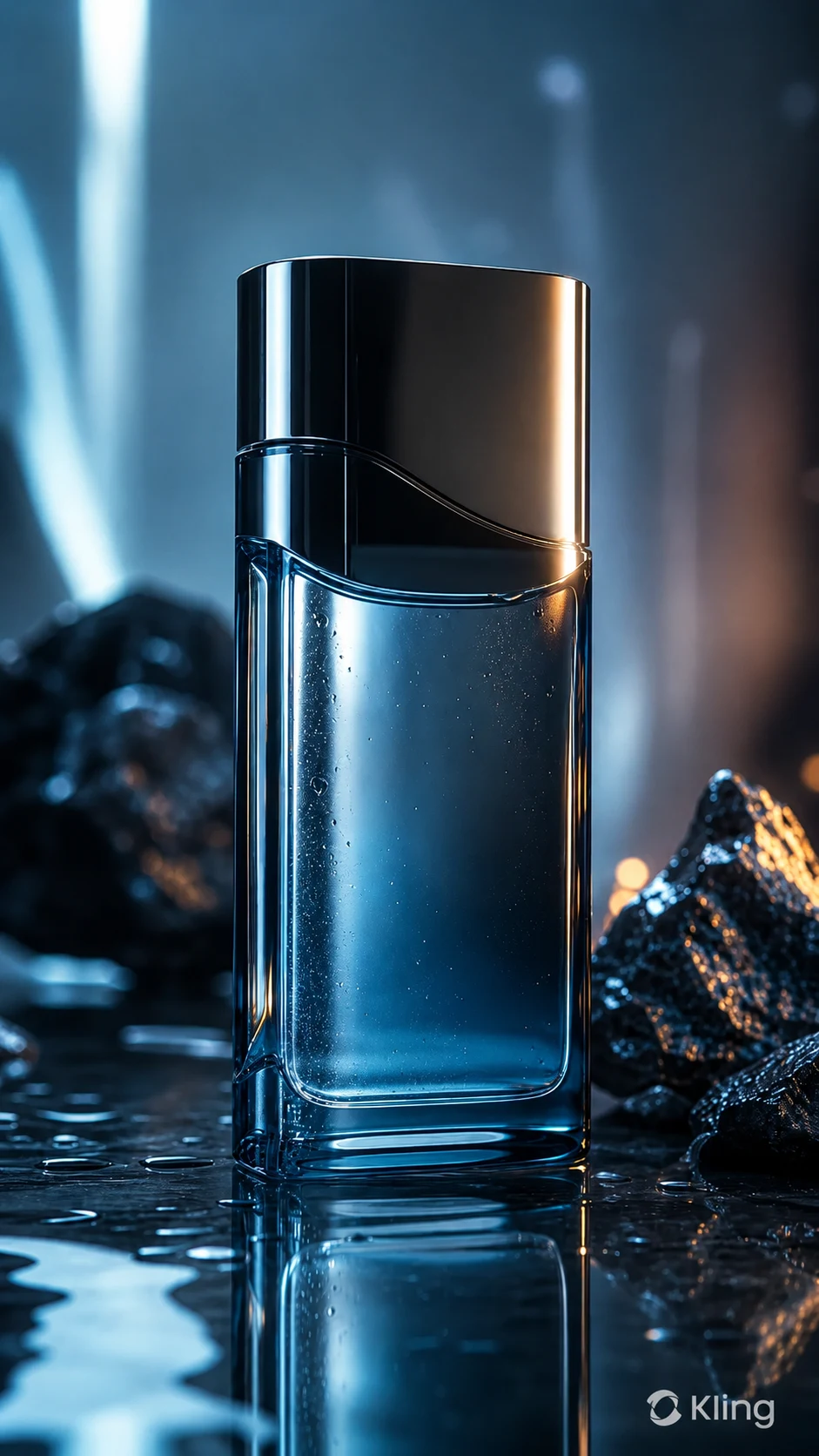
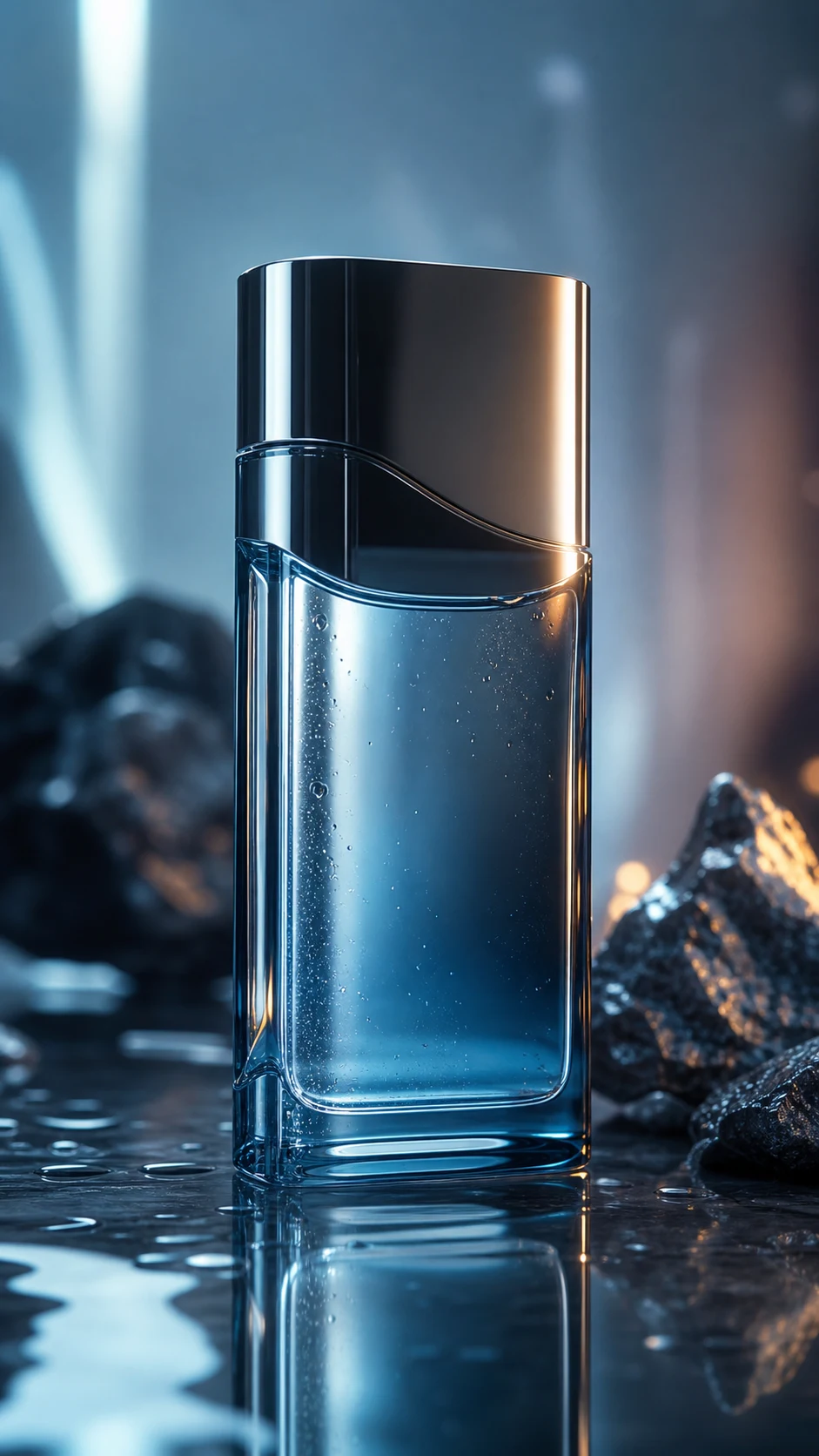
This page is for creators and teams cleaning their own AI-generated assets or videos they have explicit permission to edit. It is not for stripping attribution from third-party content.
スマホやPCのブラウザから、MP4、MOV、WebM などの形式をアップロードできます。
自分のショート動画、広告素材、チュートリアル、許可済み素材をきれいに整えられます。
所有、ライセンス、または明確な許可のある動画だけに使用してください。
AI は周囲の映像から隠れた部分を補完し、ぼかしや貼り付けのような違和感を抑えます。
| Method | Frame integrity | Visual result | Workflow |
|---|---|---|---|
| AI inpainting | Full frame & resolution preserved | Background reconstructed cleanly | Upload, let AI track, download |
| Cropping | Edges lost, resolution drops | Composition changed | Fast but destructive |
| Blur or mosaic | Frame retained | Visible smudge remains | Simple but unpolished |
UnmarkAI は、自分が所有する、ライセンスを持つ、または編集許可のある動画を扱うクリエイターやチーム向けのサービスです。
安全で高品質な動画クリーンアップに関する実用的な回答です。
自分の動画、ライセンス済み素材、ブランド素材、社内資料など、編集権限のある動画に向いています。
Yes, UnMarkAI is compatible with all Kling AI versions, including Kling 1.6, 2.6, and 3.0. Our AI can handle the specific watermark styles generated by the latest models.
No. UnMarkAI preserves 100% of your original resolution and frame rate. It uses AI inpainting to reconstruct only the watermarked area, ensuring zero quality loss across the rest of your video.
Yes. UnMarkAI tracks the watermark frame-by-frame. Even if the Kling watermark has subtle movement or dynamic elements, the AI follows it consistently to ensure a smooth, flicker-free removal.
不要な透かしや文字を減らし、投稿や納品に使いやすい動画へ。
登録で 10 クレジット付与 · クレジットカード不要