
Upload your short drama clip
Upload the episode, trailer, or ad cut you own, license, or have approval to edit. MP4, MOV, WebM, AVI, and MKV are supported, including vertical 9:16 drama clips.
Drag & drop a file here, or click to browse
MP4, MOV, AVI, MKV, WebM · Up to 2GB
See the difference →

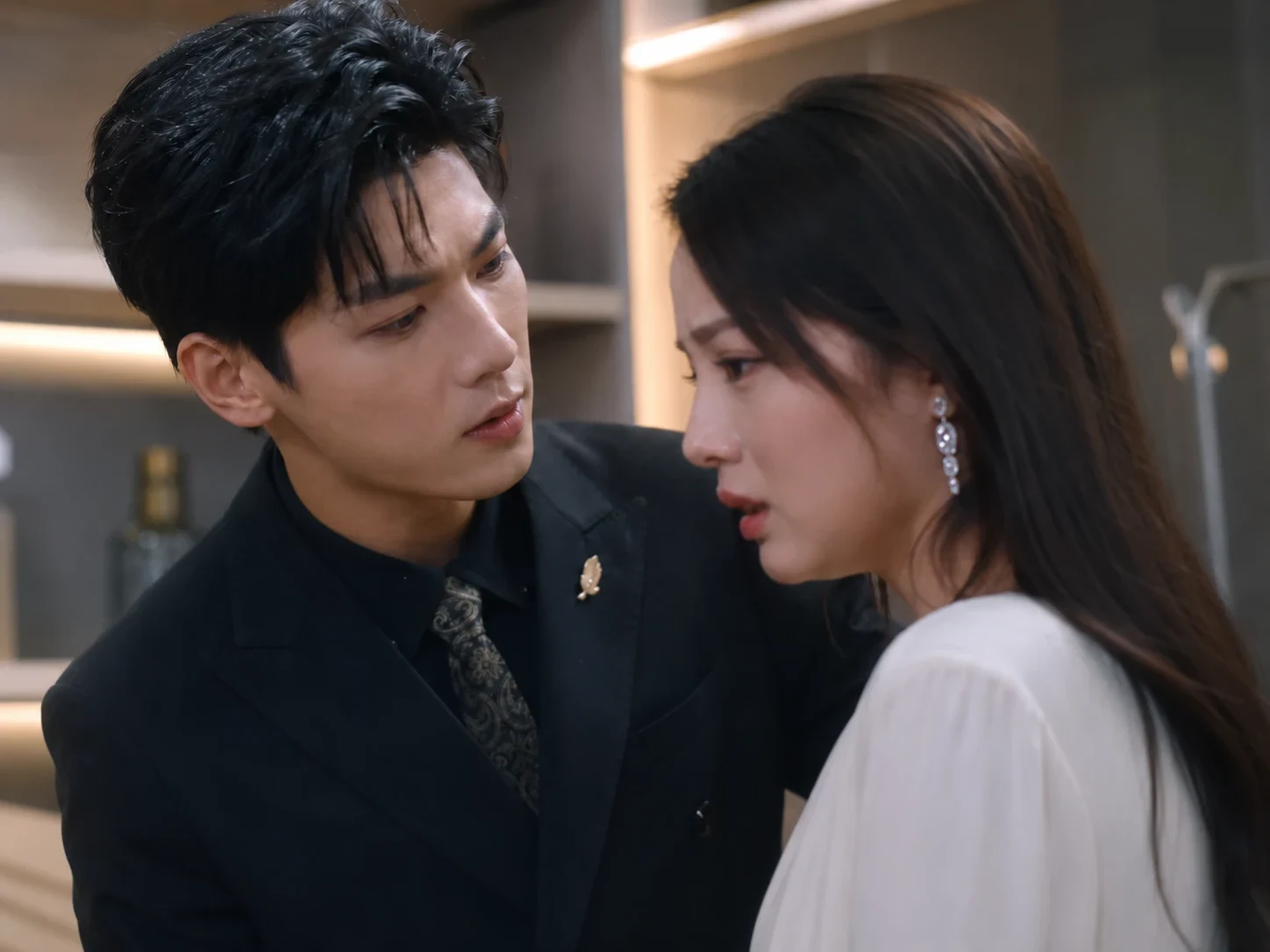
Use UnmarkAI for short drama video cleanup before translation, dubbing, and cross-platform release. AI removes hardcoded subtitles, approval numbers, disclaimer text, creator notes, and other burned-in words while preserving the vertical frame.
Built for short drama creators, agencies, and localization teams, this workflow creates a clean master from authorized clips so you can add new subtitles, captions, titles, or platform-safe text for each market.
Short drama cleanup is the process of removing text that has been burned directly into a drama clip before the clip is localized, re-captioned, dubbed, or prepared for a new release channel. Unlike soft subtitle files, burned-in text cannot be switched off in a player. It must be erased from the video pixels and the hidden background has to be reconstructed.
Upload an authorized short drama clip, select the subtitle or notice area, and let AI erase the text pixels frame by frame. The result is a clean vertical master ready for translated subtitles or market-specific edits.
Upload the episode, trailer, or ad cut you own, license, or have approval to edit. MP4, MOV, WebM, AVI, and MKV are supported, including vertical 9:16 drama clips.
Draw a tight selection around hardcoded subtitles, approval numbers, disclaimer text, creator notes, or fixed text strips such as "for entertainment only" and "do not imitate".
UnmarkAI removes the selected words and reconstructs the background with AI inpainting. Preview the cleaned clip, then export a clean master for translation, dubbing, or re-captioning.
Localization teams often need to remove source-language hardcoded subtitles before adding English, Spanish, Portuguese, Arabic, or other target-language captions. Use this workflow to clean vertical drama clips for localization while keeping the frame intact without cropping away faces, costumes, or product shots.
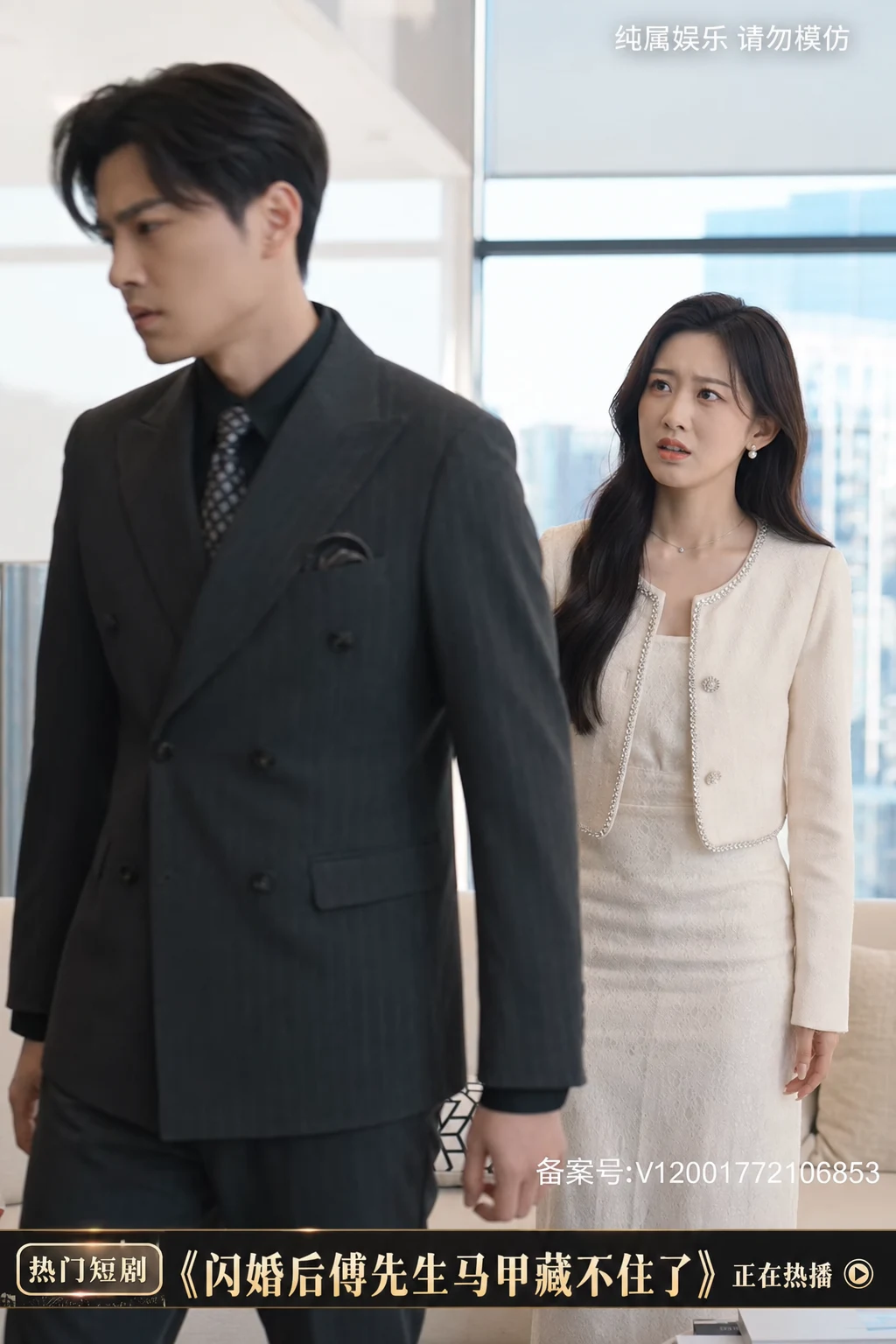

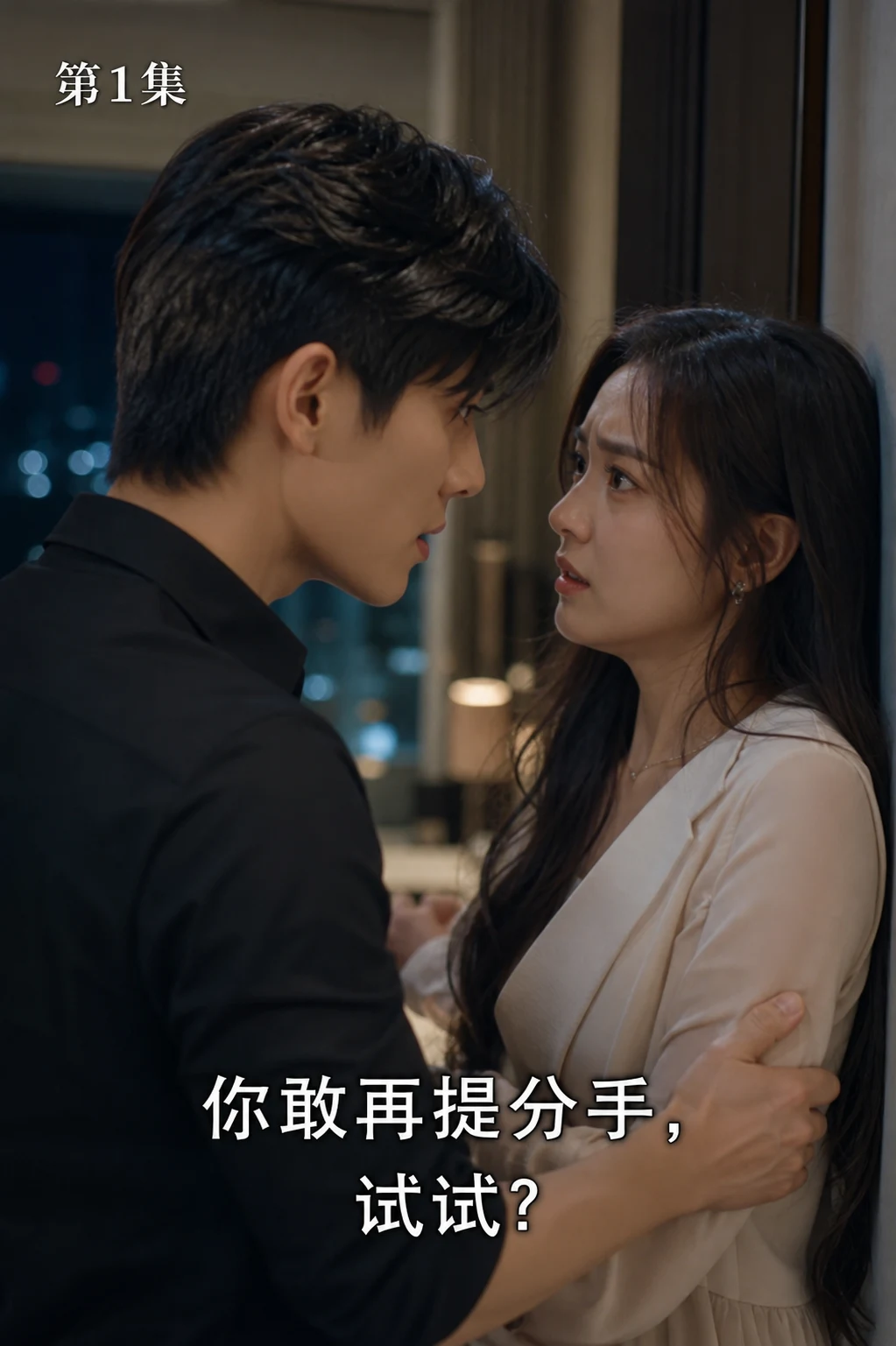
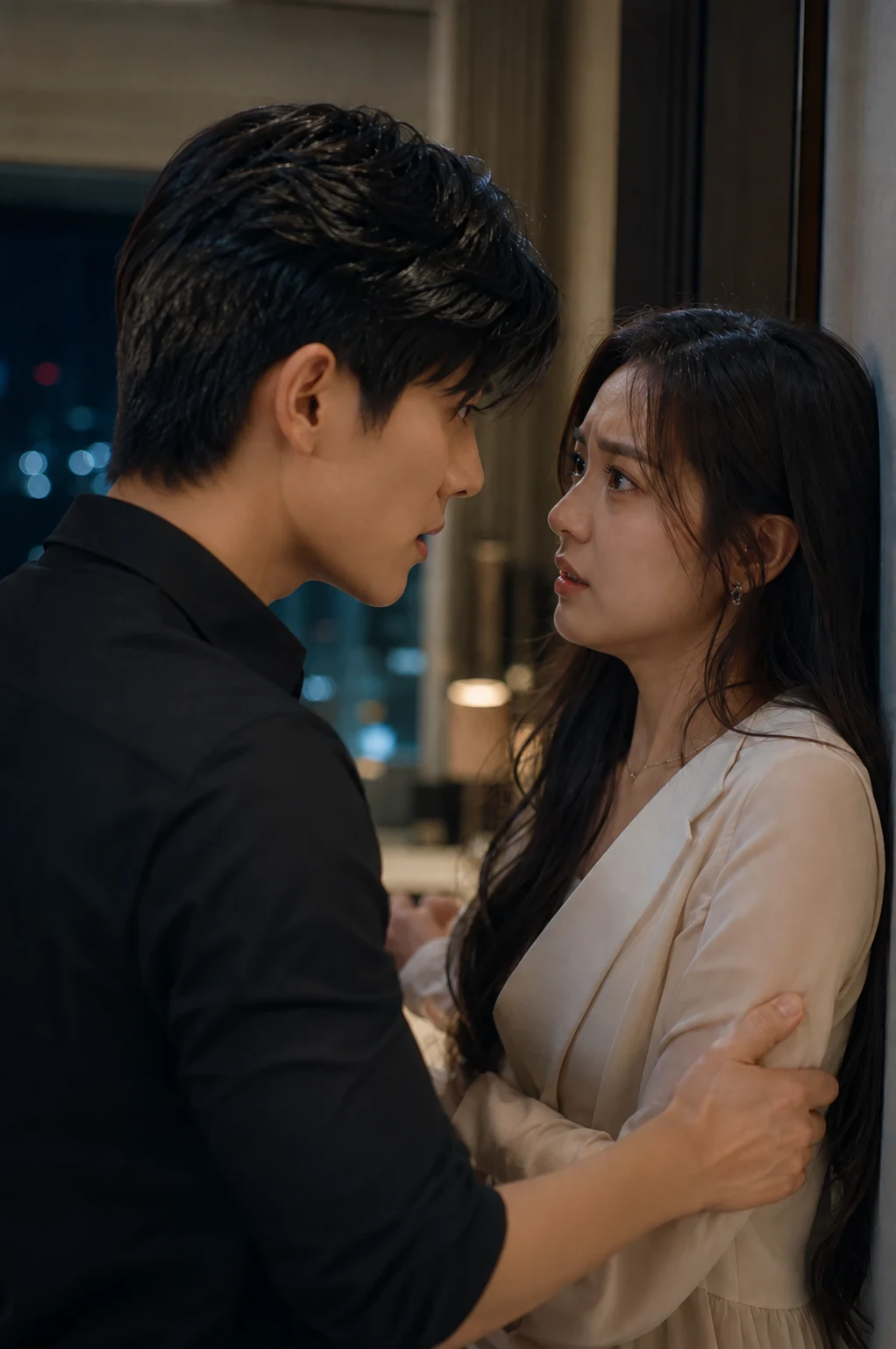
Short drama exports may include approval numbers, episode notices, review copy, lower-third promos, or fixed warnings such as "for entertainment only" and "do not imitate". Use AI to remove these burned-in text overlays from content you are authorized to adapt.
UnmarkAI works in the browser and supports common delivery files used by short drama creators, agencies, and localization vendors. Upload the highest-quality source available so AI has enough scene detail to rebuild the area behind the removed text.
A clean master keeps the production flexible. Once source-language text is removed, teams can add localized subtitles, platform-specific safety copy, or promotional hooks for TikTok, Instagram Reels, YouTube Shorts, Facebook, or paid ad placements.
Only remove text from videos you own, license, produce for a client, or are explicitly authorized to adapt. Do not use UnmarkAI to strip attribution, compliance marks, platform labels, or required legal notices from third-party content in a misleading or unauthorized way.
Cropping removes visual context from a vertical drama frame, and blur makes the cleaned area obvious. AI inpainting removes the selected words and fills the area using nearby texture, color, lighting, and motion cues, so the clip remains usable for published localization work.
| Method | Frame integrity | Localization readiness | Batch effort |
|---|---|---|---|
| AI inpainting | Full frame preserved | Clean master ready for new subtitles | Works well for repeated episode cleanup |
| Cropping | Subtitle area removed with scene detail | Often damages vertical composition | Manual reframing per clip |
| Blur or mosaic | Frame remains but cleaned area is visible | Looks unfinished for paid distribution | Fast but low quality |
UnmarkAI is designed for creators and teams working with content they own, license, or have permission to edit. The product copy, terms, and upload flow all reinforce that boundary.
Practical answers for safe, high-quality cleanup workflows.
Yes. If the subtitles are burned into the video pixels, UnmarkAI can erase the selected subtitle area and reconstruct the background so you can add new localized subtitles.
Yes, when you are authorized to edit the content. Select the approval number, filing ID, disclaimer text, or fixed notice area and AI will remove the visible text from the frames.
Yes. UnmarkAI is suitable for vertical short drama clips, social ads, trailers, and episode cuts. AI cleanup preserves the frame instead of cropping away the subtitle band.
Yes. Batch processing is useful when a series uses subtitles or notices in the same position across many clips. Upload the files together and reuse the same cleanup region when appropriate.
It is appropriate only for videos you own, license, or have explicit permission to adapt. Do not remove attribution, required legal notices, or third-party marks from content you are not authorized to modify.
Join thousands of creators who use UnmarkAI to deliver distraction-free content.
Get 10 credits on sign up · No credit card required